I had to work with a file, in VS Code, that had several empty lines I wanted to remove all at once.
We’re talking about 700+ empty lines with some text in between, and I didn’t want to do this manually.
I’m a programmer, so I’d rather spend 5 minutes making a task easier rather than spend the same amount of time doing an annoying job.
I searched a bit and found this simple way to do so: replace \n\n with \n.
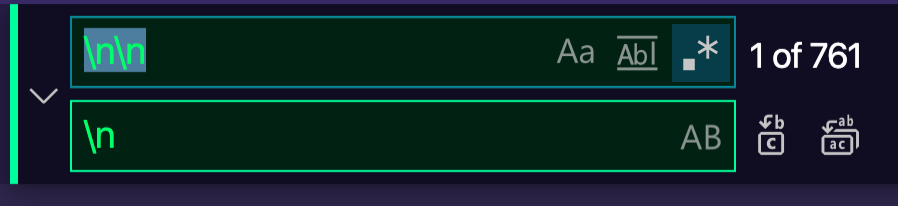
I ran “replace all” inside the file, and half of the lines were removed. So I ran it again, and again and again, until I got to 1 empty line.
Update:
\n\n+will replace all lines at once without having to repeat the operation