Run process.version:
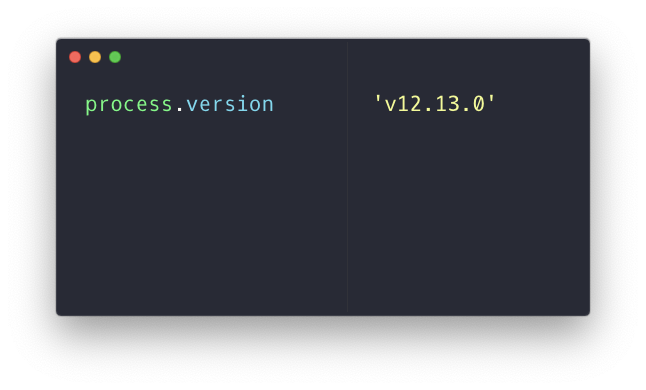
The version property of the process object returns a string with the current Node.js version.
In the browser the process object is not defined, so you will get a ReferenceError:

Another way is to reference process.versions (plural):
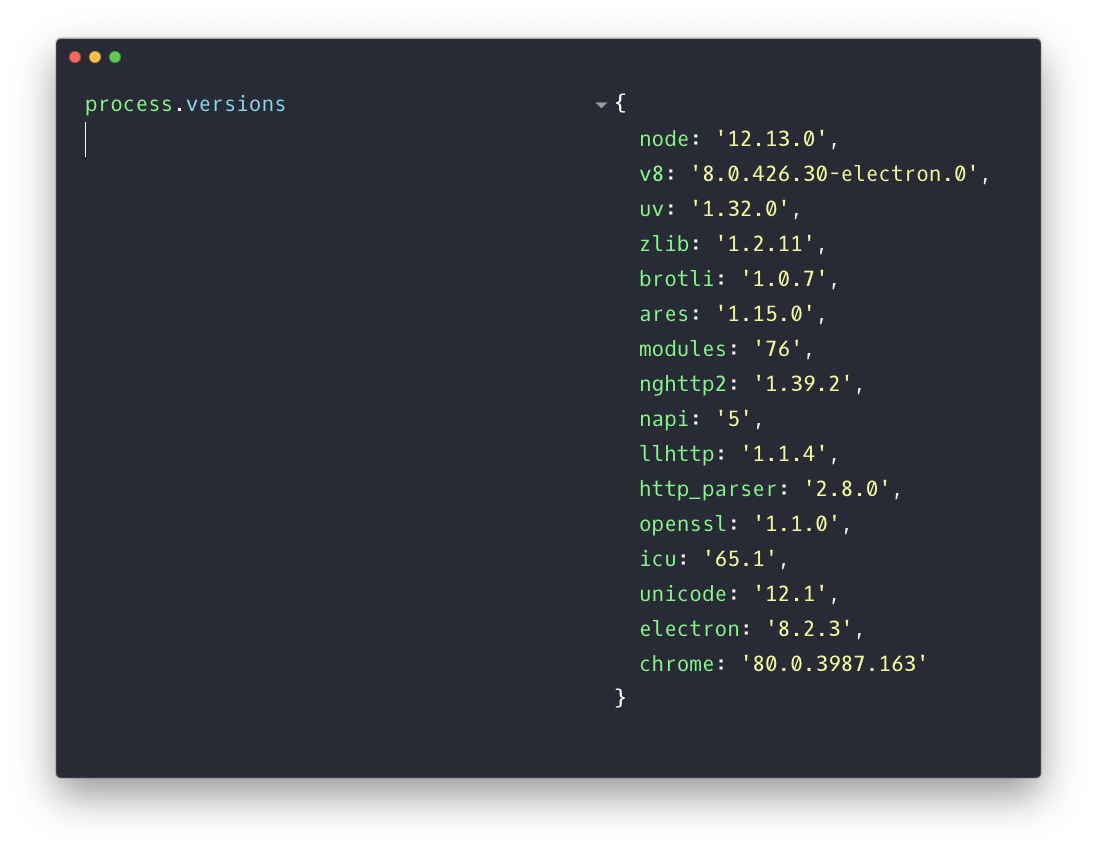
This returns an object that contains various properties referencing each component’s version.
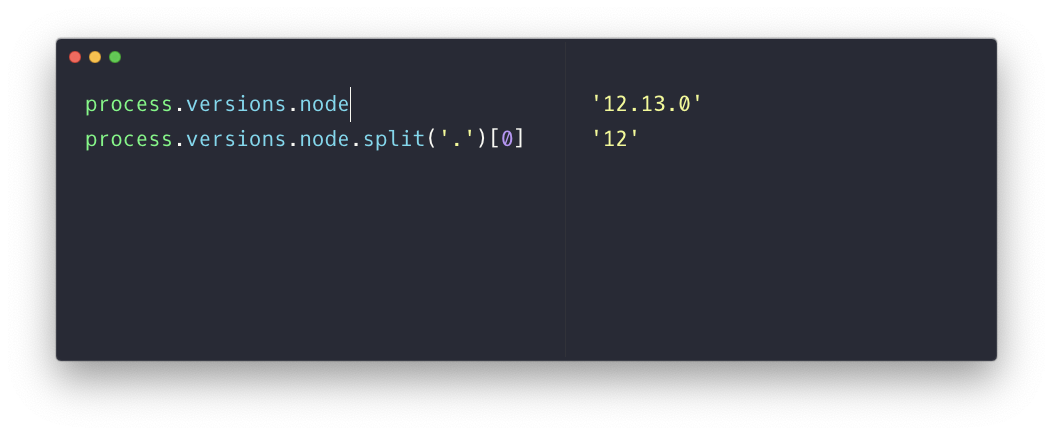
To get the major version (in this example 12) you can use
process.versions.node.split('.')[0]