Join the AI Workshop and learn to build real-world apps with AI. A hands-on, practical program to level up your skills.
You can switch the color theme used by clicking Cmd+K, then Cmd+T, or by invoking the Preferences: Color Theme command, or by going to the Settings -> Theme menu.
This will show you the list of themes installed:
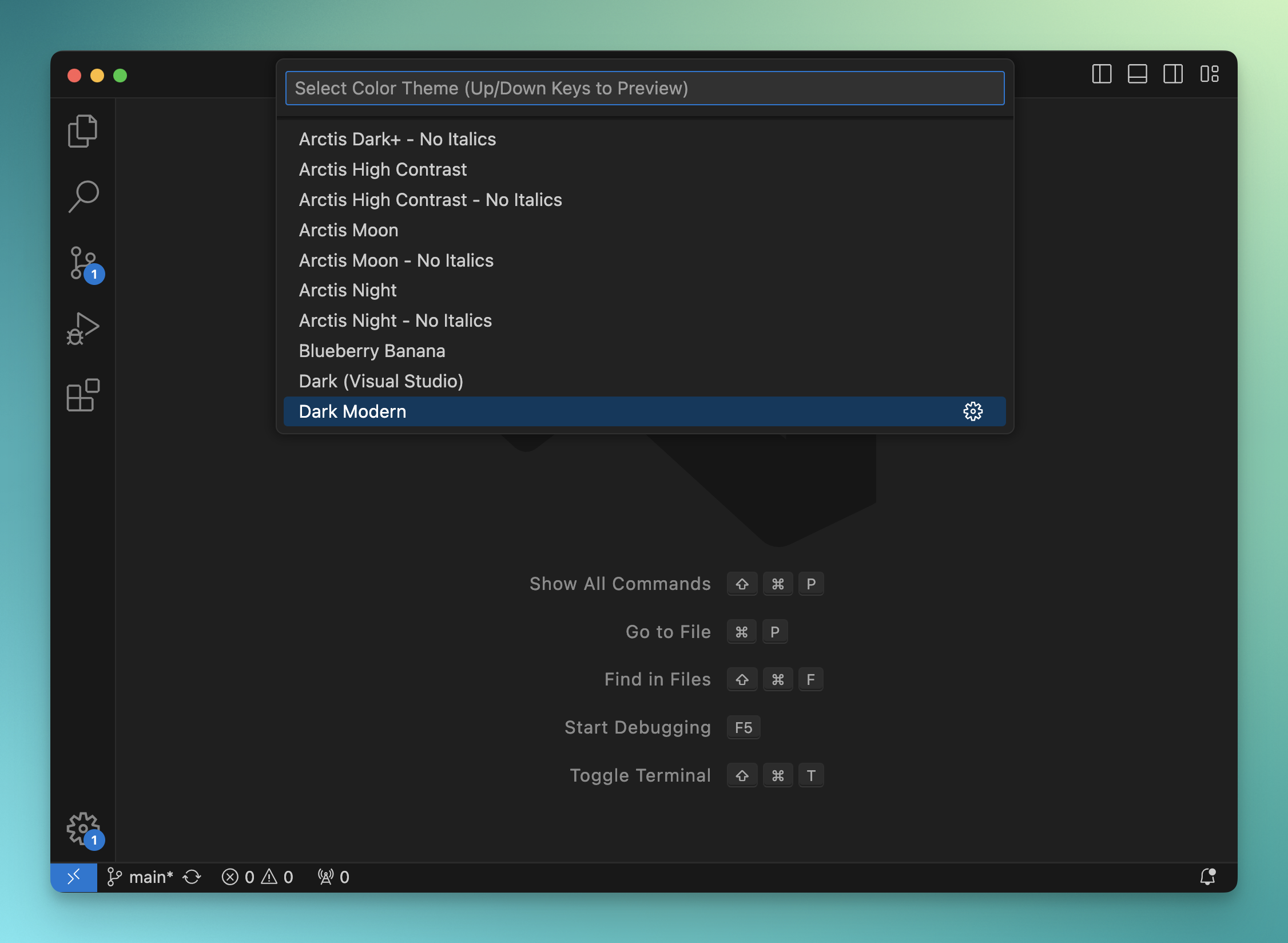
You can click one, or move with the keyboard, and VS Code will show you a preview. Press Enter to apply the theme:
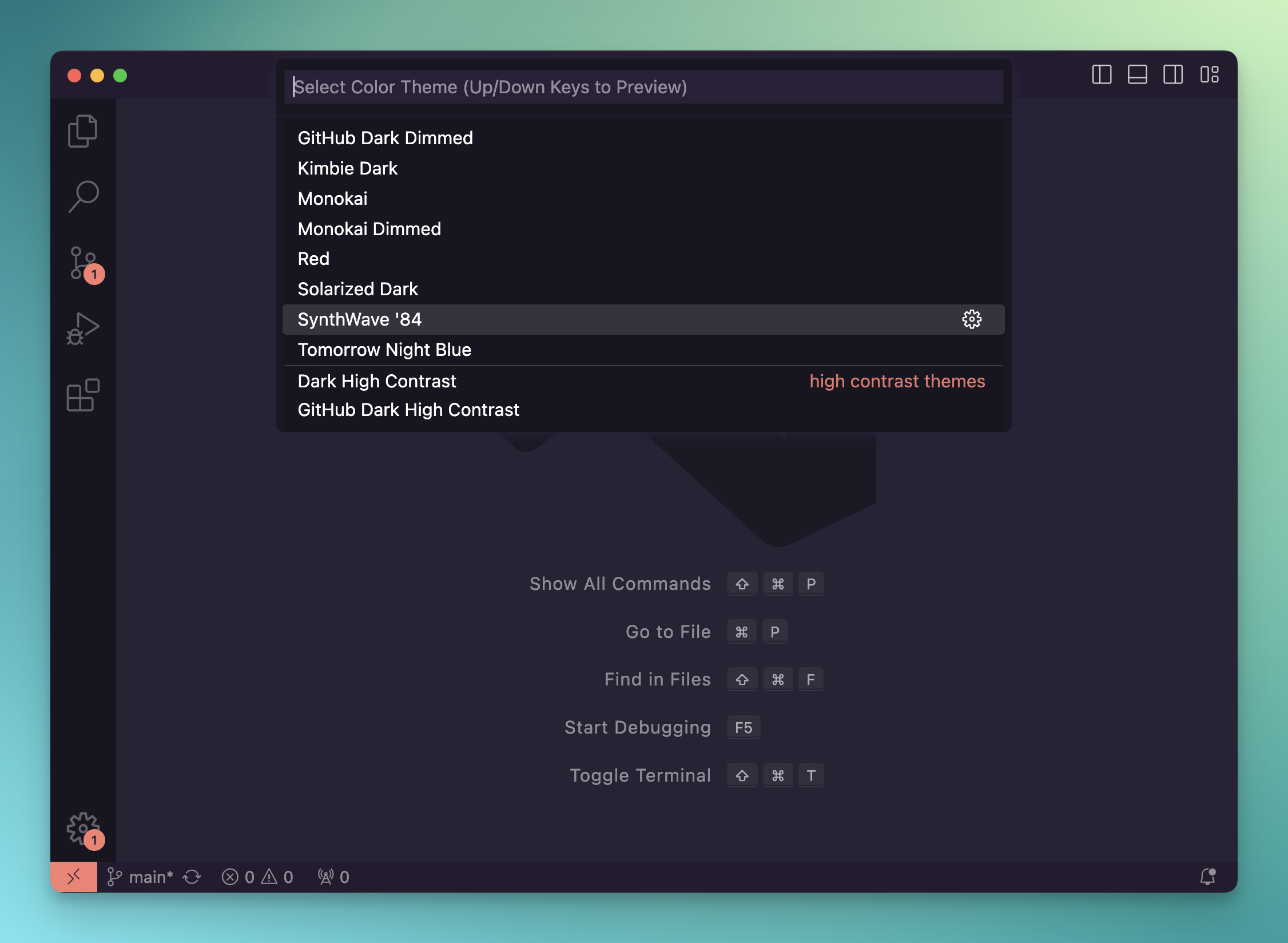
Themes are extensions. You can install new themes by going to the extensions panel.
The best way to find themes is to browse the marketplace website.
Lessons in this unit:
| 0: | Introduction |
| 1: | The interface |
| 2: | Opening folders |
| 3: | Editing |
| 4: | Search |
| 5: | Source control |
| 6: | Extensions |
| 7: | ▶︎ Themes |
| 8: | Recommended extensions |
| 9: | The command palette |
| 10: | Shortcuts |
| 11: | Customization |
| 12: | Terminal |
| 13: | How to use VS Code |