Join the AI Workshop and learn to build real-world apps with AI. A hands-on, practical program to level up your skills.
We haven’t introduced how to use a terminal yet.
But you should know that in VS Code you can open an integrated terminal by pressing View -> Terminal, or Cmd/Ctrl+Shift+T.
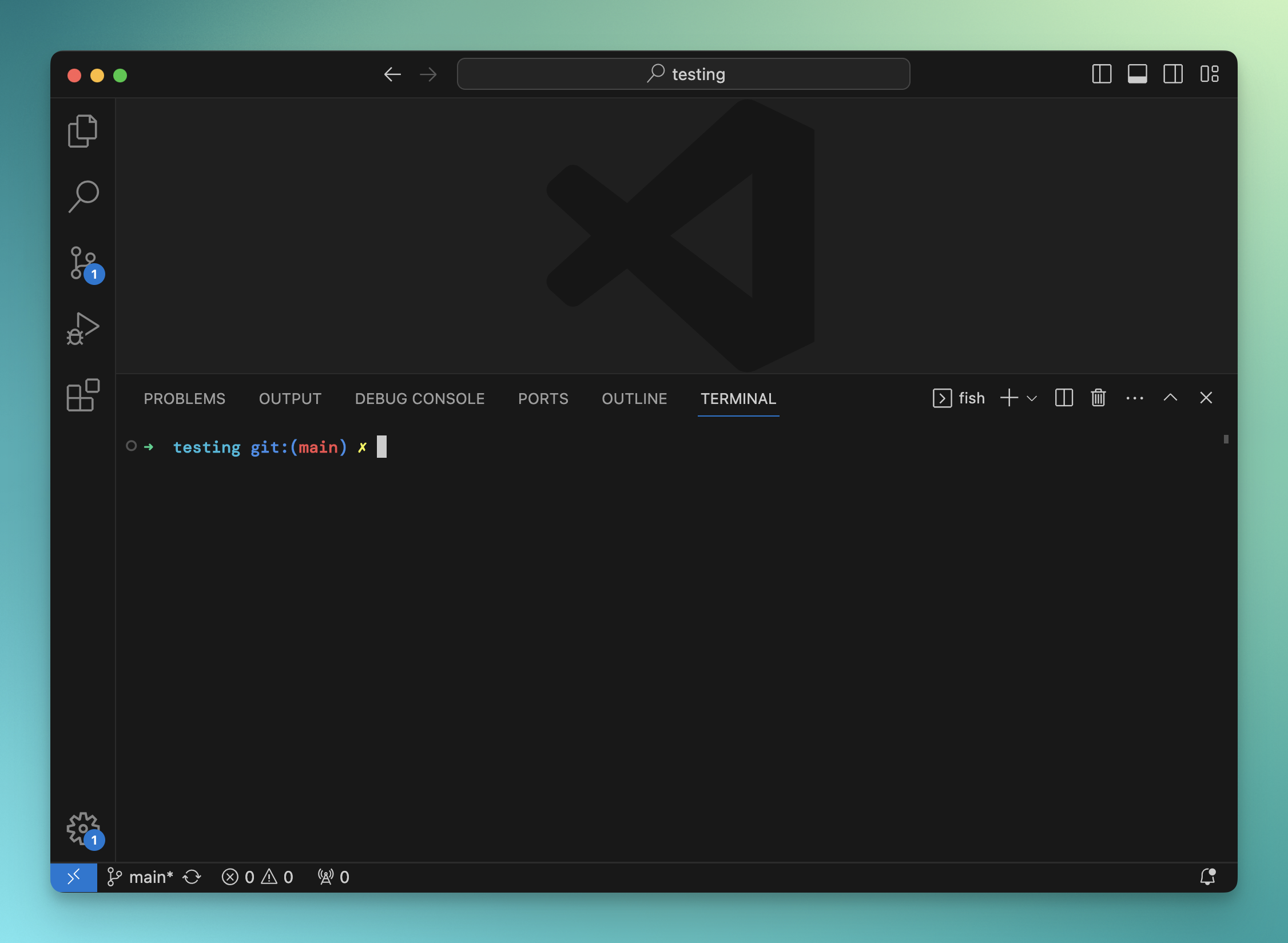
From here you can now type any command-line command, for example ls or cd.
If you don’t know what I’m talking about, don’t worry; we’ll talk about that in another unit.
Speaking of the terminal, one thing you’ll find useful is that you can install the code command line utility, so you can open any folder from a terminal using code ., or any file using code <filename>.
Lessons in this unit:
| 0: | Introduction |
| 1: | The interface |
| 2: | Opening folders |
| 3: | Editing |
| 4: | Search |
| 5: | Source control |
| 6: | Extensions |
| 7: | Themes |
| 8: | Recommended extensions |
| 9: | The command palette |
| 10: | Shortcuts |
| 11: | Customization |
| 12: | ▶︎ Terminal |
| 13: | How to use VS Code |