Join the AI Workshop and learn to build real-world apps with AI. A hands-on, practical program to level up your skills.
From the welcome screen, you can open a folder on your computer by clicking the Open... link.
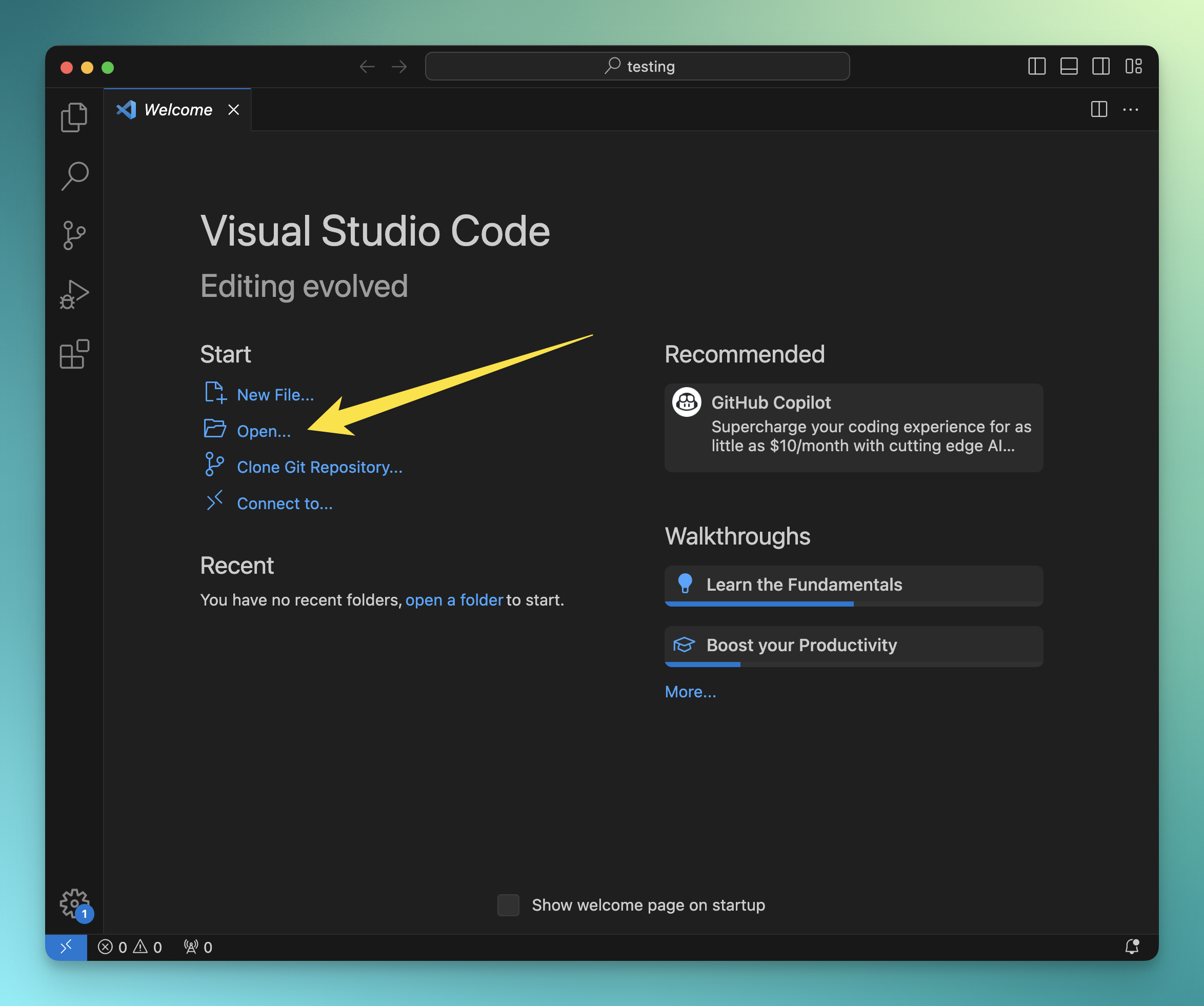
Usually you don’t have the Welcome screen enabled, and you use the menu File -> Open Folder....
One thing I generally do is drag a folder I use for my project into VS Code itself, dragging the folder icon into the VS Code window.
This opens the folder in a new window, for example here I opened an empty testing folder:
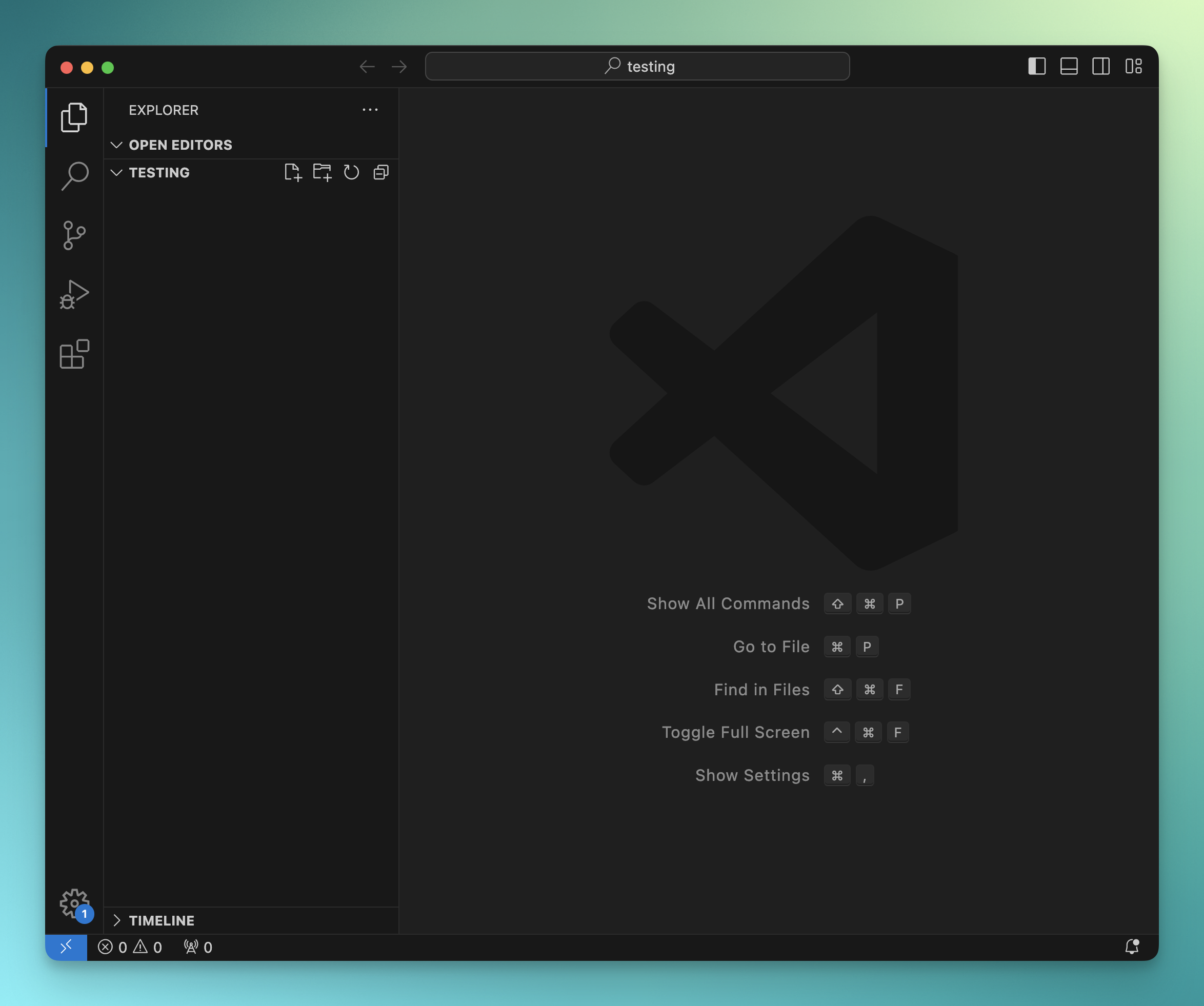
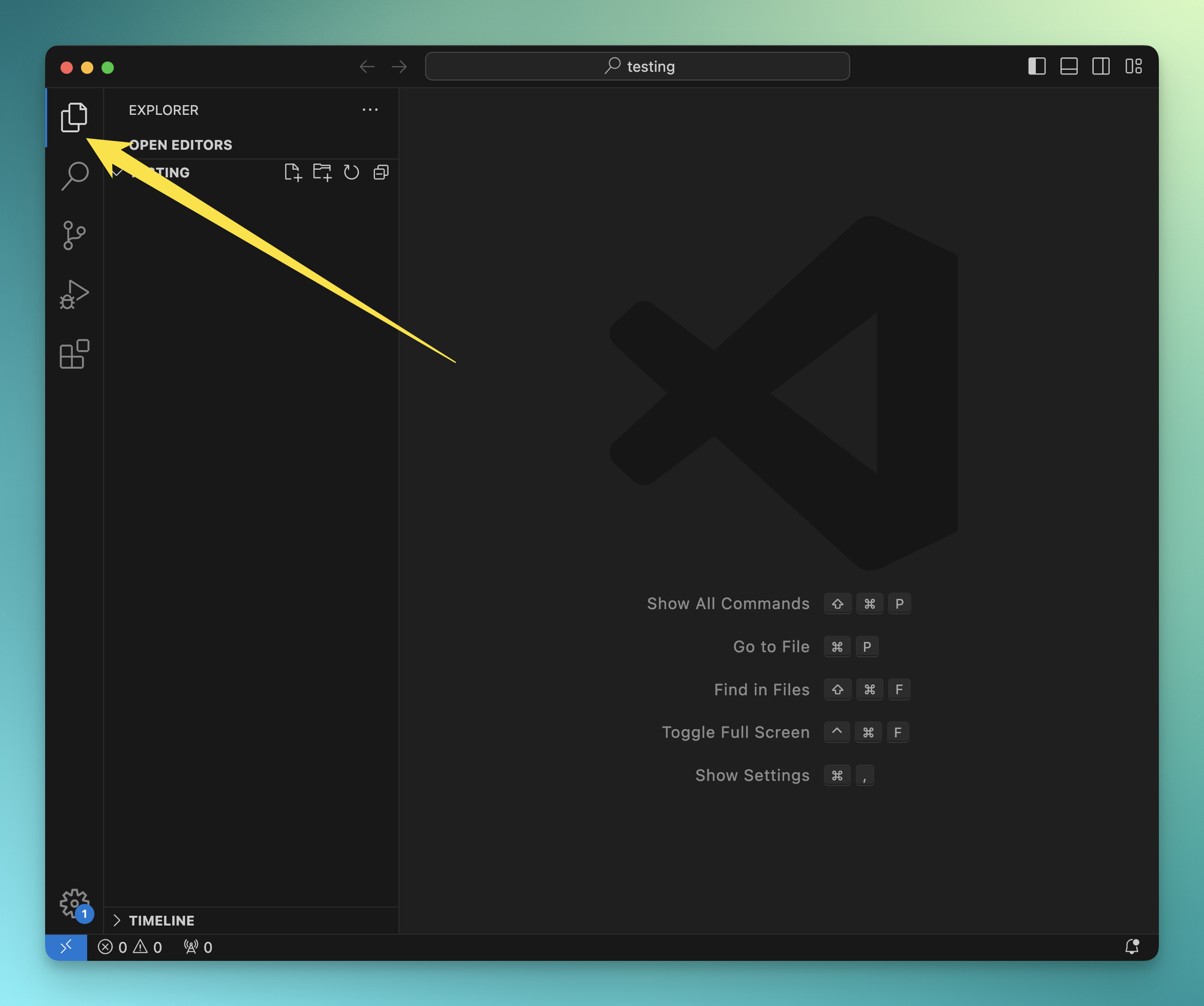
If that folder contained files, you’d see them in the Explorer sidebar. See? The little icon in the Activity Bar is now highlighted, which means you’re in the Explorer.
Lessons in this unit:
| 0: | Introduction |
| 1: | The interface |
| 2: | ▶︎ Opening folders |
| 3: | Editing |
| 4: | Search |
| 5: | Source control |
| 6: | Extensions |
| 7: | Themes |
| 8: | Recommended extensions |
| 9: | The command palette |
| 10: | Shortcuts |
| 11: | Customization |
| 12: | Terminal |
| 13: | How to use VS Code |