Join the AI Workshop and learn to build real-world apps with AI. A hands-on, practical program to level up your skills.
How can you do that?
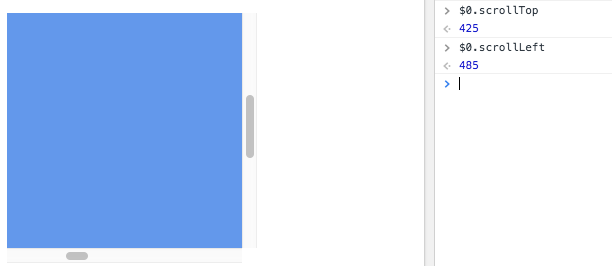
Once you have the element, you can inspect its scrollLeft and scrollTop properties.
The 0, 0 position is always found in the top left corner, so any scrolling is relative to that.
Example:
const container = document.querySelector('.container')
container.scrollTop
container.scrollLeft
Those properties are read/write, so you can also set the scroll position:
const container = document.querySelector('.container')
container.scrollTop = 1000
container.scrollLeft = 1000