Join the AI Workshop and learn to build real-world apps with AI. A hands-on, practical program to level up your skills.
There is a little-known mode in browsers called design mode.
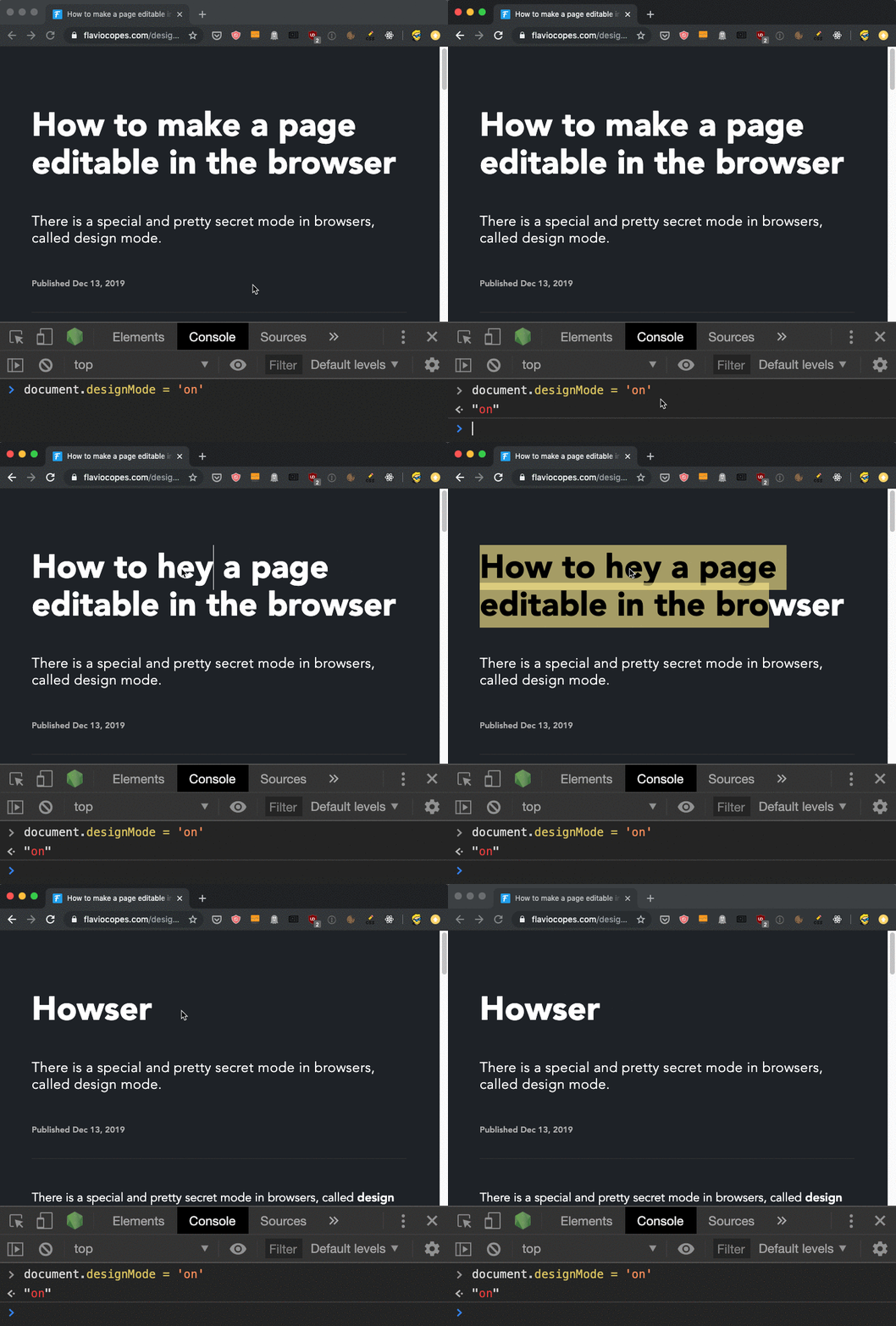
When you enable design mode, you can edit the page content directly in the browser, which is useful for testing prototypes or trying out a new headline.
How do you enable it? Open the DevTools console, and type:
document.designMode = 'on'The same result can be triggered by enabling contentEditable on the body element, like this:
document.body.contentEditable = trueYou can edit text, delete it, and also drag images around to reposition them.
You can turn off the mode by using
document.designMode = 'off'This feature is supported by almost every browser, including IE. It is long-standing but little-known.