Join the AI Workshop and learn to build real-world apps with AI. A hands-on, practical program to level up your skills.
A function can accept values as parameters, and return values after its execution.
So we must have 2 types: the type of the parameter values, and the type of the return value.
This is how a function accepts arguments of a specific type:
const multiply = (a: number, b: number) => {
  return a * b
}
Now try writing multipl( in your editor, and you will see VS Code show you the types of the function as you type it:
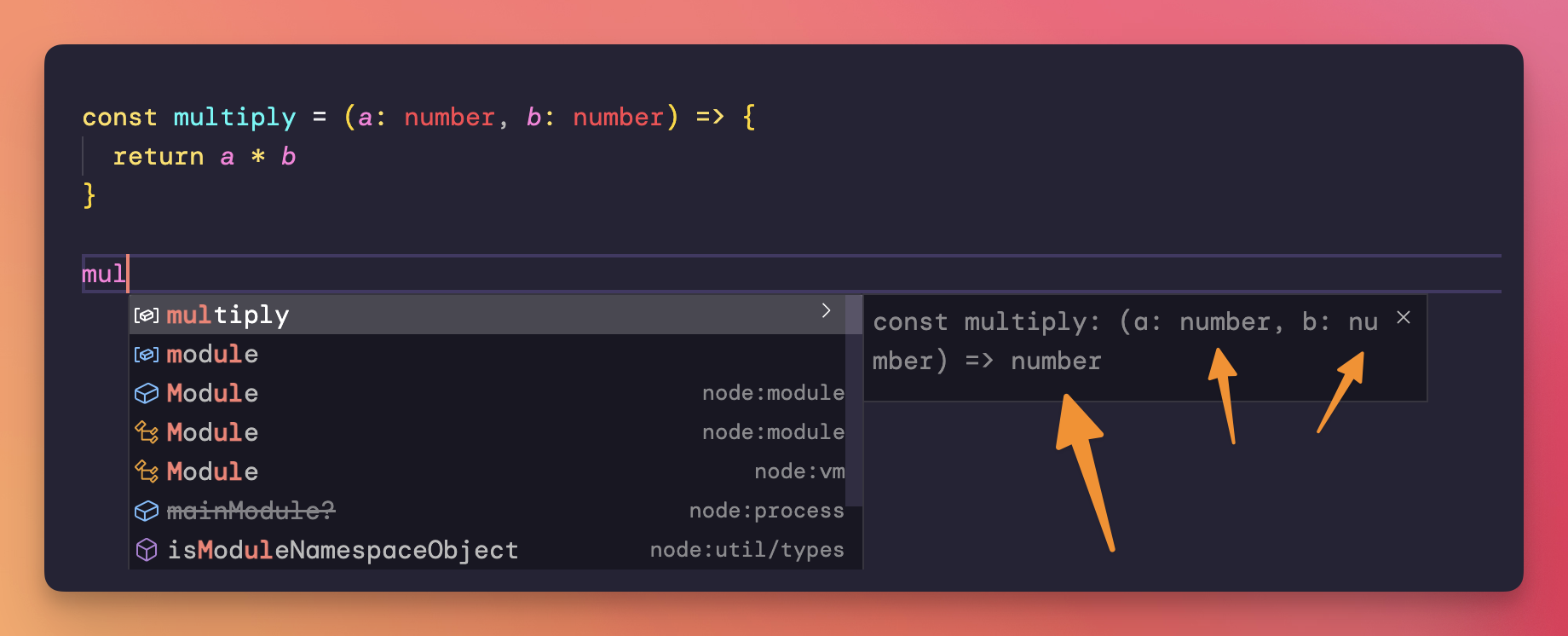
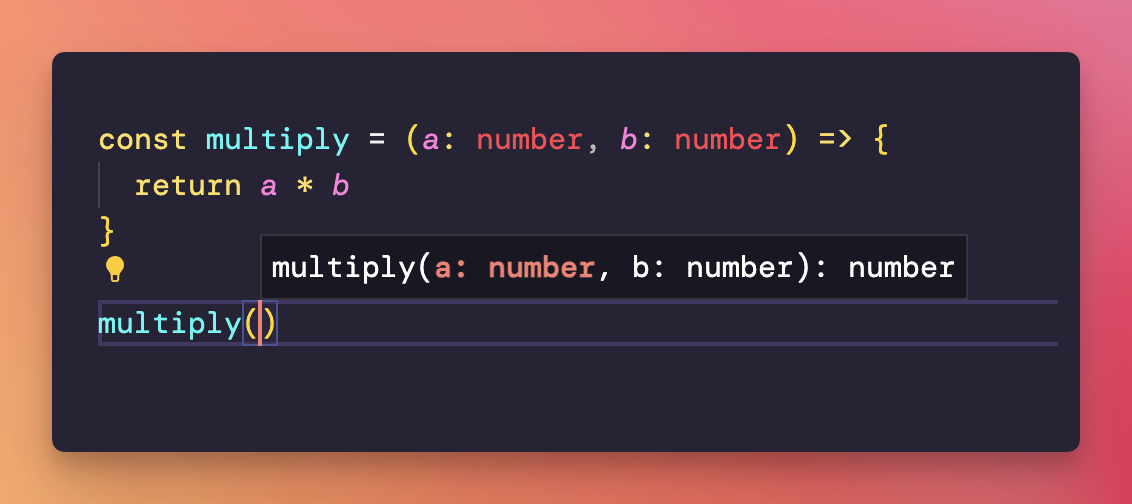
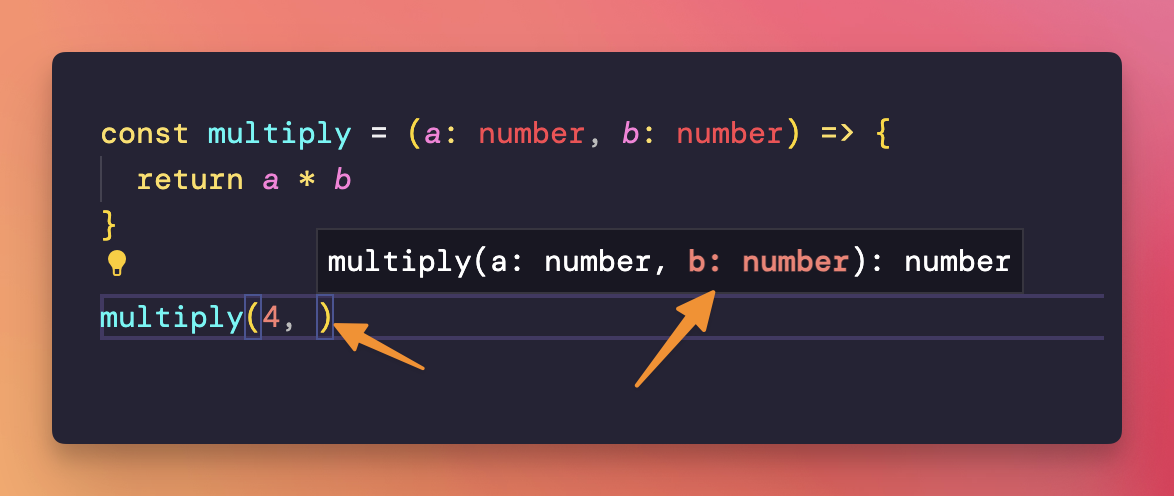
This is really handy especially when using functions you didn’t write, maybe coming from a library you imported.
If you watch closely, TypeScript already inferred the return type is number.
In this case you don’t need to, but here is how functions can explicitly declare their return value:
const multiply = (a: number, b: number): number => {
  return a * b
}