Join the AI Workshop and learn to build real-world apps with AI. A hands-on, practical program to level up your skills.
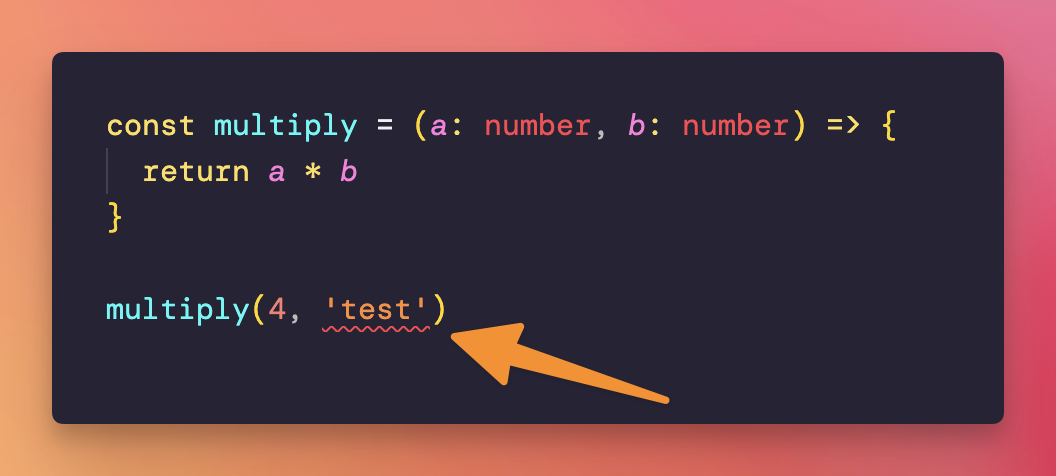
If you pass a string to multiply(), VS Code will show you an error by underlining the problematic part of your code:
Hover over it with the mouse, and VS Code will tell you more:
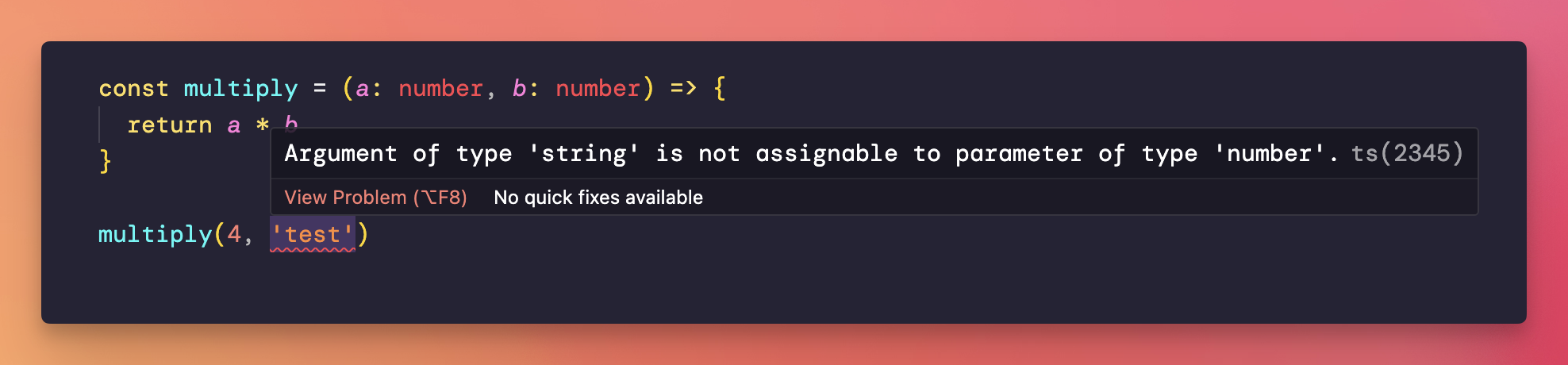
Now, regarding TypeScript errors, sometimes they are a bit cryptic. Not in this case. But there is a VS Code extension that helps you by giving actionable information, and it’s called Pretty TypeScript Errors.
Install that, you’ll see different error messages:
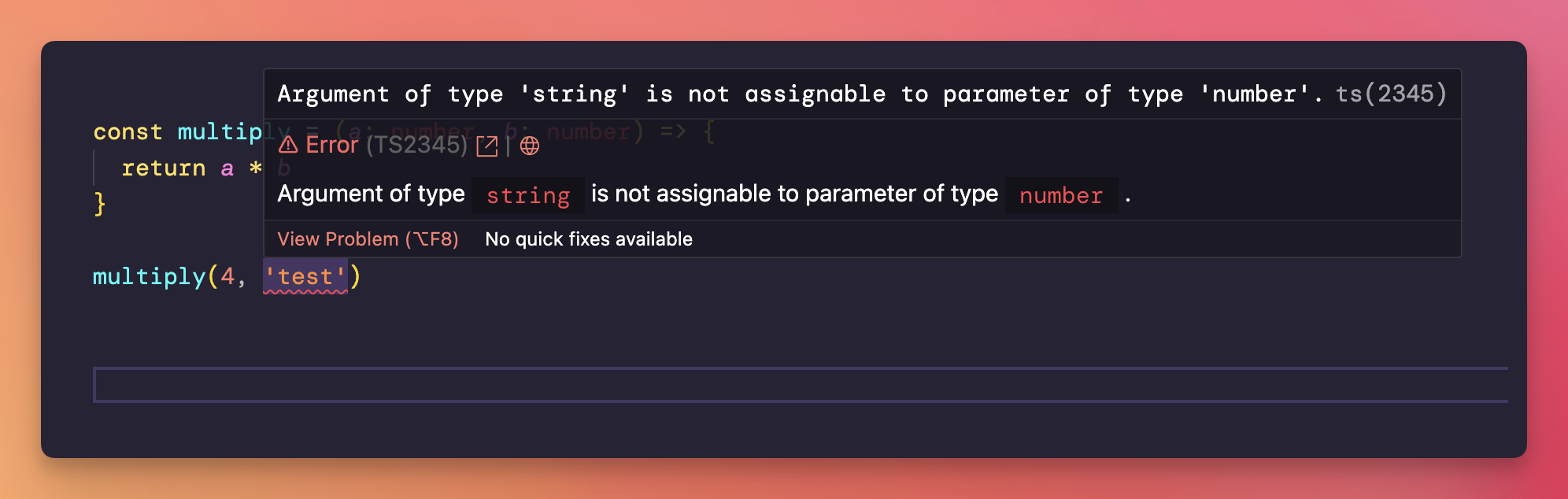
This is what happens in the editor.