Join the AI Workshop and learn to build real-world apps with AI. A hands-on, practical program to level up your skills.
Now let’s try running this code.
I’ll use Bun, which has built-in support for TypeScript.
Write this in a test.ts file:
const multiply = (a: number, b: number): number => {
  return a * b
}

console.log(multiply(4, 2))
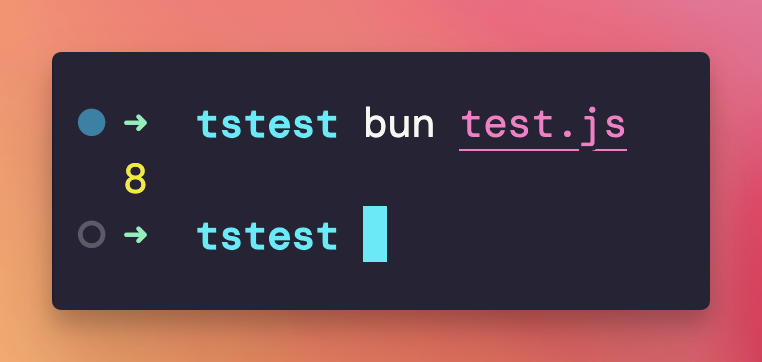
Run bun run test.ts and you’ll see the output 8 in the terminal:
What if we had a type error in our code?
Bun will happily run the code, as if it was JavaScript.
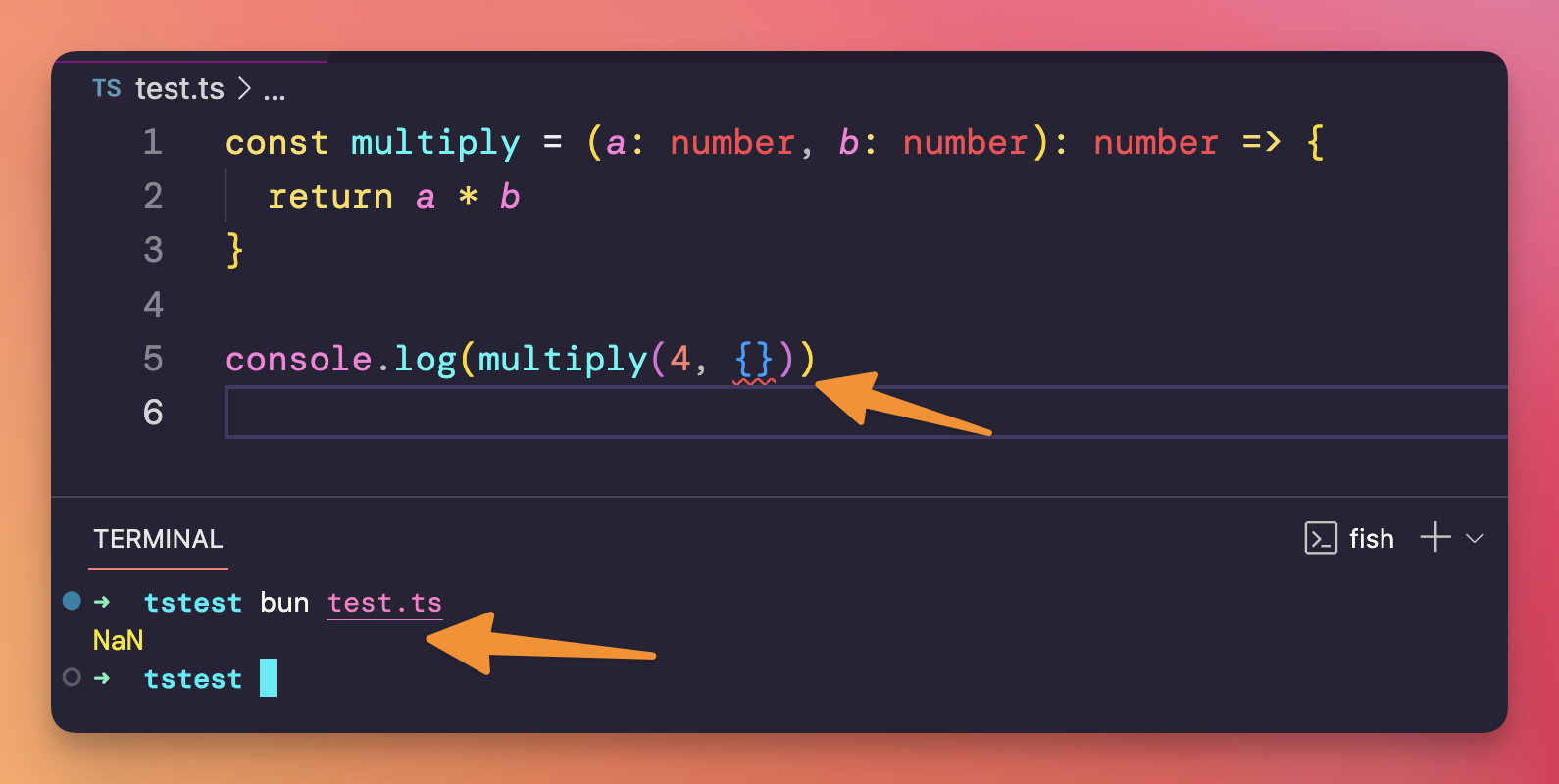
This is because Bun does not type check before execution.
To do that, we must use the TypeScript compiler.
Install typescript in the project:
bun i -D typescriptThen run
bun tsc test.ts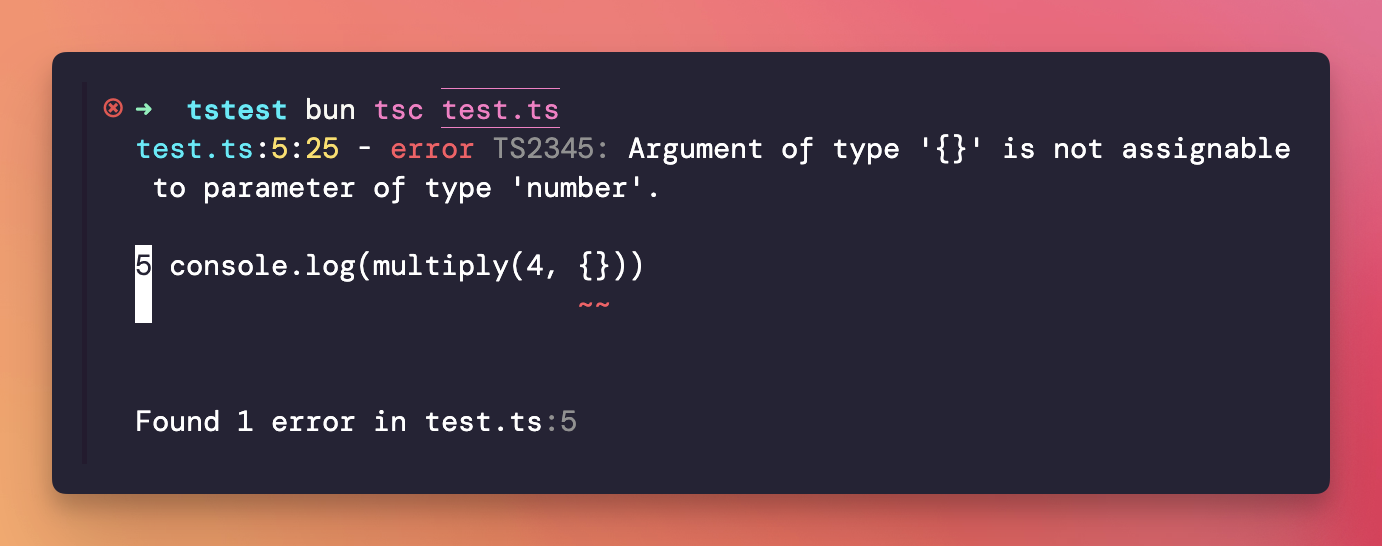
tsc is the TypeScript compiler.
It’s up to you now to go and fix the problem, and recompile:
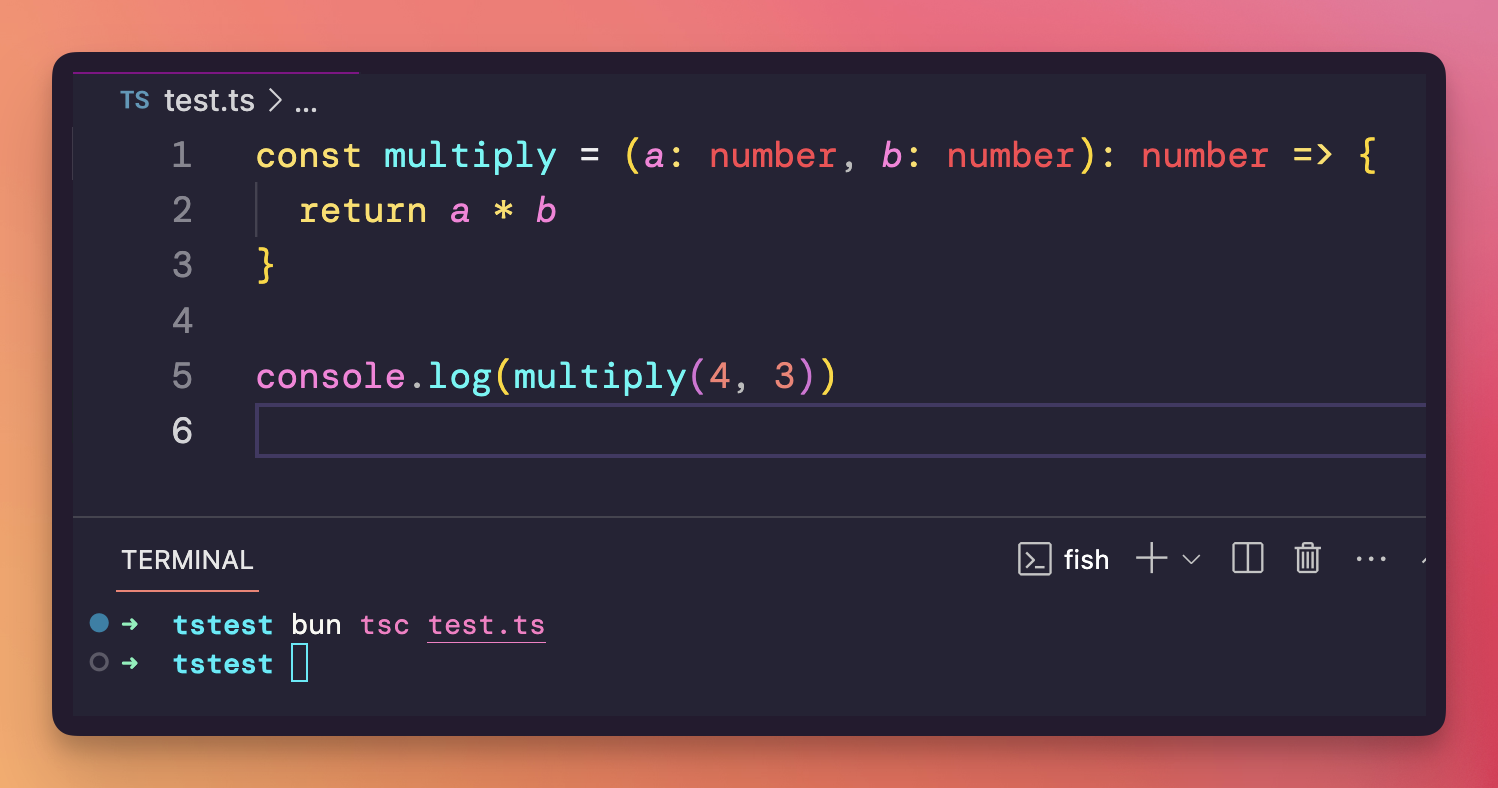
The compilation created a corresponding .js file that is the compiled JavaScript that browsers will be able to understand: