Join the AI Workshop and learn to build real-world apps with AI. A hands-on, practical program to level up your skills.
I did a lot of research this week.
I plan to write a lot during the summer, outdoors, under the sun.
While drastically improved in their latest models, iPad and MacBook displays, while great indoors, are quite hard to use outside.
I looked into e-ink devices.
Famously Remarkable has an e-ink tablet.
Last year they released a keyboard and I thought it could be a good fit.
Until I read on Reddit someone asking about the use case of writing, and people replied it’s not really well-thought out for writing. It’s mainly a scratching / handwriting device, with the pencil.
The keyboard appears to be mostly an add-on, not well integrated, so far.
One of the comments made me discover the Freewrite brand.
They have a bunch of writing devices, in particular the Traveler looks perfect:
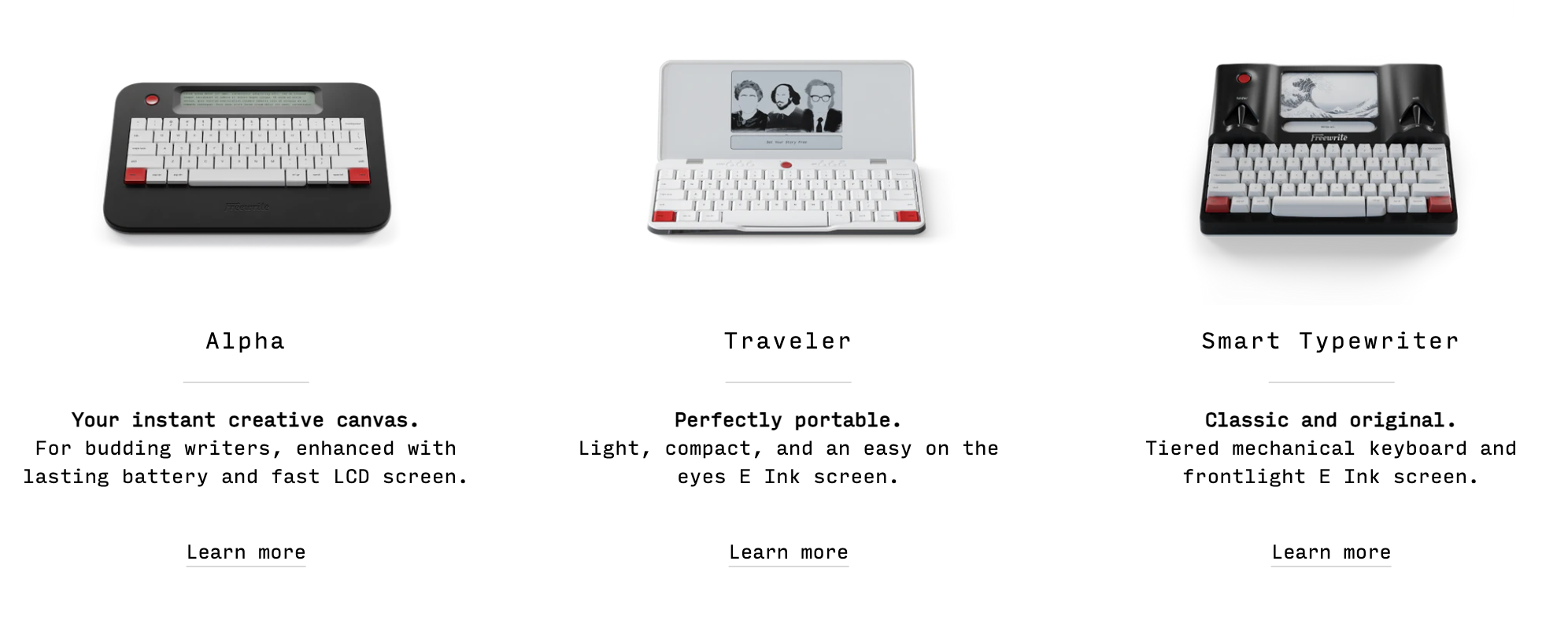
Looks because I’ve been reading a ton of user comments on Reddit not particularly encouraging when it comes to both hardware, and software.
I can’t get the Italian keyboard layout, something I’m used to.
Price is 577€ but then there’s the “extended warranty” which lasts 1 year and it’s 52€ otherwise I only get 90 days of warranty.
Shipping is 24€ and in the FAQ I’m told ”you are responsible for all duties and taxes associated with the shipment”.
So there’s no VAT handling or import tax.
I’ve read “130€ import tax for a delivery in France”. Plus I’ll have 22% VAT? Or is that part of the import tax?
So with all this FUD I looked elsewhere.
I kinda want this because it’s cute and all but as a single-purpose device (can’t read books on it, no pencil, no browser), I’m probably looking at ~800€.
I went back to the Remarkable.
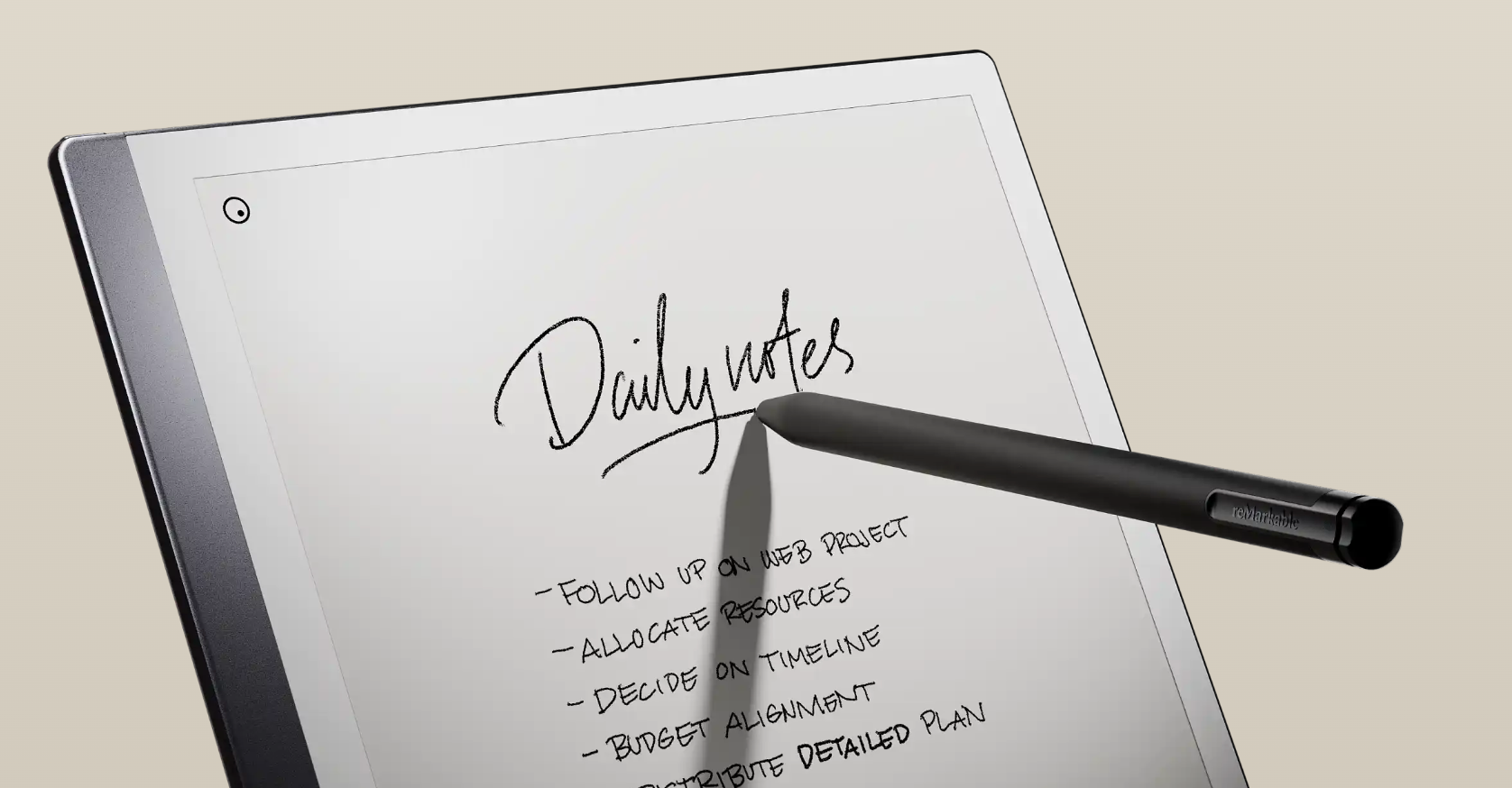
It looks great and as I said it has a keyboard attached.
Price with pro pencil and keyboard is 677€, all taxes and shipping included (above brand should learn from this).
Keyboard however does not have the Italian layout option, too.
I could work around it with the available Nordic layout as they have the common punctuation marks.
The writing experience is a bit “meh” according to user reviews.
But what stopped me was the fact you can’t export your writing as text.
Just as PDF or as an image.
Not ideal at all, actually pretty disruptive for the kind of workflow I imagine.
I saw a review of an e-ink display I could attach to my iPad, which is made by Boox, called BOOX Mira.
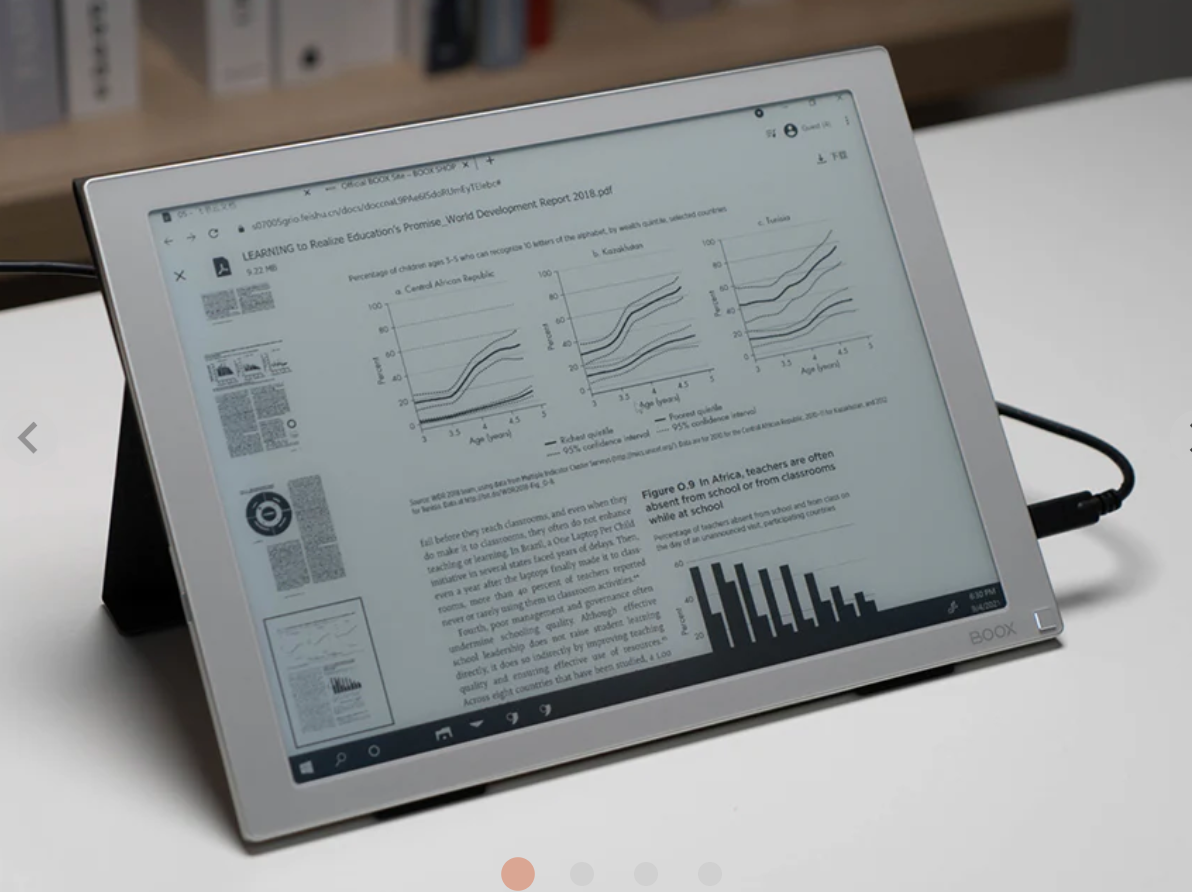
I think this would be pretty cool but I couldn’t find it sold in the EU store.
Then I went and saw their tablets, which are Android based.
Now I’m this close to getting one of those, the Note Air3
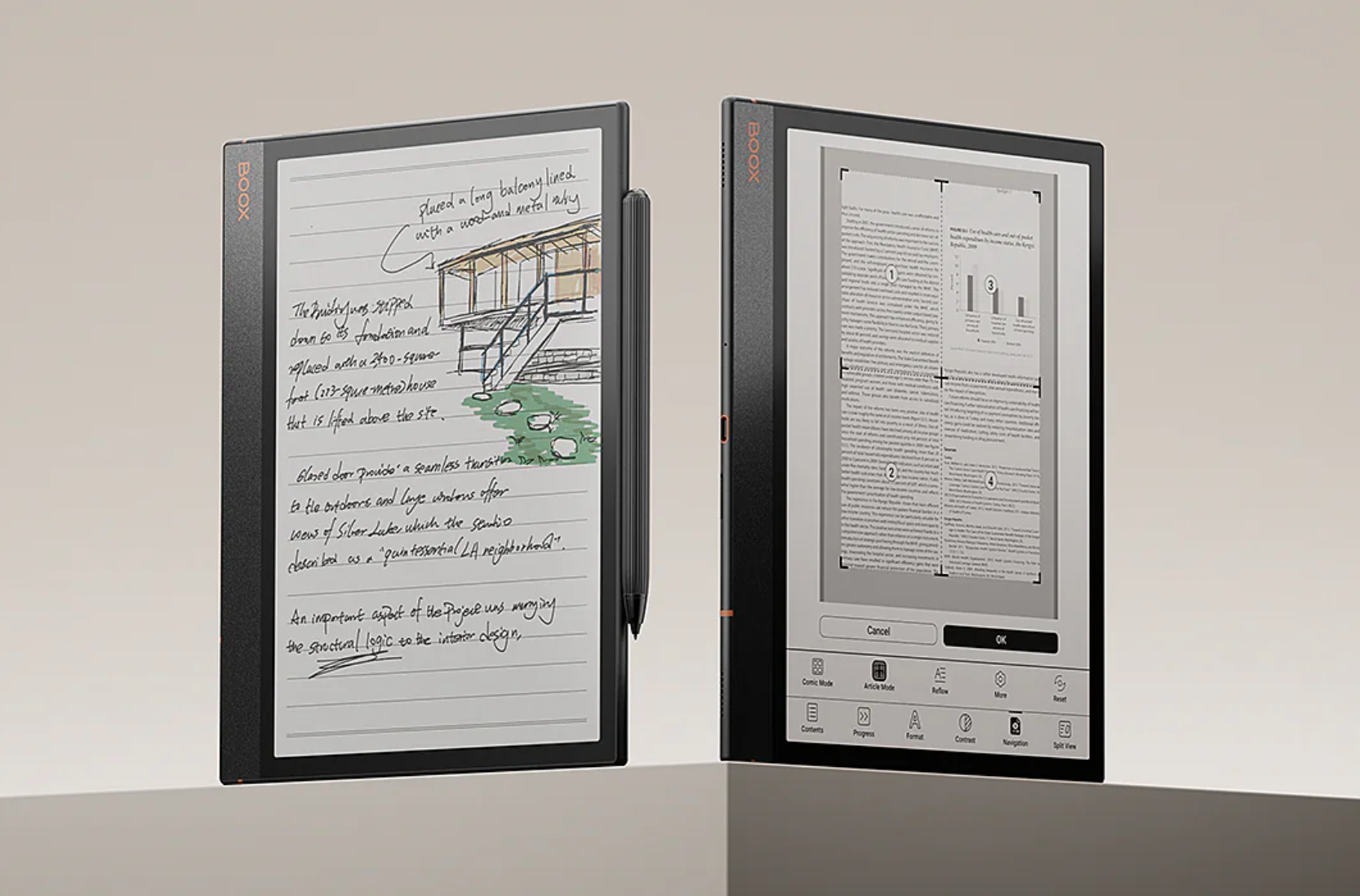
The higher-end Tab Ultra C Pro (but 50%+ more expensive) model has a keyboard case, but I think I’ll just use the Apple bluetooth keyboard I use every day, so I’ll save money (Air3 black/white is $399, Tab Ultra C Pro - with colors - is $649 and keyboard is $149 = total ~$800).
It’s mostly a bet.
Will I use it a lot?
I hope.
I imagine I’ll be using Notion, for example, so everything I write is automatically synced to all my devices.
This sounds like an ideal workflow, even if I won’t have the keyboard attached.
The device is also reusable in many ways, for reading, browsing the web, etc.
I just never had an Android tablet, but if I want to have an e-ink tablet at all, I need to look into this new ecosystem that’s new to me (I can’t see Apple making one as it’s kind of a very niche device)
Here’s all I learned on these devices in a few days of research.
I’ll post more info when I get one.