Tools Tips: How to fix the xcrun invalid active developer path error in macOS

Join the AI Workshop to learn more about AI and how it can be applied to web development. Next cohort February 1st, 2026

The AI-first Web Development BOOTCAMP cohort starts February 24th, 2026. 10 weeks of intensive training and hands-on projects.


I recently ran into this problem, after updating my macOS version to Catalina.

Trying to update Hugo via Homebrew triggered this error:

xcrun: error: invalid active developer path (/Library/Developer/CommandLineTools), missing xcrun at: /Library/Developer/CommandLineTools/usr/bin/xcrun
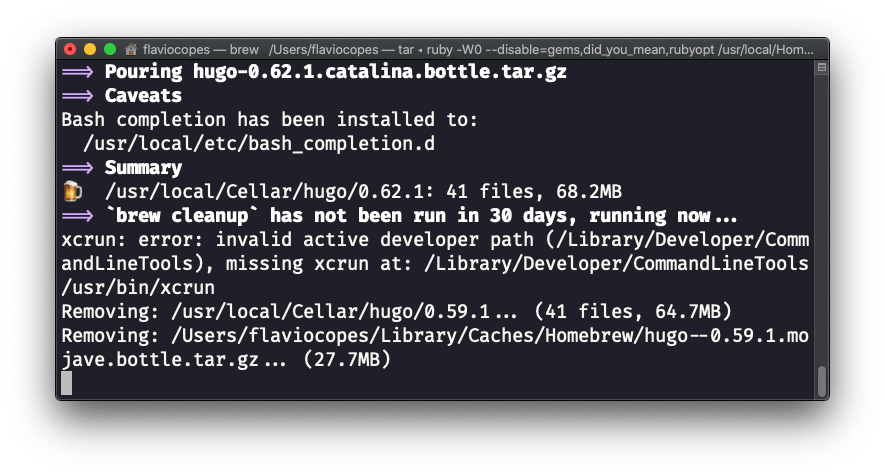
The command was successfully completed, but we don’t want errors, right?

Here’s what I did to solve it.

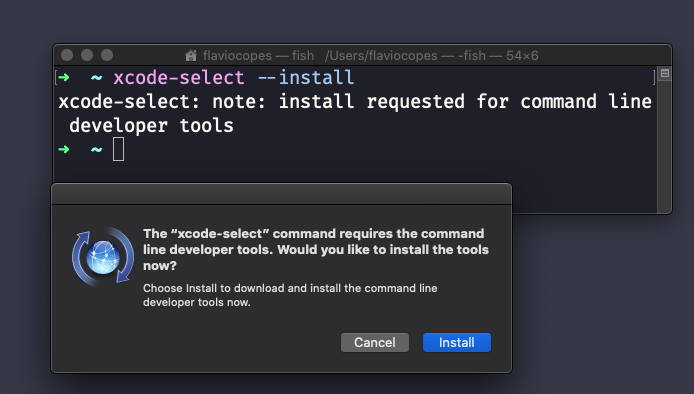
In the terminal, I ran:

xcode-select --install

This triggered a dialog box in macOS:

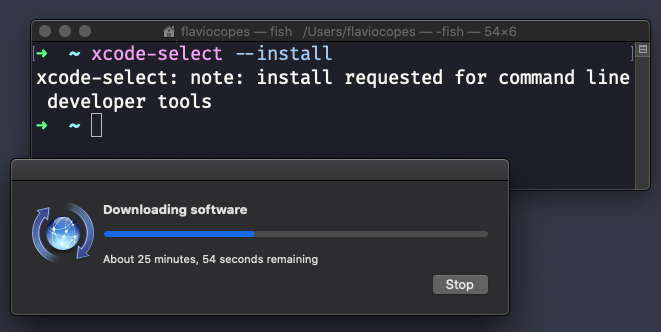
After clicking Install and accepting the terms, the download started:
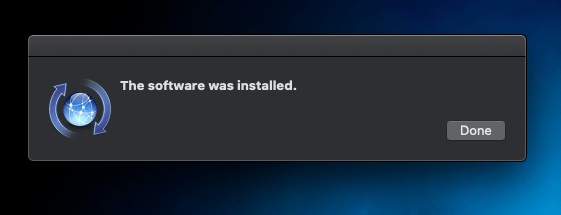
After the installation finished:
I closed the terminal window and opened a new one.

Problem solved.

Lessons in this unit:

0: Introduction
1: How to fix the ffmpeg not found error with youtube-dl
2: How to set up hot reload on Electron
3: How to disable 1Password in an input field
4: How to recover lost data from an SD card
5: Pasting code snippets in Discord
6: Remove EXIF data from images
7: Searching for the perfect e-ink writing device
8: Syntax highlight any block on a Web Page
9: What is a webhook?
10: What's the best platform to deploy your projects?
11: Scraping with Puppeteer
12: Why use a preview version of a browser?
13: A practical guide to Homebrew
14: ▶︎ How to fix the xcrun invalid active developer path error in macOS