Join the AI Workshop and learn to build real-world apps with AI. A hands-on, practical program to level up your skills.
When designing a TabView you have the option to add an icon for each tab using a system image, using the systemImage parameter to Label:
TabView {
    Text("First")
        .tabItem {
            Label("First", systemImage: "tray")
        }
}
In this case we use tray.
How do you find out which other icons you can use?
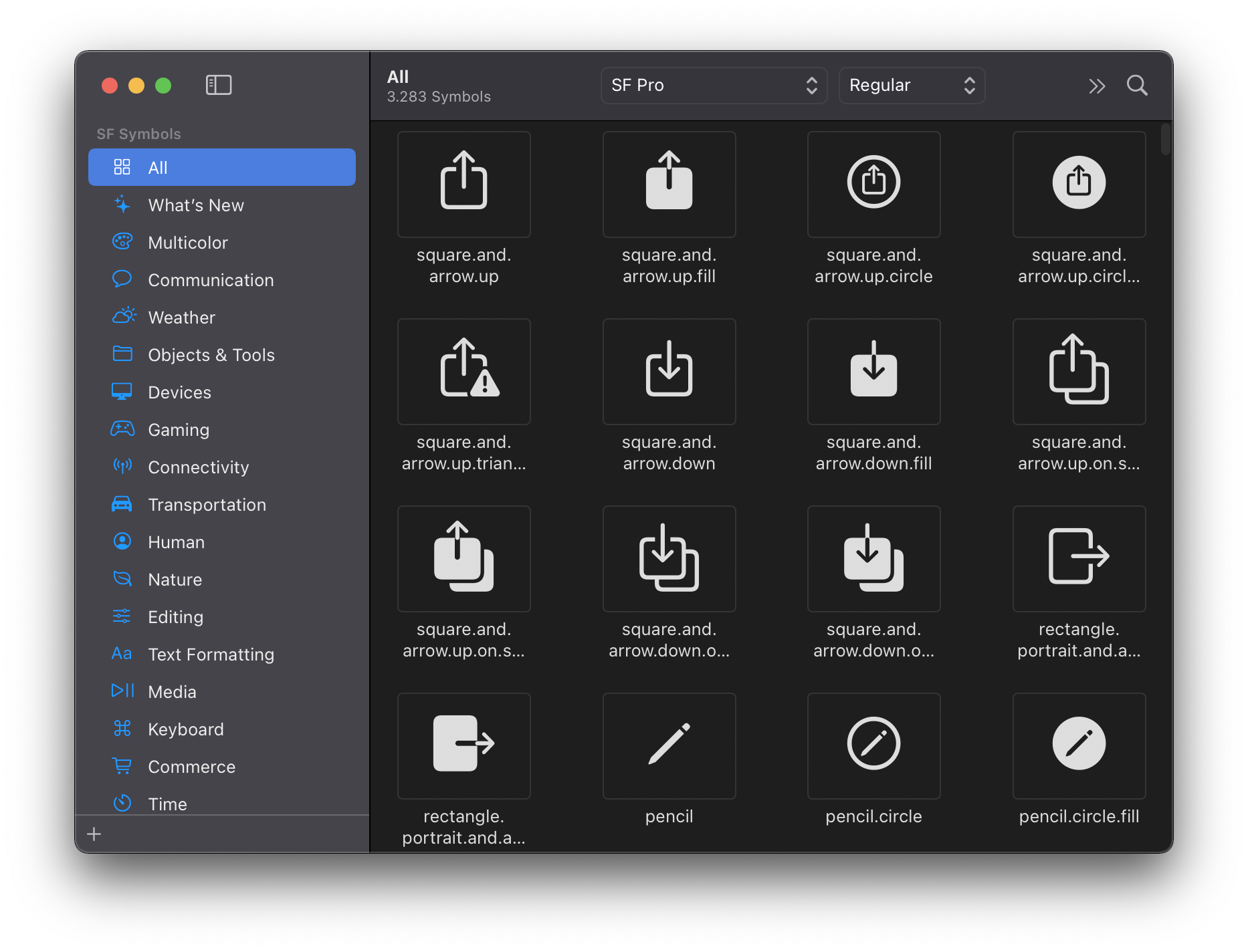
Apple created an app for this, called SF Symbols. Download it from https://developer.apple.com/design/downloads/SF-Symbols.dmg, install it on your Mac and once you open it, you can browse over 1500 symbols and see their name:
Lessons in this unit:
| 0: | Introduction |
| 1: | NavigationView |
| 2: | TabView |
| 3: | ▶︎ SF Symbols |
| 4: | Forms |
| 5: | TextField in Forms |
| 6: | Toggle in Forms |
| 7: | Slider in Forms |
| 8: | Stepper in Forms |
| 9: | Picker in Forms |
| 10: | DatePicker in Forms |