Join the AI Workshop and learn to build real-world apps with AI. A hands-on, practical program to level up your skills.
The first form control we’ll see is the simplest: TextField.
This lets us show some text, like the Text view, and it can be editable by the user, so we can get input in the form of text.
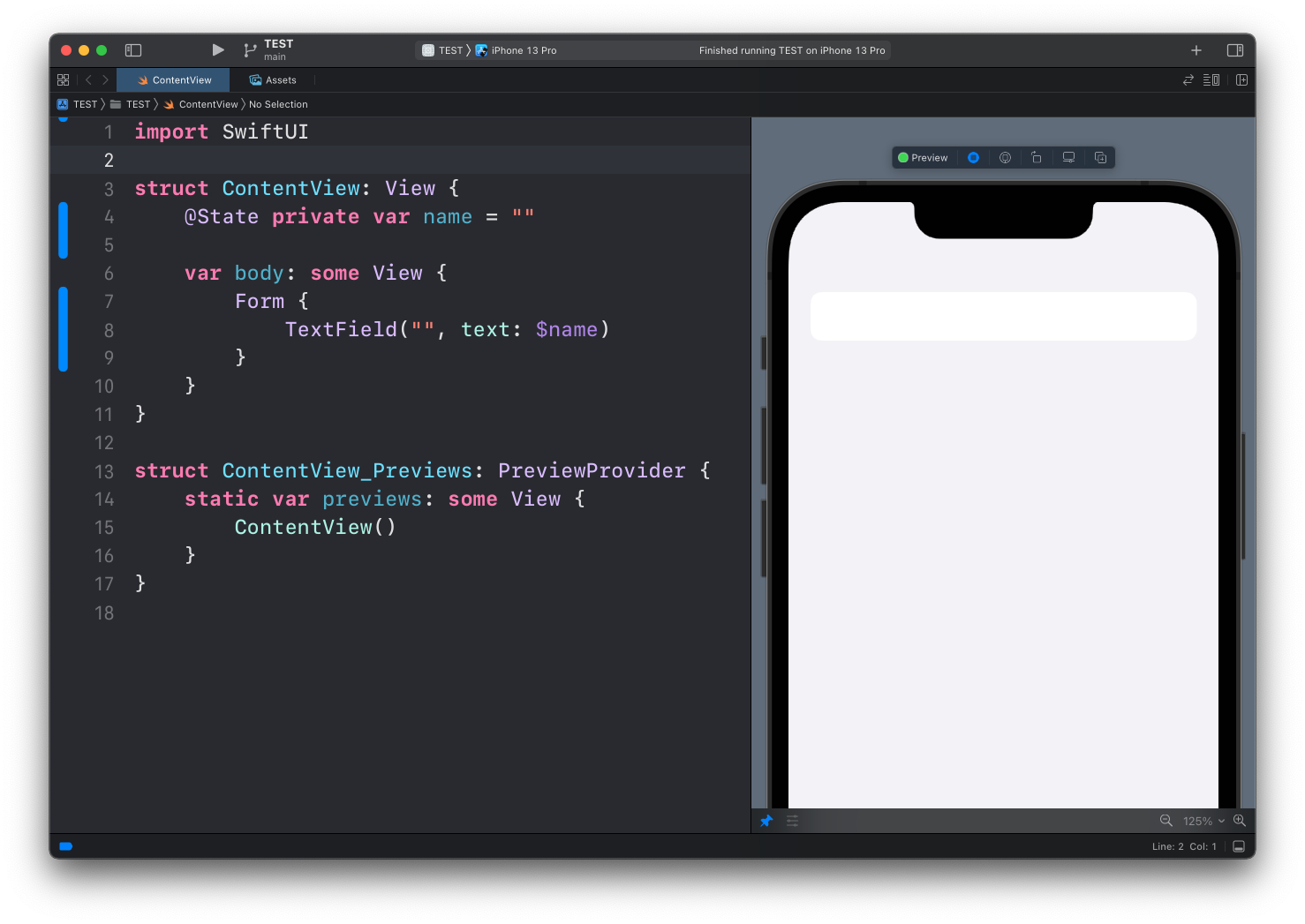
Here’s the most basic example of TextField:
struct ContentView: View {
    @State private var name = ""

    var body: some View {
        Form {
            TextField("", text: $name)
        }
    }
}
We have a property (see SwiftUI: properties) that we wrap with the @State property wrapper.
Run the code. You can see an empty text field. You can tap on it:
And you can enter any text inside it:
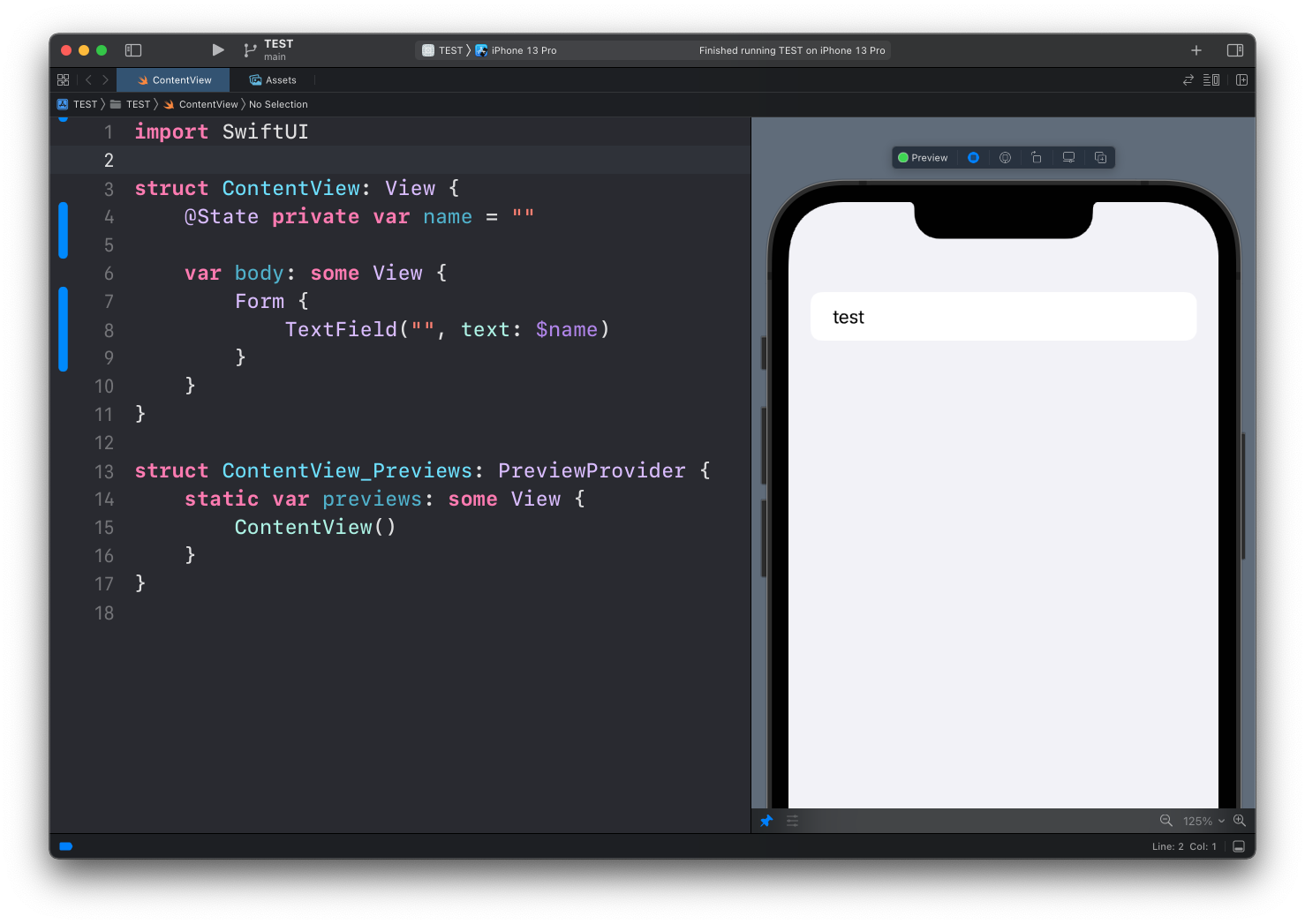
The first argument of TextField is a string that’s visualized when the field is empty. You can fill it with any text you want, like this:
TextField("Your name", text: $name)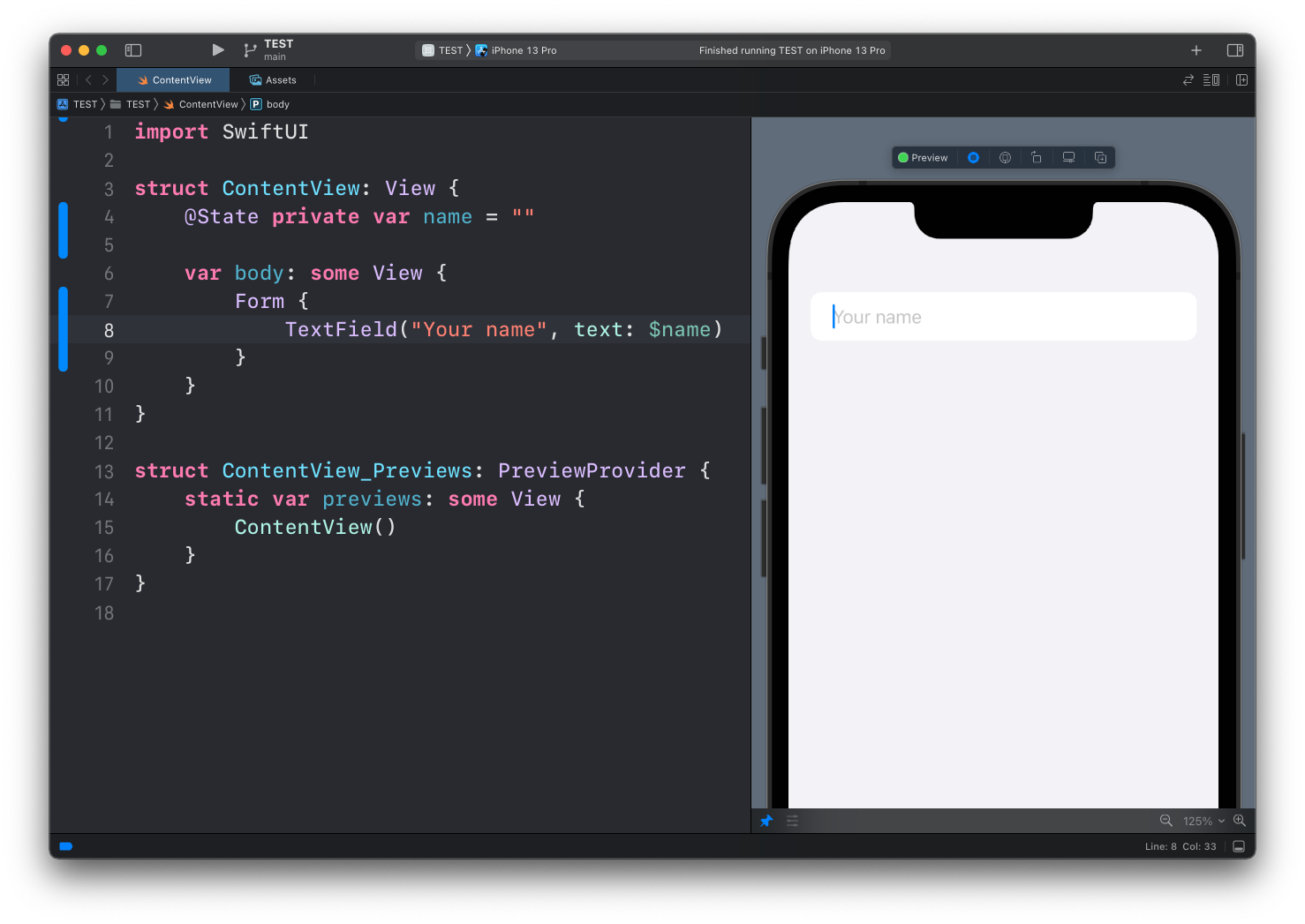
Lessons in this unit:
| 0: | Introduction |
| 1: | NavigationView |
| 2: | TabView |
| 3: | SF Symbols |
| 4: | Forms |
| 5: | ▶︎ TextField in Forms |
| 6: | Toggle in Forms |
| 7: | Slider in Forms |
| 8: | Stepper in Forms |
| 9: | Picker in Forms |
| 10: | DatePicker in Forms |