Join the AI Workshop and learn to build real-world apps with AI. A hands-on, practical program to level up your skills.
The Slider form control in SwiftUI lets us create a bar that the user can swipe left or right to decrease or increase its value.
We initialize a Slider by setting 3 parameters: value, in, step:
@State private var age: Double = 0

//...

Slider(value: $age, in: 0...100, step: 1)
in limits the minimum and maximum values we can use.
step means we change the value by 1 at a time—in this case we can go from 0 to 1 to 2, etc. You could use 10, or 0.2, and so on.
Since Slider takes a Double value, the value can include decimals.
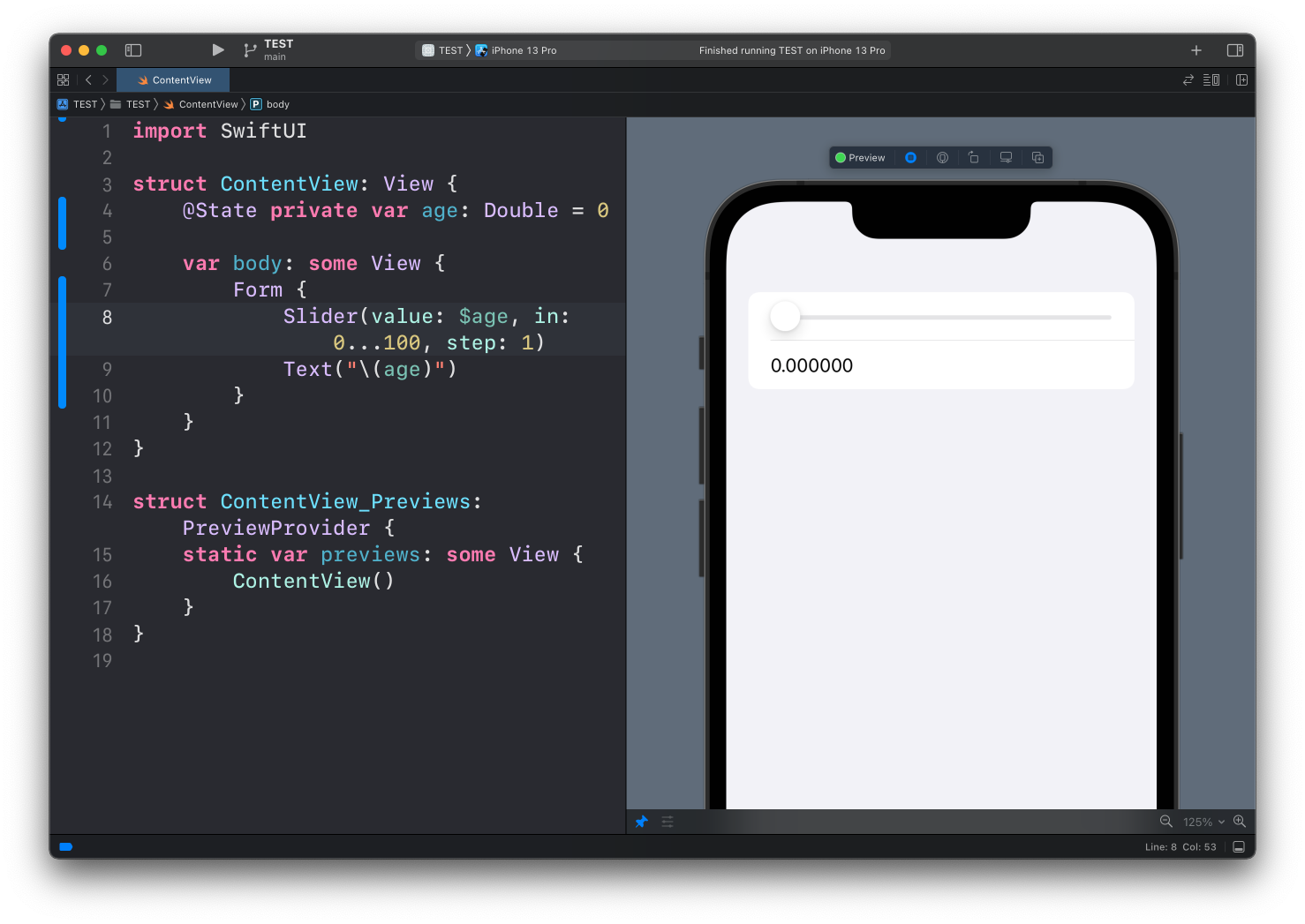
Example:
struct ContentView: View {
    @State private var age: Double = 0

    var body: some View {
        Form {
            Slider(value: $age, in: 0...100, step: 1)
            Text("\(age)")
        }
    }
}
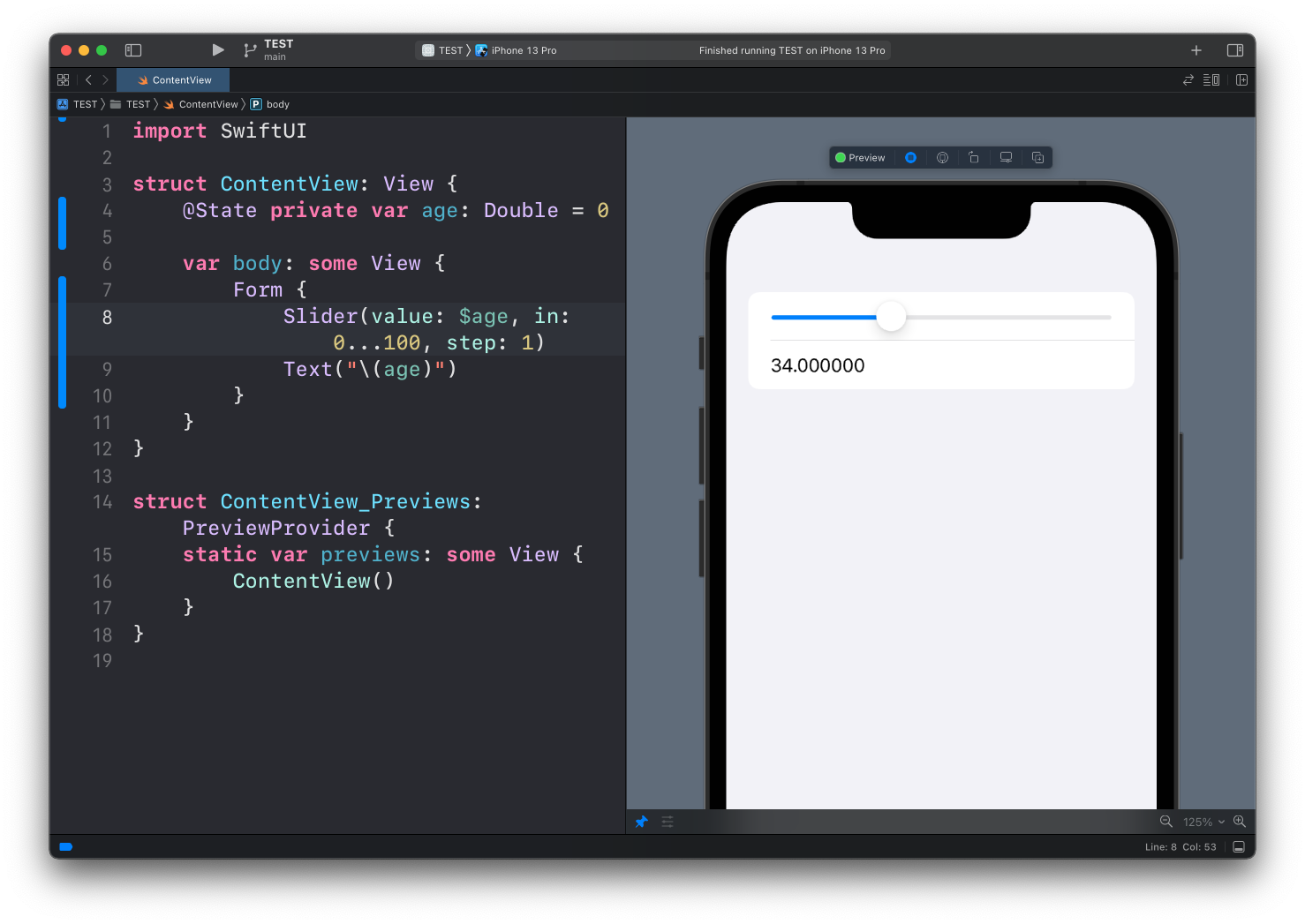
Notice how I added a Text view to show the value of age.
Since it’s a double, we have lots of decimals.
We could format that, but we’ll cover formatting in another lesson.
Lessons in this unit:
| 0: | Introduction |
| 1: | NavigationView |
| 2: | TabView |
| 3: | SF Symbols |
| 4: | Forms |
| 5: | TextField in Forms |
| 6: | Toggle in Forms |
| 7: | ▶︎ Slider in Forms |
| 8: | Stepper in Forms |
| 9: | Picker in Forms |
| 10: | DatePicker in Forms |