Join the AI Workshop and learn to build real-world apps with AI. A hands-on, practical program to level up your skills.
The List view is one of the most useful views you’ll use in SwiftUI.
List {

}
Inside it, you can put a series of views, like Text for example:
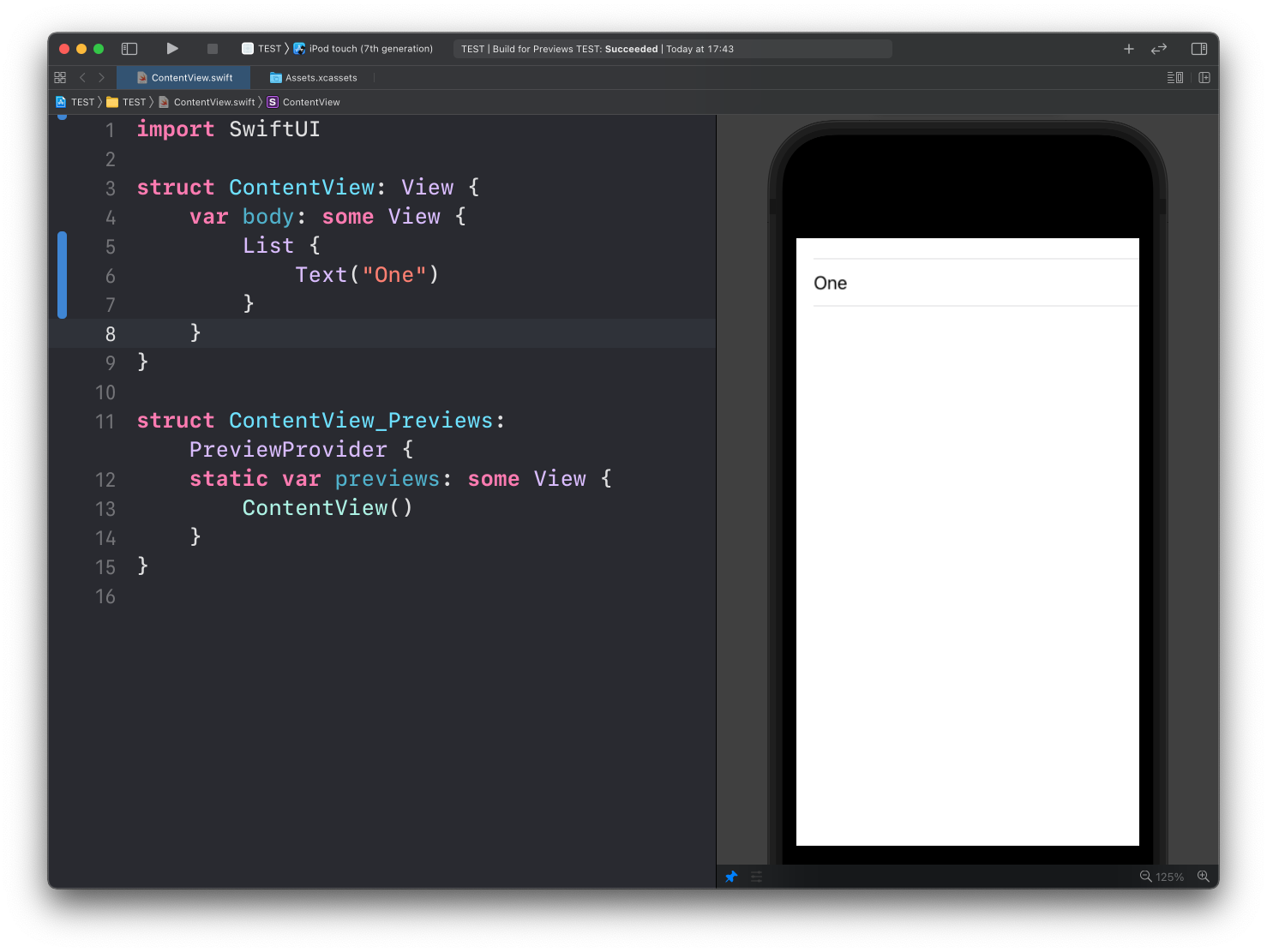
See? List recognizes the Text child view, and puts it inside a row.
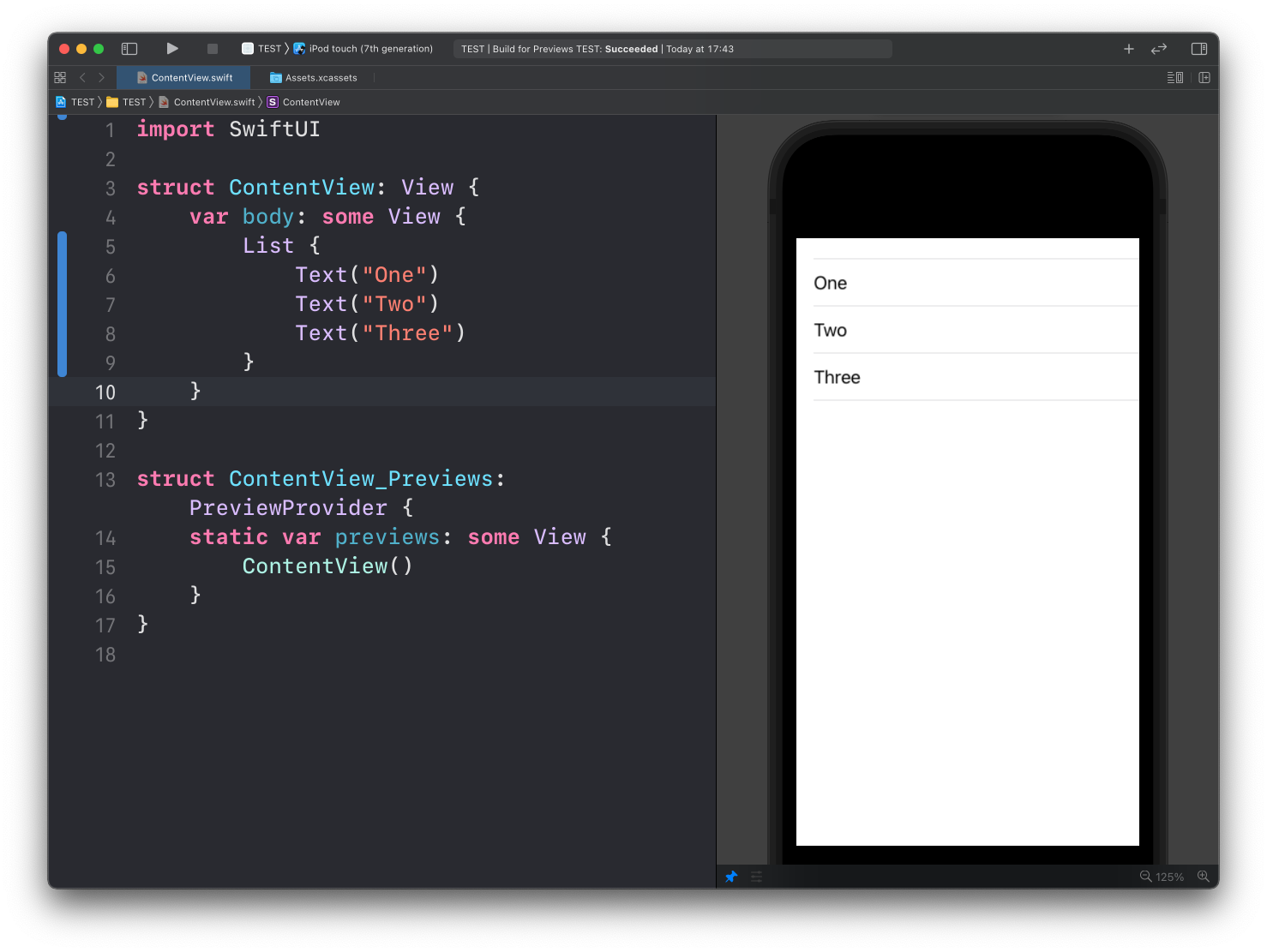
You can put more than one, and each child of List will be put on its own row:
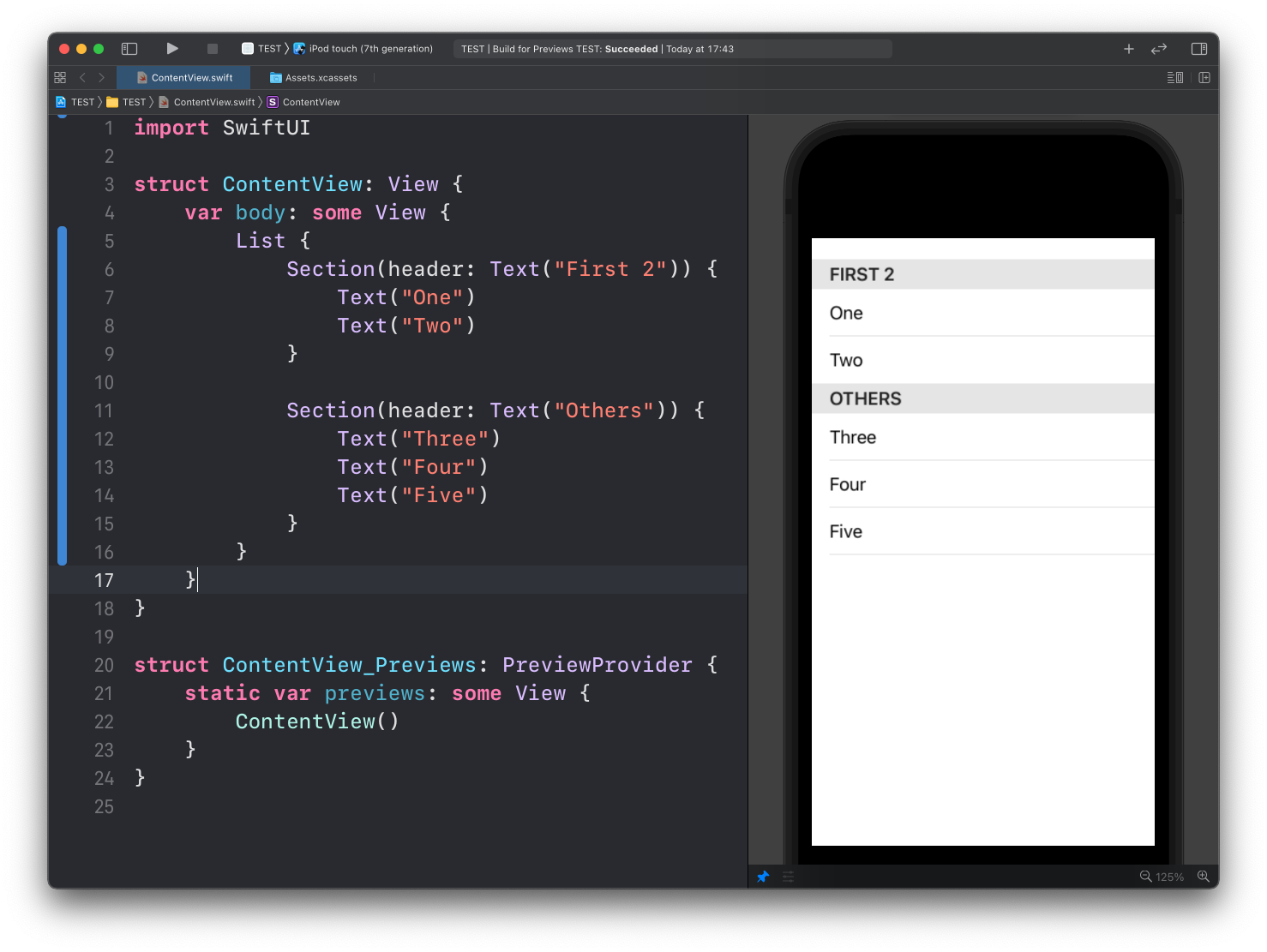
Inside a list, you can group items using the Section view, like this:
The listStyle() modifier of List lets you customize the list appearance:
InsetGroupedListStyleInsetListStyleSidebarListStyleGroupedListStylePlainListStyle
For example here’s InsetGroupedListStyle:
List {
		//...
}.listStyle(InsetGroupedListStyle())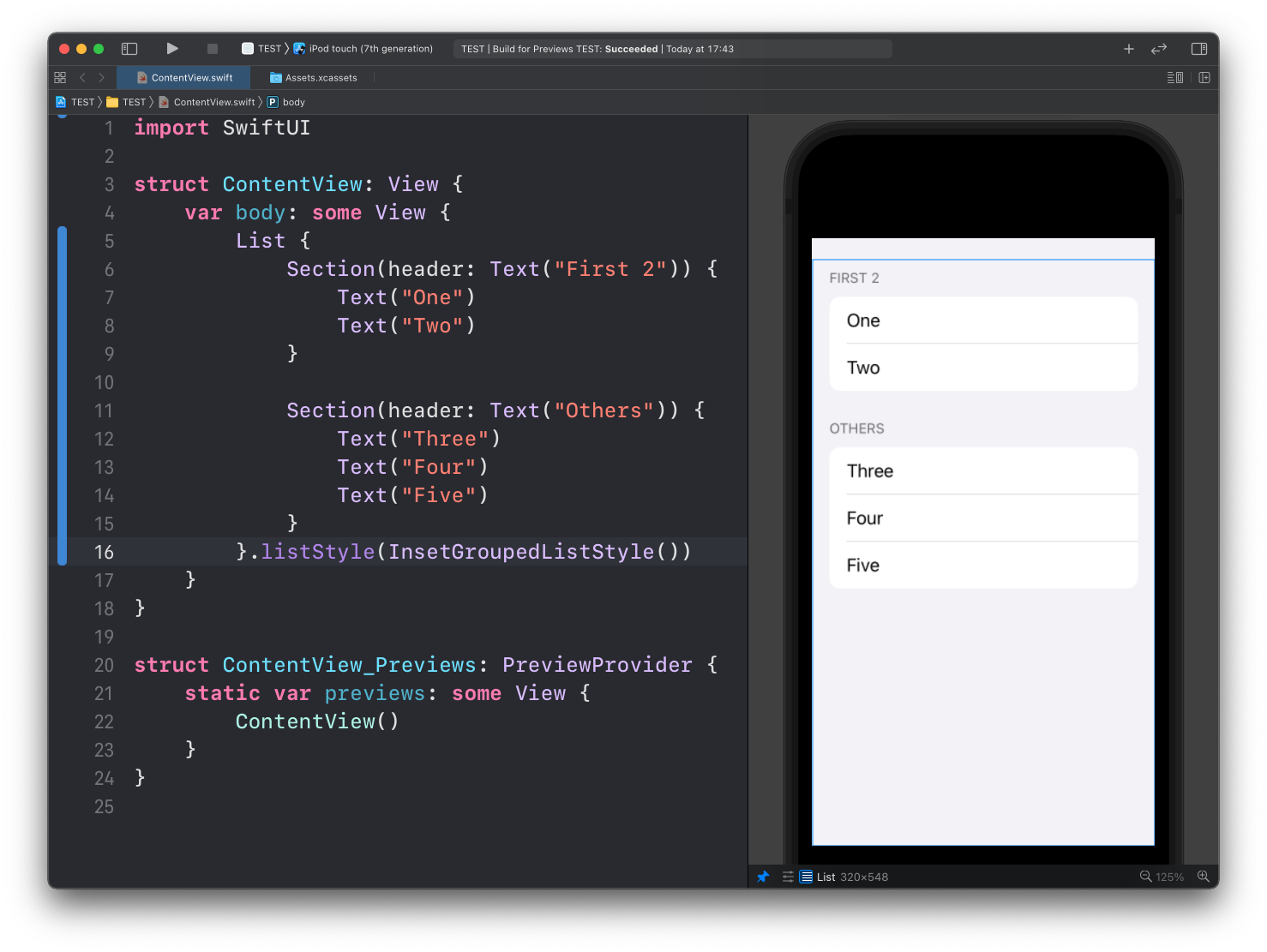
And here’s GroupedListStyle:
List {
		//...
}.listStyle(GroupedListStyle())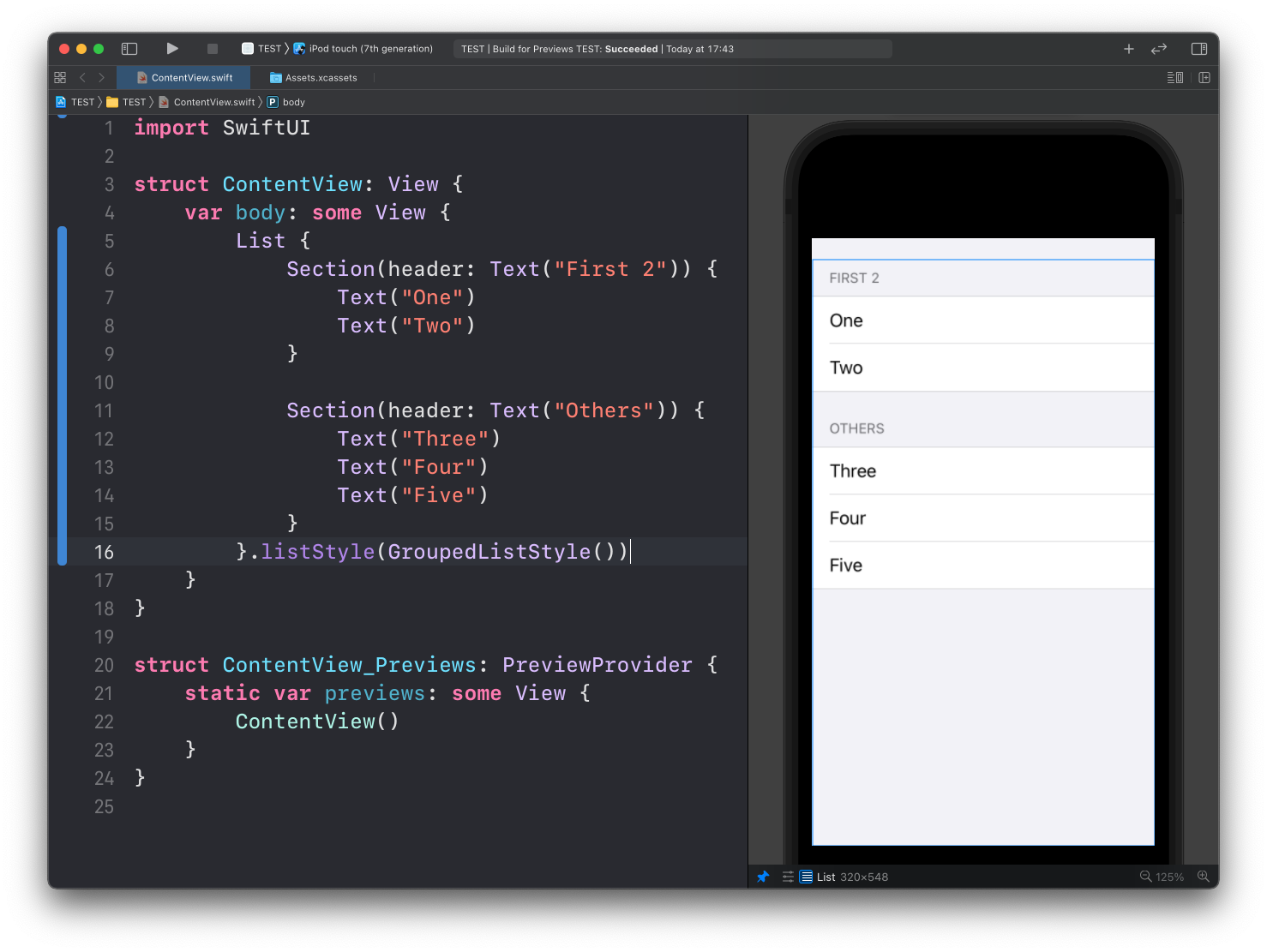
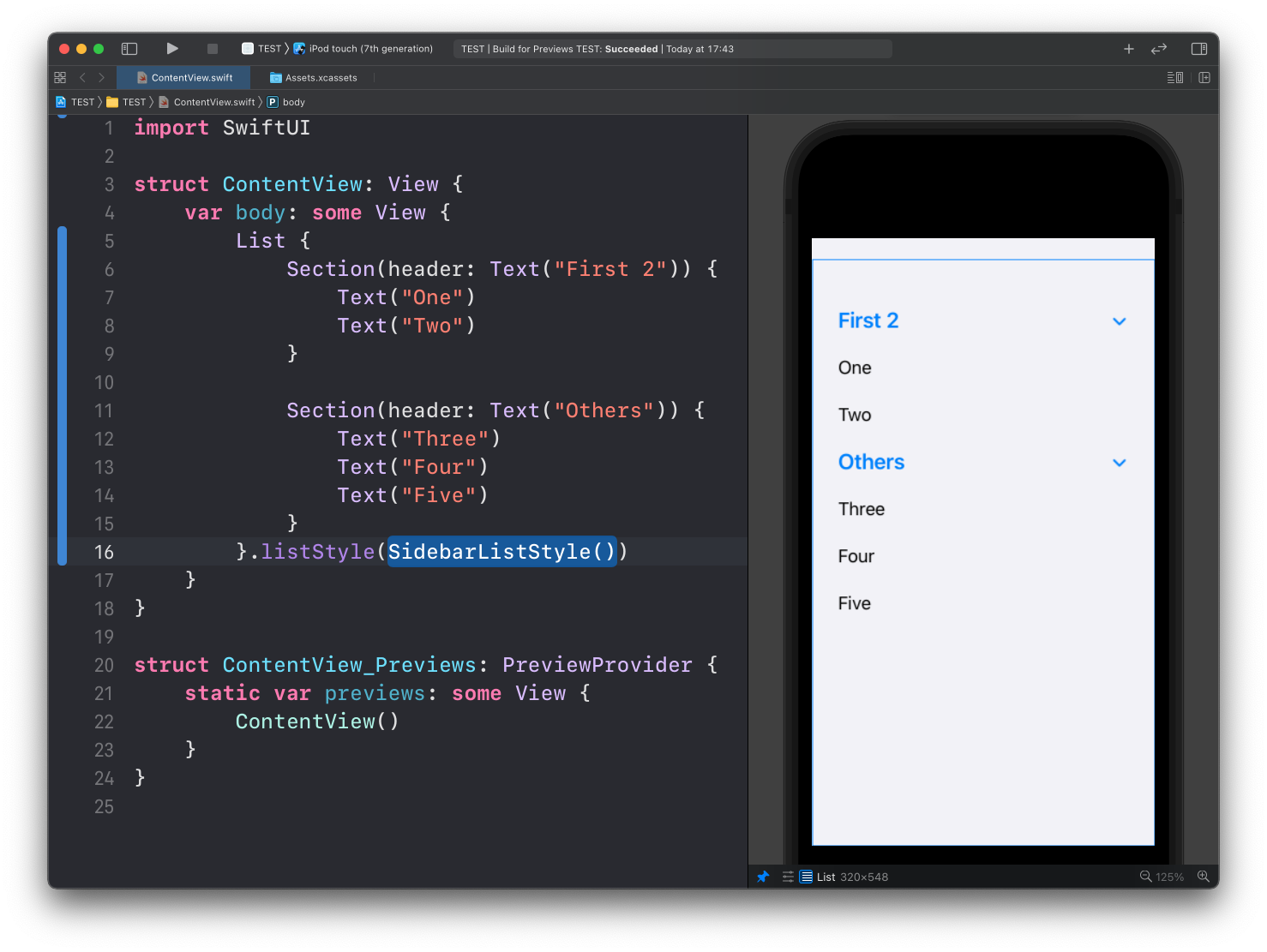
Here’s SidebarListStyle:
Lessons in this unit:
| 0: | Introduction |
| 1: | Button View |
| 2: | Label |
| 3: | Images |
| 4: | ▶︎ List |
| 5: | ForEach |
| 6: | Alert |
| 7: | Formatting Decimals in Text |