Join the AI Workshop and learn to build real-world apps with AI. A hands-on, practical program to level up your skills.
You can display an image in a SwiftUI view by using the Image view.
First you need to add the image to a new image set in your Assets.xcassets file in the Xcode project navigator.
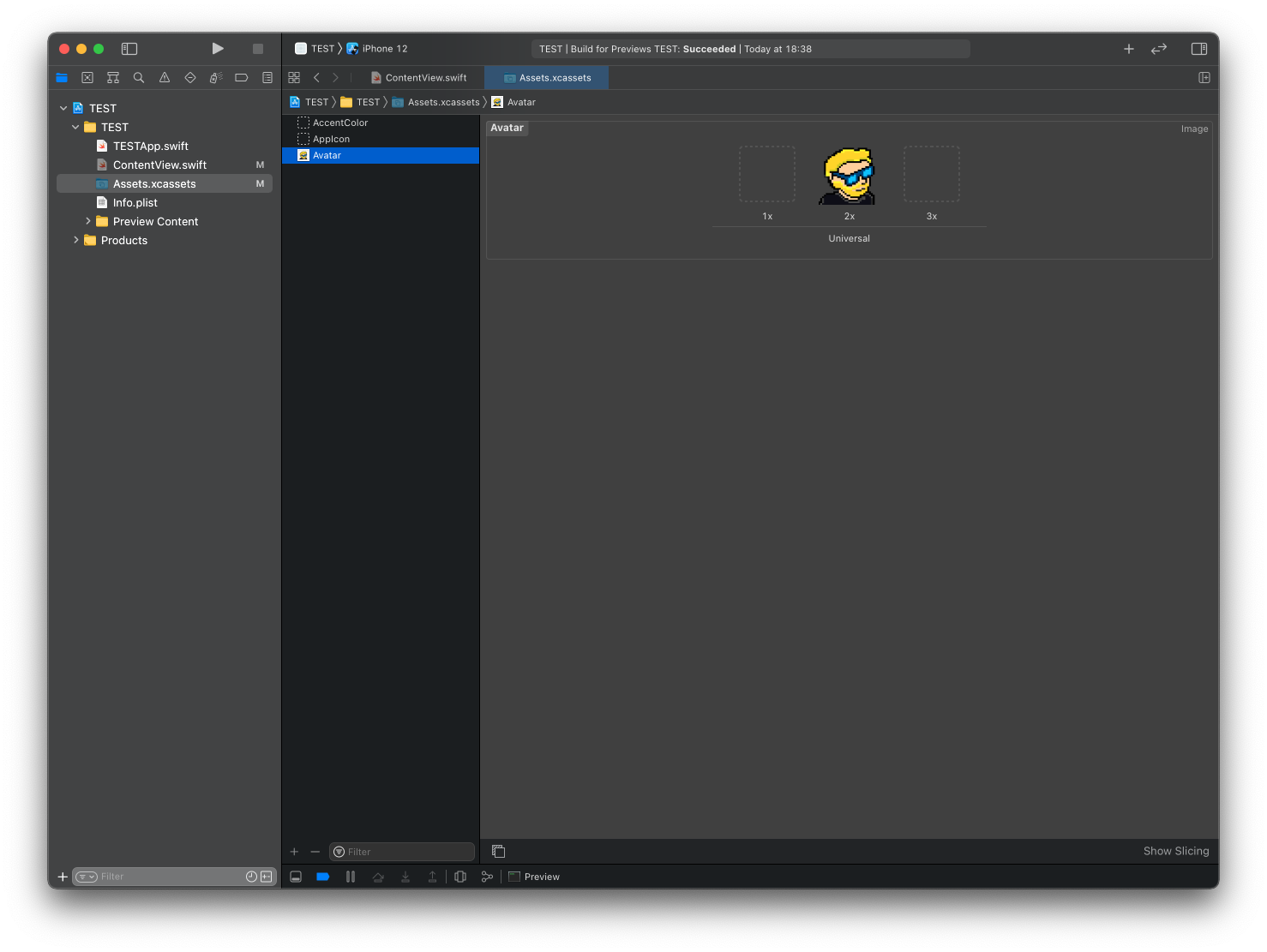
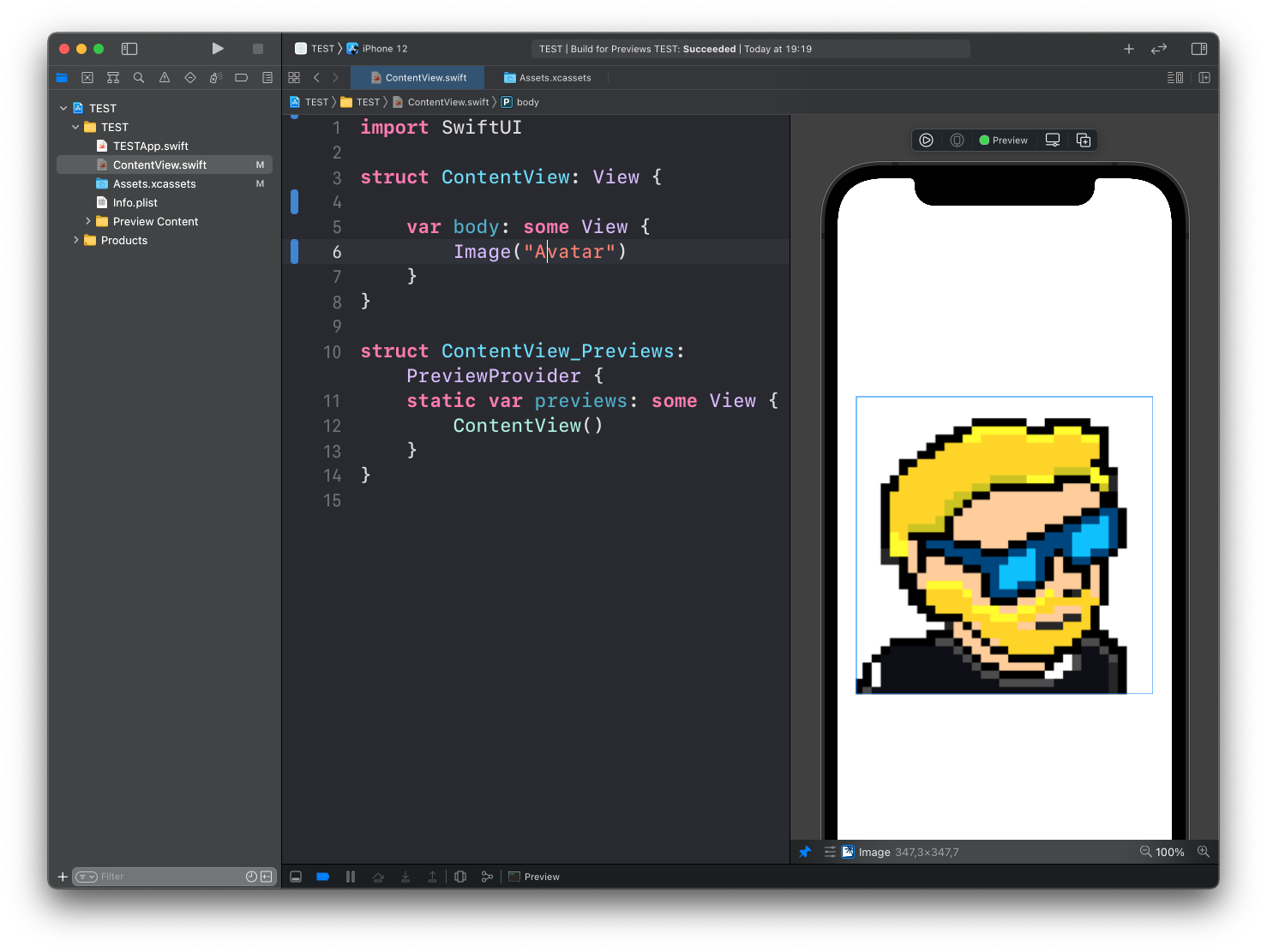
Then you can add the image to your ContentView like this:
import SwiftUI

struct ContentView: View {
    var body: some View {
        Image("Avatar")
    }
}
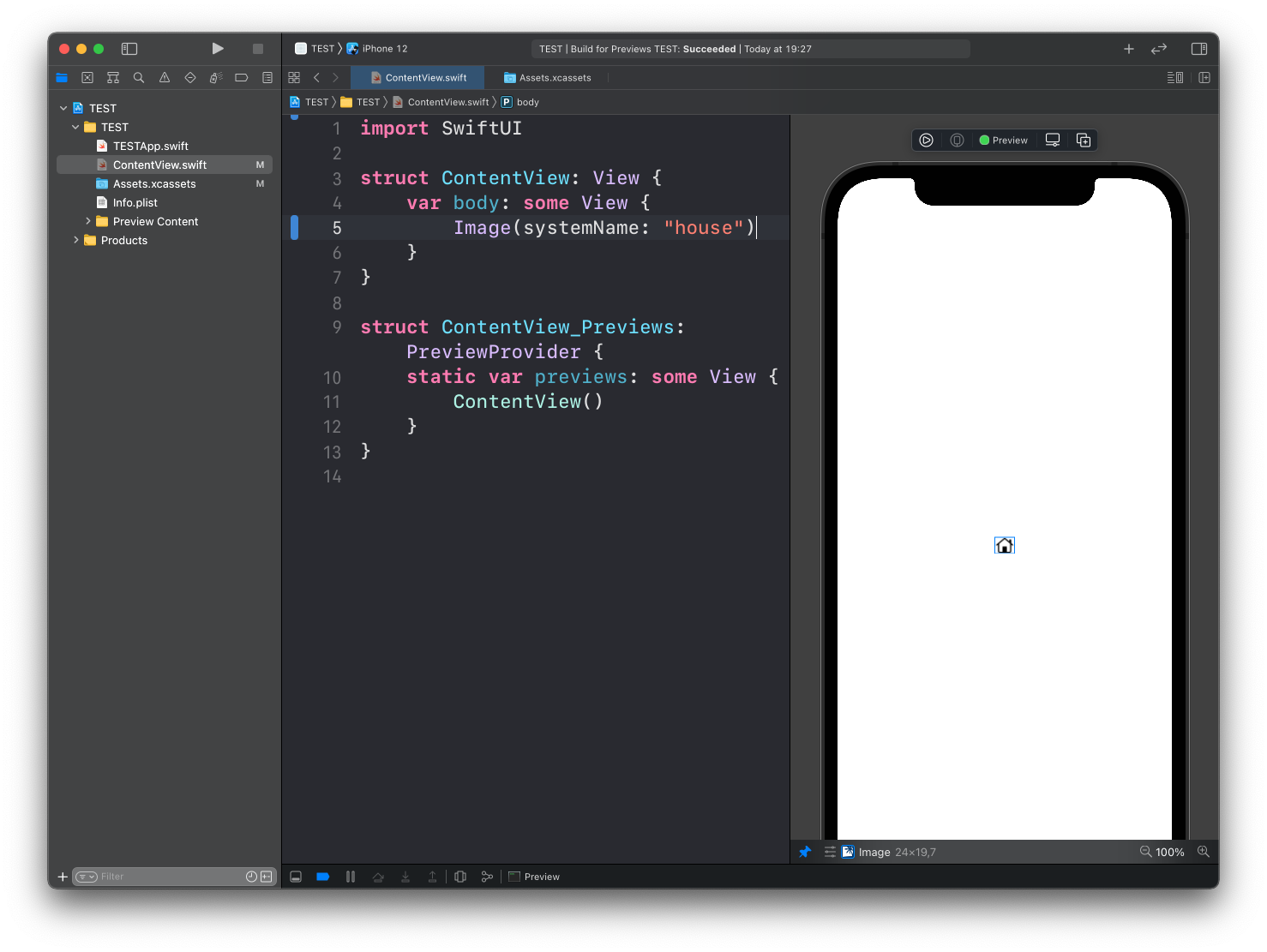
You can also use Image to show a system image, using the format Image(systemName:):
struct ContentView: View {
    var body: some View {
        Image(systemName: "house")
    }
}
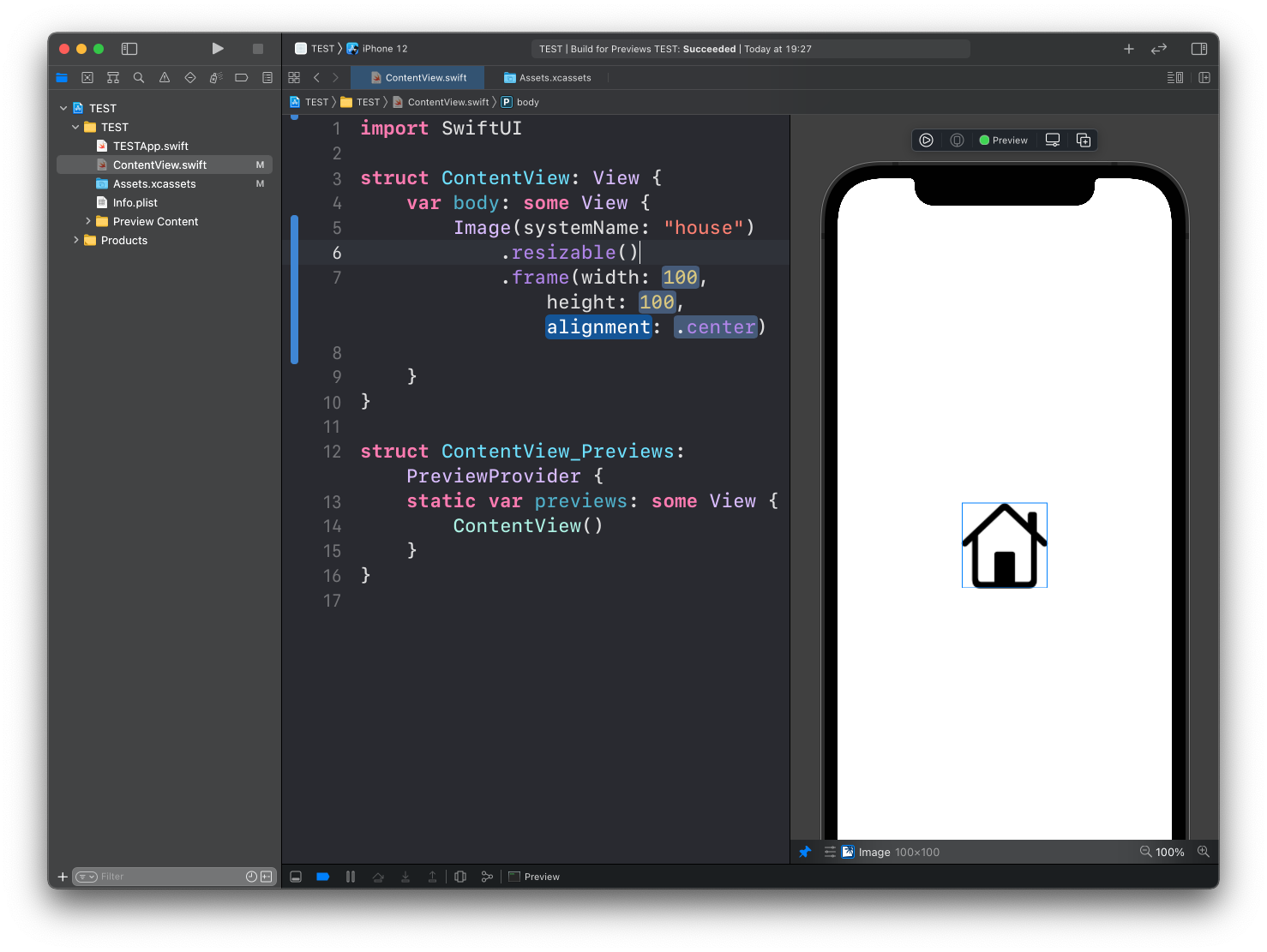
The Image view has a set of modifiers you can use, including:
.resizable()to make the image resizable and fit the.frame()dimensions.frame()to set its width/height.clipShape()to set a clipping shape.border()to set the color of the border.overlay()to layer another view in front of it.aspectRatio()to set the aspect ratio.clipped()to cut off the image outside of the frame
Example:
Lessons in this unit:
| 0: | Introduction |
| 1: | Button View |
| 2: | Label |
| 3: | ▶︎ Images |
| 4: | List |
| 5: | ForEach |
| 6: | Alert |
| 7: | Formatting Decimals in Text |