Join the AI Workshop and learn to build real-world apps with AI. A hands-on, practical program to level up your skills.
The ForEach view in SwiftUI is very useful to iterate over an array, or a range, and generate views that we can use.
For example, here we create 3 Text views that print the numbers from 0 to 2:
ForEach(0..<3) {
    Text("\($0)")
}
$0is the first argument passed to the closure, which in this case is (in order) the number 0, 1, and 2.
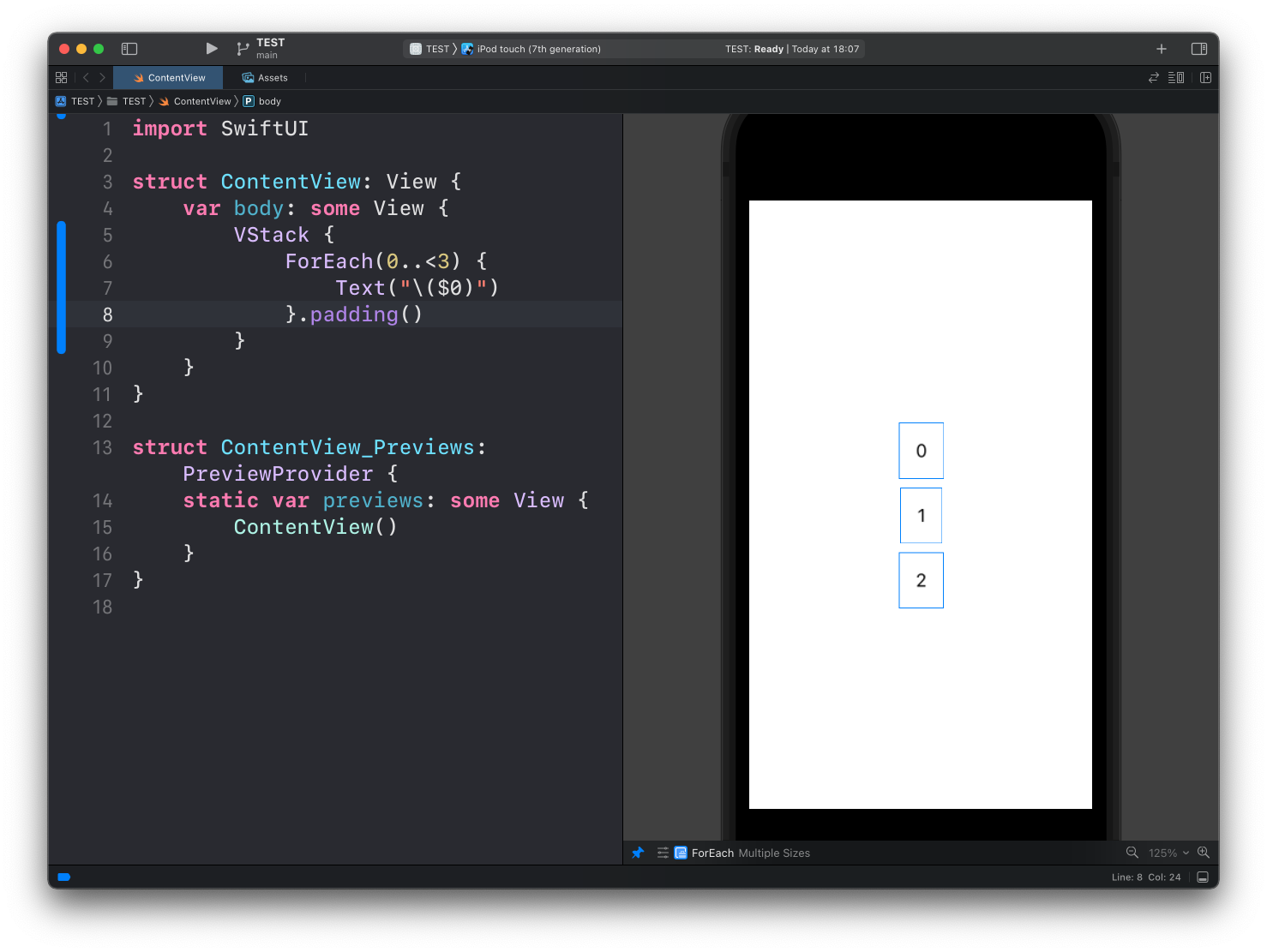
In this example I embed them in a VStack otherwise they would overlap:
VStack {
    ForEach(0..<3) {
        Text("\($0)")
    }.padding()
}
Notice how I used the
padding()modifier to add some spacing
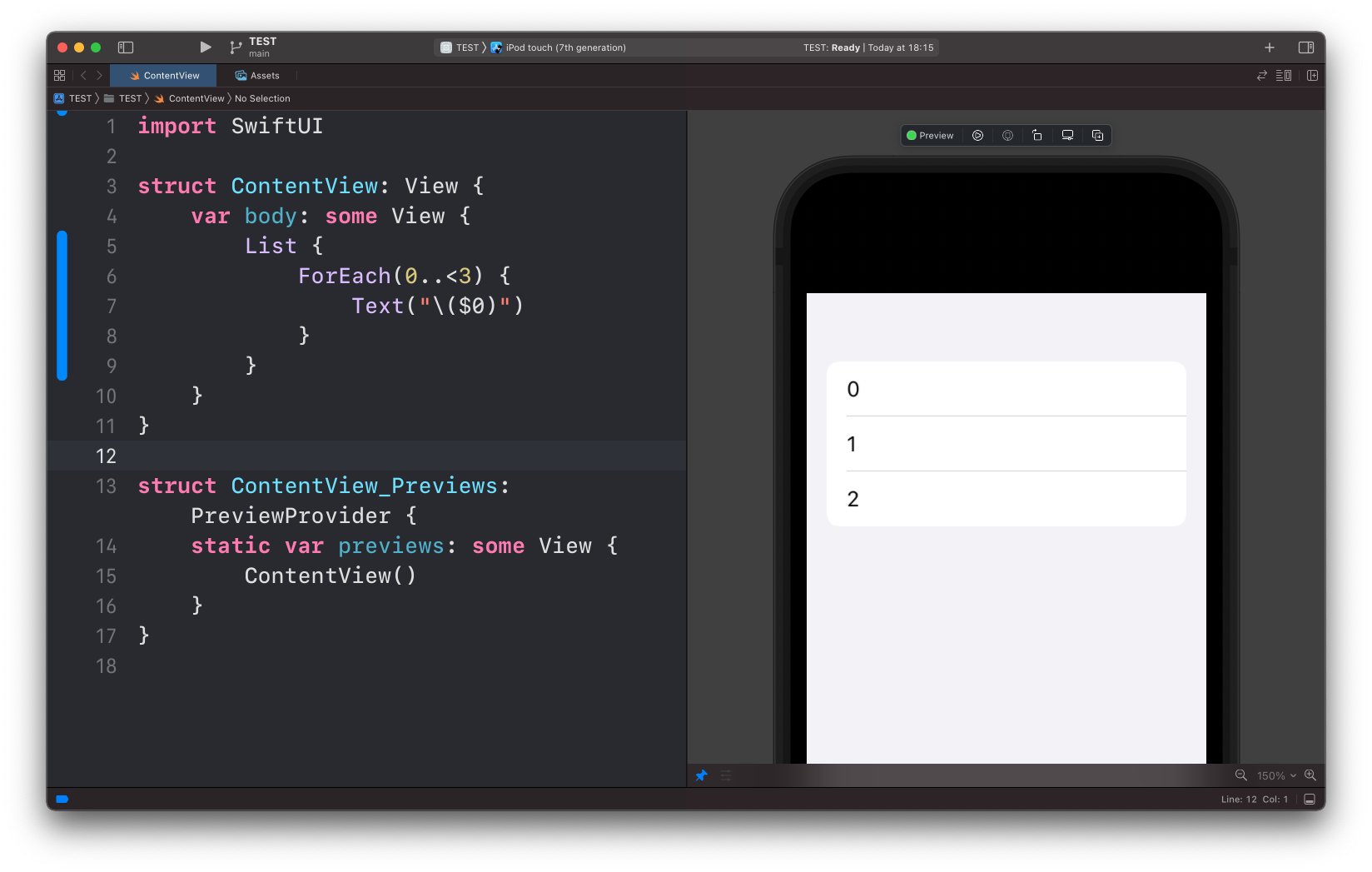
A common way to use ForEach is inside a List view:
List {
    ForEach(0..<3) {
        Text("\($0)")
    }
}
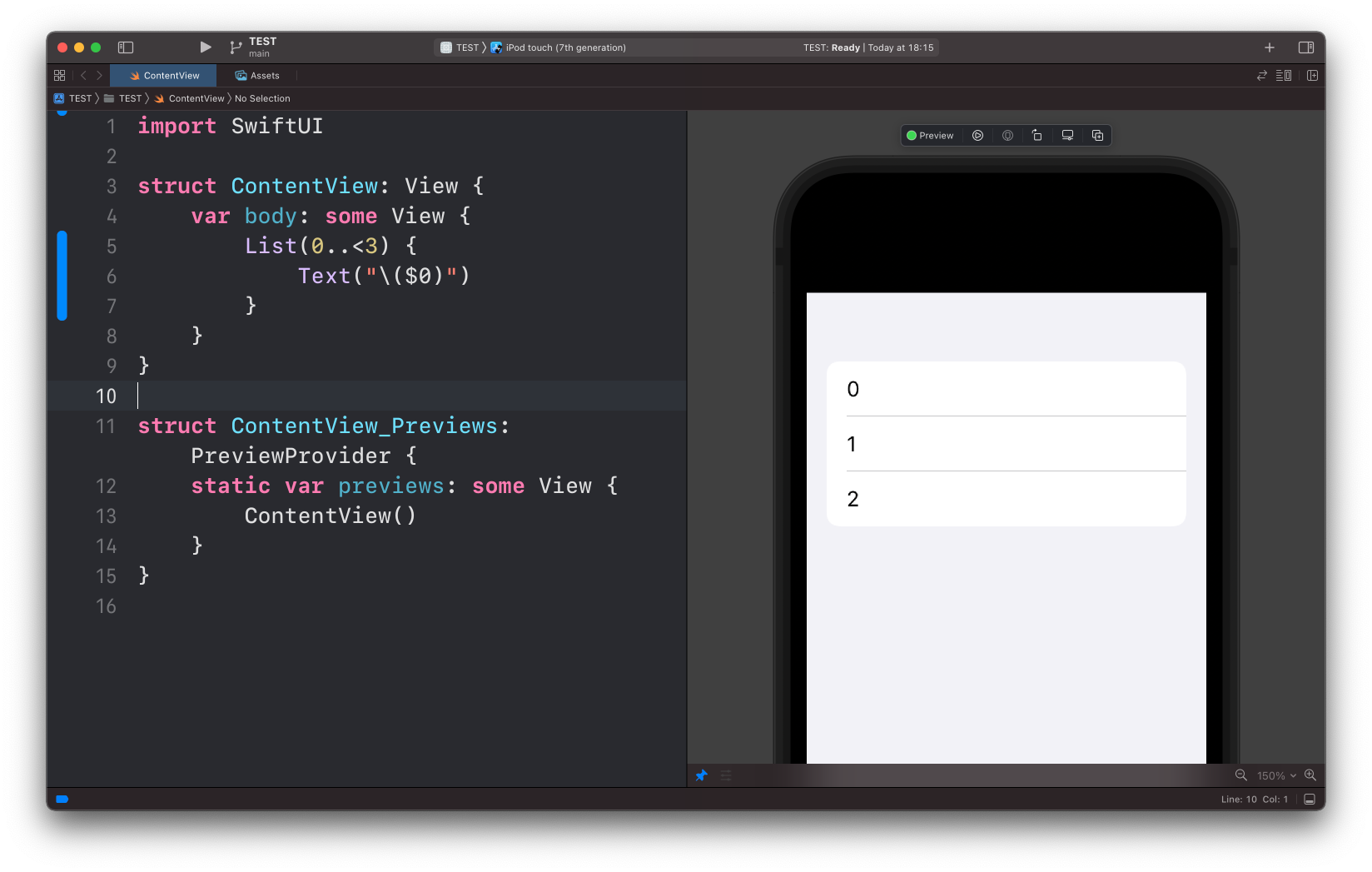
This is such a common thing to do that we can actually omit ForEach and iterate directly from List:
List(0..<3) {
    Text("\($0)")
}
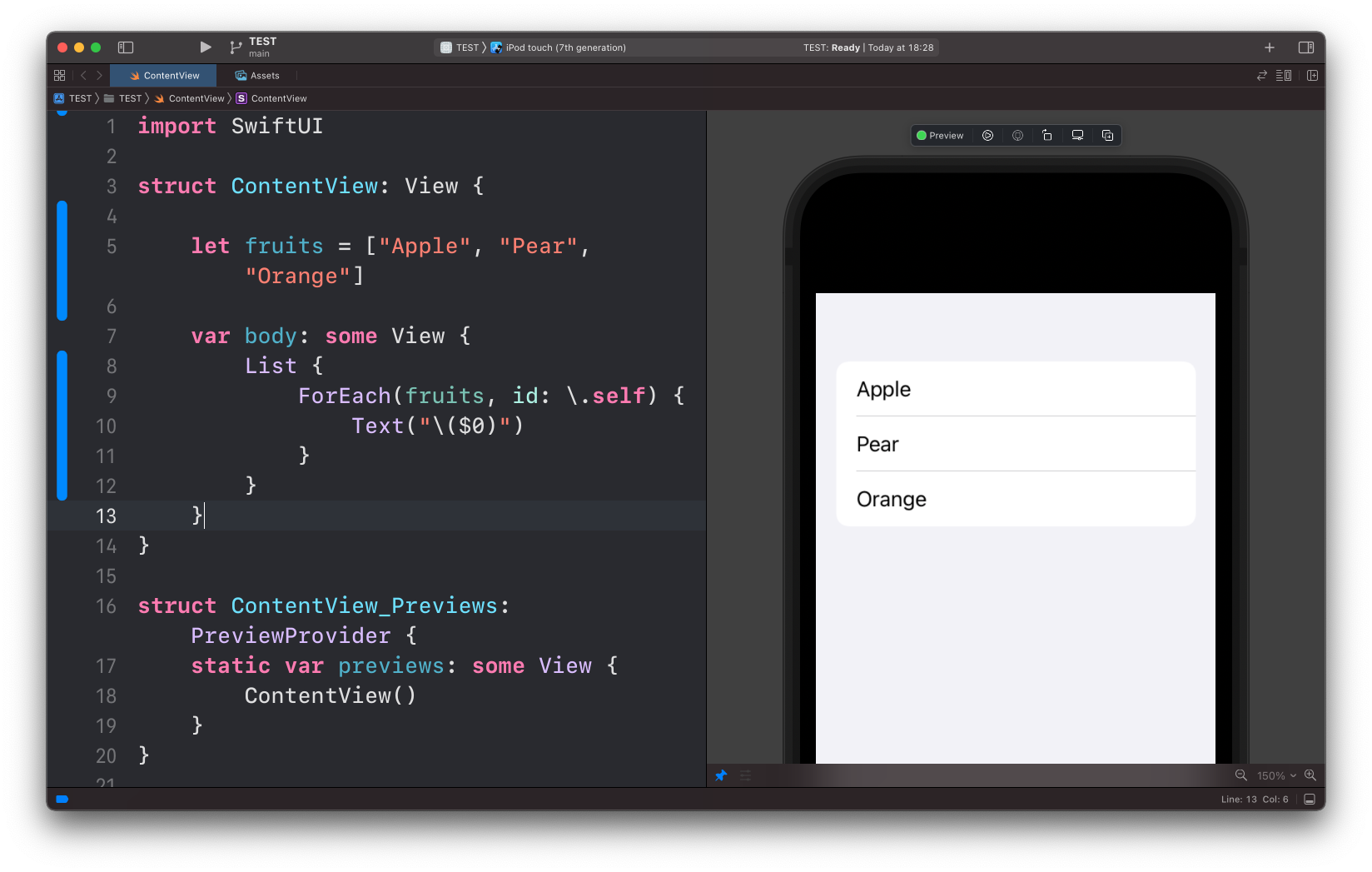
Those 2 examples used a range 0..<3. We can iterate over an array too:
let fruits = ["Apple", "Pear", "Orange"]

//...

List {
    ForEach(fruits, id: \.self) {
        Text("\($0)")
    }
}
Notice how in this case we have another parameter: id.
This is to uniquely identify the item in the array.
Using \.self for id works for built-in types. When iterating over a custom struct, you’ll need it to conform to the Identifiable protocol or provide a unique identifier.
Lessons in this unit:
| 0: | Introduction |
| 1: | Button View |
| 2: | Label |
| 3: | Images |
| 4: | List |
| 5: | ▶︎ ForEach |
| 6: | Alert |
| 7: | Formatting Decimals in Text |