Join the AI Workshop and learn to build real-world apps with AI. A hands-on, practical program to level up your skills.
You can add any property to any SwiftUI view, like this:
import SwiftUI

struct ContentView: View {
    let name = "Flavio"

    var body: some View {
        Text("Hello, \(name)!")
            .font(.largeTitle)
    }
}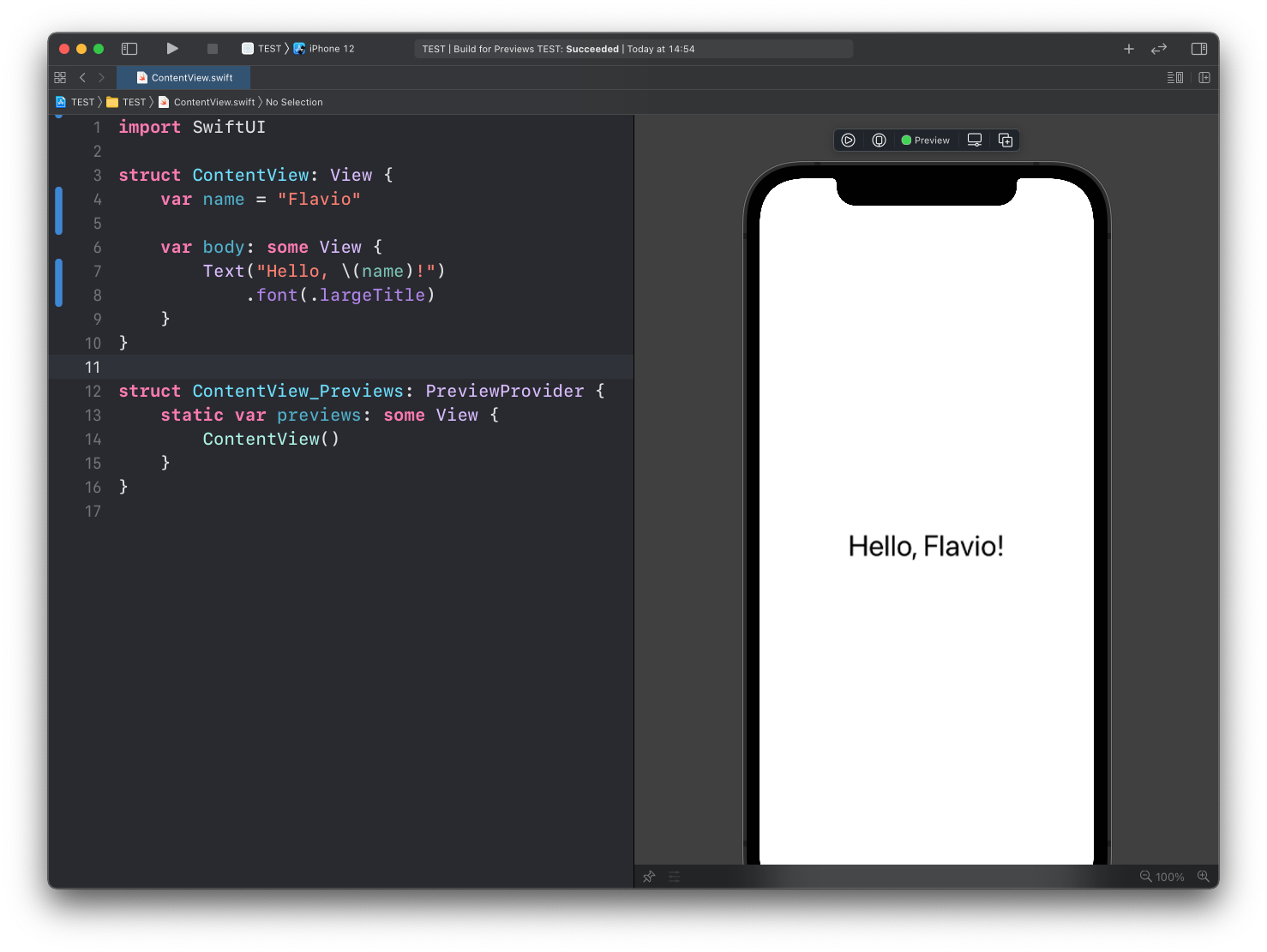
See how I used let because the property is a constant.
Note this, because later we’ll see how to update a property value by tapping a button.
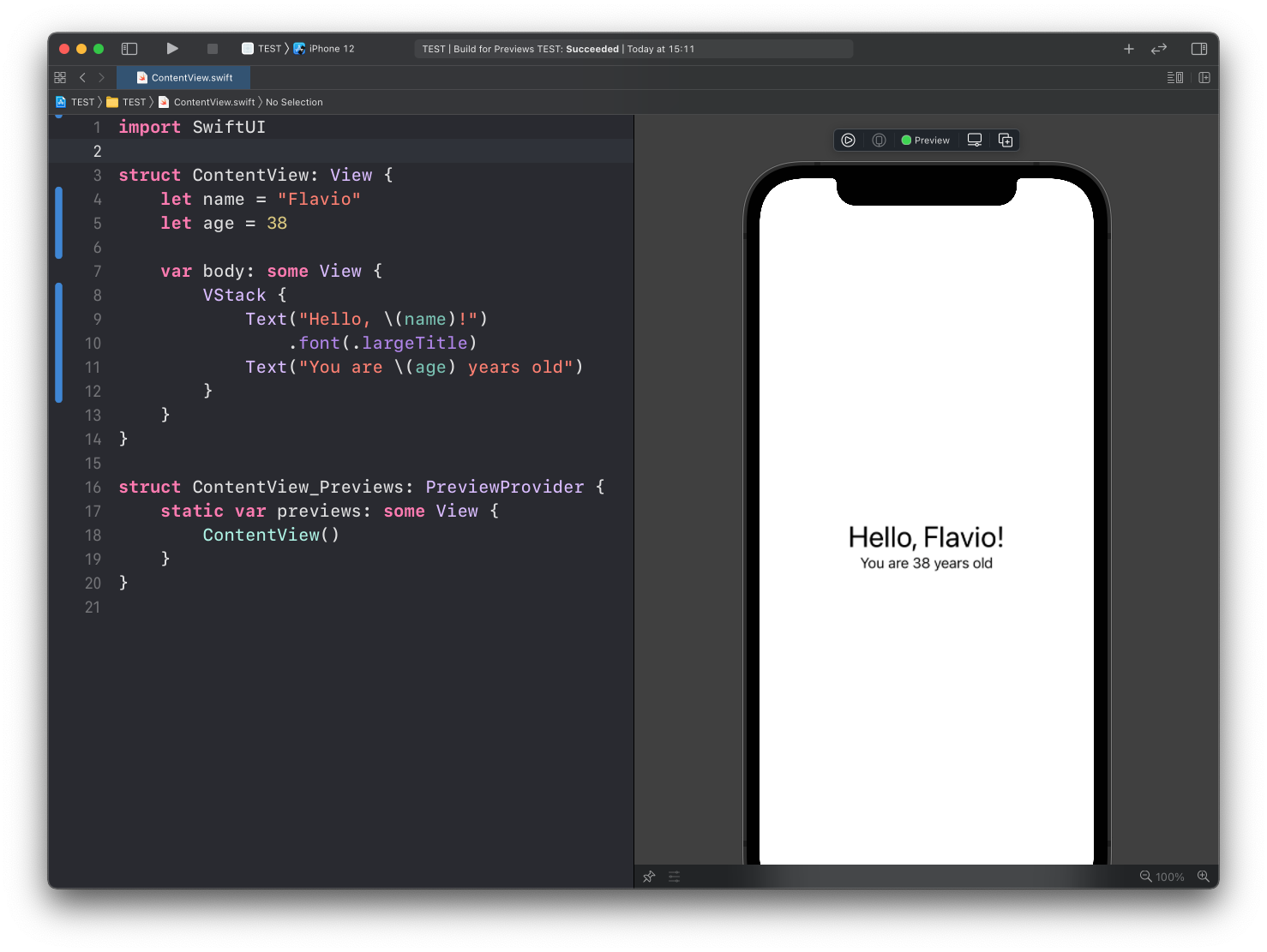
Here is another example with an integer variable:
import SwiftUI

struct ContentView: View {
    let name = "Flavio"
    let age = 38

    var body: some View {
        VStack {
            Text("Hello, \(name)!")
                .font(.largeTitle)
            Text("You are \(age) years old")
        }
    }
}
Lessons in this unit:
| 0: | Introduction |
| 1: | Introduction to SwiftUI |
| 2: | Views and Modifiers |
| 3: | ▶︎ Properties |
| 4: | Stacks |
| 5: | Spacing |
| 6: | Conditional Views |