Join the AI Workshop and learn to build real-world apps with AI. A hands-on, practical program to level up your skills.
One common thing to do in a form is to have a toggle and when that toggle is enabled, show a bunch of additional options.
You can see this all the time in the Settings app, for example when you enable WiFi.
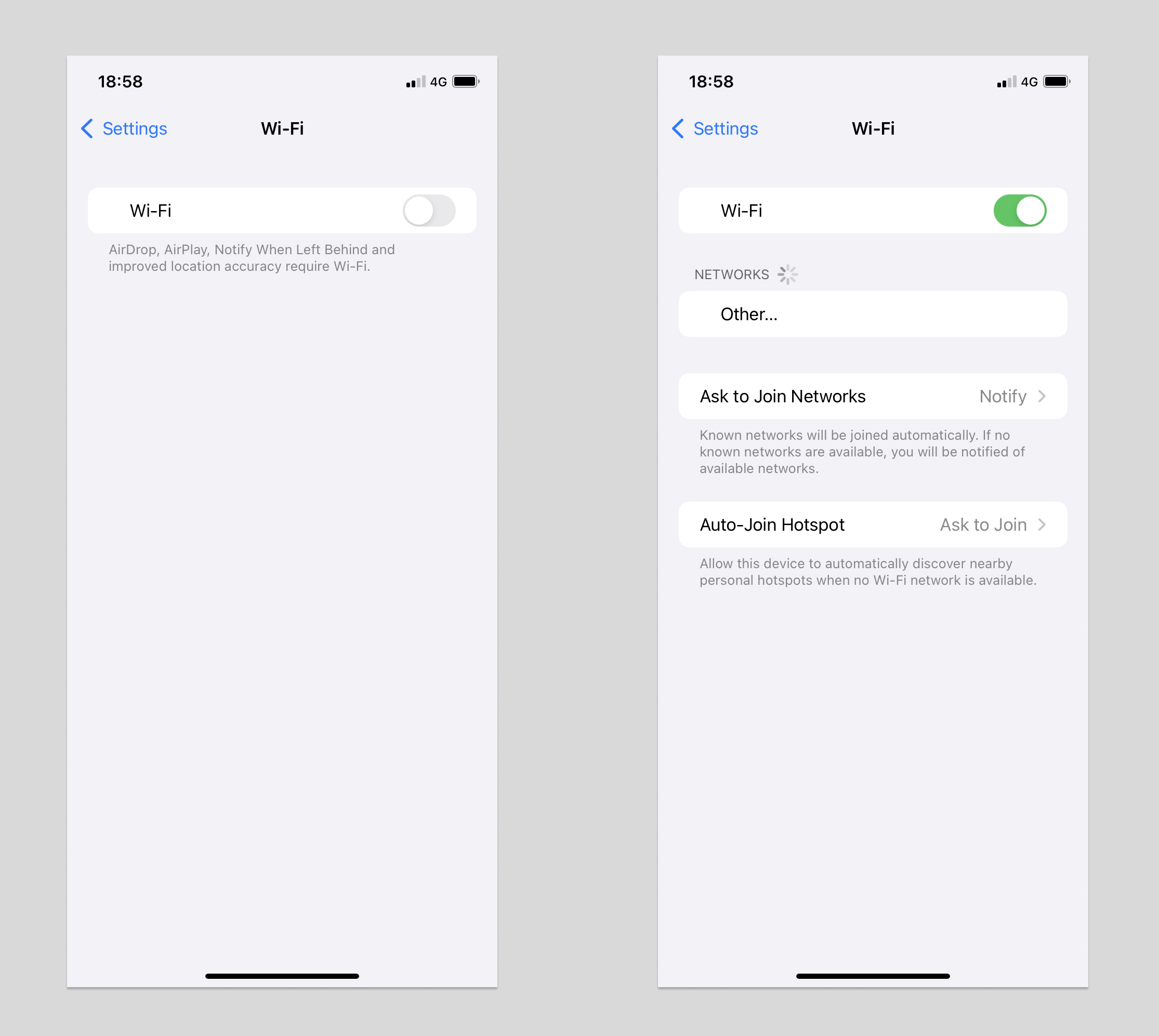
How can you do that?
First create a Form view with a Toggle control:
struct ContentView: View {
    @State private var enabled = false

    var body: some View {
        Form {
            Toggle("Enable?", isOn: $enabled)
        }
    }
}
Then add this block after the Toggle view:
if enabled {
    Section {
        Text("This appears only if enabled")
    }
}
like this:
struct ContentView: View {
    @State private var enabled = false

    var body: some View {
        Form {
            Toggle("Enable?", isOn: $enabled)

            if enabled {
                Section {
                    Text("This appears only if enabled")
                }
            }
        }
    }
}
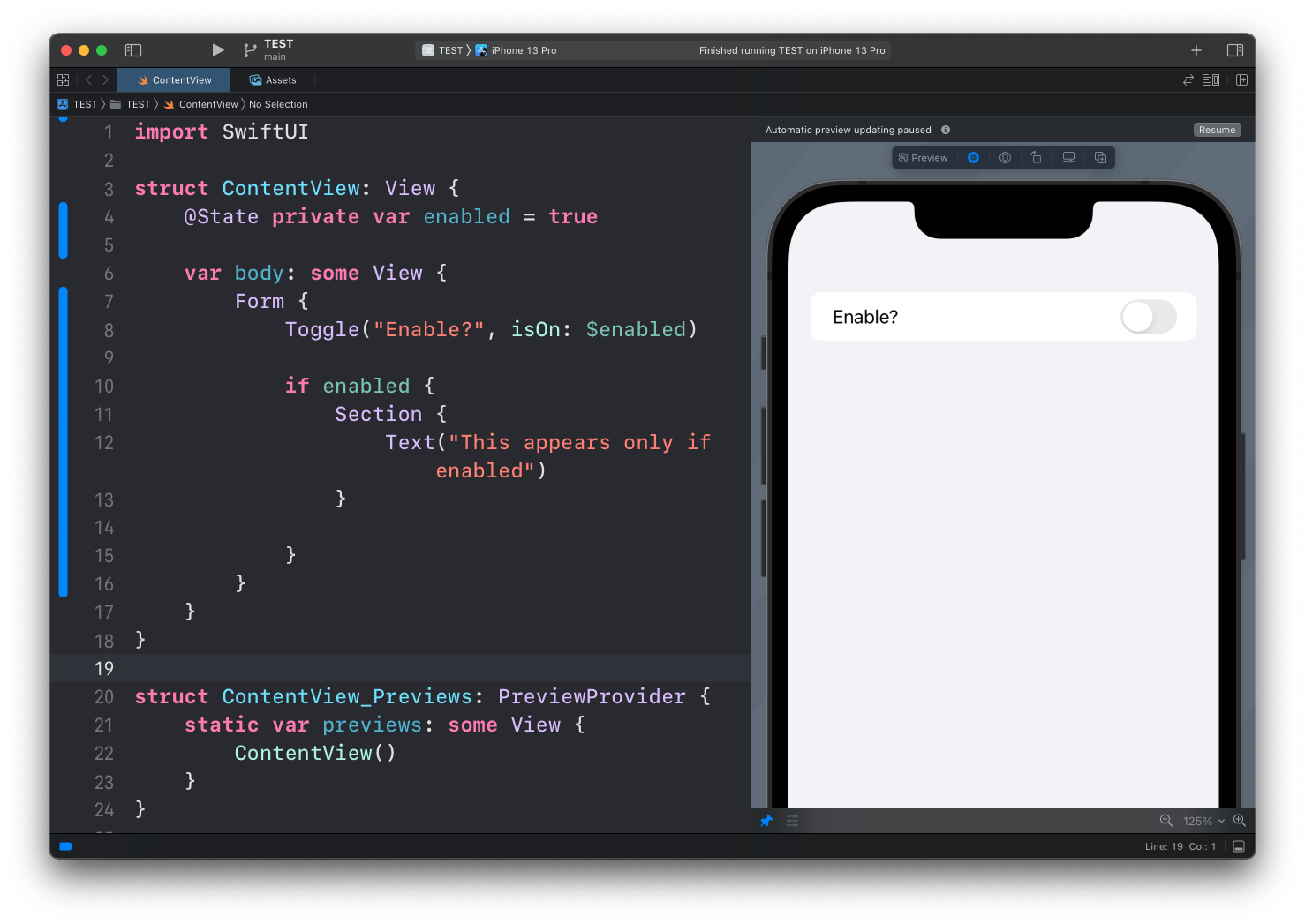
Now with the toggle disabled, the Text view will not be visible:
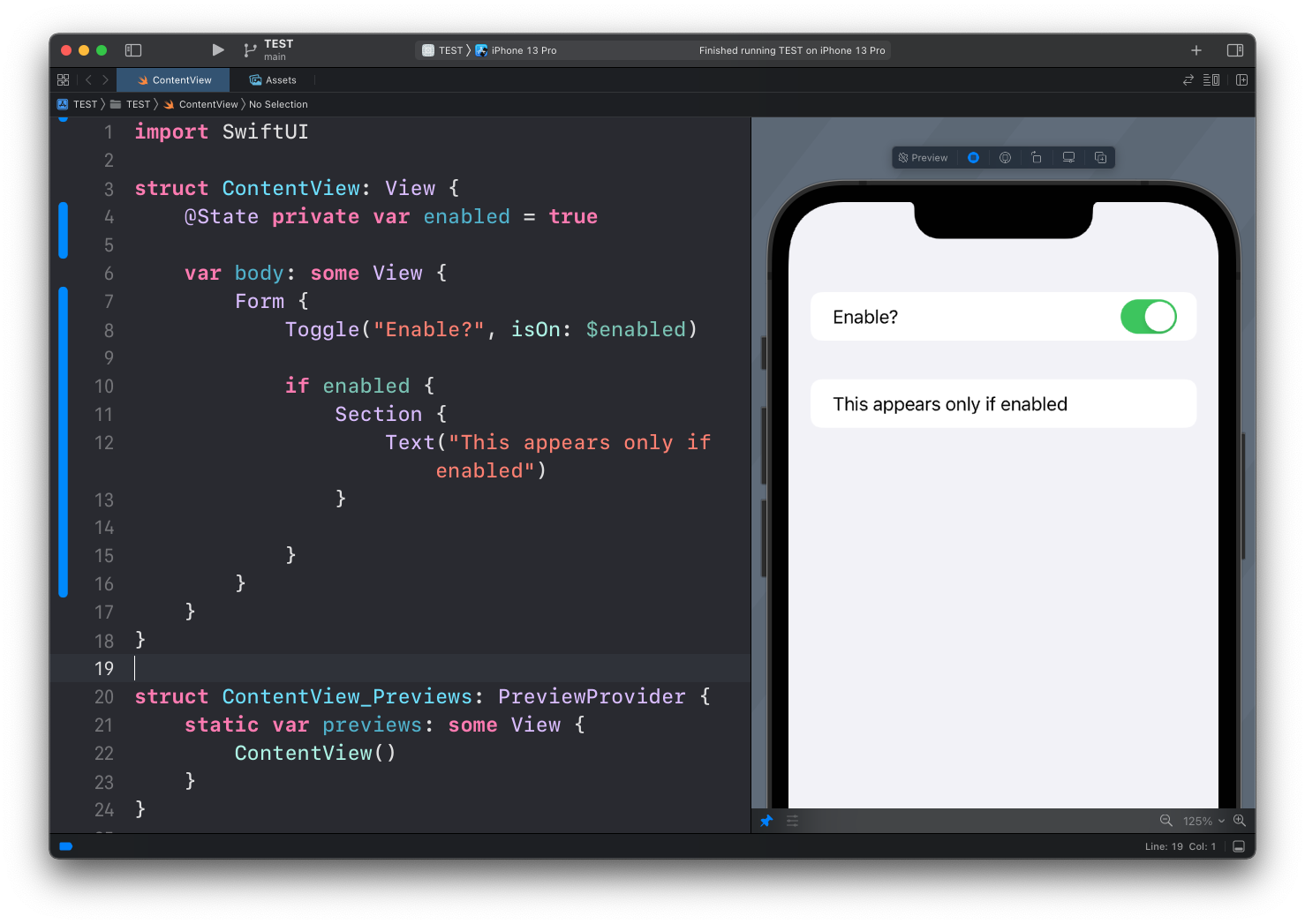
But when you enable the toggle, it appears:
Lessons in this unit:
| 0: | Introduction |
| 1: | Introduction to SwiftUI |
| 2: | Views and Modifiers |
| 3: | Properties |
| 4: | Stacks |
| 5: | Spacing |
| 6: | ▶︎ Conditional Views |