Join the AI Workshop and learn to build real-world apps with AI. A hands-on, practical program to level up your skills.
Every year in June, Apple organizes WWDC, its developers’ conference.
On that date they announce their new operating systems and programming language updates.
This means new iOS, new macOS, new iPadOS, watchOS, tvOS. And a new Swift update, along with framework updates and maybe new frameworks too. And a new Xcode release.
The first public beta is then released to developers, and many different betas will be released for the entire summer, until they are made stable and publicly available, generally in October/November.
It’s generally recommended to stay away from beta software, especially on your main work device, but of course after you’re shown the wonders of the new releases, you want to see them in action. And perhaps if you have an app idea, you can start working on it. Or you want to update your apps and have them ready for the stable release.
I always skip the initial betas on my production Mac / main iPhone/iPad, just to be sure nothing major happens, but later betas are usually very usable.
To get access to the new iOS, iPadOS, and watchOS betas, go to the Apple Beta Software Program website and in particular to the Enroll Your Devices page.
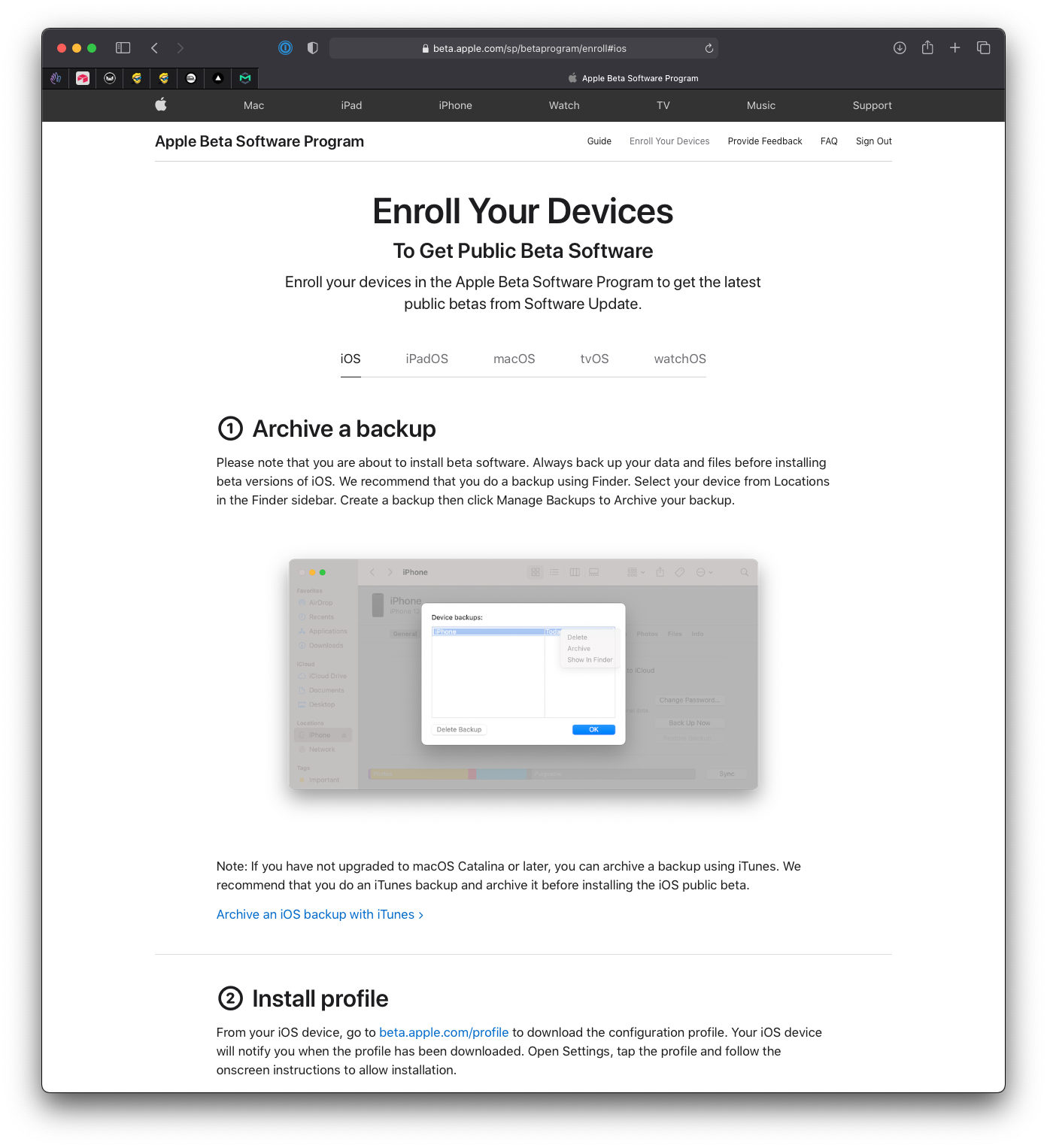
For those, you don’t need any Apple Developer Program membership.
But for macOS and Xcode—so you can write apps in the updated Swift version—you need a membership.
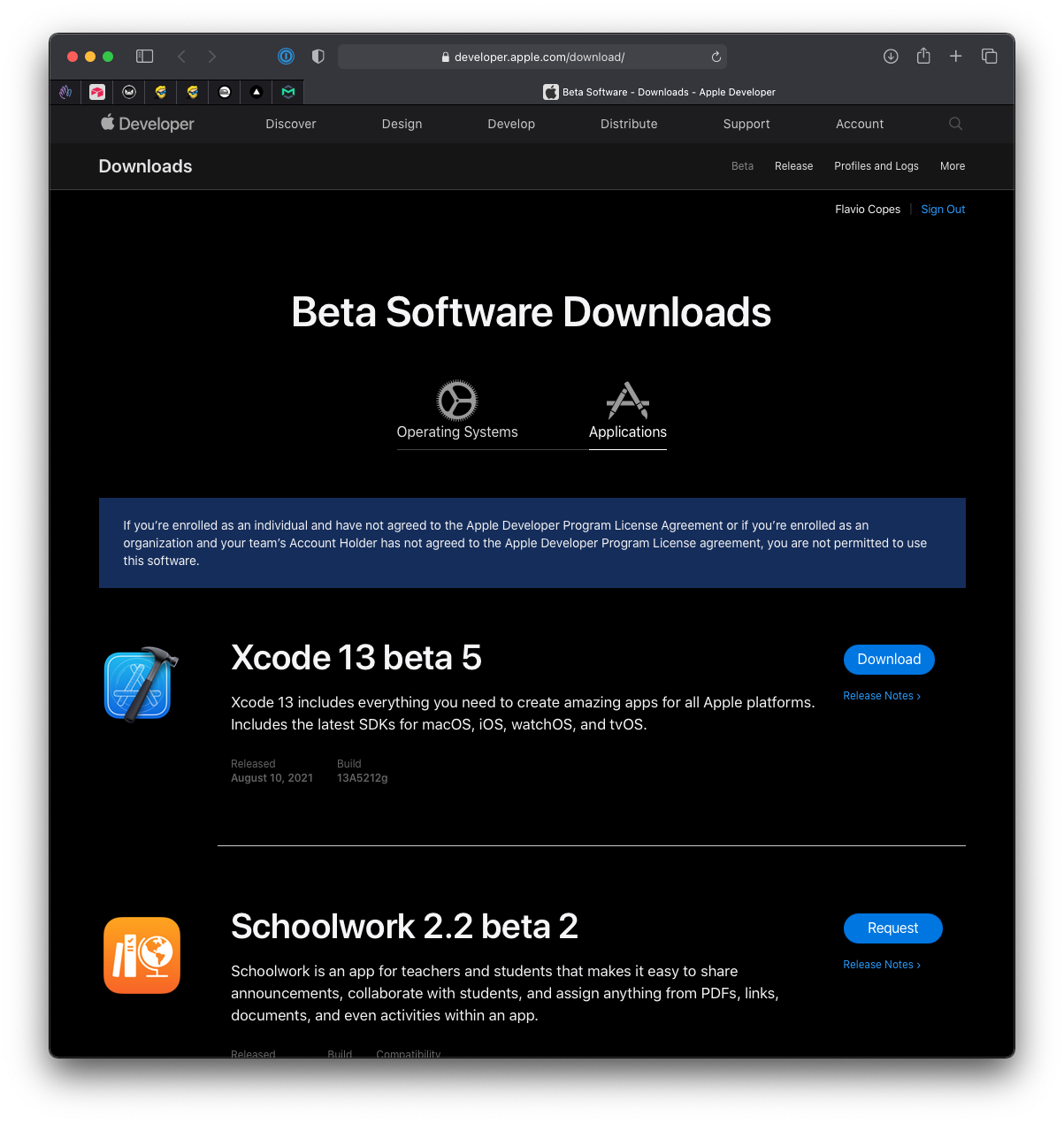
With the membership, you log in and access the Beta Software Downloads page and you’ll be able to see the Beta Operating Systems downloads:
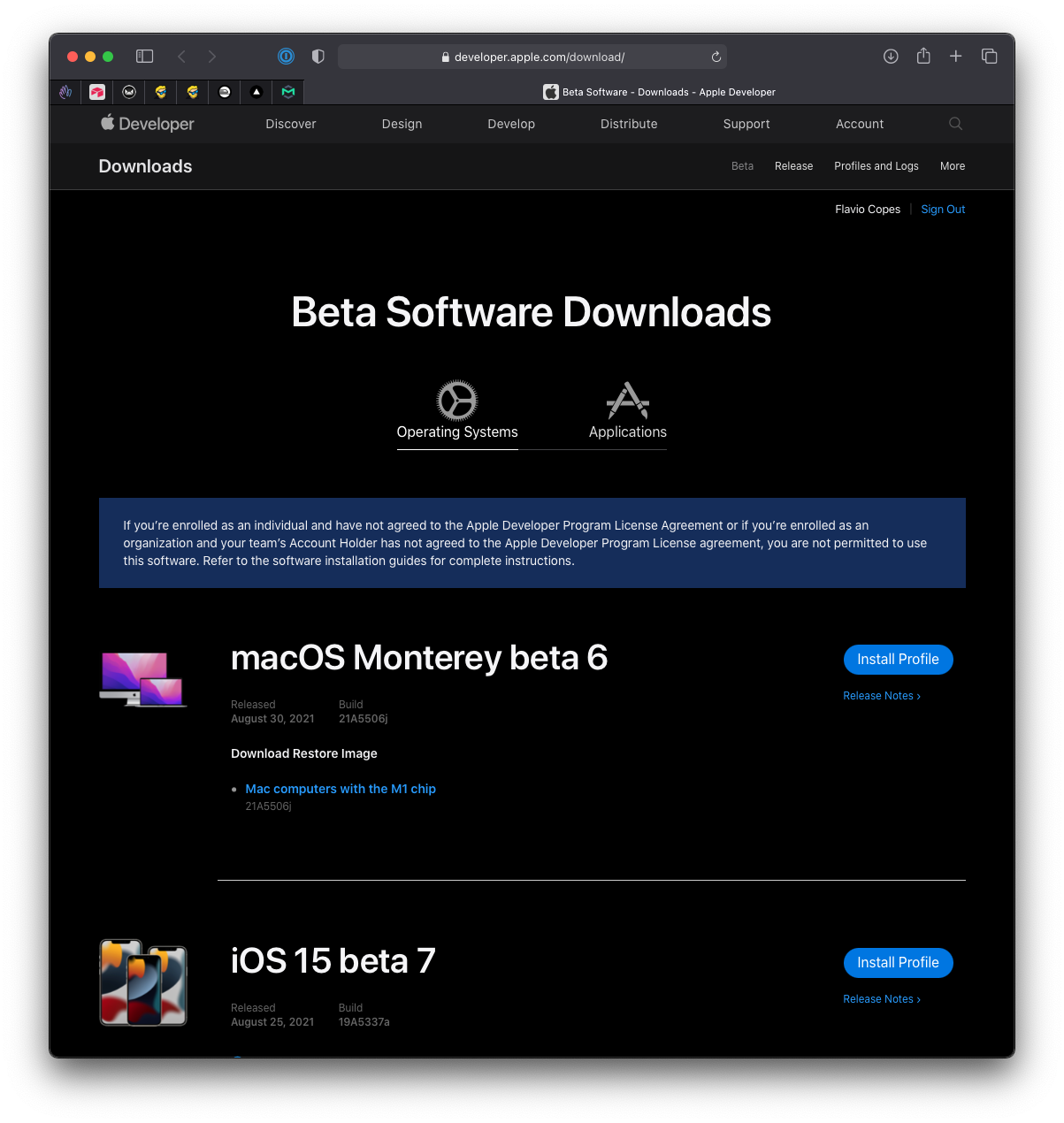
and the Beta Applications downloads: