Join the AI Workshop and learn to build real-world apps with AI. A hands-on, practical program to level up your skills.
You can get data out of tables using the SELECT command.
Get all rows and columns:
SELECT * FROM people;This is a query.
You can see the result below:
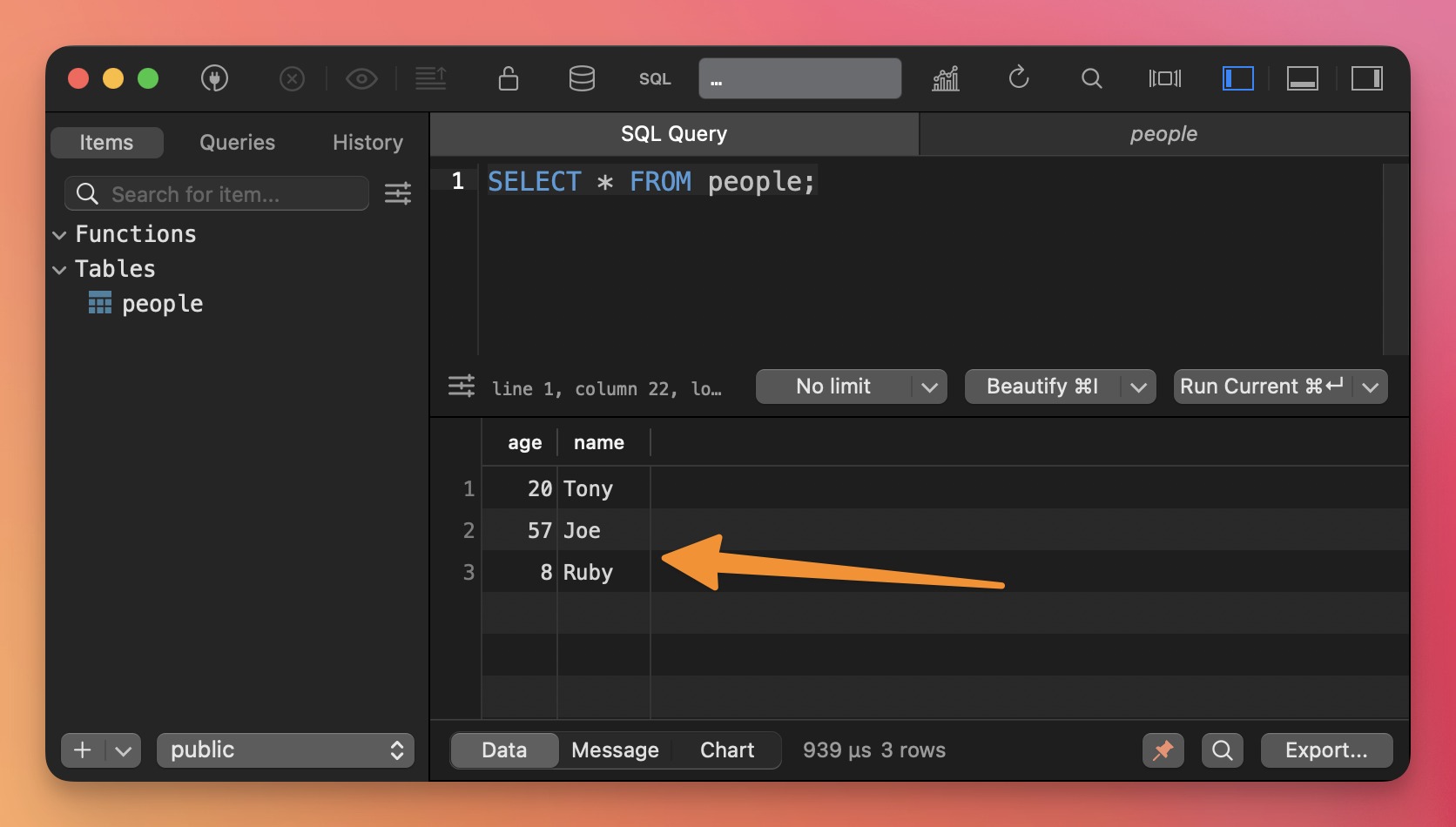
You can use this tool to get any data out of the database, combine multiple tables, filter data… it’s super powerful.
Let’s do a few examples.
Get only the name column:
SELECT name FROM people;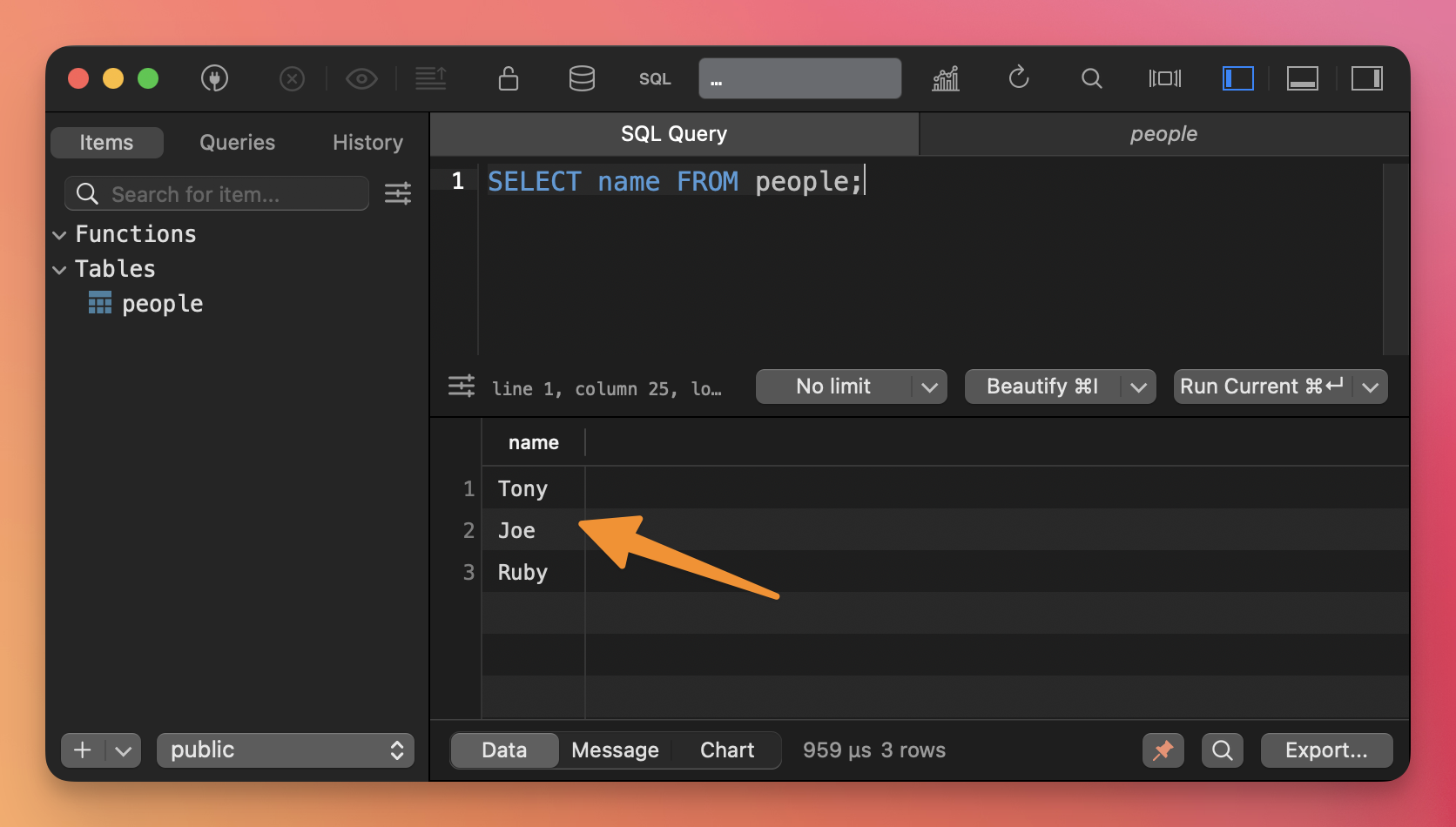
Count the items in the table:
SELECT COUNT(*) FROM people;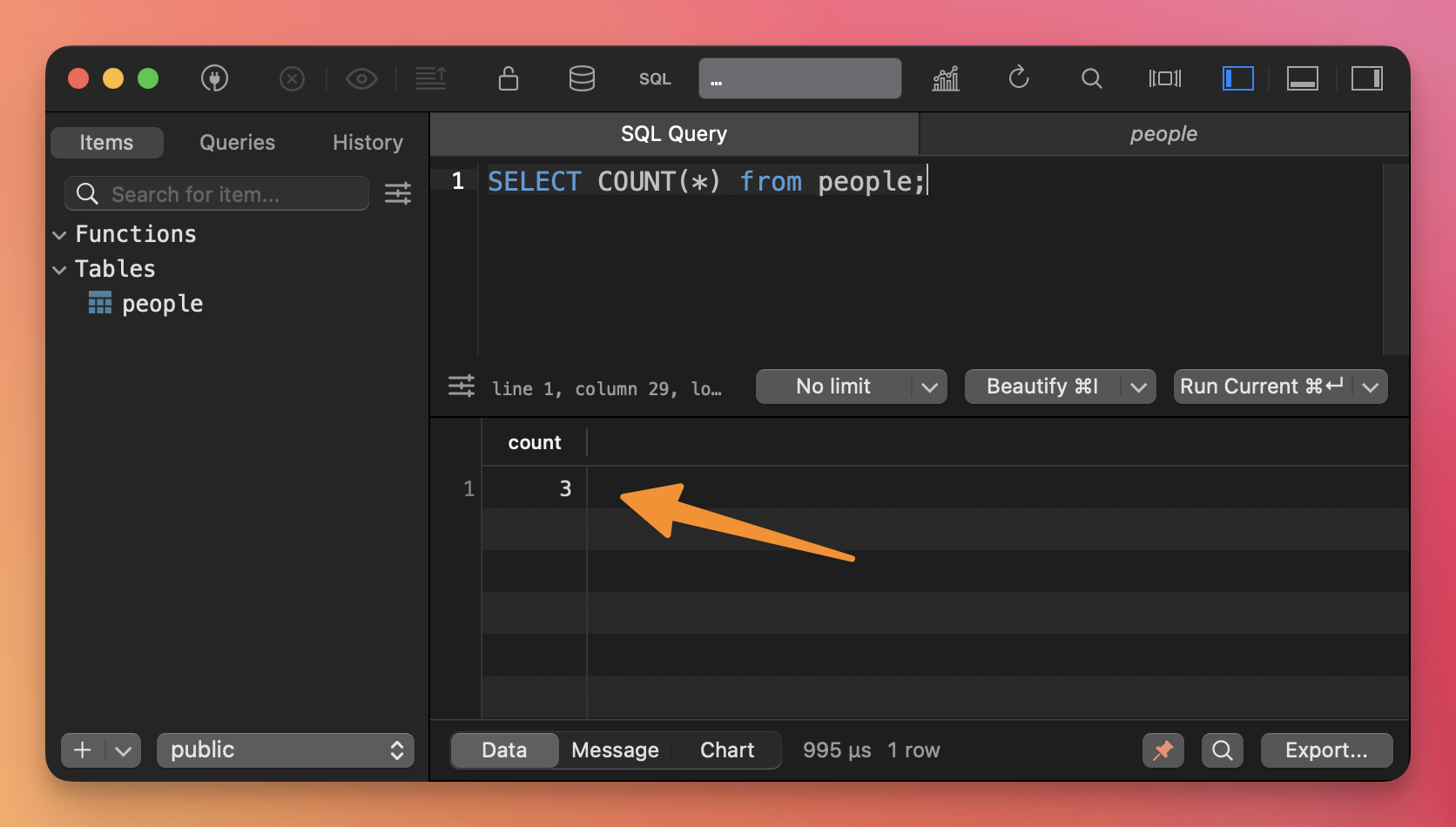
You can filter rows in a table adding the WHERE clause:
SELECT age FROM people WHERE name='Tony';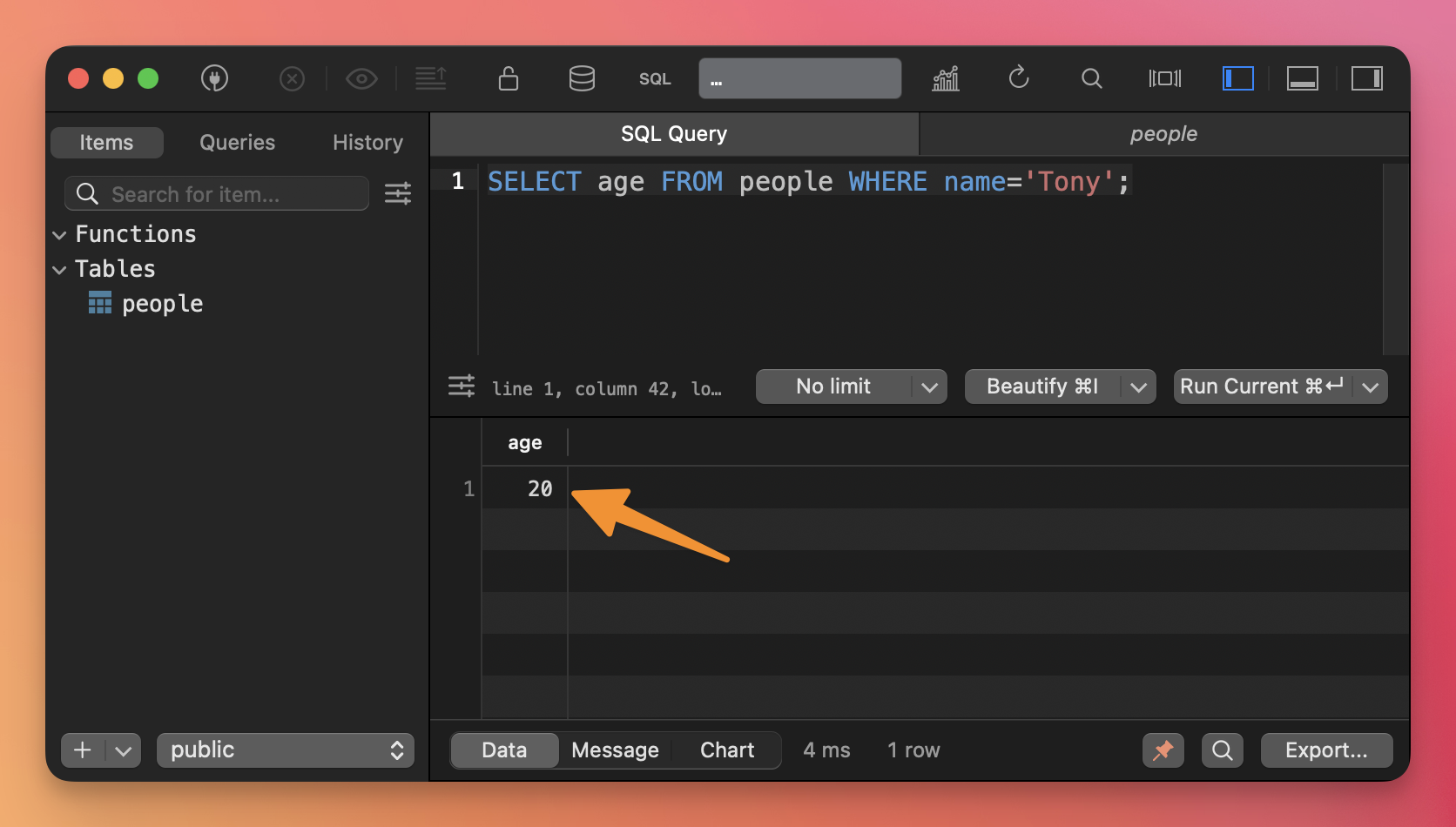
The results of a query can be ordered by column value, ascending (the default) or descending, using ORDER BY:
SELECT * FROM people ORDER BY name;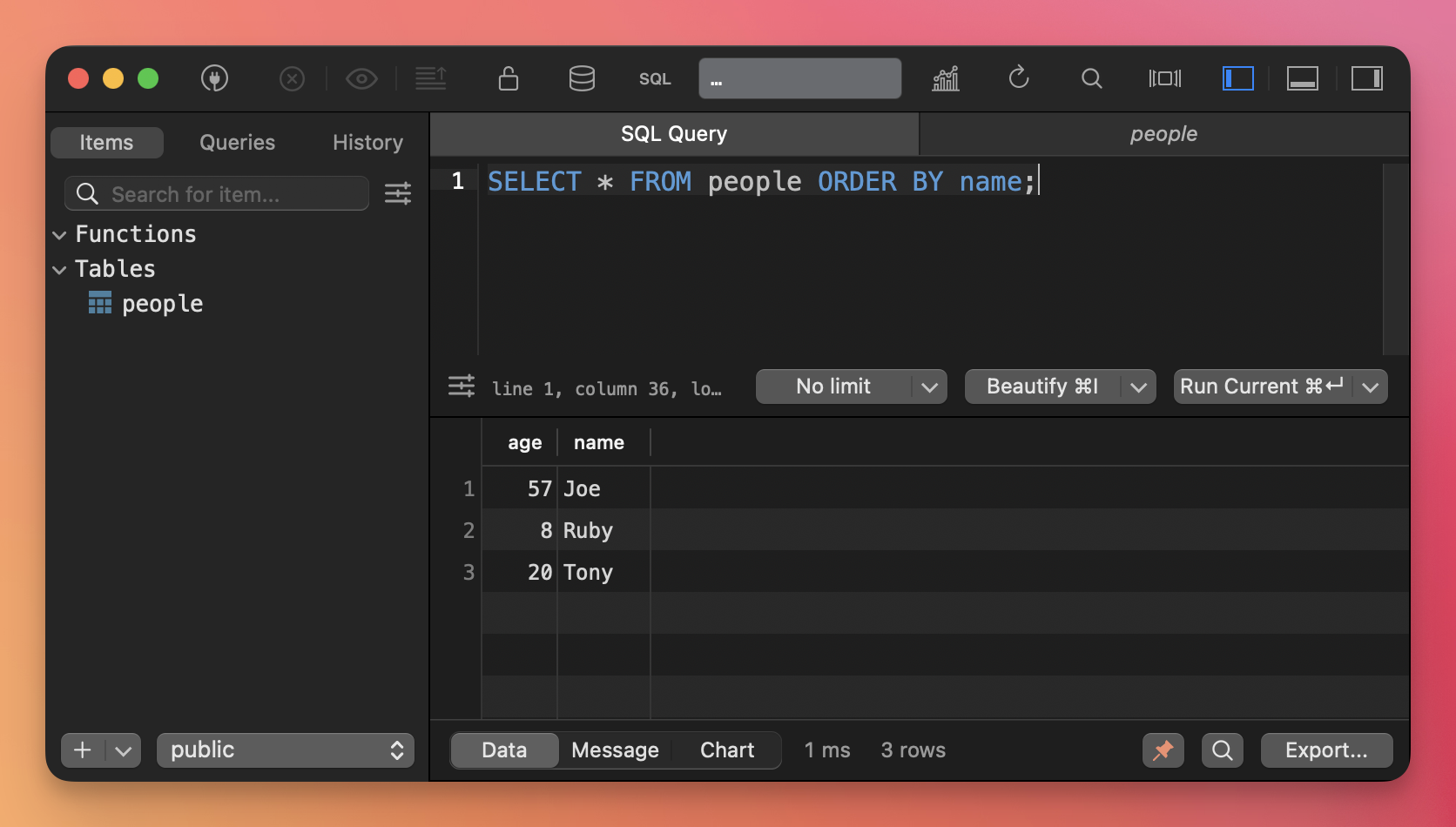
SELECT * FROM people ORDER BY name DESC;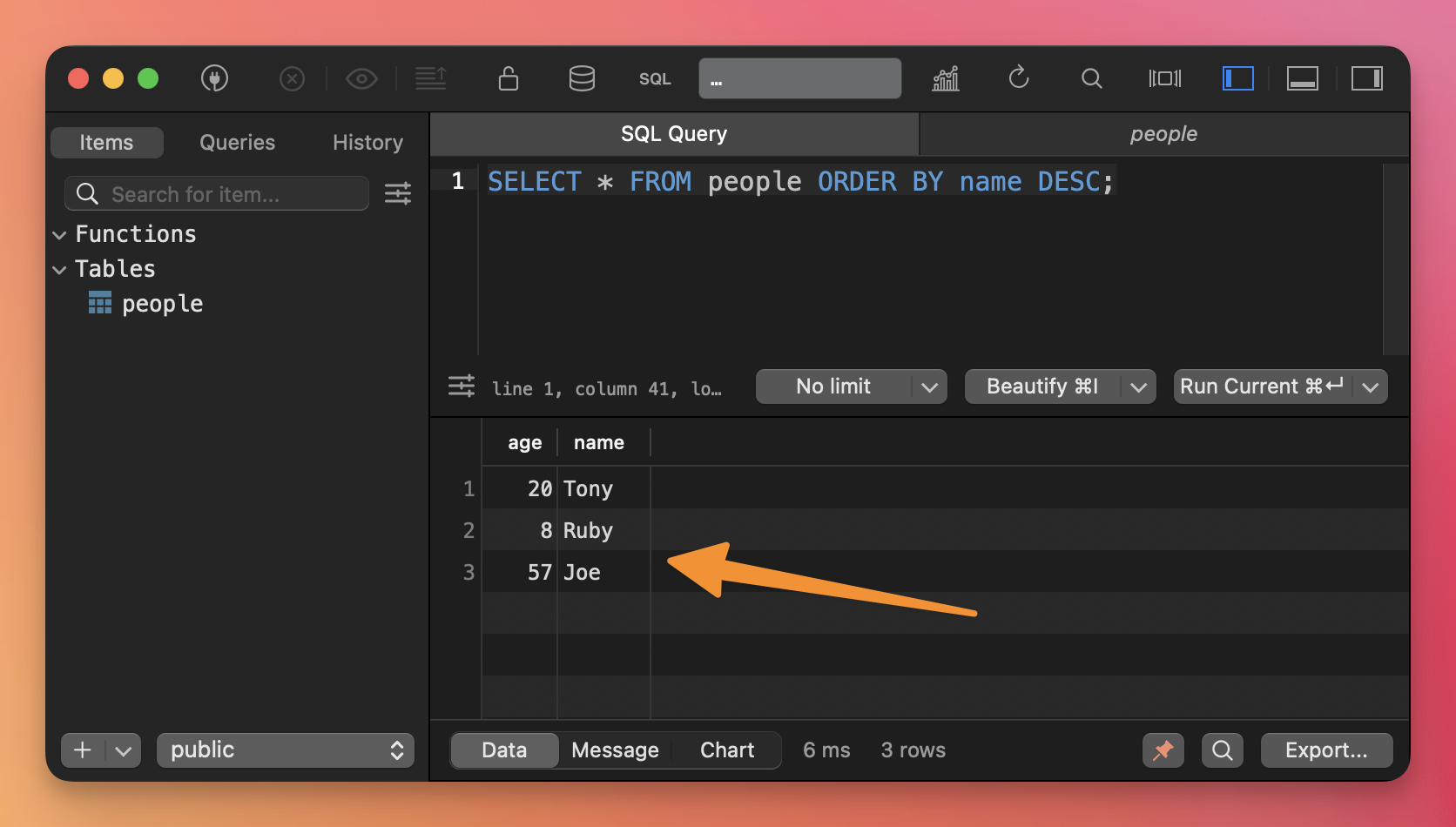
Use LIMIT to limit the number of results returned:
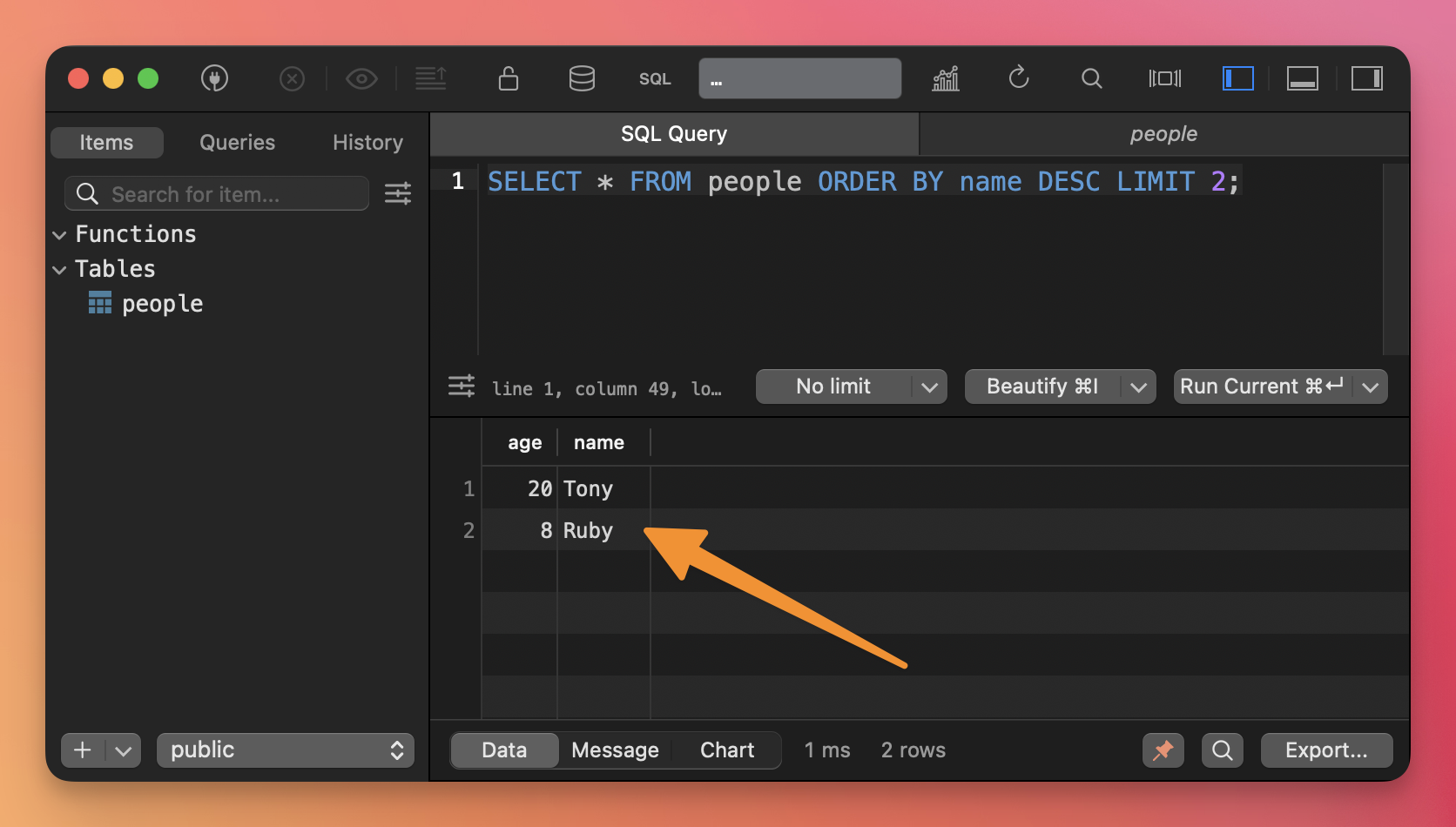
SELECT * FROM people ORDER BY name DESC LIMIT 2;