Join the AI Workshop and learn to build real-world apps with AI. A hands-on, practical program to level up your skills.
When we create a table in this way:
CREATE TABLE people (
  age INTEGER,
  name TEXT
);
SQL freely accepts empty values as records:
INSERT INTO people VALUES (null, null);This might be a problem, because now we have a row with null values:
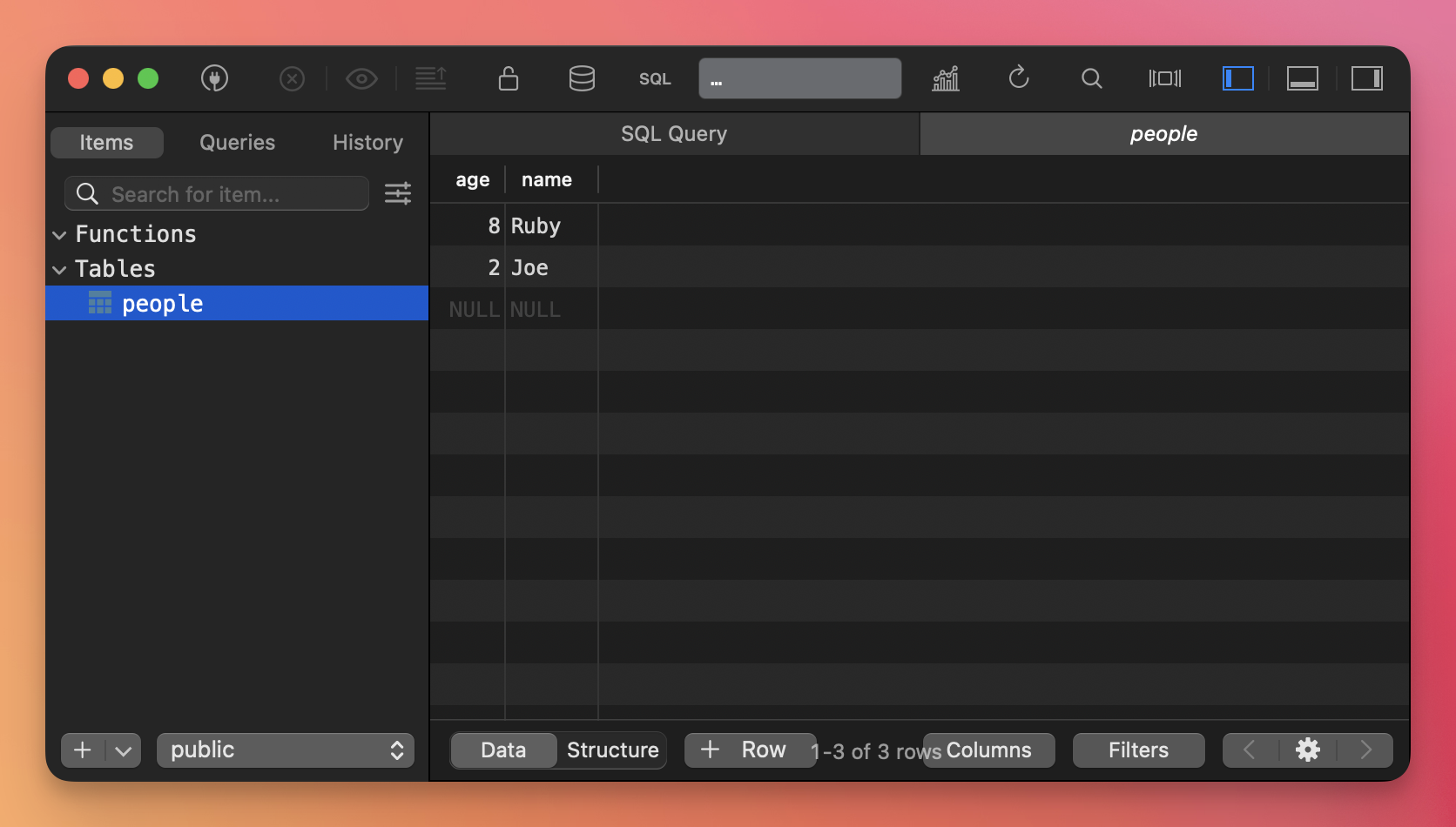
To solve this, we can declare constraints on our table columns. NOT NULL prevents null values:
DROP TABLE people;

CREATE TABLE people (
  age INTEGER NOT NULL,
  name TEXT NOT NULL
);
If we try to execute this query again:
INSERT INTO people VALUES (null, null);We’d get an error, like this:
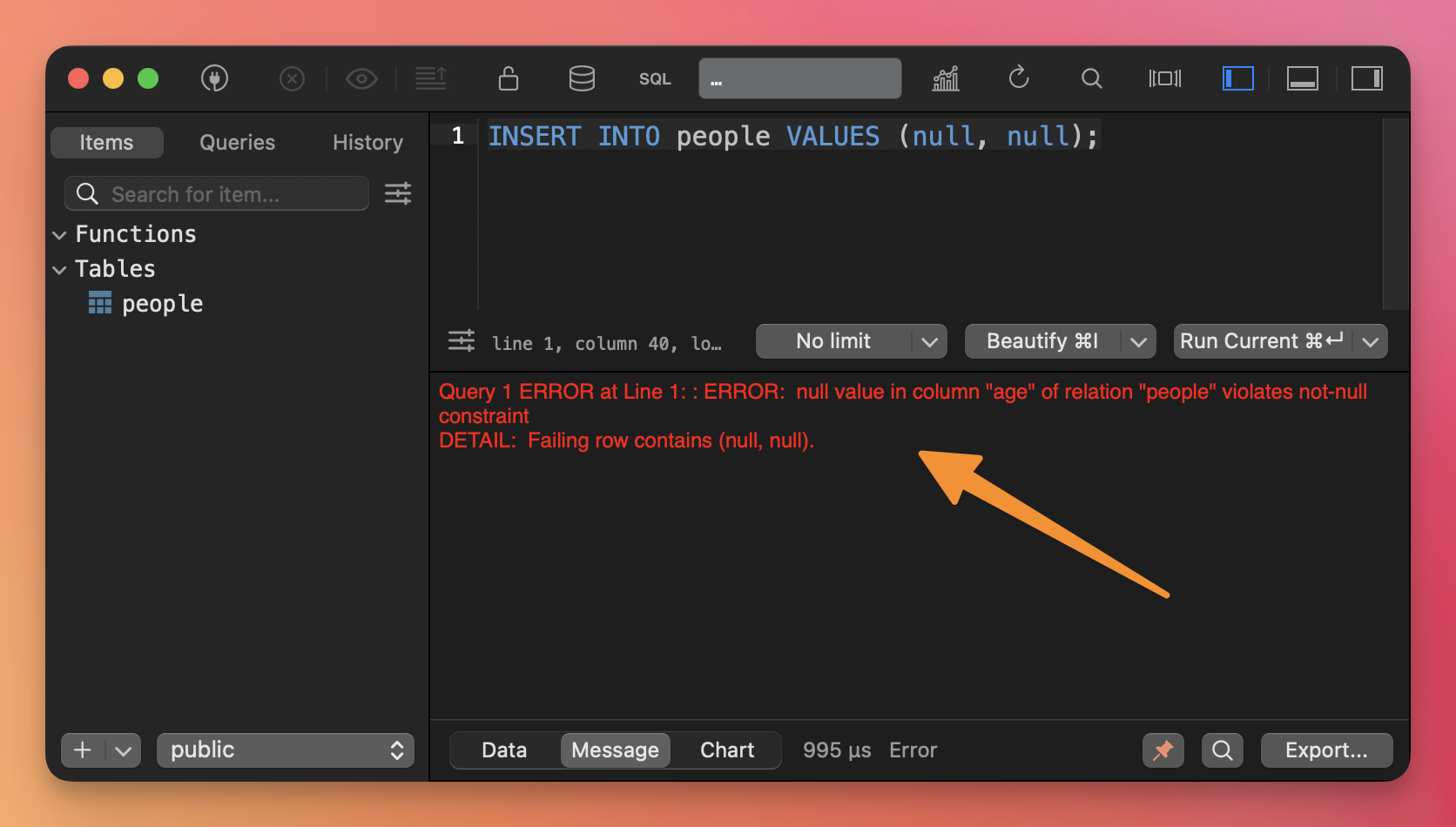
This is an example of the DBMS setting boundaries on the data we insert.
Very helpful for keeping the data clean.