Databases
SQL

0: Introduction
1: Using TablePlus
2: Create a Postgres database
3: Create a new table
4: Add data to a table
5: Query data with SELECT
6: ▶︎ Delete data from the database
7: Update data with UPDATE
8: Null constraints
9: Unique and primary keys
10: Updating a table structure
11: Joins

[← back to the Valley]

SQL: Delete data from the database

To remove data from a table, use the DELETE FROM command.

This deletes all rows:

DELETE FROM people;

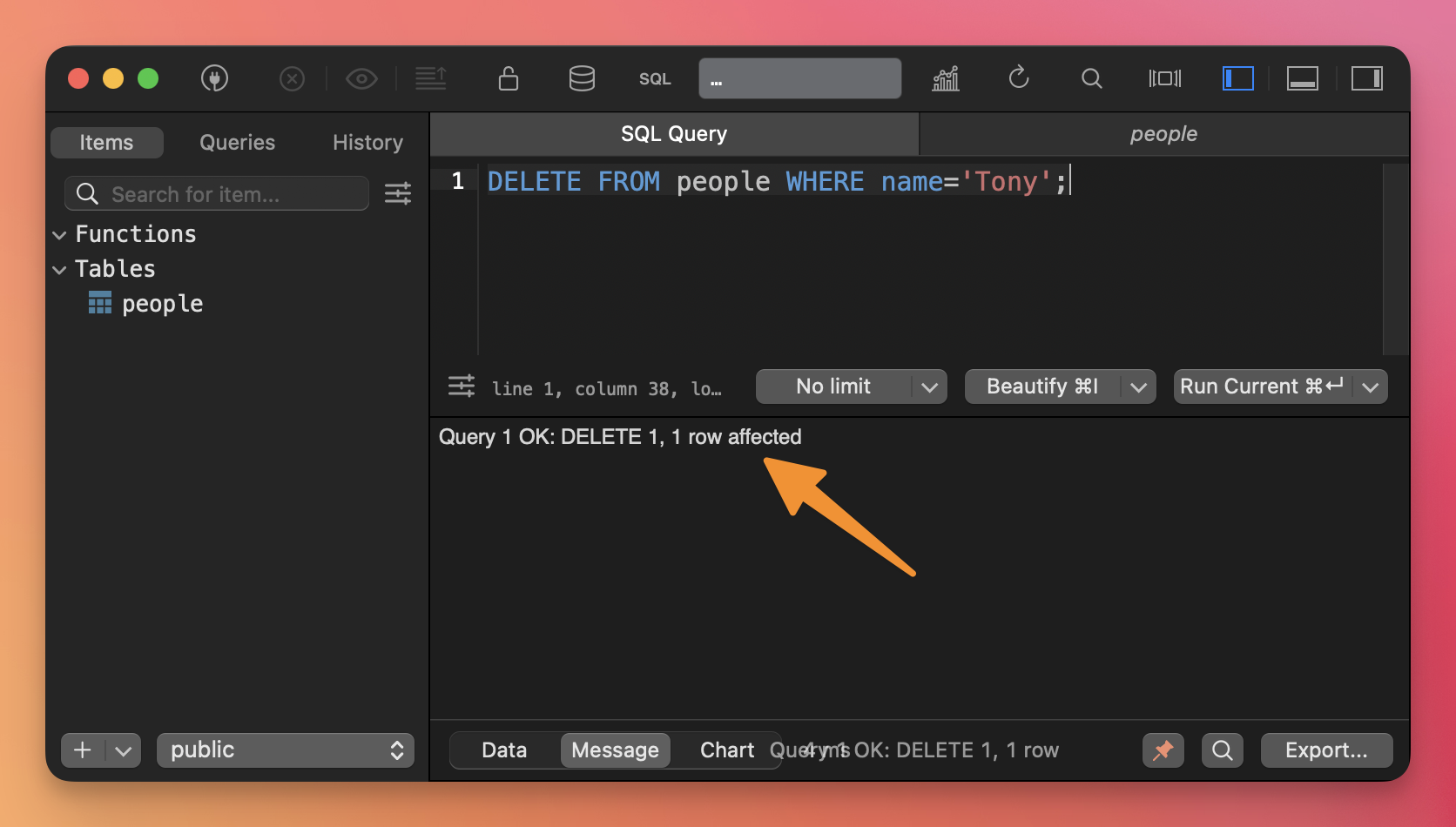
You can use the WHERE clause to only remove specific rows:

DELETE FROM people WHERE name='Tony';
To delete a table instead of the data inside the table, use the DROP TABLE command:

DROP TABLE people;
◀︎ Query data with SELECT
▶︎ Update data with UPDATE

Lessons in this unit:

0: Introduction
1: Using TablePlus
2: Create a Postgres database
3: Create a new table
4: Add data to a table
5: Query data with SELECT
6: ▶︎ Delete data from the database
7: Update data with UPDATE
8: Null constraints
9: Unique and primary keys
10: Updating a table structure
11: Joins

Join my AI Workshop!

The Web Development BOOTCAMP cohort starts in February 2026