Join the AI Workshop and learn to build real-world apps with AI. A hands-on, practical program to level up your skills.
Once you have a table, you can insert data into it.
Take the table we created in the previous lesson.
You can now start adding data into it with the INSERT INTO command:
INSERT INTO people VALUES (20, 'Tony')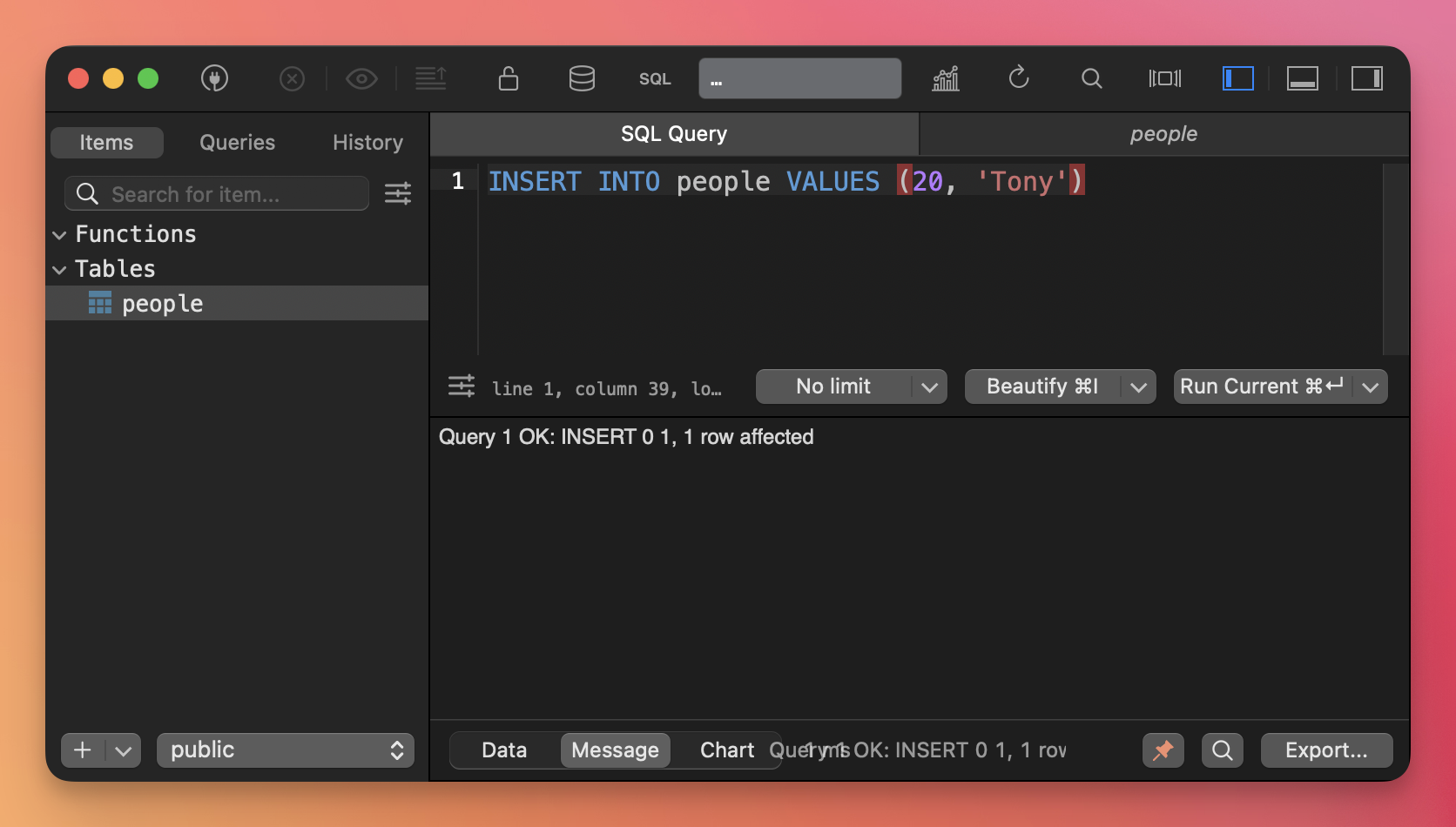
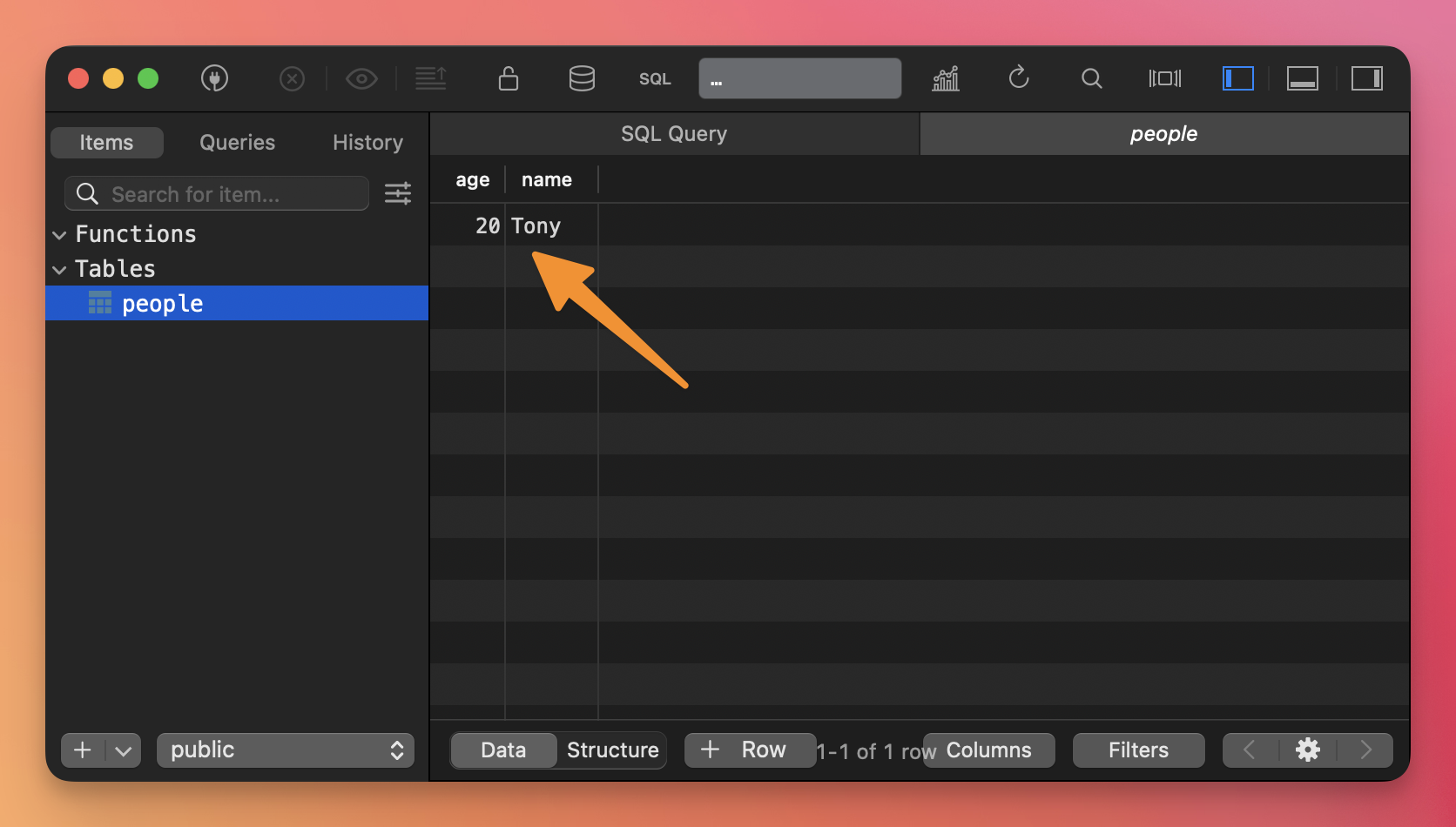
Once again, click the people table on the sidebar, and you’ll see the data:
You can insert multiple rows, separating each one with a comma:
INSERT INTO people VALUES (57, 'Joe'), (8, 'Ruby');If you want to only fill some columns, for example leaving the SERIAL column empty so it automatically fills, you use this syntax:
INSERT INTO people (name) VALUES ('Harry');