Join the AI Workshop and learn to build real-world apps with AI. A hands-on, practical program to level up your skills.
I had this “problem”.
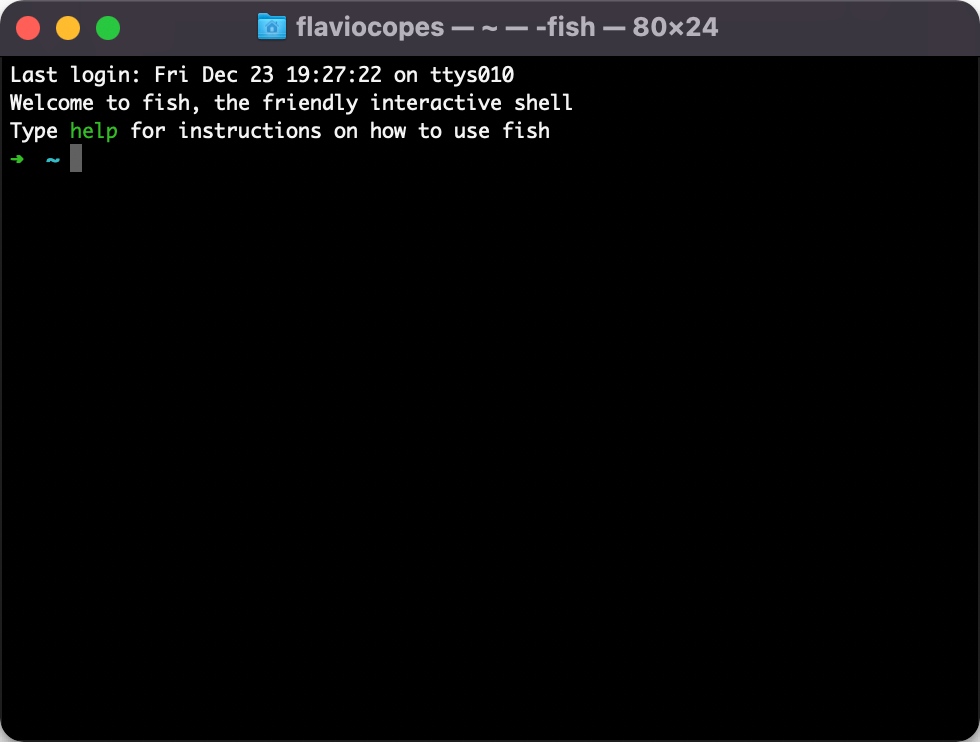
When I opened my shells, I had these 3 lines show up every time.
It’s a Fish Shell default.
I wanted to remove them.
Here’s how I did it.
I opened ~/.config/fish/config.fish
code ~/.config/fish/config.fishI had this content:
if status is-interactive
    # Commands to run in interactive sessions can go here
end
fish_add_path /opt/homebrew/opt/node@16/bin
And I added set fish_greeting "" at the bottom:
if status is-interactive
    # Commands to run in interactive sessions can go here
end
fish_add_path /opt/homebrew/opt/node@16/bin

set fish_greeting ""
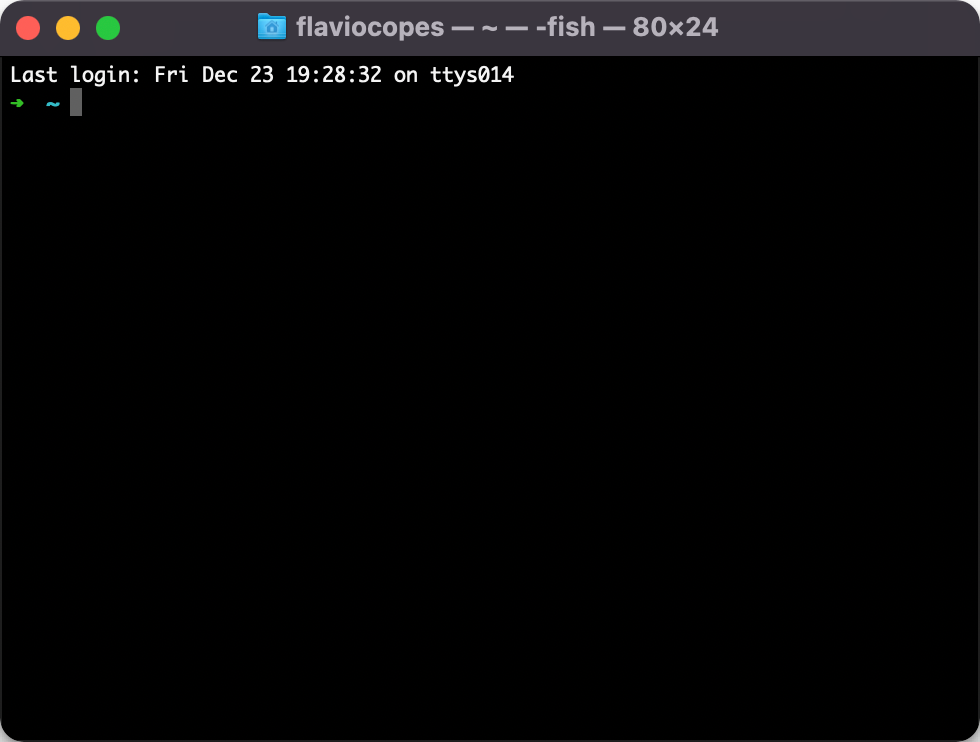
Here’s my prompt now: