Join the AI Workshop and learn to build real-world apps with AI. A hands-on, practical program to level up your skills.
A sorted set associates a rank to each item in a set.
Sorted sets work in a similar way to sets, and they use similar commands, except S is now Z, for example:
SADD->ZADDSPOP->ZPOP
But they are slightly different.
ZADD accepts a score:
ZADD names 1 "Flavio"
ZADD names 2 "Syd"
ZADD names 2 "Roger"
As you can see, values must still be unique, but now they are associated to a score.
The score does not have to be unique.
Items in a set are always sorted by the score.
This is very useful to implement some kind of data storage tool like (usual example) a leaderboard. Or to indicate the time some item was added, with a timestamp.
You can get the rank of an item using ZRANK:
ZRANK names "Flavio"List all items in a sorted set using ZRANGE, which works similarly to LRANGE in lists:
ZRANGE names 0 -1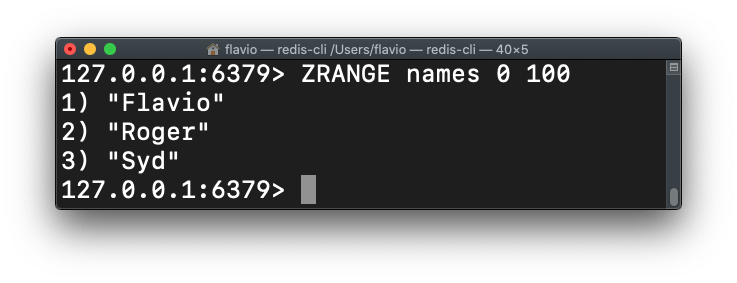
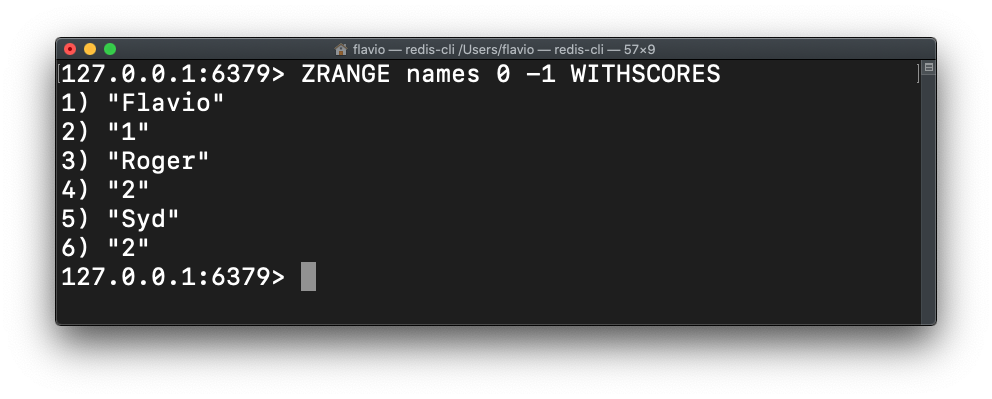
Add WITHSCORES to also return the scores information:
You can increment the score of an item in the set using ZINCRBY.
See all the sorted sets commands here.