Join the AI Workshop and learn to build real-world apps with AI. A hands-on, practical program to level up your skills.
You can download the latest version of Redis from https://redis.io/download.
Redis can be installed on any server. In this case we’ll install it locally for testing.
On macOS, installation is simpler using Homebrew. Run:
brew install redisThen run:
brew services start redisto make Redis start automatically, and re-start when the computer reboots.
You can also start it manually using:
redis-server /usr/local/etc/redis.conf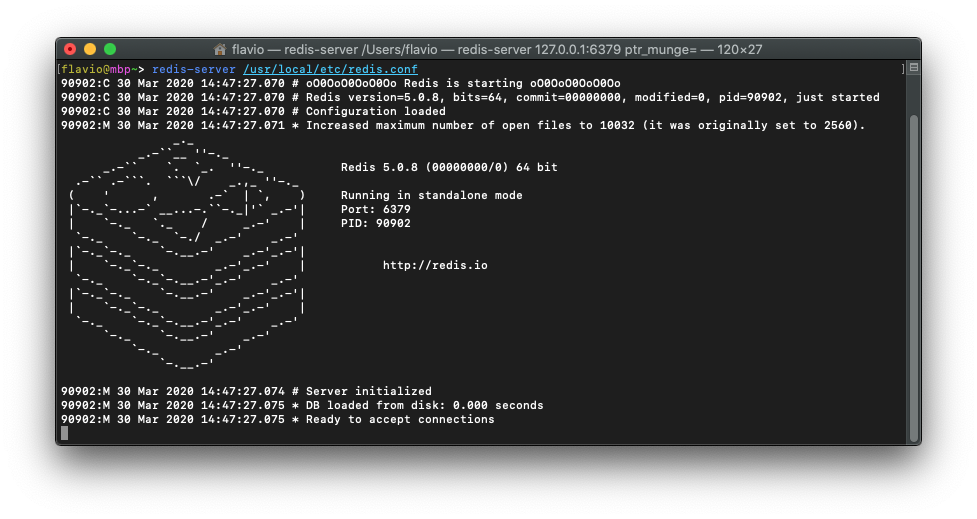
On Linux Ubuntu you’ll need to run
sudo apt-get install redis-serverand Redis will automatically be up and running.
Once it’s started, Redis listens on port 6379.
On a local server it’s fine to keep it running without a password. But when Redis is exposed to the Internet, make sure you configure a password in the redis.conf configuration file, whose location depends on your Operating System.