Join the AI Workshop and learn to build real-world apps with AI. A hands-on, practical program to level up your skills.
One of the best features of React is that we can easily embed JavaScript into JSX.
Other frontend frameworks, for example Angular and Vue, have their own specific ways to print JavaScript values in the template or perform things like loops.
React is not adding new things. Instead, it lets us use JavaScript in the JSX, by using curly brackets.
The first example of this that I will show you comes directly from the App component we studied so far.
We import the logo SVG file using
import reactLogo from './assets/react.svg'and then in the JSX, we assign this SVG file to the src attribute of an img tag:
<img src={reactLogo} className='logo react' alt='React logo' />Let’s do another example. Suppose the App component has a variable called message.
We can print this value in the JSX by adding {message} anywhere in the JSX.
import './App.css'

function App() {
  const message = 'Hello!'

  return (
    <div className='App'>
      <h1>{message}</h1>
    </div>
  )
}

export default App
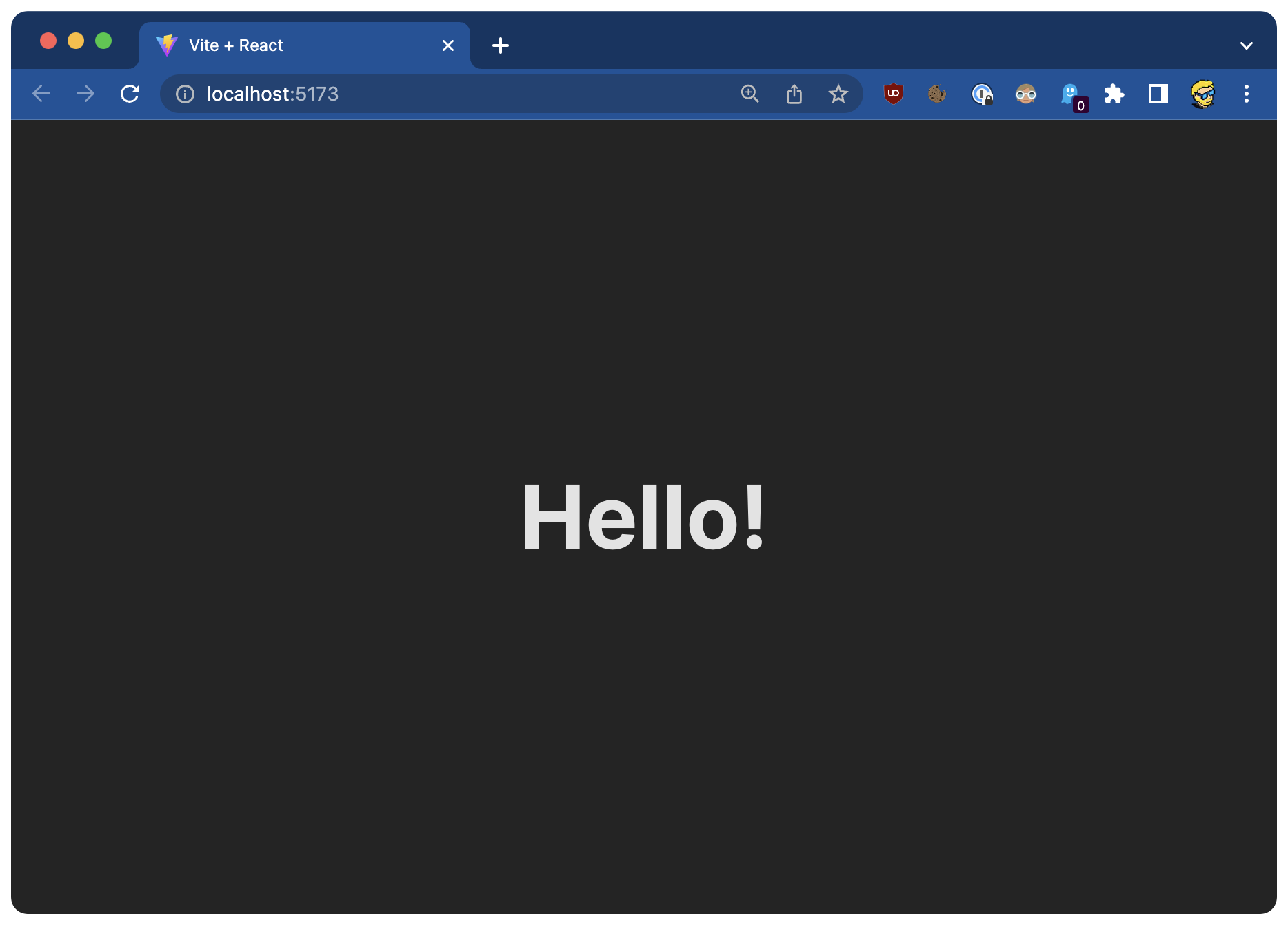
Try it! You should see the Hello! message in the browser.
Inside the curly brackets { } we can add any JavaScript statement.
For example, this is a common statement you will find in JSX. We have a ternary operator where we define a condition (message === 'Hello!'), and we print one value if the condition is true, or another value (the content of message in this case) if the condition is false:
{
  message === 'Hello!' ?
    'The message was "Hello!"' : message
}
Like this:
import './App.css'

function App() {
  const message = 'Hello!'

  return (
    <div className='App'>
      <h1>{message === 'Hello!' ? 'The message was "Hello!"' : message}</h1>
    </div>
  )
}

export default App
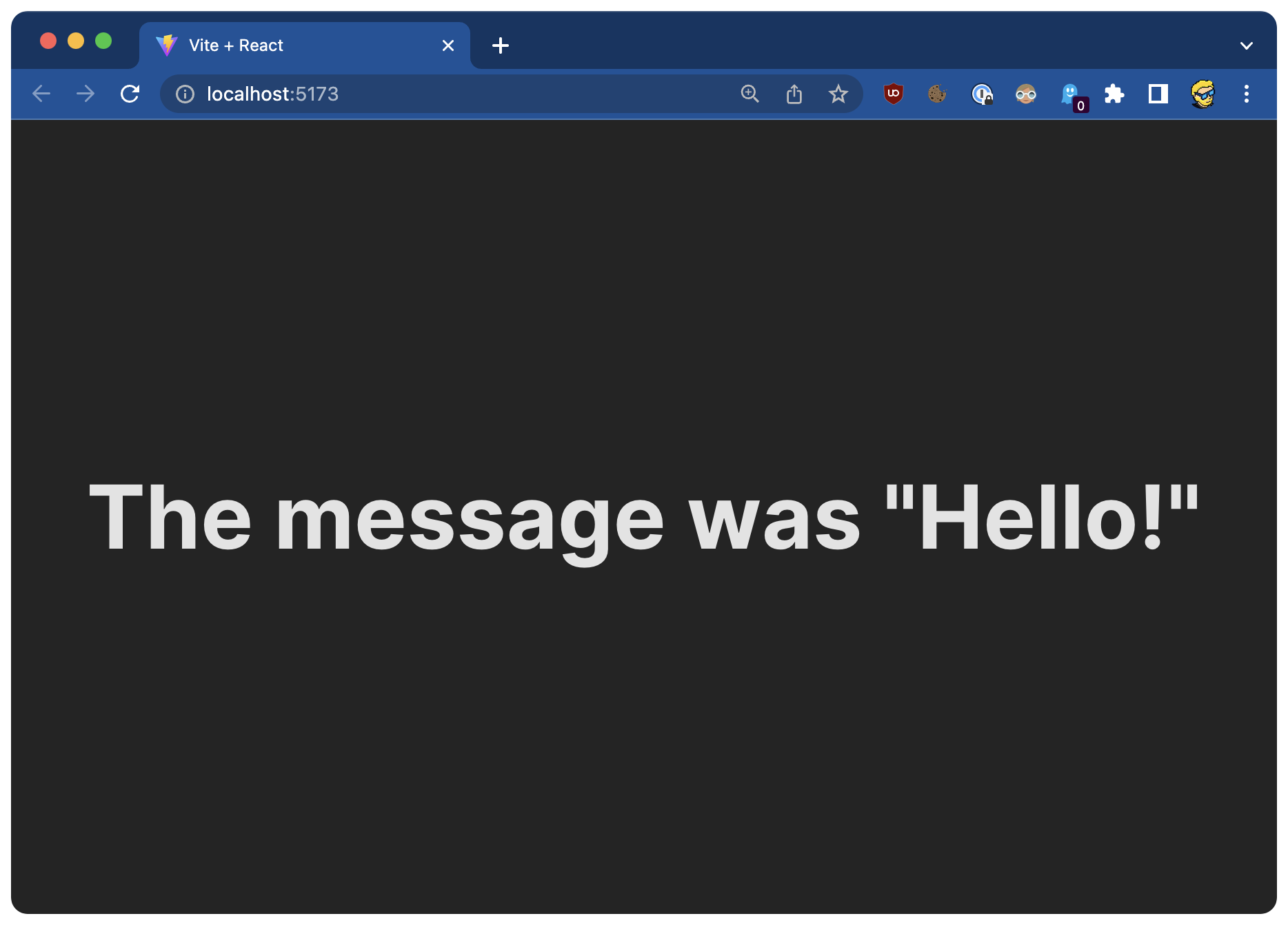
Here’s the result:
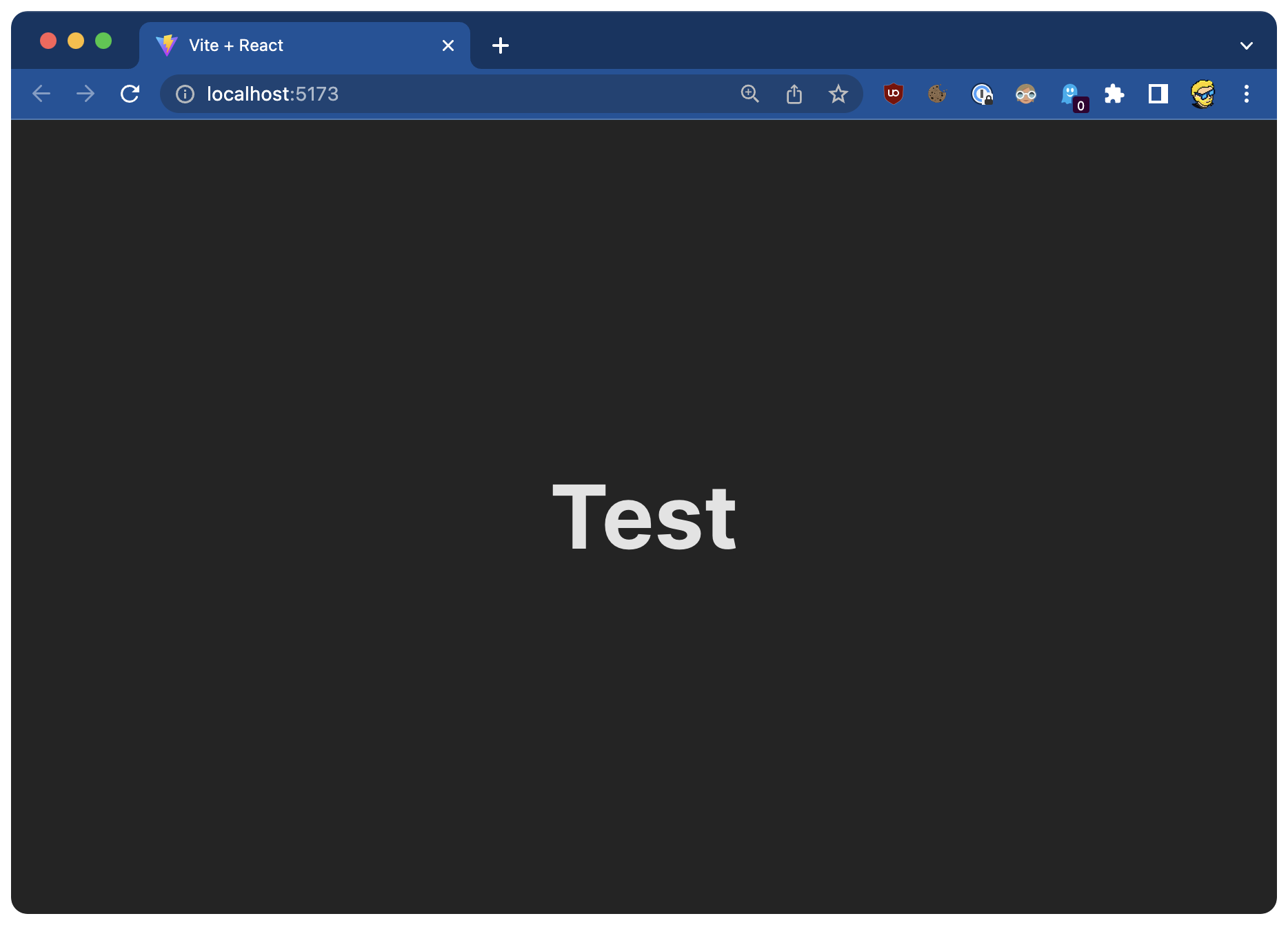
If you change the content of the message variable, JSX will print something else:
import './App.css'

function App() {
  const message = 'Test'

  return (
    <div className='App'>
      <h1>{message === 'Hello!' ? 'The message was "Hello!"' : message}</h1>
    </div>
  )
}

export default App