Join the AI Workshop and learn to build real-world apps with AI. A hands-on, practical program to level up your skills.
There are many ways to create a project with React.
The way I suggest is by using Vite.
Vite is a modern tool that provides a development server, is very fast, and many people in the JS community consider it optimal.
💁♂️ Note: Vite can be used as a replacement for
create-react-app, another tool that’s popular but also slower. You can use that instead if you prefer, but I found Vite just great and it can also be used with other libraries, not just React.
To create a project using Vite you first go into the folder where you host all your projects, in my case a dev folder in my user’s home folder.
Then run
npm create vite@latest

# or

bun create vite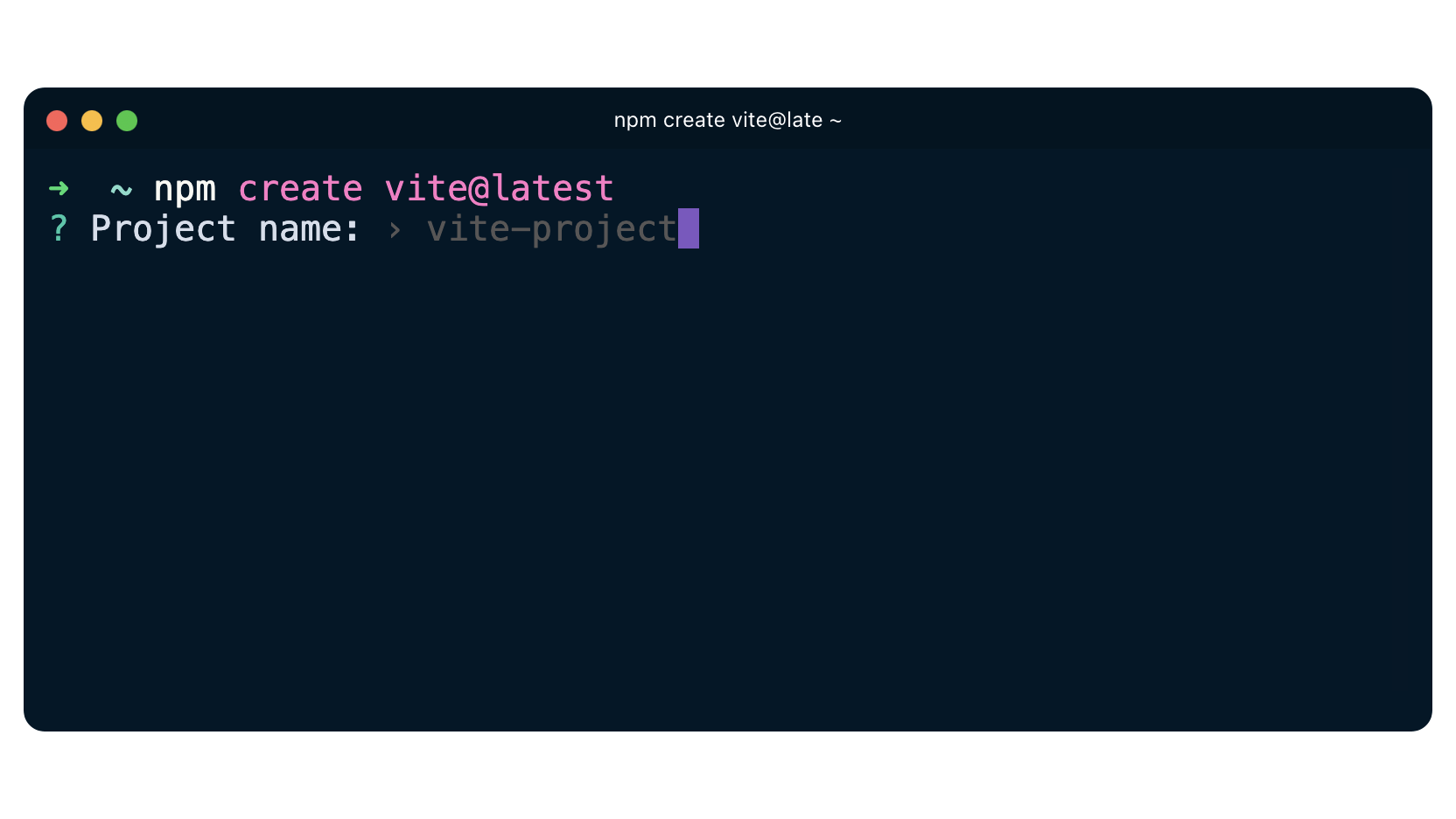
Choose a name for the project. That will also be the project’s folder name. In this case “test”:
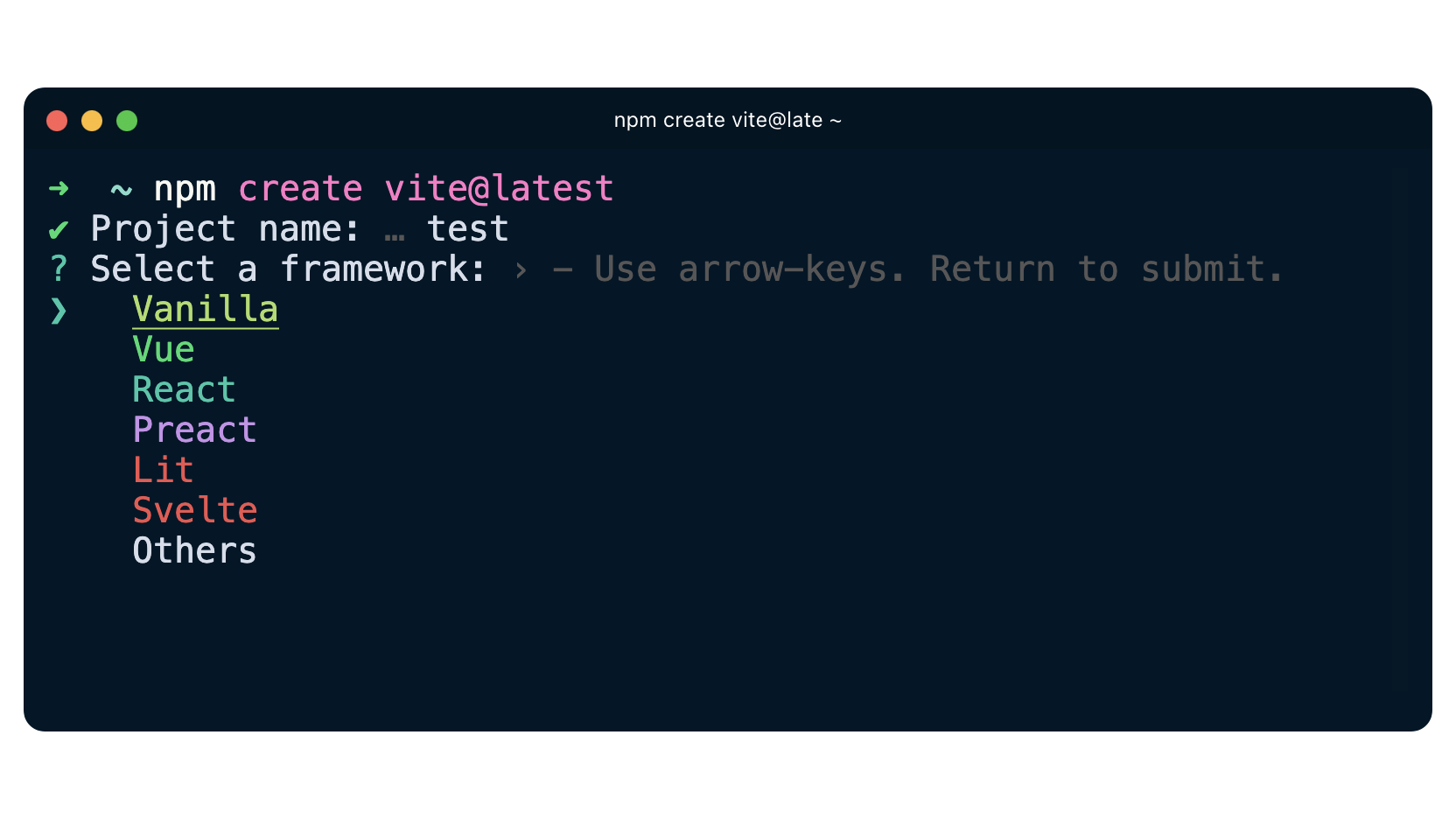
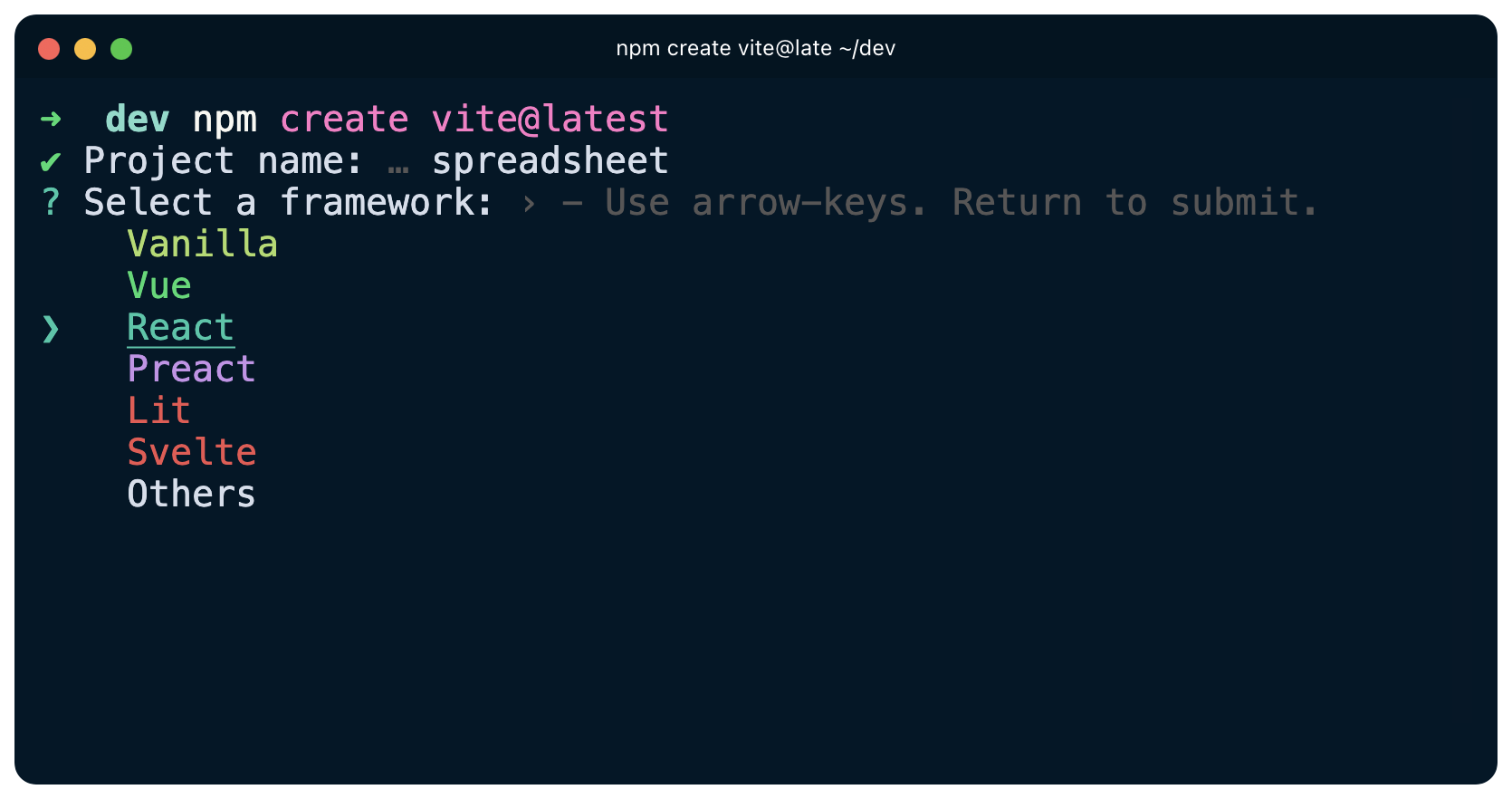
Now you can choose a framework. Pick “React”.
Pick JavaScript or TypeScript:
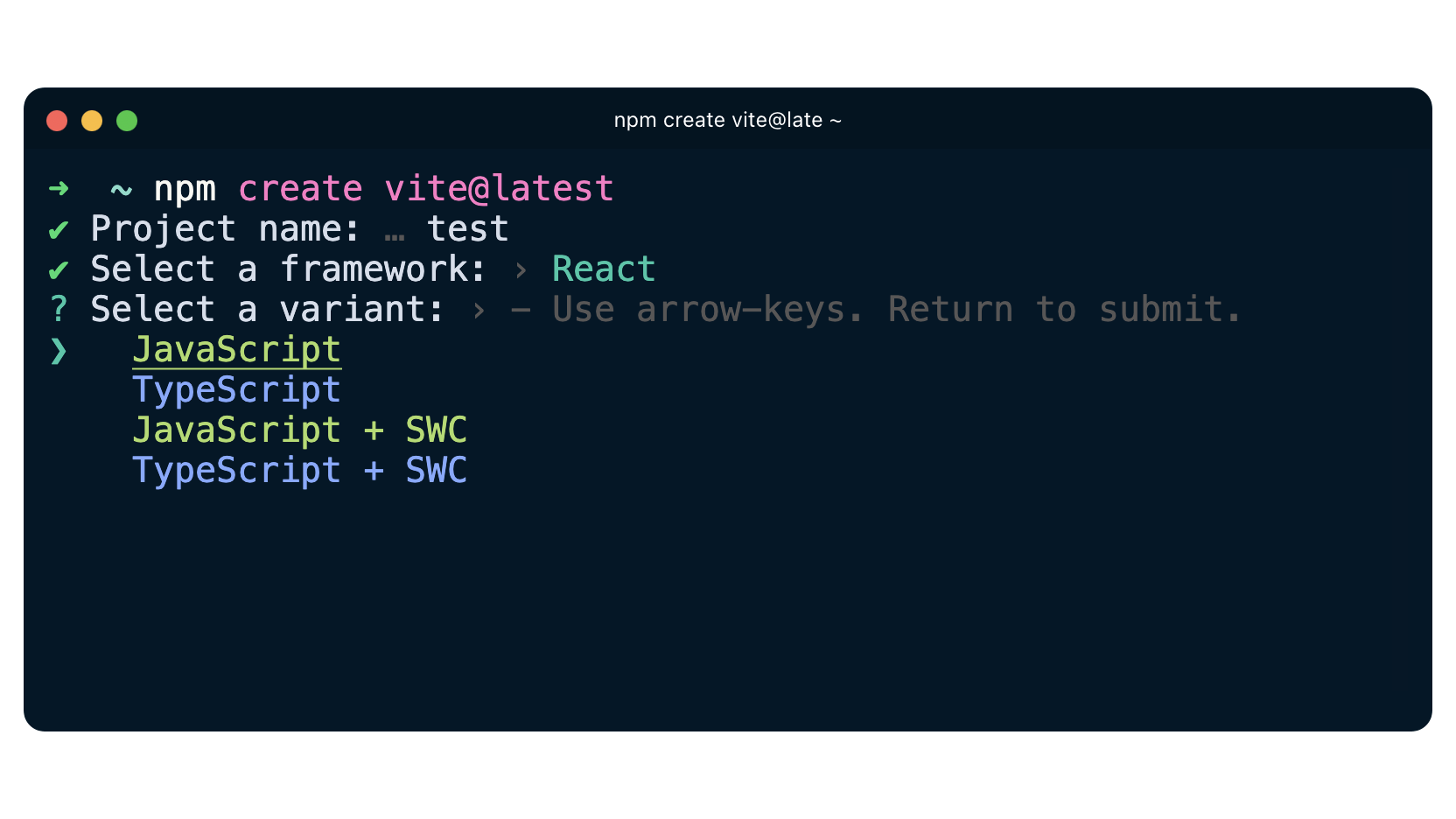
Done!
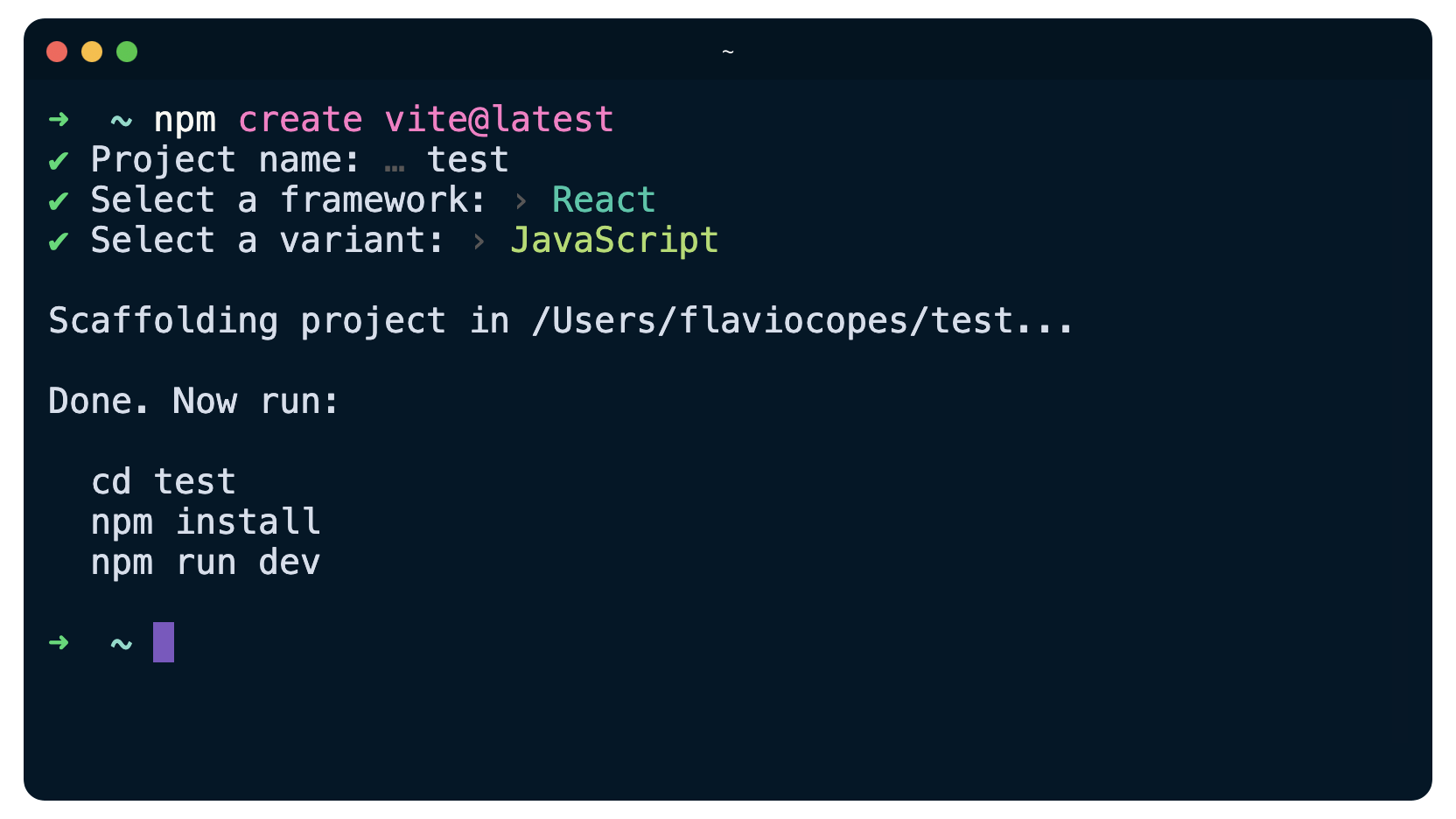
Now go to the newly created project folder:
cd testand run
npm installto install the dependencies, followed by
npm run devto start the application:
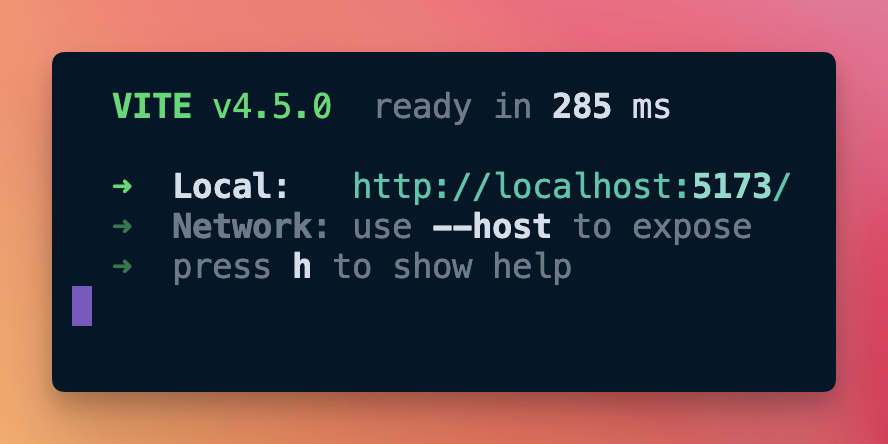
The application should be running at http://localhost:5173 (the port might be different if it’s already used).
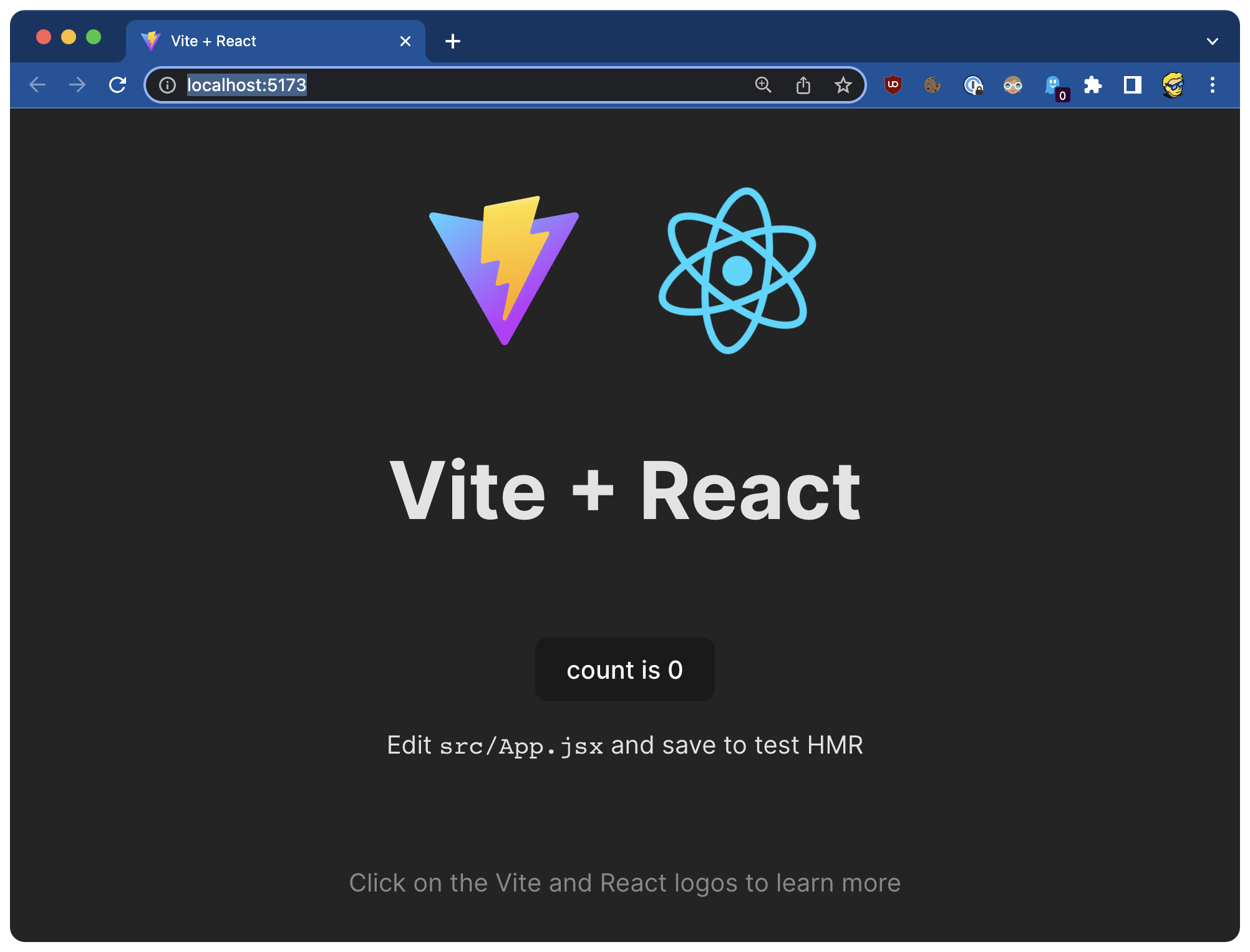
Now you’re ready to work on this application!
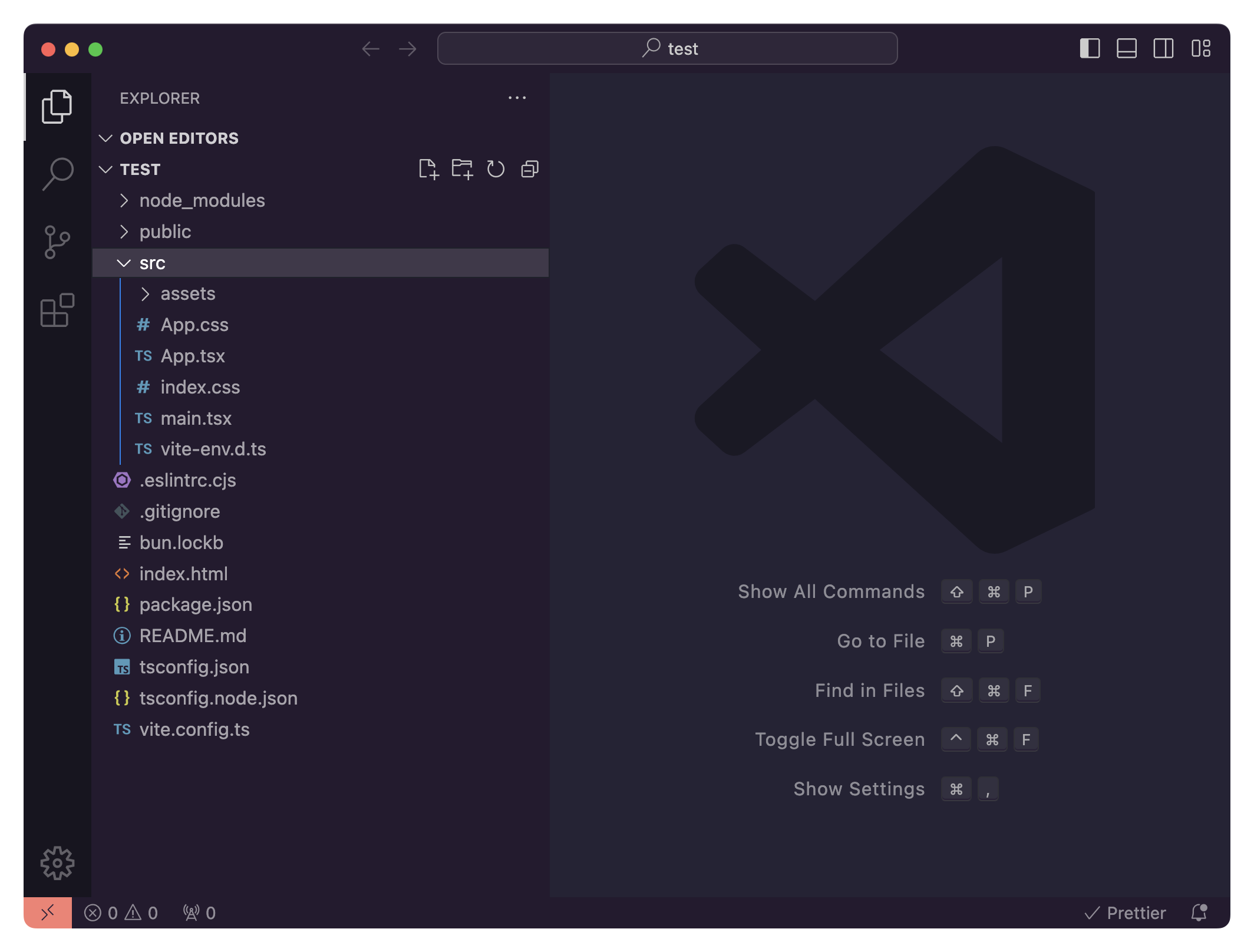
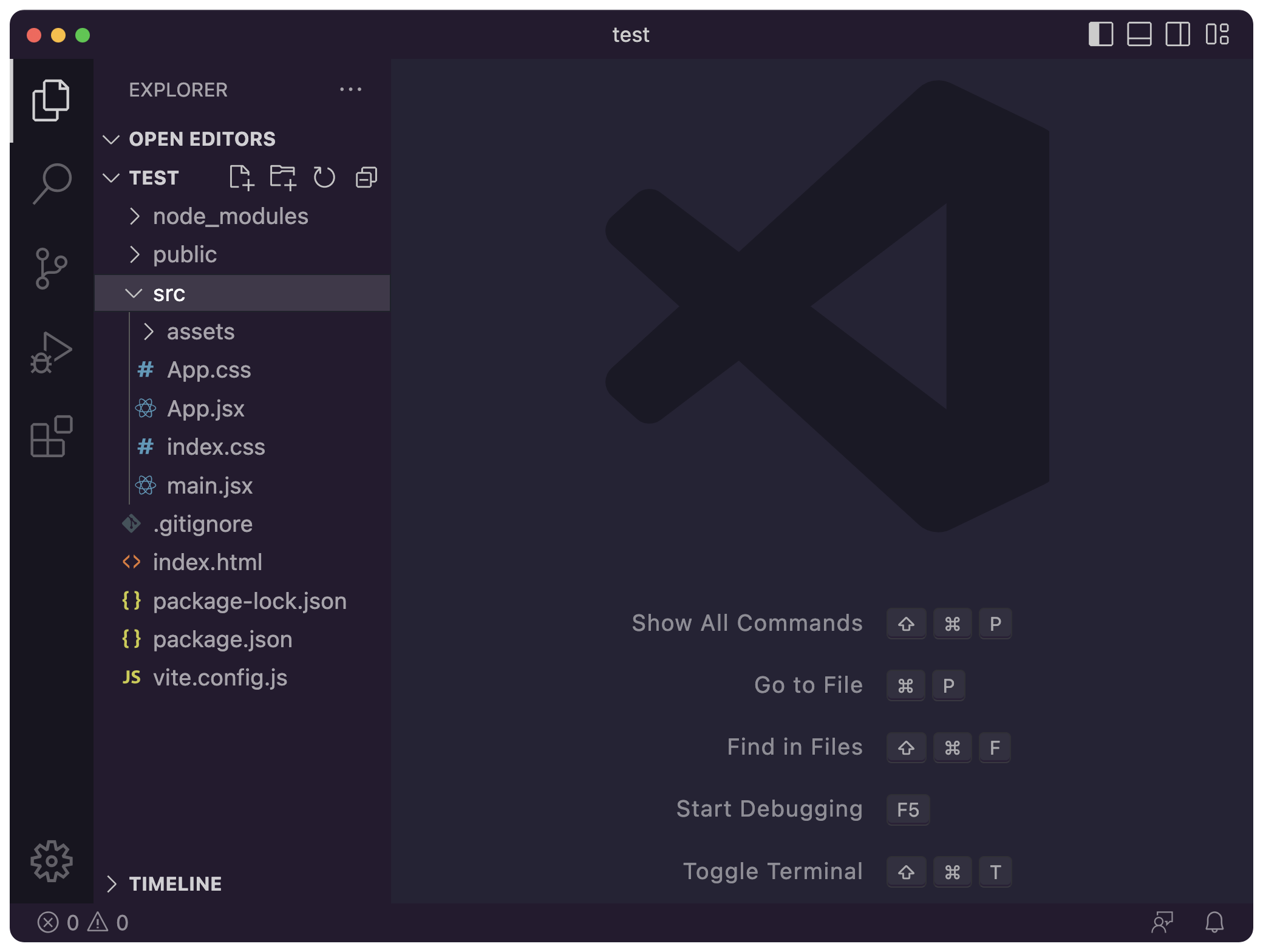
Here’s the application folder opened in VS Code.
As you can see, Vite created a basic application and you can now open src/App.tsx (TypeScript) or App.jsx to start working on it.
One convenience of a tool like Vite is that now you can add files and Vite will automatically recognize them, without needing to restart npm run dev like we had to do with our Node.js projects.
And when you save a component, it’s automatically updated in your browser.
It makes development very fast and fun!