Join the AI Workshop and learn to build real-world apps with AI. A hands-on, practical program to level up your skills.
I built an app with Next.js and Prisma, and when I tried to deploy it on Vercel I got this deployment error:
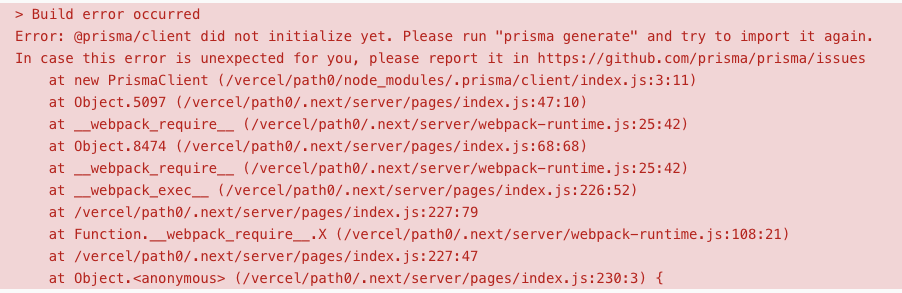
Error: @prisma/client did not initialize yet. Please run "prisma generate" and try to import it again.The database was already initialized from my local dev install, and I just had to use it.
What did I do to solve it?
I installed prisma as a dev dependency:
npm i -D prismaand I added
"postinstall": "prisma generate"to the scripts in package.json:
{
  "scripts": {
    "dev": "next dev",
    "build": "next build",
    "start": "next start",
    "postinstall": "prisma generate"
  },
  "dependencies": {
    //...
  },
  "devDependencies": {
    //...
    "prisma": "^2.24.1",

  }
}
That solved the problem.