Join the AI Workshop and learn to build real-world apps with AI. A hands-on, practical program to level up your skills.
One very interesting use case for cookies is cookie-based sessions.
PHP offers us a very easy way to create a cookie-based session using session_start().
Try adding
<?php
session_start();
?>
in a PHP file, and load it in the browser.
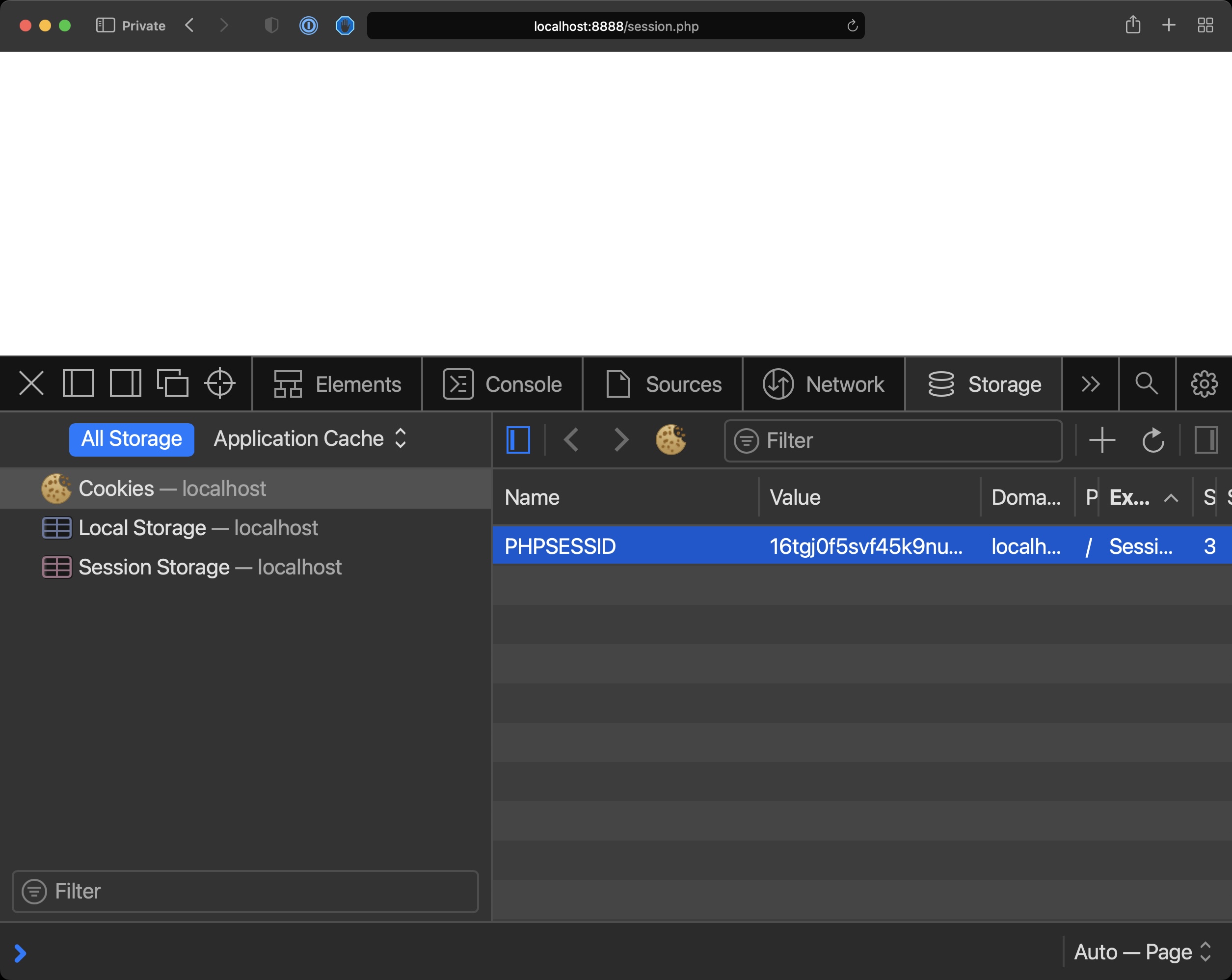
You will see a new cookie named by default PHPSESSID with a value assigned.
That’s the session ID. This will be sent for every new request and PHP will use that to identify the session.
Similarly to how we used cookies we can now use $_SESSION to store the information sent by the user, but this time it’s not stored client-side.
Only the session ID is.
The data is stored server-side by PHP.
<?php
session_start();

if (isset($_POST['name'])) {
  $_SESSION['name'] = $_POST['name'];
}
if (isset($_POST['name'])) {
  echo '<p>Hello ' . $_POST['name'];
} else {
  if (isset($_SESSION['name'])) {
    echo '<p>Hello ' . $_SESSION['name'];
  }
}
?>

<form method="POST">
  <input type="text" name="name" />
  <input type="submit" />
</form>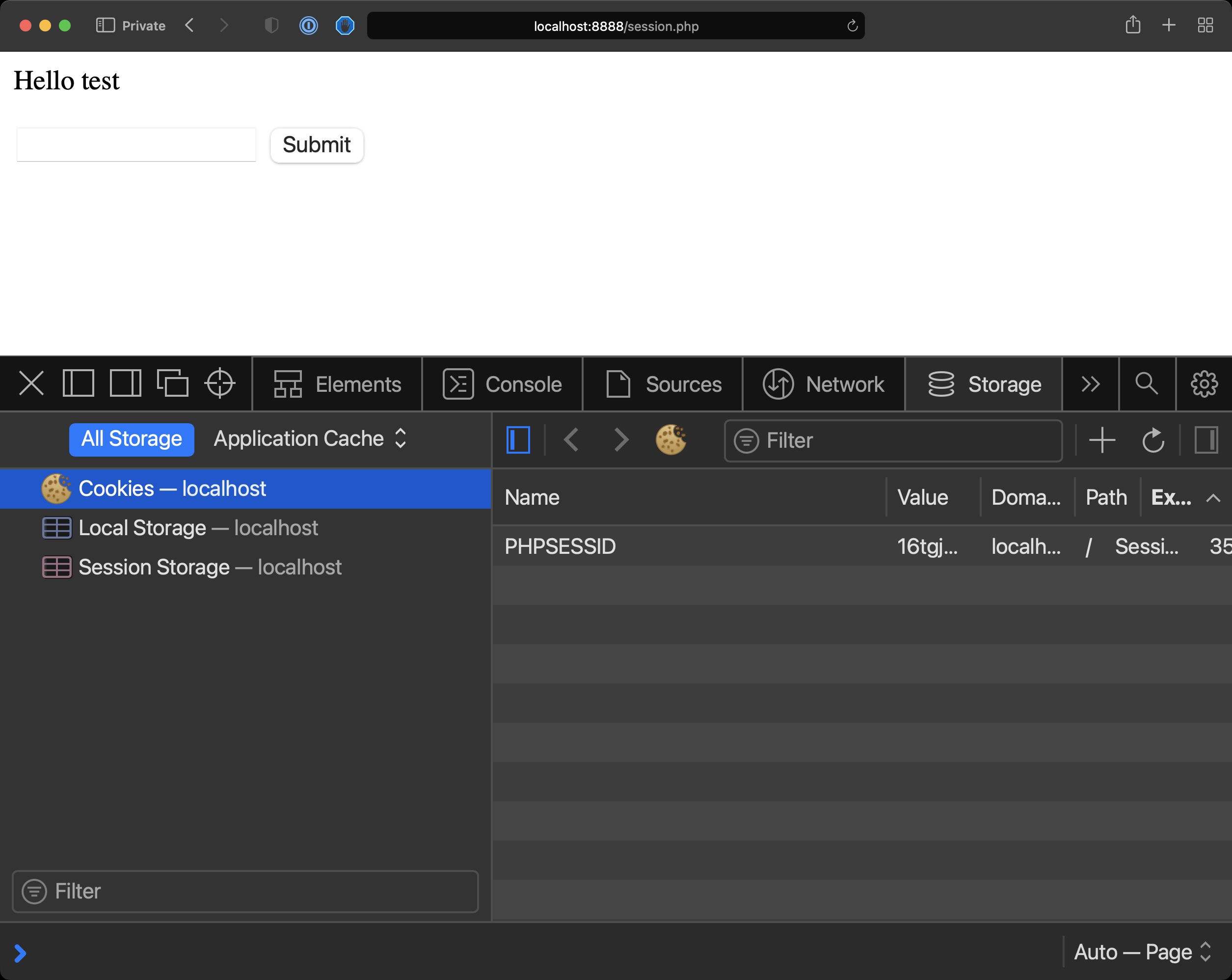
This works for simple use cases, of course for intensive data you will need a database.
To clear the session data you can call session_unset().
To clear the session cookie use:
setcookie(session_name(), '');