Join the AI Workshop and learn to build real-world apps with AI. A hands-on, practical program to level up your skills.
PHP lets us set the HTTP headers of a response through the header() function.
HTTP Headers are a way to send information back to the browser.
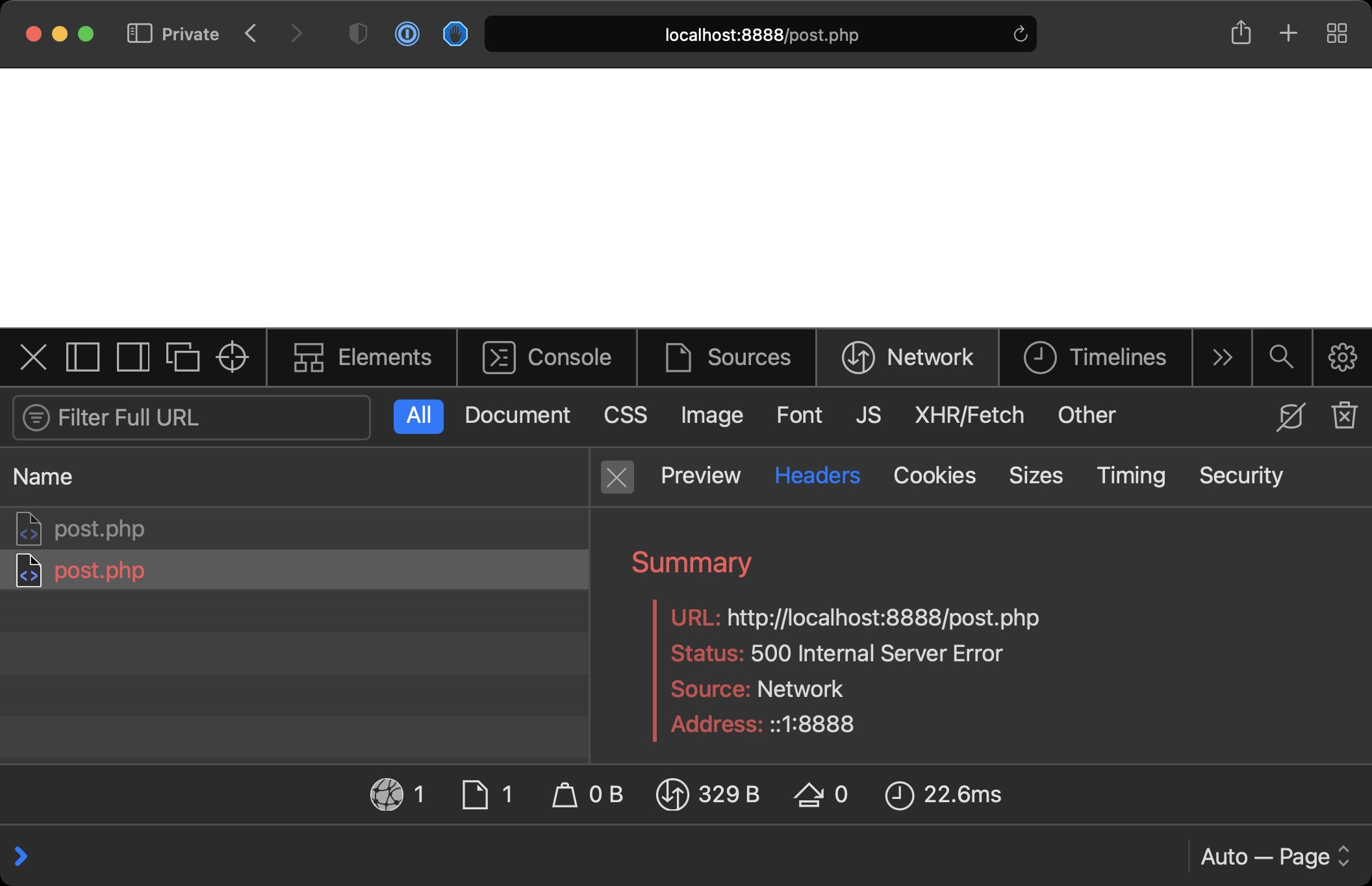
We can say the page generates a 500 Internal Server Error:
<?php
header('HTTP/1.1 500 Internal Server Error');
?>
Now you should see the status if you access the page with the Browser Developer Tools open:
We can set the content/type of a response:
header('Content-Type: text/json');We can force a 301 redirect:
header('HTTP/1.1 301 Moved Permanently');
header('Location: https://flaviocopes.com');
We can use headers to say to the browser “cache this page”, “don’t cache this page”, and a lot more!