Join the AI Workshop and learn to build real-world apps with AI. A hands-on, practical program to level up your skills.
Each time I run
npm run devI get a different localhost port (3000, then 3001, then 3002). How do I force it to use port 3000?
When working on a site locally, you run npm run dev to start the development server.
This is a common practice in Web Development, and all tools seem to converge to this program, for example Astro and Next.js and many others.
Each time you run this command, it’s a long-running process. It does not end automatically.
For example, you run the Astro dev server, and it starts listening on port 3000:
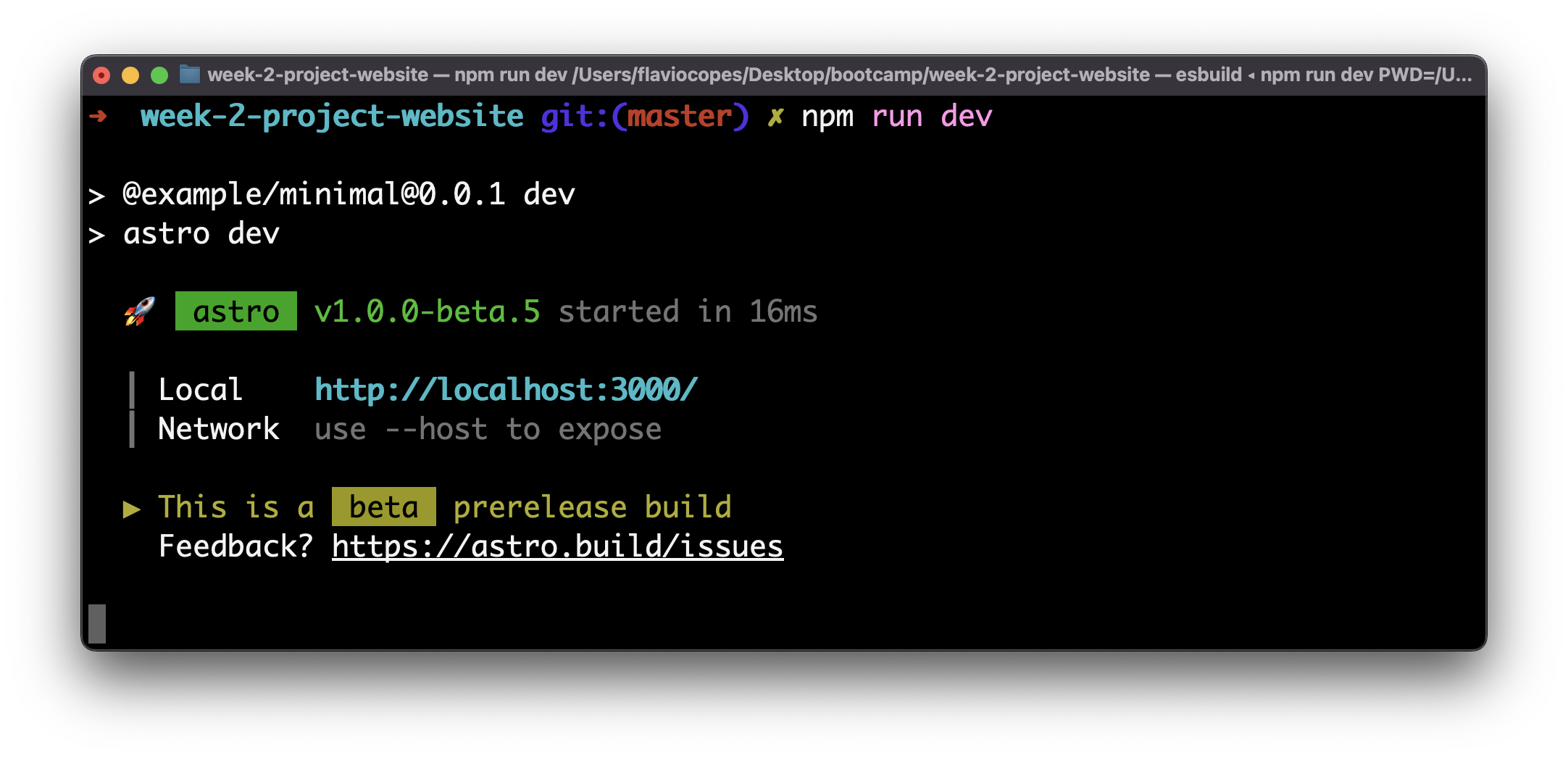
Then you open another terminal and you run npm run dev again, this time you get the server running on port 3001:
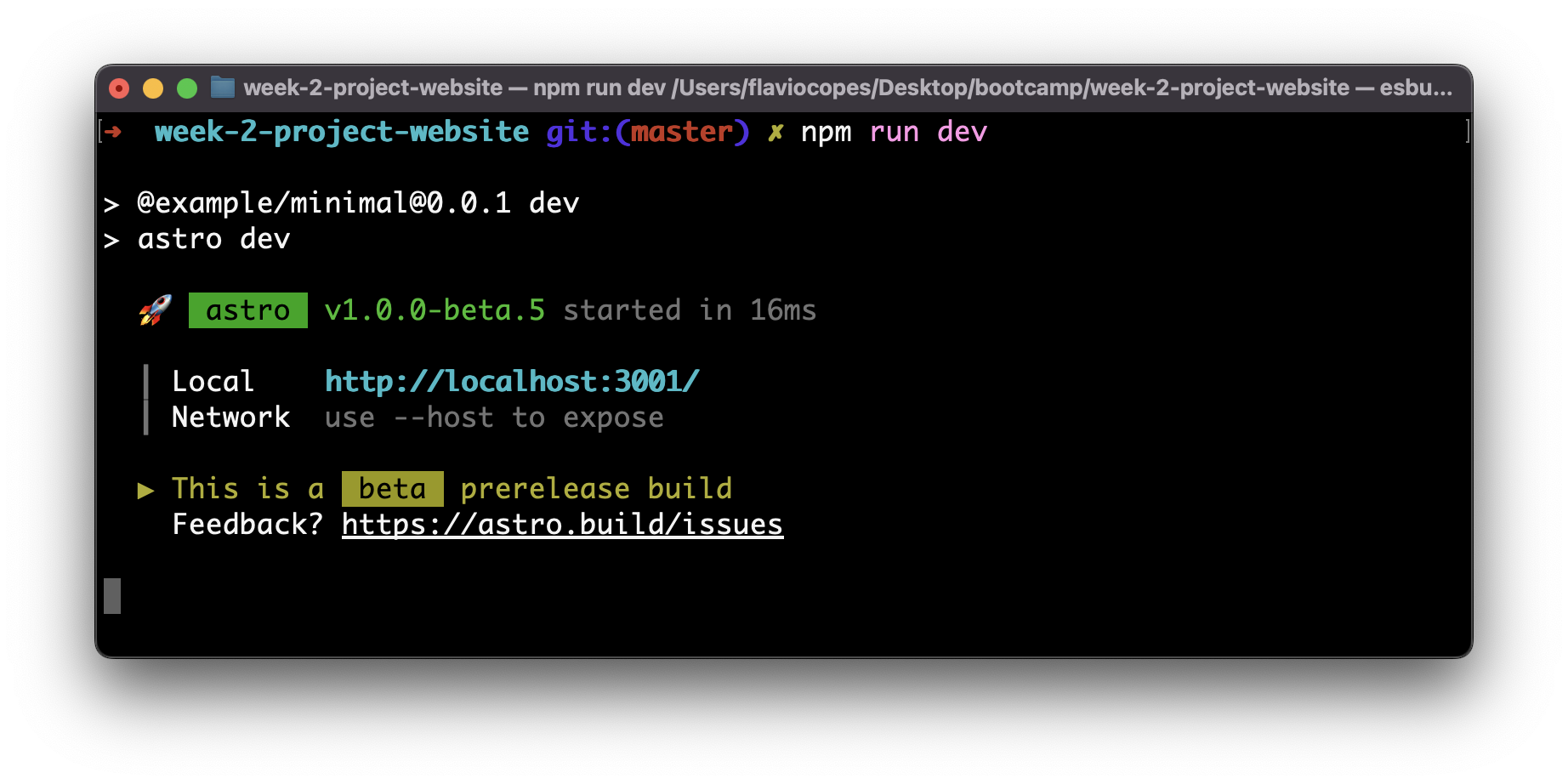
So now you have the same app running on
and
Stop both processes with Ctrl+C in each terminal so that port 3000 is free. Then run npm run dev again and it will use port 3000.
Whenever you need to restart (for example after npm install), stop the dev server with Ctrl+C and run npm run dev again.