npm: How to use or execute a package installed using npm

Join the AI Workshop to learn more about AI and how it can be applied to web development. Next cohort February 1st, 2026

The AI-first Web Development BOOTCAMP cohort starts February 24th, 2026. 10 weeks of intensive training and hands-on projects.


When you install using npm a package into your node_modules folder, or also globally, how do you use it in your Node code?

Say you install lodash, the popular JavaScript utility library, using

npm install lodash

This is going to install the package in the local node_modules folder.

To use it in your code, you just need to import it into your program using require:

const _ = require('lodash')

What if your package is an executable?

In this case, it will put the executable file under the node_modules/.bin/ folder.

One easy way to demonstrate this is cowsay.

The cowsay package provides a command line program that can be executed to make a cow say something (and other animals as well 🦊).

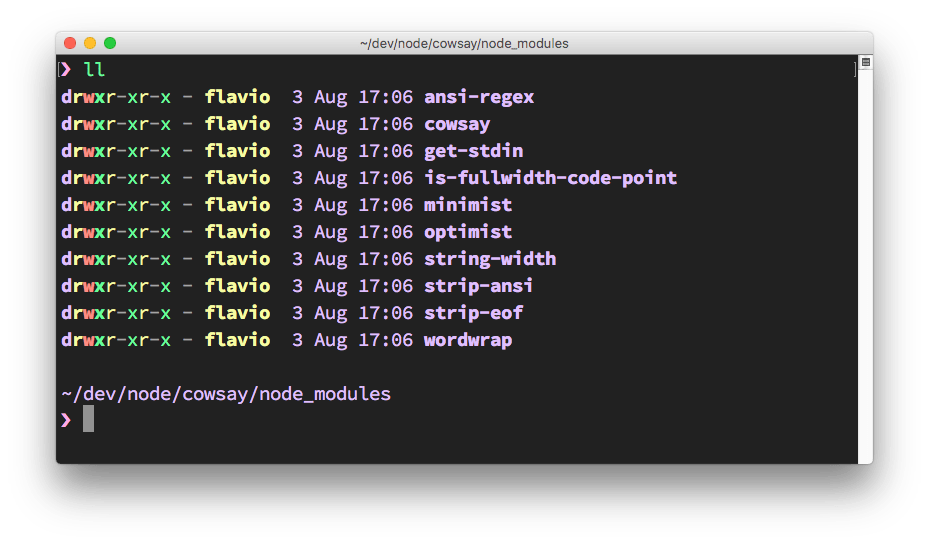
When you install the package using npm install cowsay, it will install itself and a few dependencies in the node_modules folder:

The node_modules folder content

There is a hidden .bin folder, which contains symbolic links to the cowsay binaries:
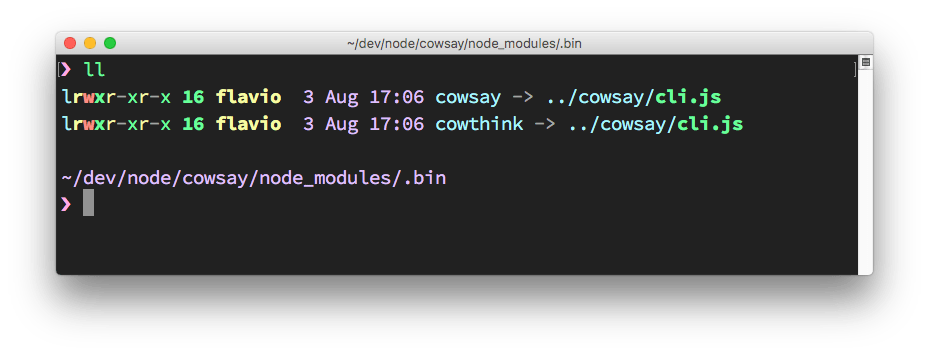
The binary files

How do you execute those?

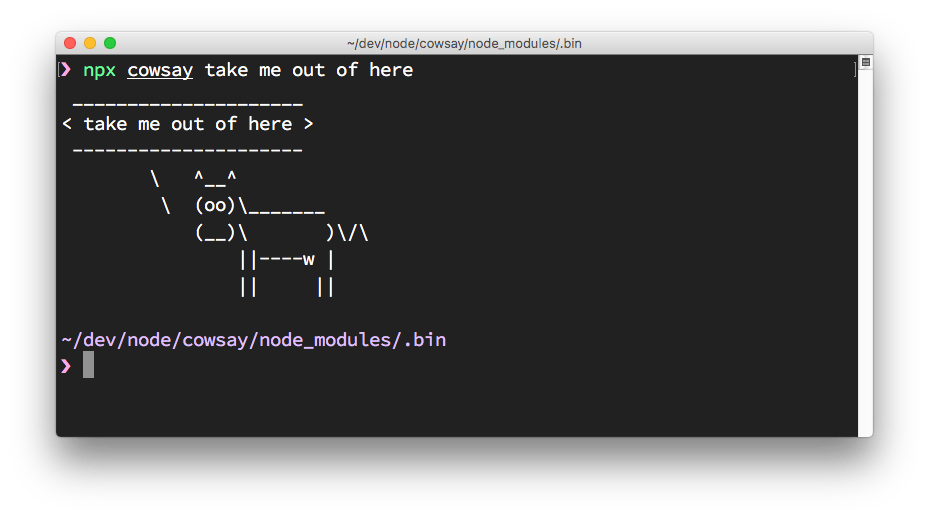
You can of course type ./node_modules/.bin/cowsay to run it, and it works, but npx, included in the recent versions of npm (since 5.2), is a much better option. You just run:

npx cowsay

and npx will find the package location.

Cow says something

Lessons in this unit:

0: Introduction
1: ▶︎ How to use or execute a package installed using npm
2: npm dependencies and devDependencies
3: How to fix the "Missing write access" error when using npm
4: npm can install packages in the parent folder
5: Install an older version of an npm package
6: Find the installed version of an npm package
7: How to test an npm package locally
8: npm global or local packages
9: What are peer dependencies in a Node module?
10: `npm run dev` is a long-running program
11: Semantic Versioning using npm
12: Uninstalling npm packages with `npm uninstall`
13: An introduction to the npm package manager
14: The npx Node Package Runner
15: The package.json guide
16: The package-lock.json file
17: What is pnpm?
18: Should you commit the node_modules folder to Git?
19: Update all the Node dependencies to their latest version
20: Where does npm install the packages?
21: Bumping Node.js dependencies
22: Run package.json scripts upon any file changes in a folder