Join the AI Workshop and learn to build real-world apps with AI. A hands-on, practical program to level up your skills.
So far we’ve worked with a single file, index.js.
You can add a second file to the program.
Call it lib.js for example.
In this file we can write a sum function:
function sum(a, b) {
  return a + b
}
and we can add a little line to export it:
function sum(a, b) {
  return a + b
}
exports.sum = sum
Now in index.js we can require this function:
const { sum } = require('./lib.js')and then we can invoke it like this:
const { sum } = require('./lib.js')

console.log('test')
console.log(sum(23, 2))
It works:
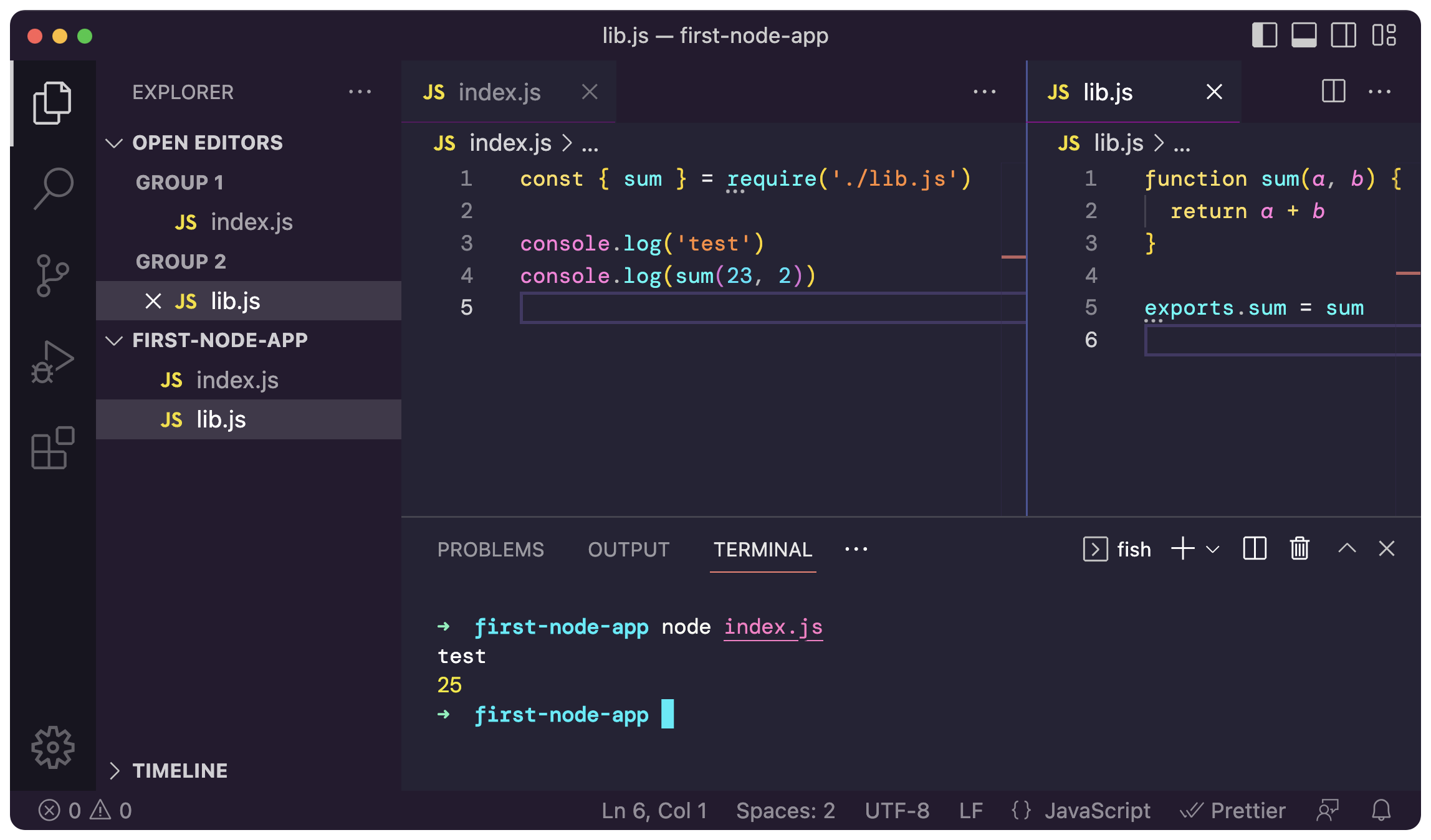
This is the Node.js require syntax, also called CommonJS.
A lot of programs use this, so you have to know about it, and it’s been the way to import files and modules in Node.js for years.
Lately, there’s been a new way and I want to introduce it because in most projects we’ll do, we’ll use it. It’s ES Modules, which I’ve introduced in Module 4.
Using this new way, instead of using require we’ll use import:
function sum(a, b) {
  return a + b
}

export { sum }
import { sum } from './lib.js'
console.log('test')
console.log(sum(23, 2))It’s kind of similar to what we did before, but the syntax is different.
Now if you run the program again… it doesn’t work! ‼️
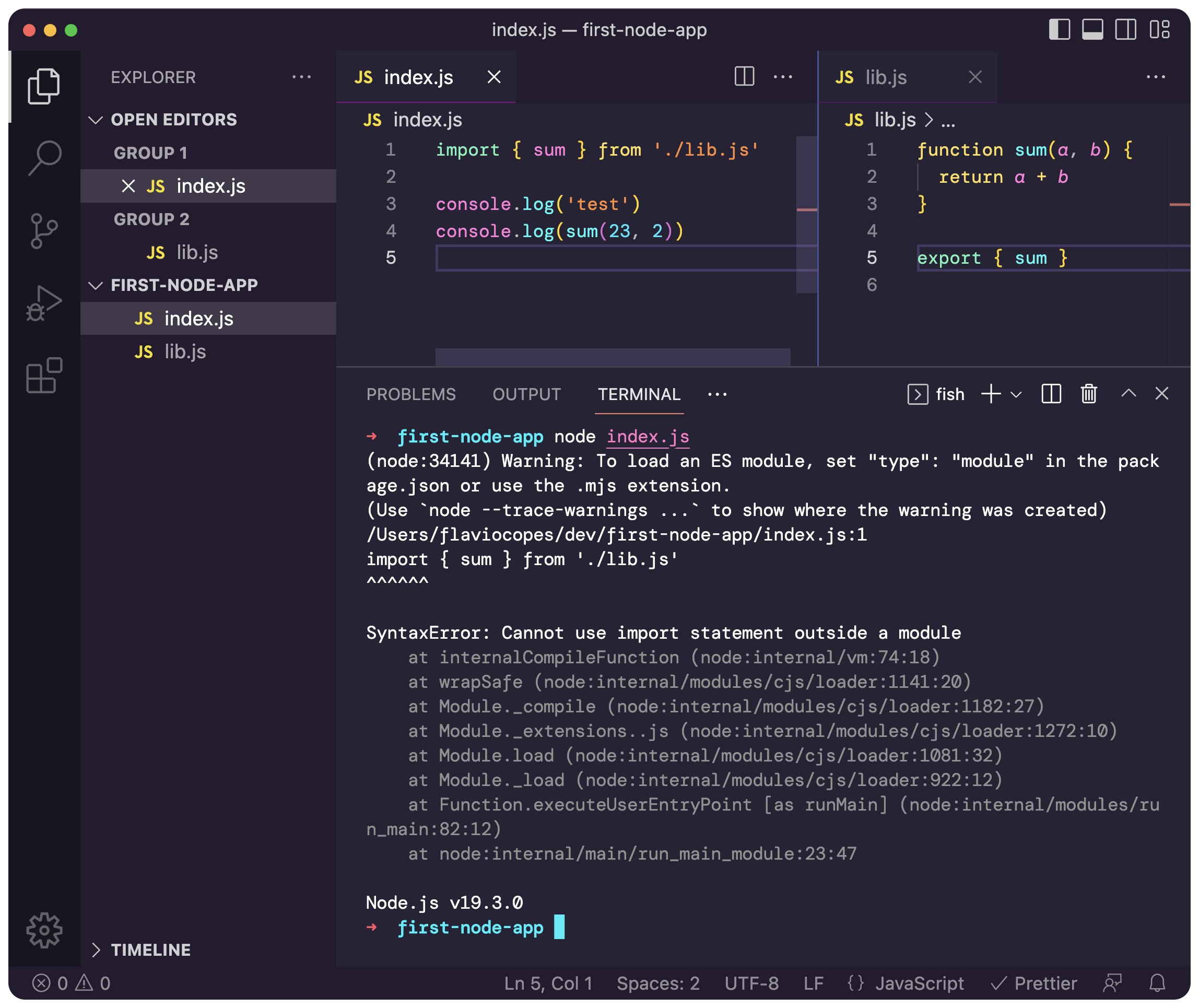
Why? Well, we need to read what the error is telling us.
If you’re new to programming, this is not the last time you’ll run into problems.
We run into problems like this all the time.
The key thing is knowing how to solve them.
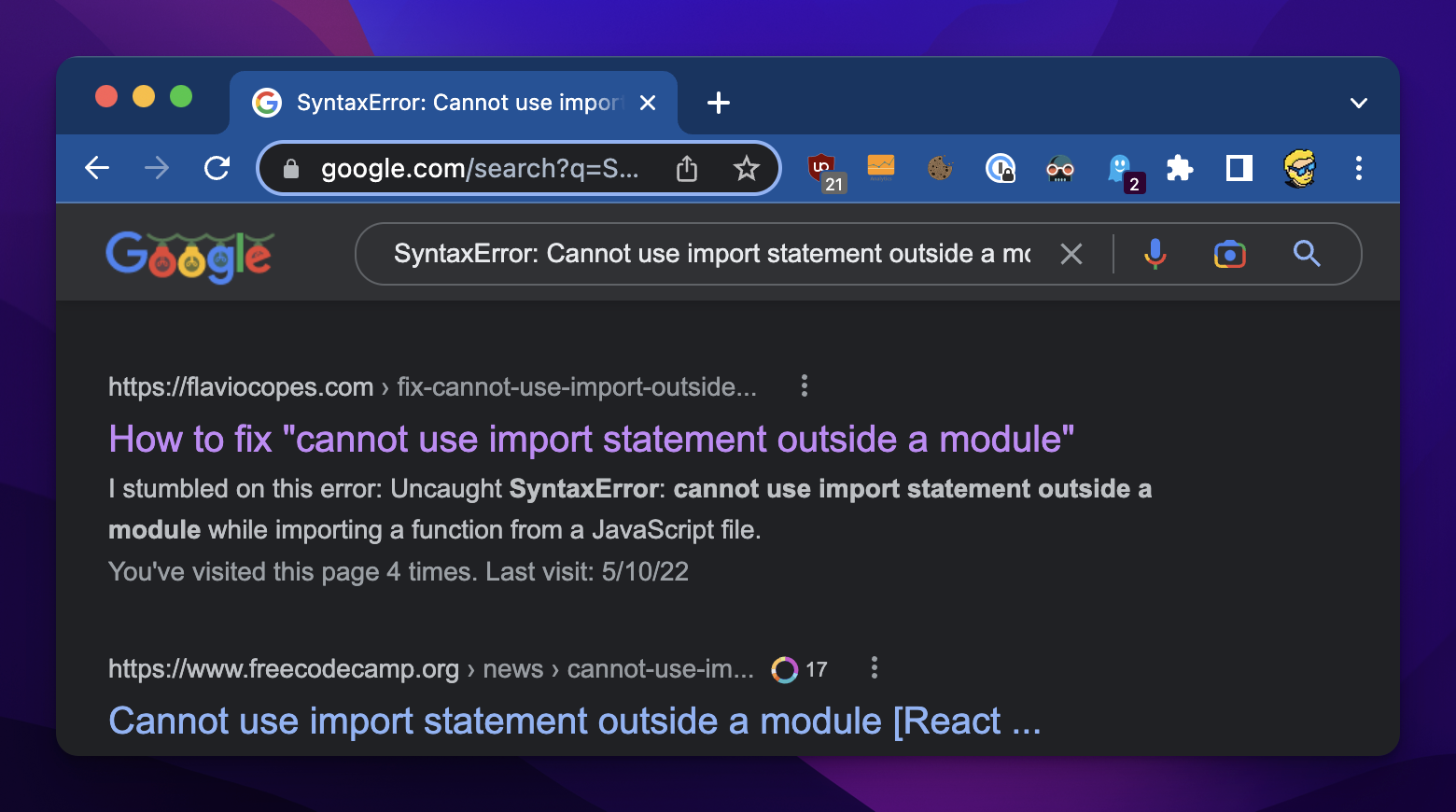
See, there’s an error message: “SyntaxError: Cannot use import statement outside a module”.
Search that on Google.
You may find my article in the first few positions 😄
Click that, I’ll point you in the right direction:
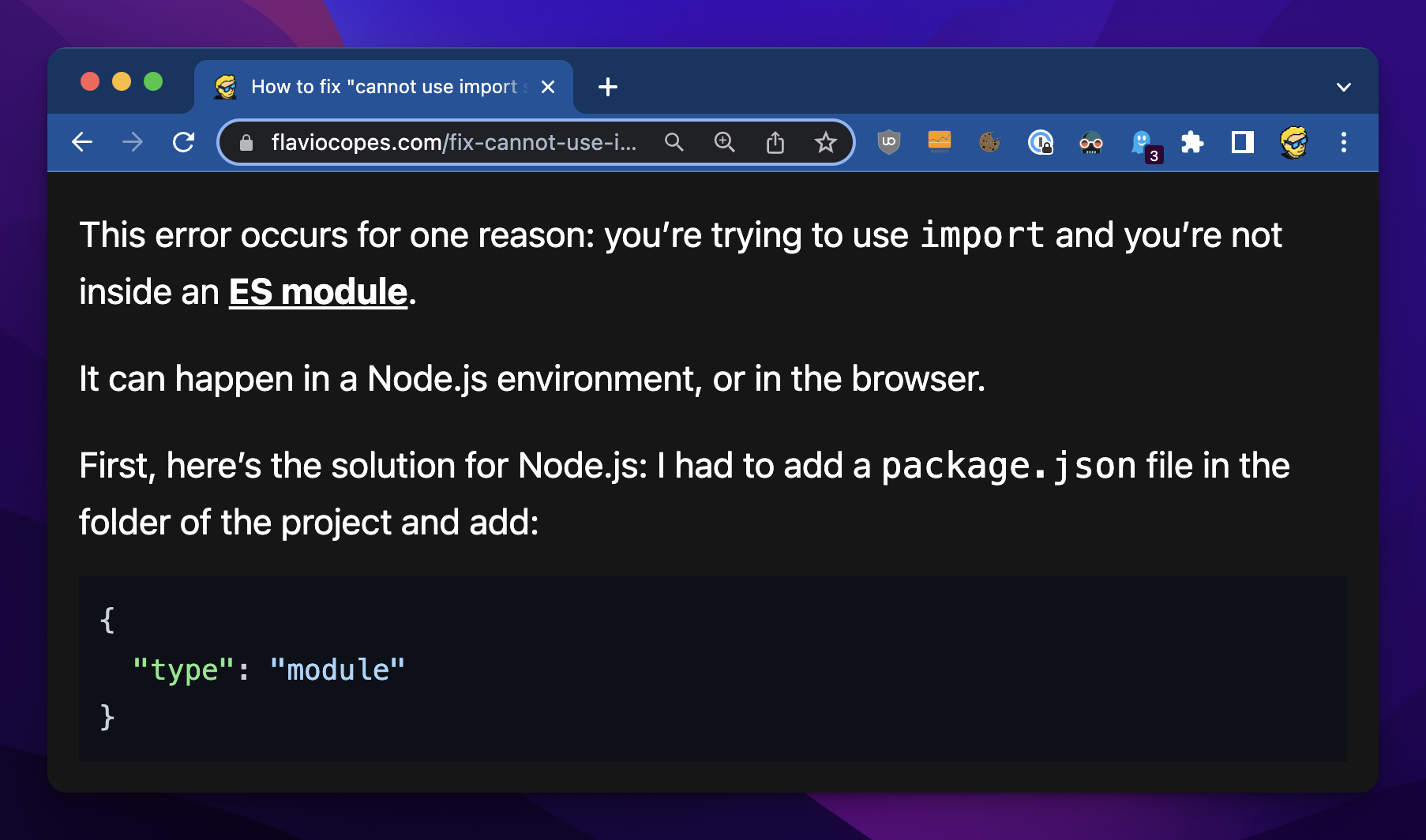
So there is the solution.
We need to tell Node.js that this is a module.
How?
Create a package.json file, and add this code to it:
{
  "type": "module"
}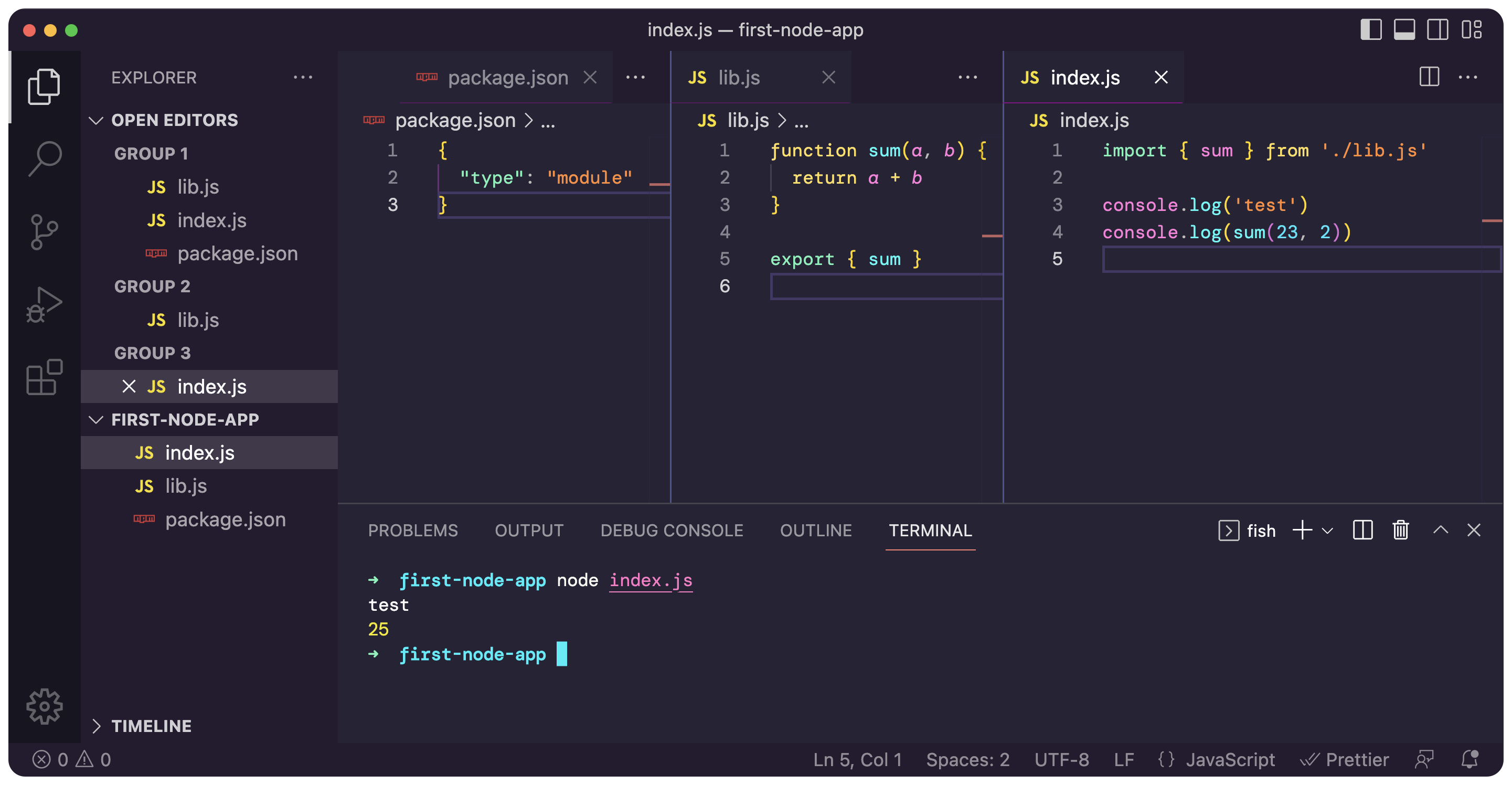
Things are now working because we told Node.js that this is a module and should use ES modules syntax.