Join the AI Workshop and learn to build real-world apps with AI. A hands-on, practical program to level up your skills.
With client-side code it’s easy to start debugging some piece of code - just open the Chrome DevTools on any page, and start writing client-side JavaScript.
How can we do the same with Node.js code, and debug Node modules with access to the filesystem and other Node.js capabilities? It’s very simple, actually.
Open your terminal and run
node --inspect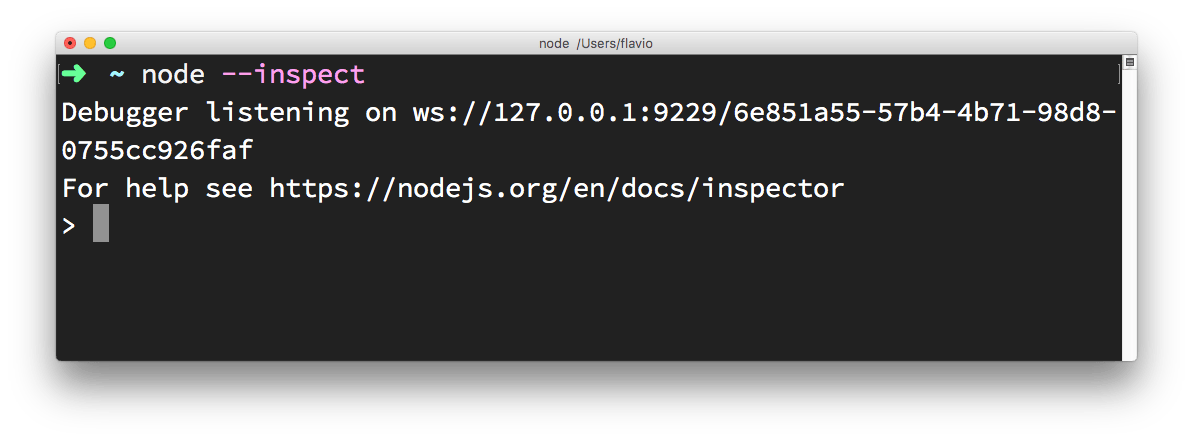
Then in Chrome type this URL: about://inspect.
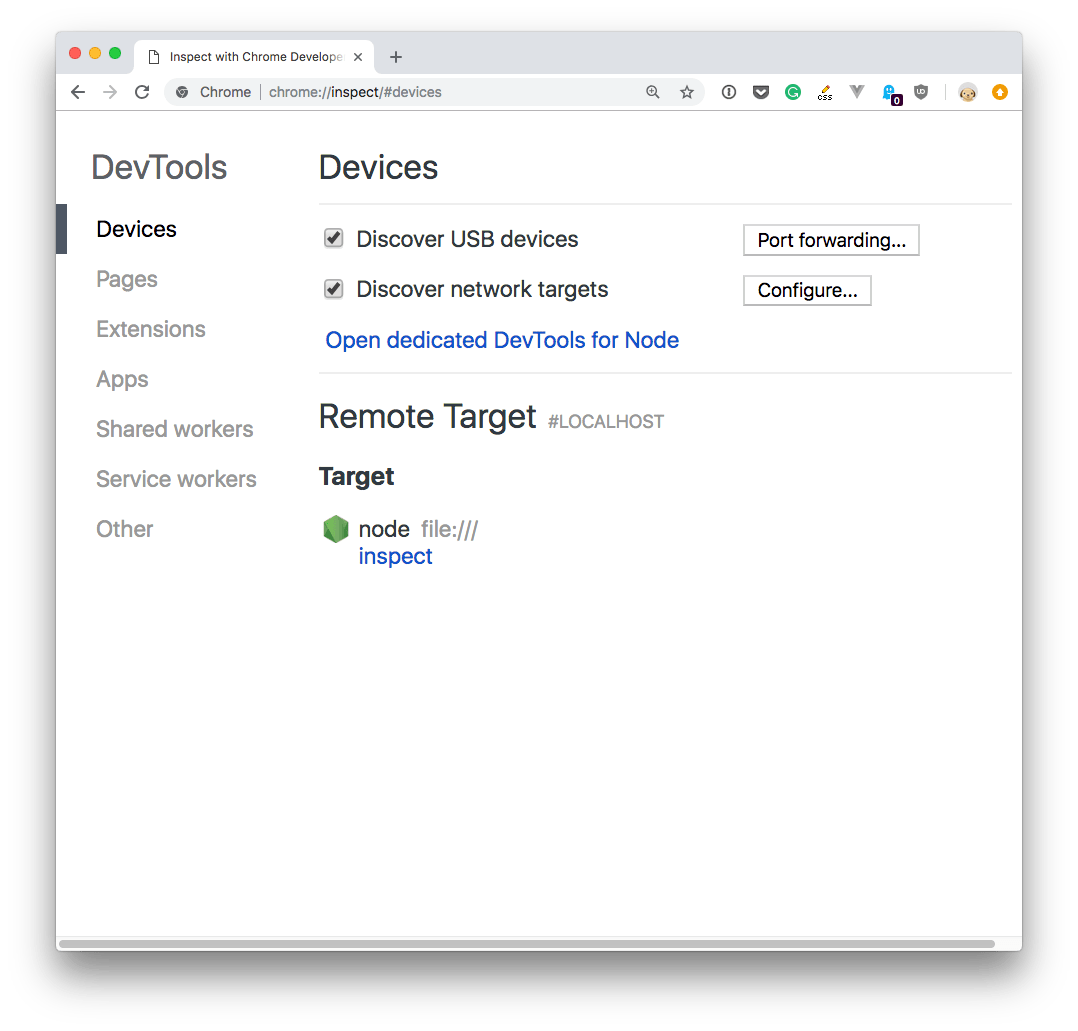
Click the Open dedicated DevTools for Node link next to the Node target, and you’ll have access to Node.js in the browser DevTools:
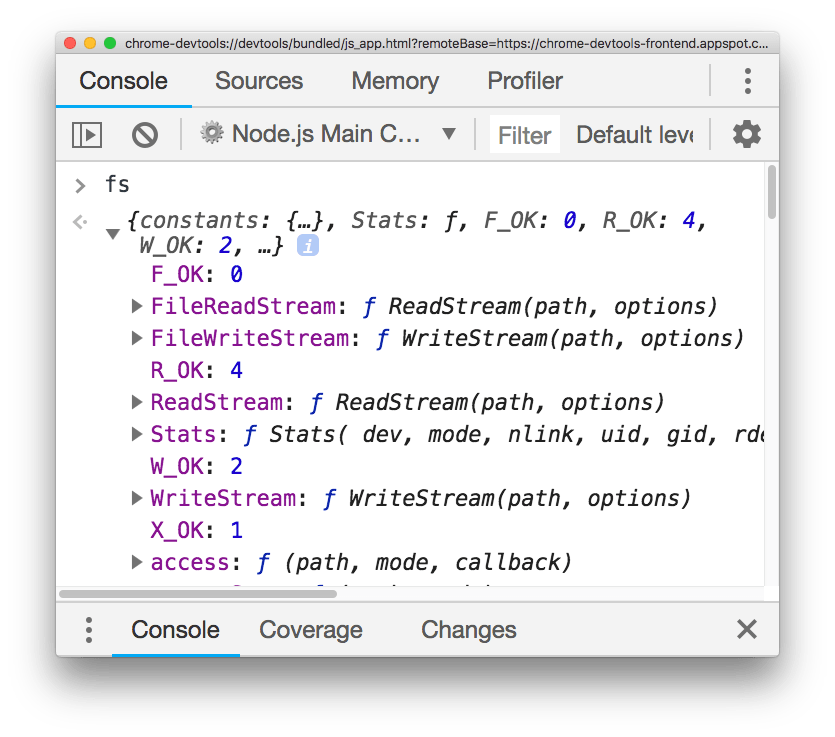
Make sure you click that, and not the inspect link below, as it will auto-reconnect to the Node.js instance when you restart it—pretty handy!
If the question is why we want to do that, it’s pretty simple: there’s no better way to debug any JavaScript code than using the DevTools and their tools. We have access to the profiler, all the stack visualization information, the code navigation facilities, a very cool debugger and much more!