Join the AI Workshop and learn to build real-world apps with AI. A hands-on, practical program to level up your skills.
Had this error (more a warning) in a project:
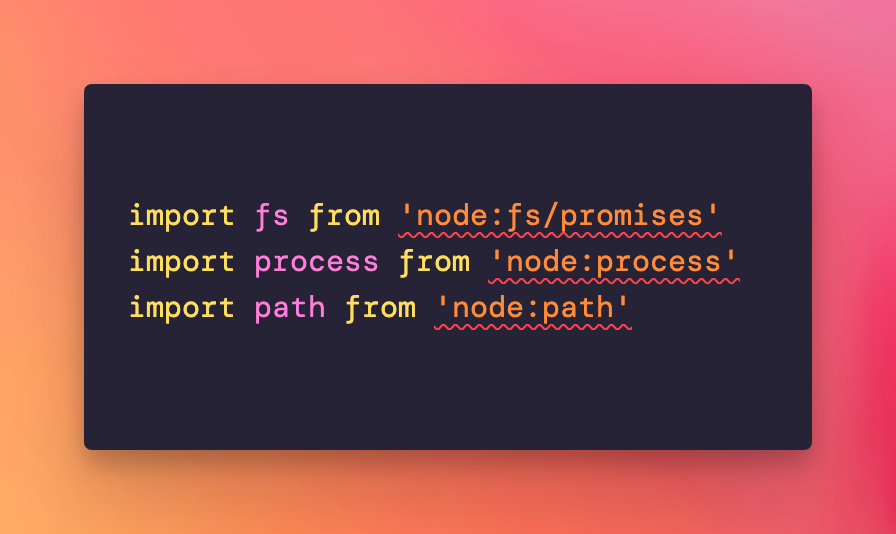
VS Code complained Node.js types could not be found.
So I installed them:
npm install -D @types/nodeThen add them to the compilerOptions in tsconfig.json:
{
  //...
  "compilerOptions": {
    "types": [
      "node"
    ]
  },
}
That still didn’t solve it, so I removed node_modules:
rm -rf node_modules
rm -f package-lock.json
npm cache clean --force
npm install
Finally, restarting VS Code made them disappear (not sure if reinstalling modules had any effect—try restarting VS Code first after adding the types).