Core Concepts: How to check the current Node.js version at runtime

Join the AI Workshop to learn more about AI and how it can be applied to web development. Next cohort February 1st, 2026

The AI-first Web Development BOOTCAMP cohort starts February 24th, 2026. 10 weeks of intensive training and hands-on projects.


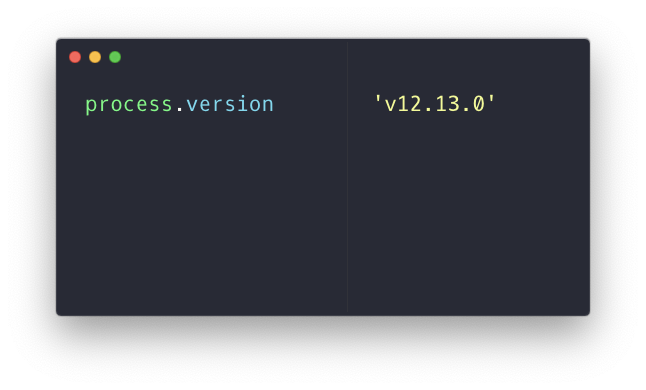
Run process.version:

The version property of the process object returns a string with the current Node.js version.

In the browser the process object is not defined, so you will get a ReferenceError:

Another way is to reference process.versions (plural):
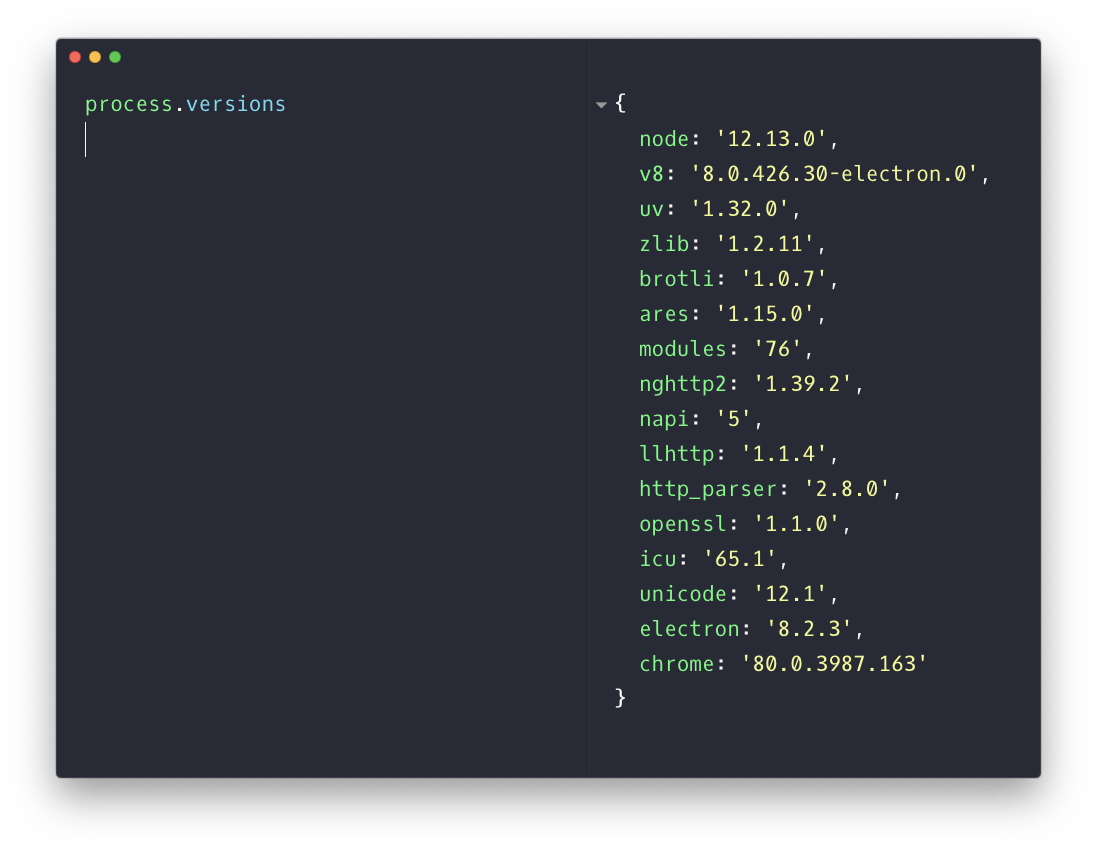
This returns an object that contains various properties referencing each component’s version.

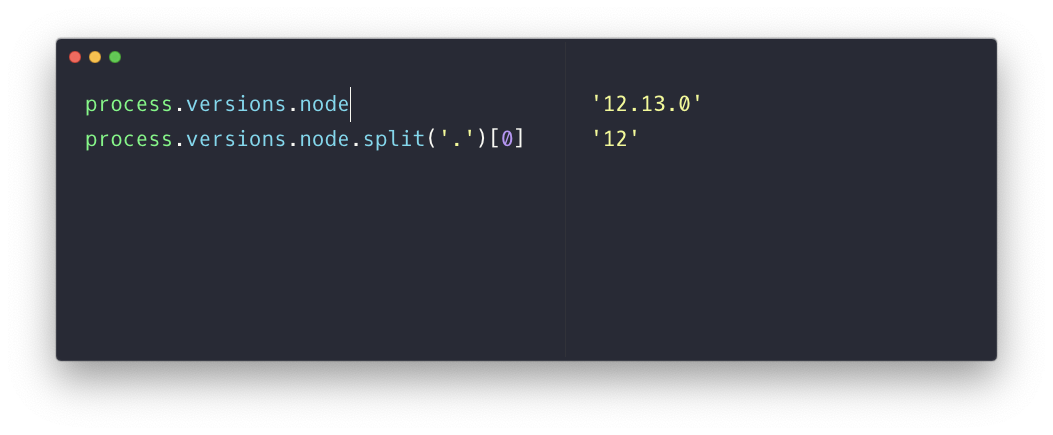
To get the major version (in this example 12) you can use

process.versions.node.split('.')[0]
Lessons in this unit:

0: Introduction
1: The Node Core Modules
2: Differences between Node and the Browser
3: Node, the difference between development and production
4: The Node.js Event Loop
5: A brief history of Node.js
6: Understanding process.nextTick()
7: Understanding setImmediate()
8: ▶︎ How to check the current Node.js version at runtime
9: Why should you use Node.js in your next project?
10: Introduction to Node.js