Join the AI Workshop and learn to build real-world apps with AI. A hands-on, practical program to level up your skills.
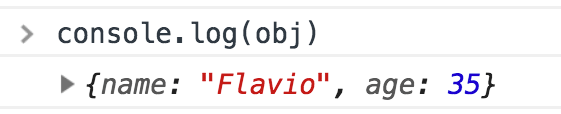
When you type console.log() in a JavaScript program that runs in the browser, it creates a nice entry in the Browser Console:
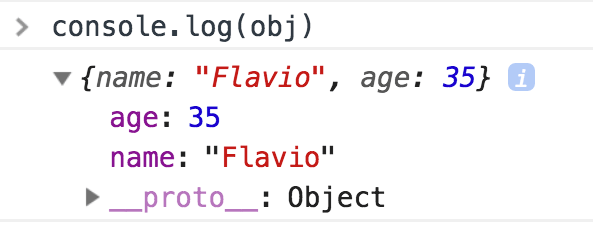
Once you click the arrow, the log is expanded, and you can clearly see the object properties:
In Node, the same happens.
We don’t have such luxury when we log something to the console, because that’s going to output the object to the shell if you run the Node program manually, or to the log file. You get a string representation of the object.
Now, all is fine until a certain level of nesting. After two levels of nesting, Node gives up and prints [Object] as a placeholder:
const obj = {
  name: 'Flavio',
  age: 35,
  person1: {
    name: 'Tony',
    age: 50,
    person2: {
      name: 'Albert',
      age: 21,
      person3: {
        name: 'Peter',
        age: 23
      }
    }
  }
}
console.log(obj)


{
  name: 'Flavio',
  age: 35,
  person1: {
    name: 'Tony',
    age: 50,
    person2: {
      name: 'Albert',
      age: 21,
      person3: [Object]
    }
  }
}
How can you print the entire object?
The best way to do so, while preserving the pretty print, is to use
console.log(JSON.stringify(obj, null, 2))where 2 is the number of spaces to use for indentation.
Another option is to use
require('util').inspect.defaultOptions.depth = null
console.log(obj)
This removes the depth limit so all nested levels are displayed (with very deep or circular structures, it might cause issues).