Join the AI Workshop and learn to build real-world apps with AI. A hands-on, practical program to level up your skills.
Next.js provides us with a way to analyze the code bundles that are generated.
Open the package.json file of the app and in the scripts section add those 3 new commands:
"analyze": "cross-env ANALYZE=true next build",
"analyze:server": "cross-env BUNDLE_ANALYZE=server next build",
"analyze:browser": "cross-env BUNDLE_ANALYZE=browser next build"
Like this:
{
  "name": "firstproject",
  "version": "1.0.0",
  "description": "",
  "main": "index.js",
  "scripts": {
    "dev": "next",
    "build": "next build",
    "start": "next start",
    "analyze": "cross-env ANALYZE=true next build",
    "analyze:server": "cross-env BUNDLE_ANALYZE=server next build",
    "analyze:browser": "cross-env BUNDLE_ANALYZE=browser next build"
  },
  "keywords": [],
  "author": "",
  "license": "ISC",
  "dependencies": {
    "next": "^9.1.2",
    "react": "^16.11.0",
    "react-dom": "^16.11.0"
  }
}
Then install these 2 packages:
npm install --dev cross-env @next/bundle-analyzerCreate a next.config.js file in the project root, with this content:
const withBundleAnalyzer = require('@next/bundle-analyzer')({
  enabled: process.env.ANALYZE === 'true'
})

module.exports = withBundleAnalyzer({})
Now run the command
npm run analyze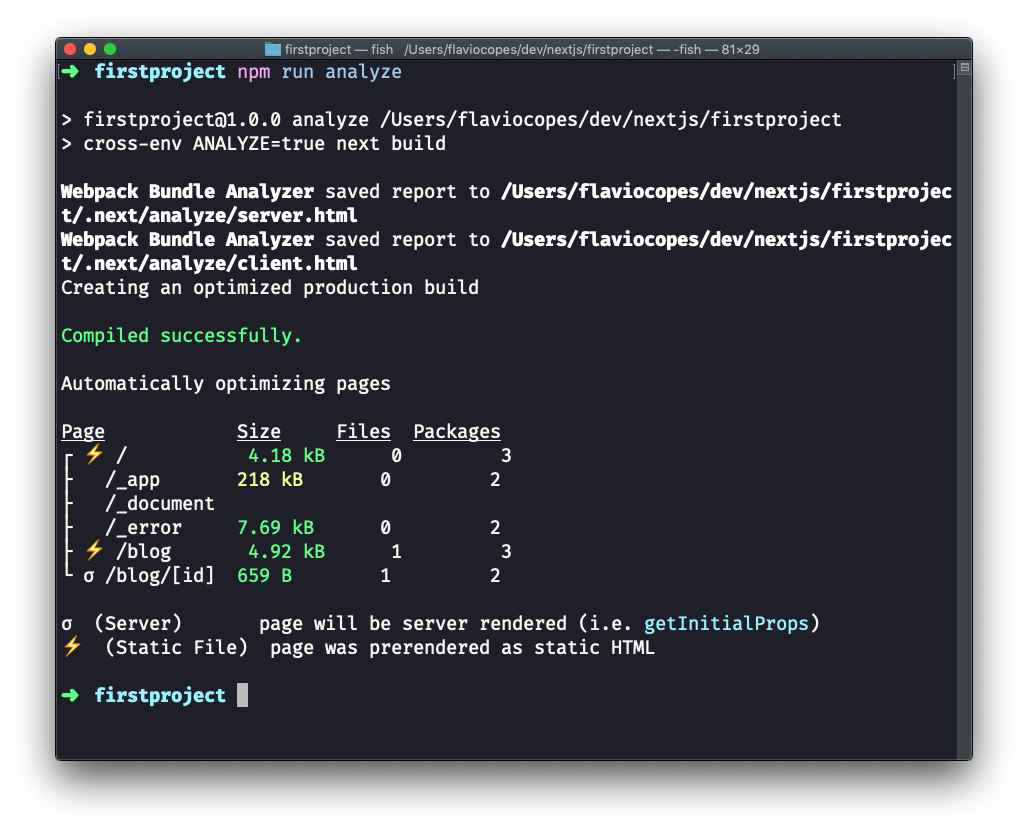
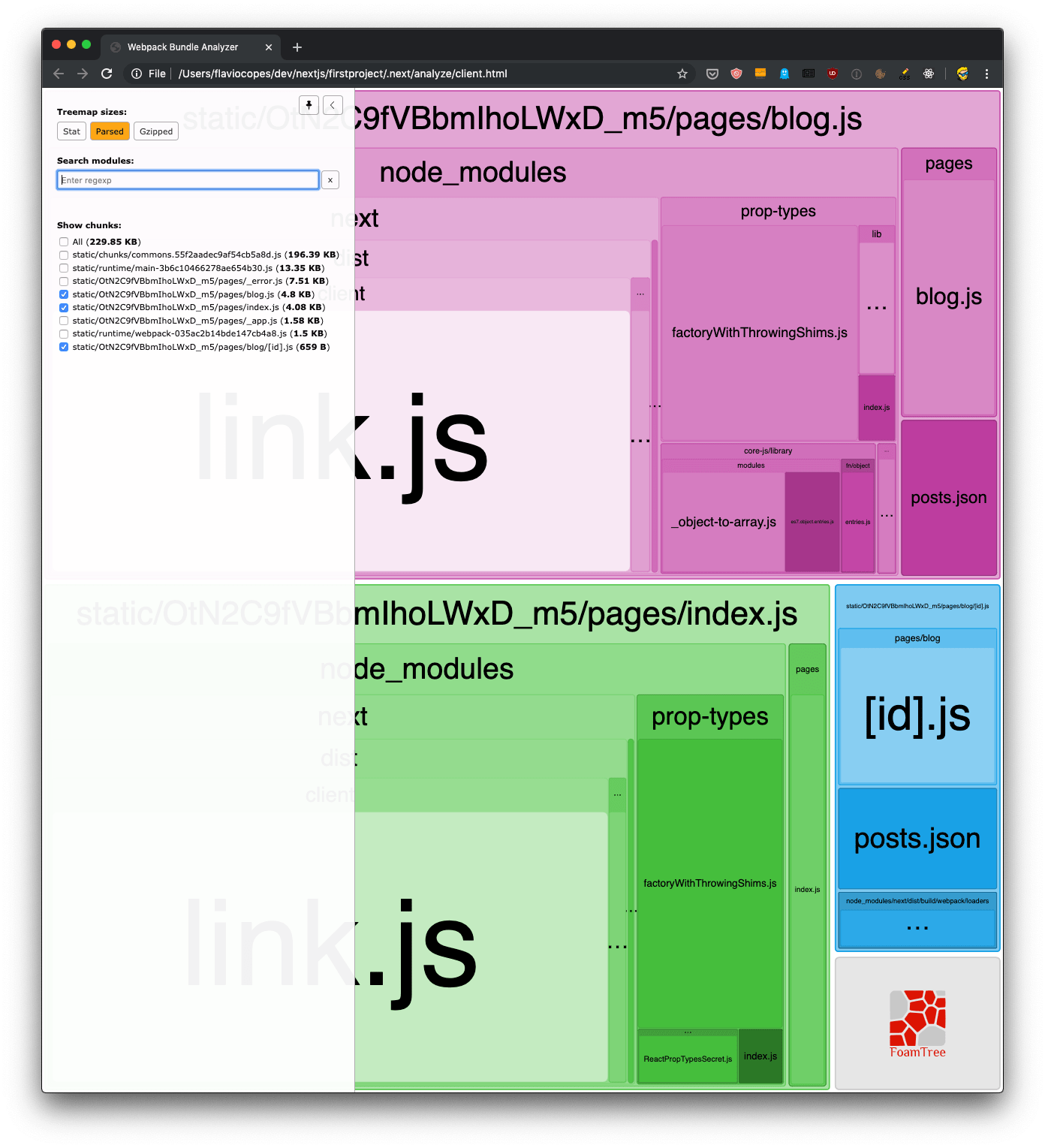
This should open 2 pages in the browser. One for the client bundles, and one for the server bundles:
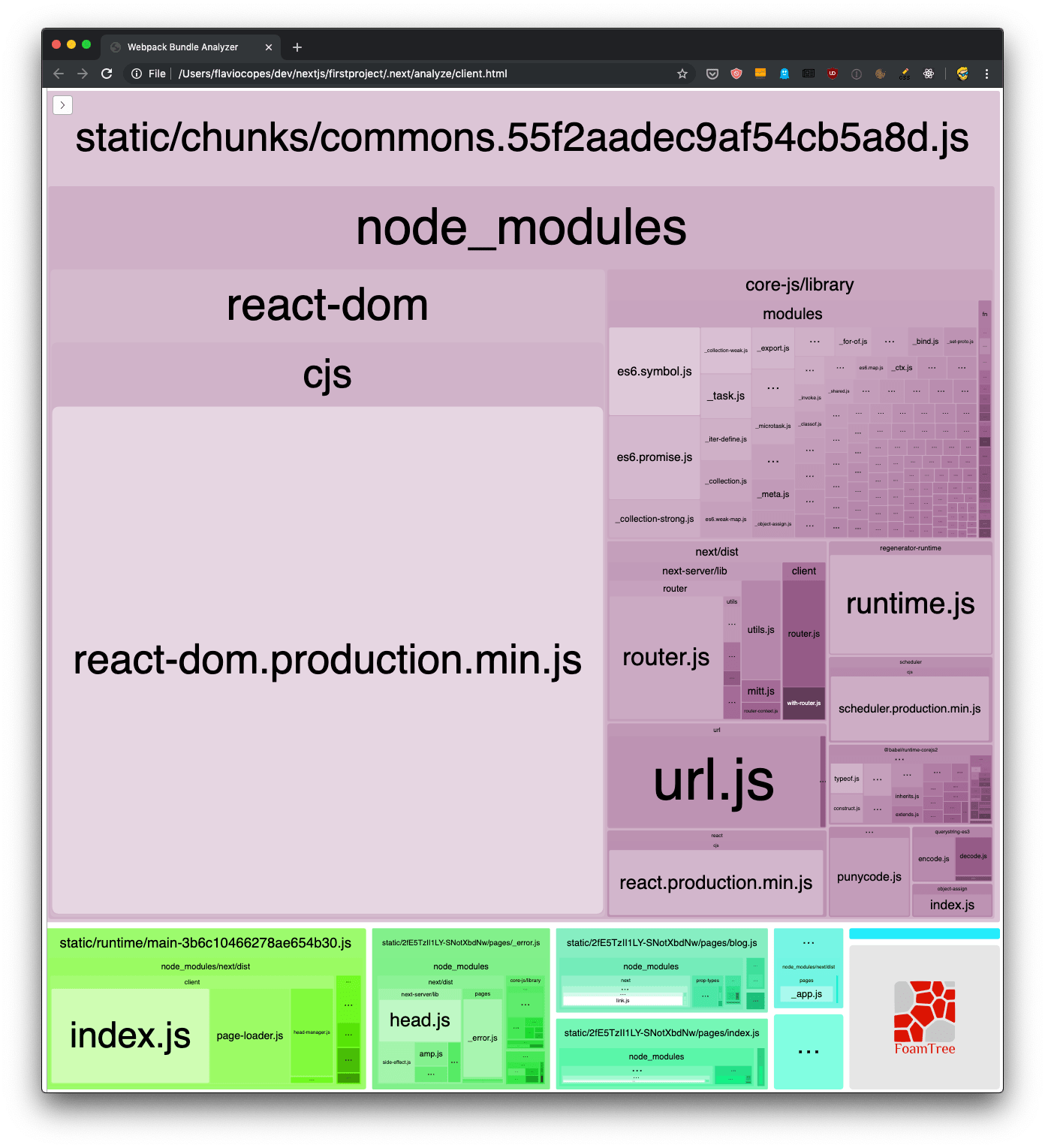
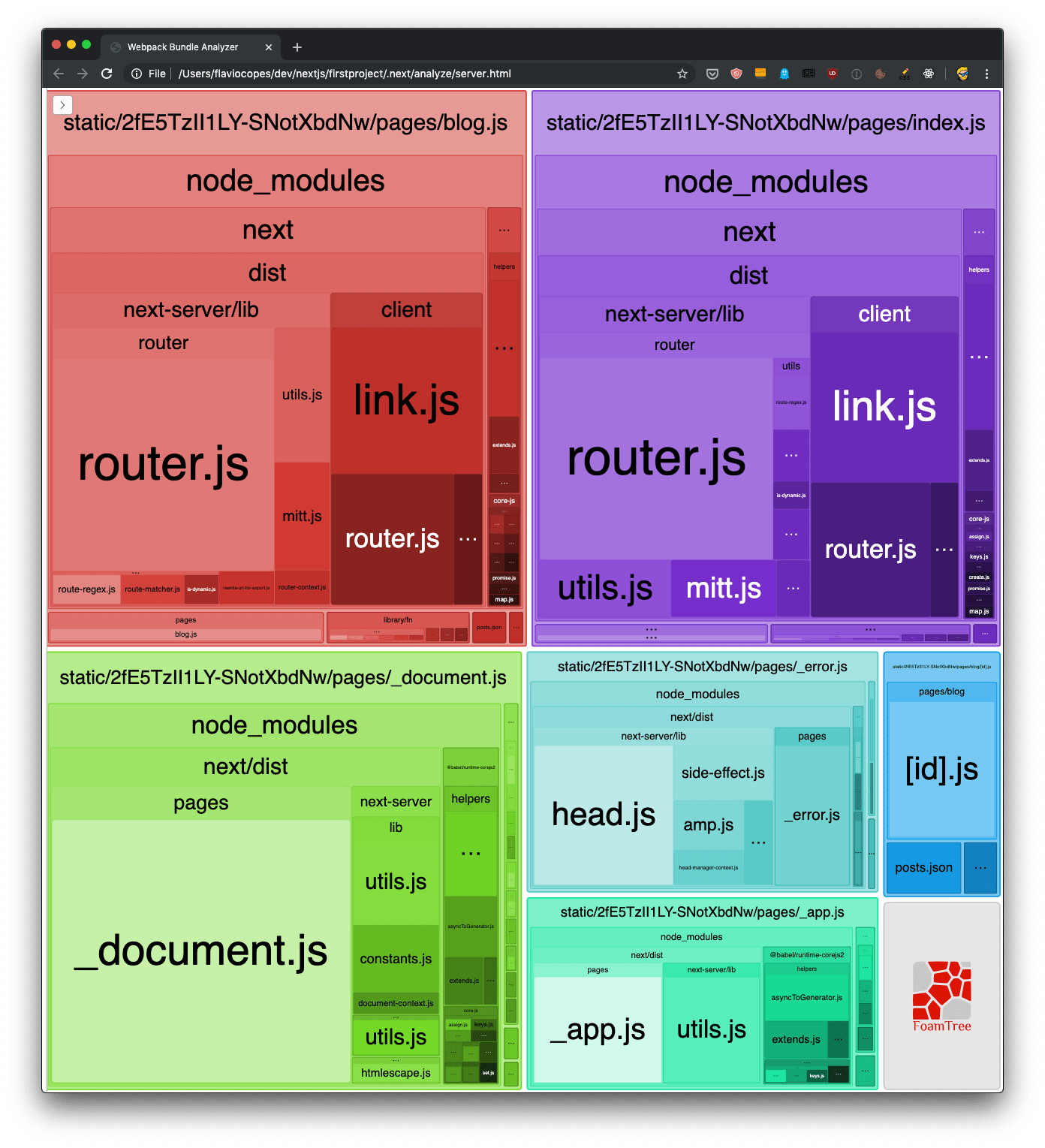
This is incredibly useful. You can inspect what’s taking the most space in the bundles, and you can also use the sidebar to exclude bundles, for an easier visualization of the smaller ones: