Join the AI Workshop and learn to build real-world apps with AI. A hands-on, practical program to level up your skills.
I’ve been asked how to change the HTTP port of an app built using Next.js, when you are running it locally.
By default the port is 3000, but that’s a commonly used port and perhaps you have another service running on it.
How can you change it?
The answer is in the package.json file stored in the Next.js app main folder.
By default the file content is this:
{
  "name": "learn-starter",
  "version": "0.1.0",
  "private": true,
  "scripts": {
    "dev": "next dev",
    "build": "next build",
    "start": "next start"
  },
  "dependencies": {
    "next": "9.3.5",
    "react": "16.13.1",
    "react-dom": "16.13.1"
  }
}
Note: the exact package versions will differ in your case, as they get updated
The thing you need to change is the scripts part.
Change:
"dev": "next dev",to
"dev": "next dev -p 3001"to start Next.js on port 3001 instead of 3000.
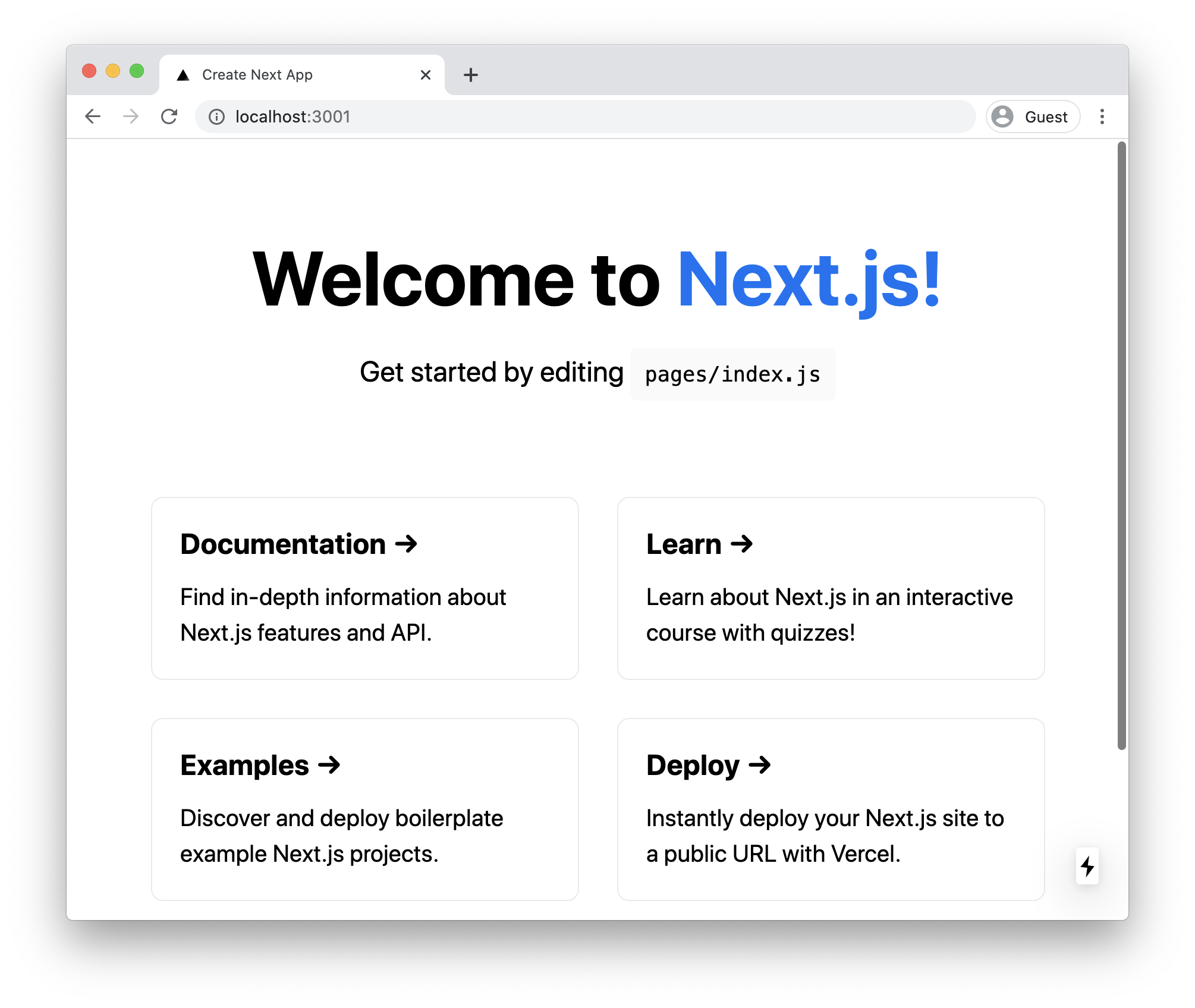
Now when you run npm run dev, the command used to start the development server locally, you will see it start on port 3001: