Join the AI Workshop and learn to build real-world apps with AI. A hands-on, practical program to level up your skills.
Note: this does not just work on Netlify but also works for other providers that offer webhooks for manual deploys.
I have a list of scheduled posts that I want to publish every week on my blog, and I try to stay a few days ahead of that queue to have room for when I’m unable to write, or if I want to take a break.
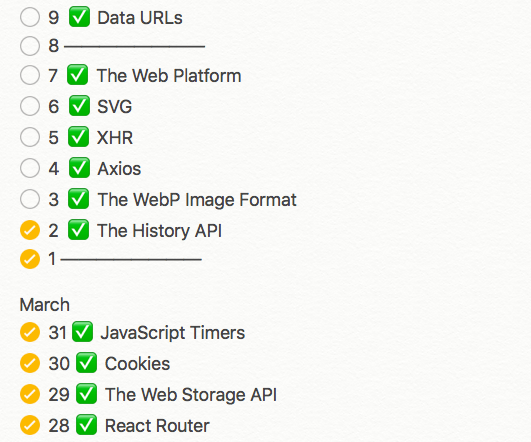
I find consistency is very important to keep the momentum going for my work. For two months I’ve been posting every day from Monday to Saturday, and I want to do so in the future as well, as I really like doing it.
I use the Hugo Static Site Generator, hosted on Netlify.
It’s an amazing combination of tools, and I’m very happy with the blog setup.
Today I was out hiking on a mountain when I realized I got past my usual posting time, and I didn’t publish the blog post I already scheduled.
With Hugo I can set a post date in the future, and when the site is rebuilt using the hugo CLI command, that post is not included in the resulting HTML, as it’s a future post.
Netlify has this nice concept of building the Hugo site on their servers, so what I need to do is just trigger a new deploy. Usually deploys happen when I push something to GitHub - Netlify is alerted automatically and deploys in a minute or less.
In this case I needed to manually trigger a deploy on Netlify, so I logged in using my iPhone, and clicked “Trigger deploy”.
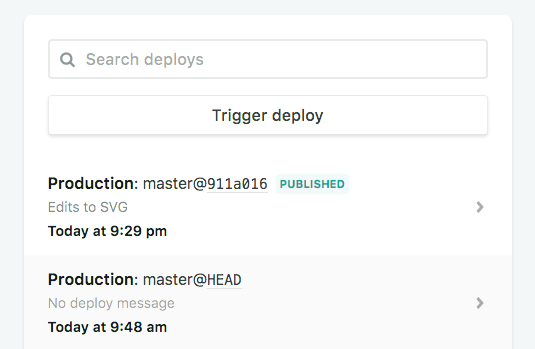
This action rebuilt the static site using Hugo, on the server side, and I just put my phone back in the pocket.
The blog post launched 🎉 and I just tweeted about it.
As I was walking, I realized I can automate all this stuff.
I just need to trigger a deploy automatically every day at 9AM, somehow. So I looked on the Netlify interface if they had any kind of automated timer for recurring deploys. There is no such feature, however they have a WebHook endpoint.
So I looked for something that I can configure to POST to the WebHook every day.
I used Zapier (works too) but then switched to IFTTT which allows me to do the same thing, but for free.
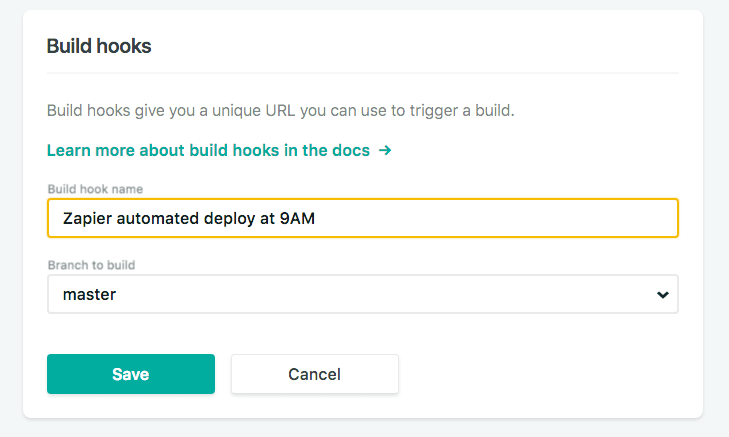
On Netlify I created a build hook (webhook) URL:
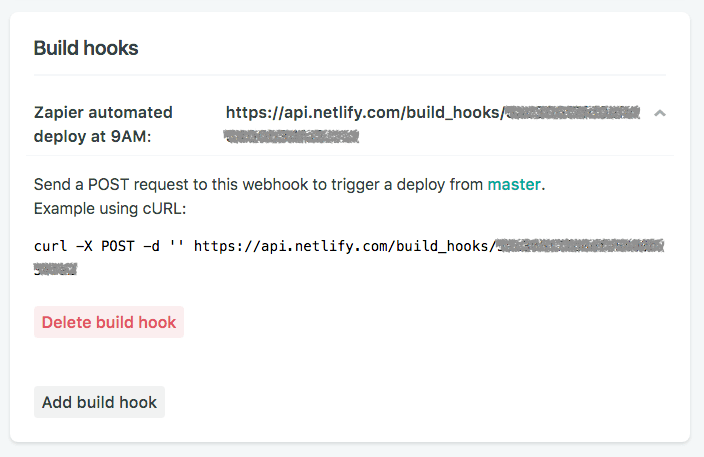
which gave me a custom URL to call:
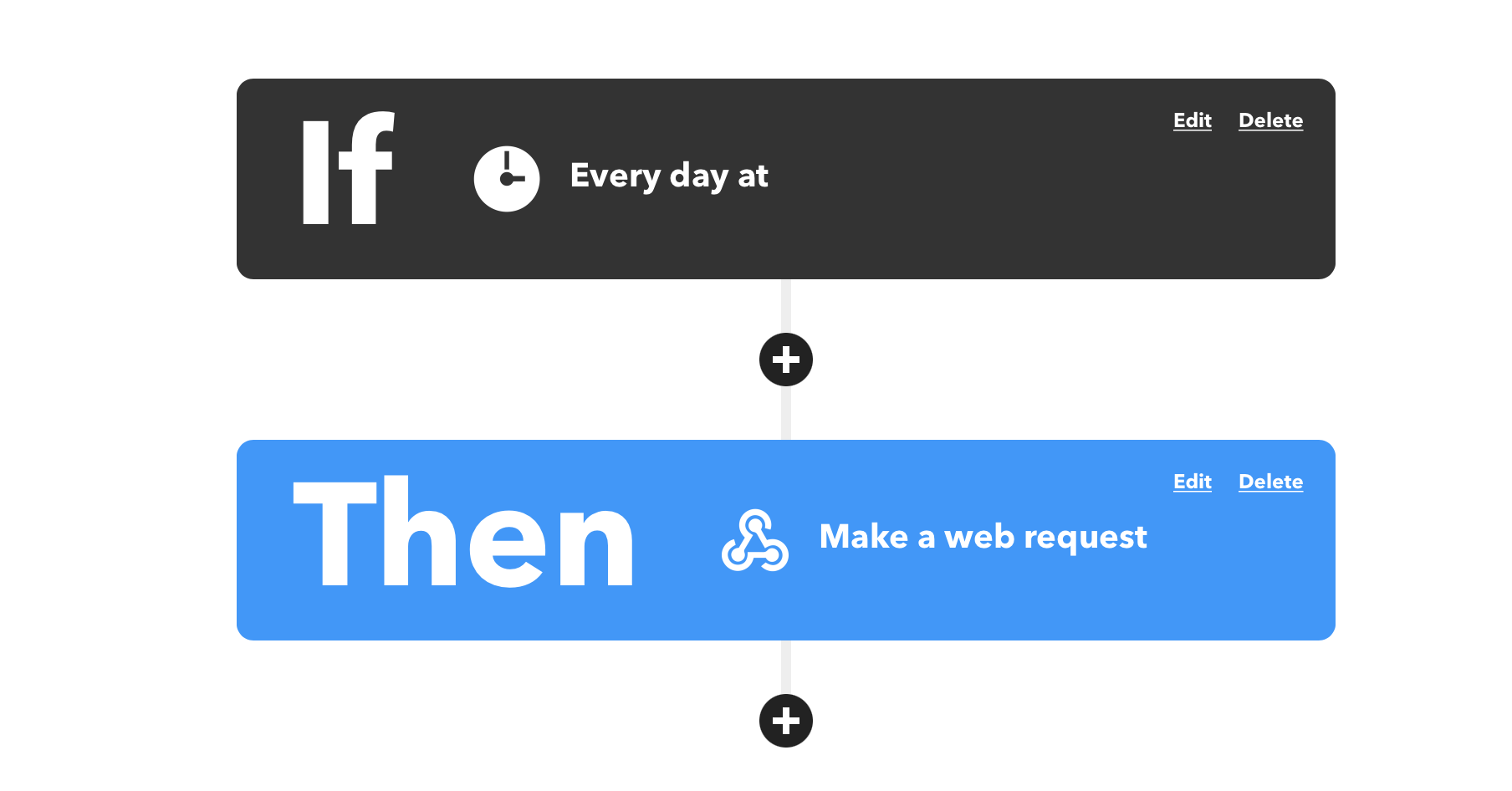
I created an “applet” on IFTTT that fires at 8AM every day:
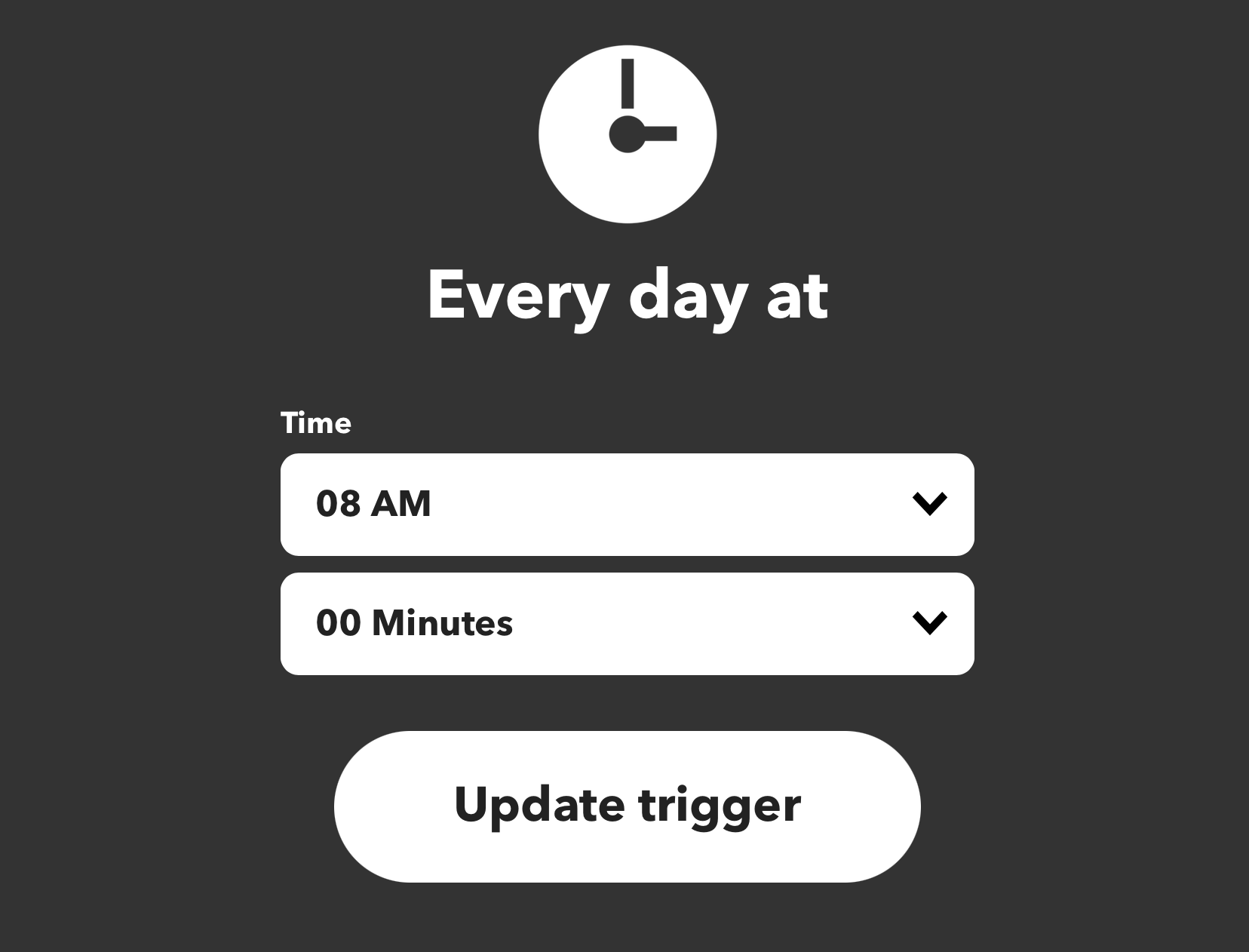
And makes a web request to the deploy hook on Netlify.

I just have to create content, push it to GitHub with the scheduled date, and don’t worry about manually deploying any more! 🎉 👨🏼💻