Netlify
Netlify is a great deployment platform, ideal for simple sites.

Join the AI Workshop to learn more about AI and how it can be applied to web development. Next cohort February 1st, 2026

The AI-first Web Development BOOTCAMP cohort starts February 24th, 2026. 10 weeks of intensive training and hands-on projects.


Netlify is one of my favorite site hosting platforms. I host most of my websites on it.

It’s fast, reliable, and is integrated with GitHub.

It can host static files (which means HTML files, like we’re going to do now) and it can also let you use tools called static site generators (think Hugo, Gatsby..). It also provides serverless functions.
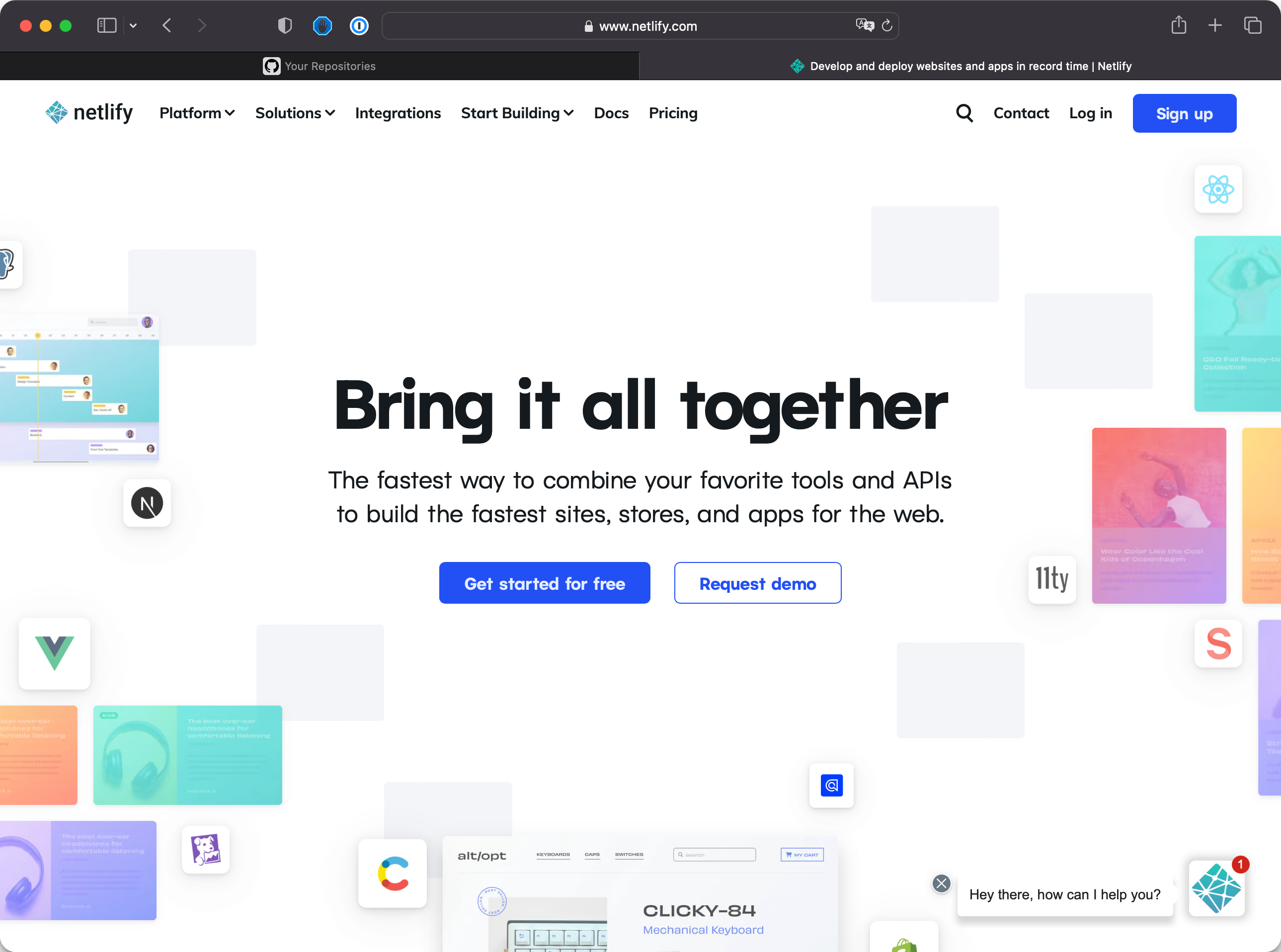
Xnapper-2022-12-24-12.15.36.png

Take a look at netlify.com, and browse the website a bit to get a general idea. Then come back.

In this unit we’re going to:

  • Introduce Netlify
  • Create a Netlify account
  • Connect GitHub to Netlify
  • Deploy a GitHub repo on Netlify
  • Make a change locally, push it to GitHub, and see Netlify deploy the changes

Lessons in this unit:

0: ▶︎ Introduction
1: Create a Netlify account
2: Deploy to Netlify
3: A tutorial to host your Static Site on Netlify
4: Auto trigger deploys on Netlify
5: Netlify Lambda Functions Tutorial
6: How to use environment variables in Netlify functions
7: How to use npm packages in Netlify Functions
8: How to access query parameters in Netlify functions
9: How to test Netlify Functions locally
10: How to use Netlify Edge Functions
11: How to set up "cloud cron jobs" using Netlify Scheduled Functions
12: How I fixed the trailing slash in Netlify rewrites
13: Durable cache on Netlify
14: How to return HTML from a Netlify function
15: How to use ES modules in Netlify functions
16: How to trigger a Netlify-Vercel-Cloudflare Pages redeploy using a link