Join the AI Workshop and learn to build real-world apps with AI. A hands-on, practical program to level up your skills.
I take lots of screenshots for my blog posts or courses.
I typically use cmd-shift-4 and then I press the spacebar to screenshot the whole application window.
Like this:
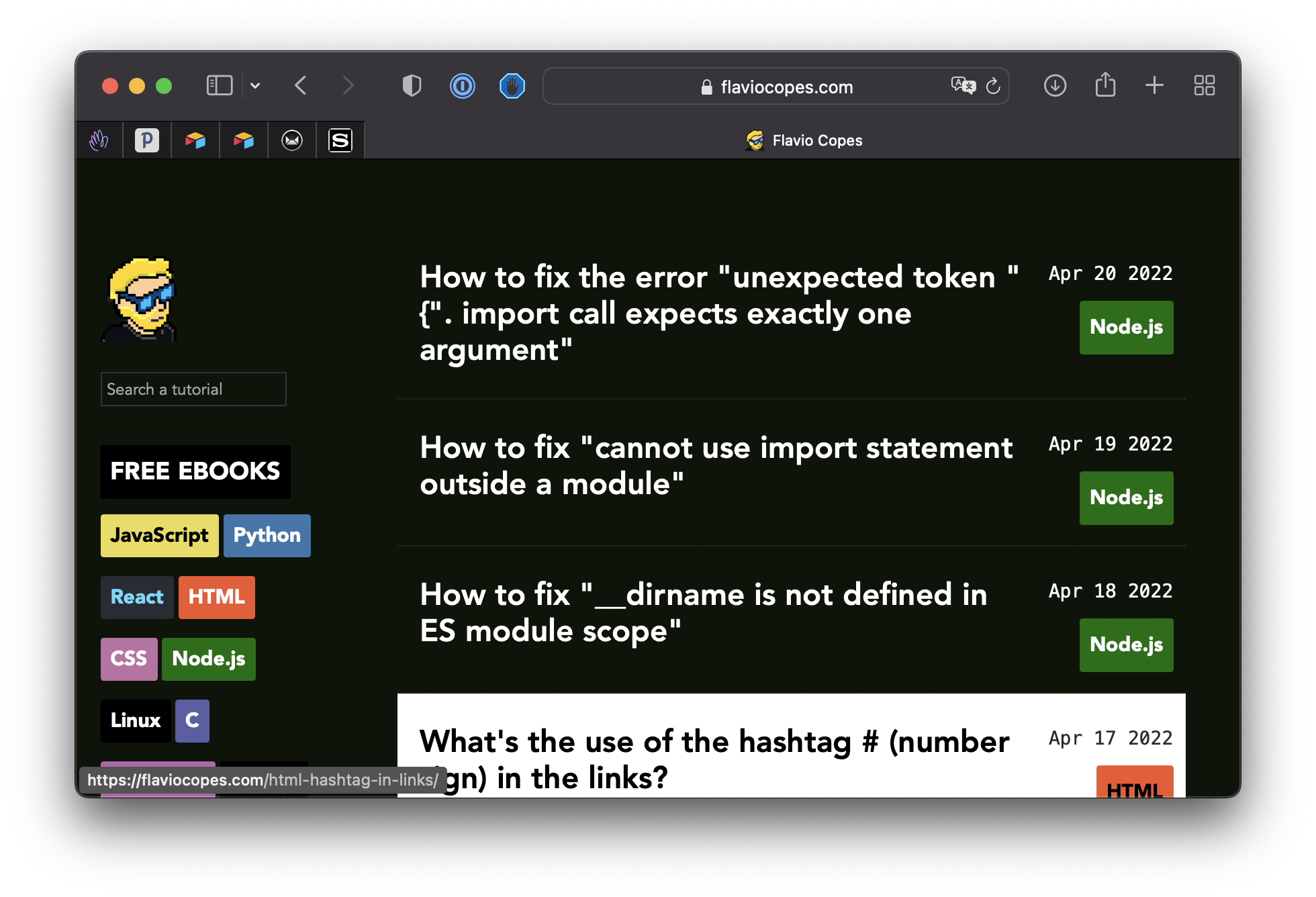
By default macOS adds that drop shadow which makes it look pretty nice.
If you want, you can remove it using this command in the terminal:
defaults write com.apple.screencapture disable-shadow -bool true ; killall SystemUIServerHere’s the same screenshot without drop shadow:
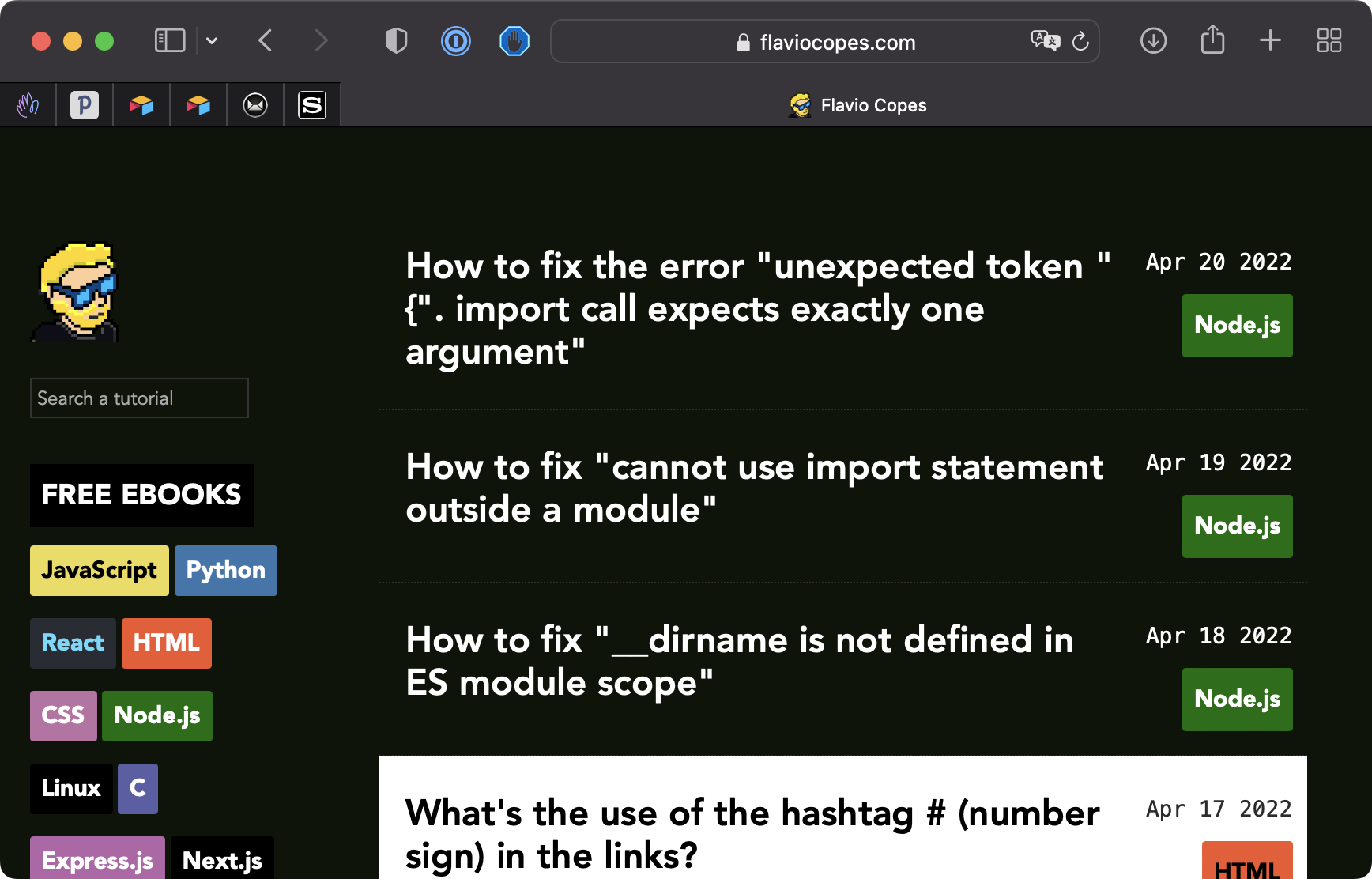
Add it back with:
defaults write com.apple.screencapture disable-shadow -bool false ; killall SystemUIServer