Join the AI Workshop and learn to build real-world apps with AI. A hands-on, practical program to level up your skills.
I recently got this error while using Homebrew to install a package on macOS, in my case rbenv:
➜ brew install rbenv

...

Error: Your CLT does not support macOS 11.
It is either outdated or was modified.
Please update your CLT or delete it if no updates are available.
Update them from Software Update in System Preferences or run:
  softwareupdate --all --install --force

If that doesn't show you an update run:
  sudo rm -rf /Library/Developer/CommandLineTools
  sudo xcode-select --install

Alternatively, manually download them from:
  ~https://developer.apple.com/download/more/~.

Error: An exception occurred within a child process:
  SystemExit: exit
Weird!
Running softwareupdate --all --install --force as suggested in the message didn’t help, so I ran sudo rm -rf /Library/Developer/ and then sudo xcode-select --install:
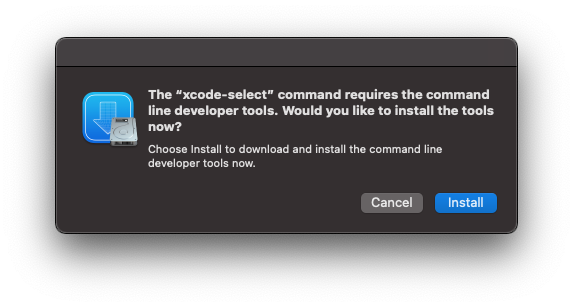
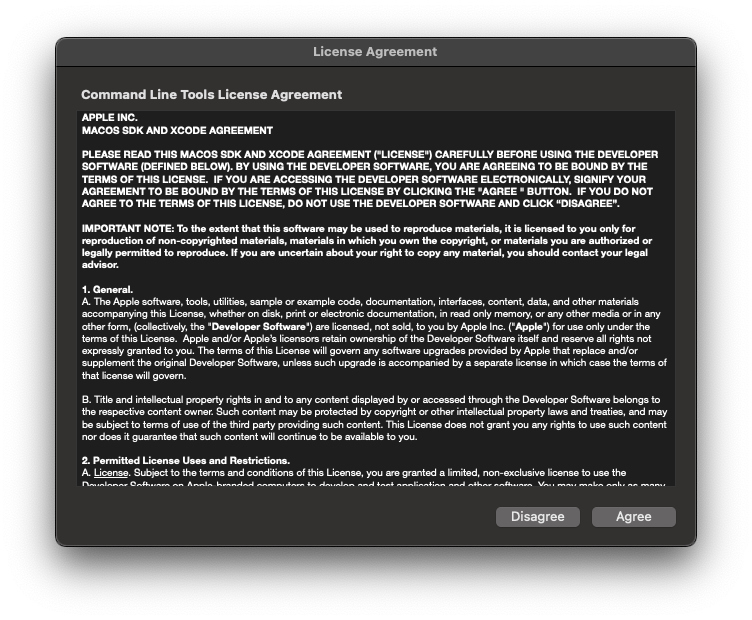
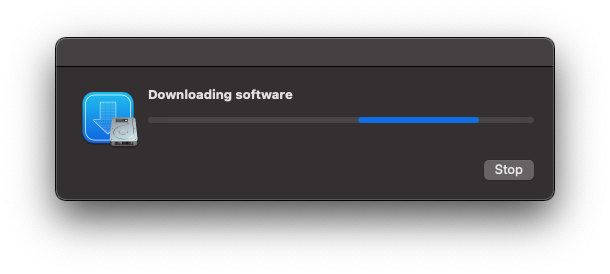
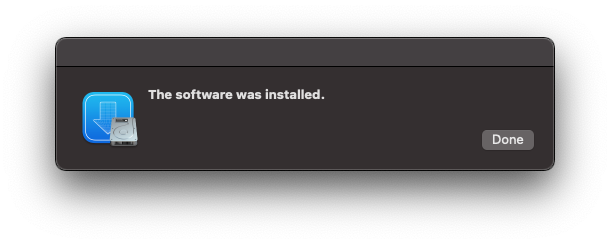
That’s it.
After doing this, brew install rbenv worked fine.