Join the AI Workshop and learn to build real-world apps with AI. A hands-on, practical program to level up your skills.
Suppose you have a text file which contains the names of dogs:
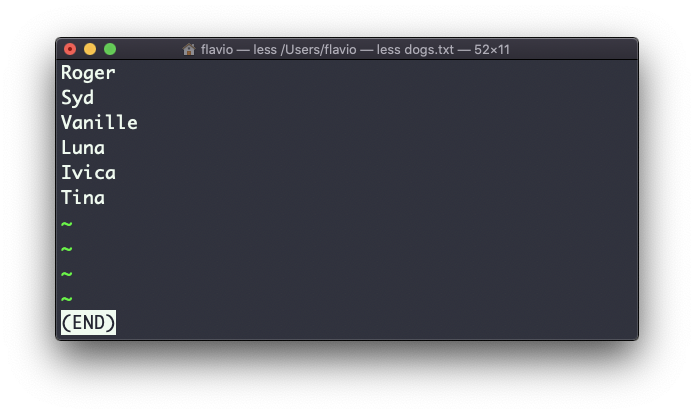
This list is unordered.
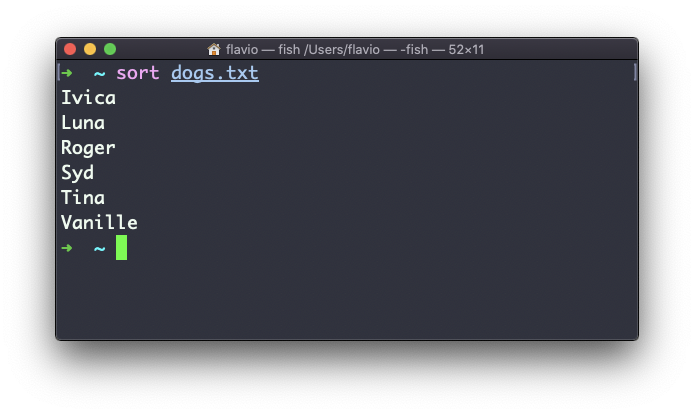
The sort command helps us sort them by name:
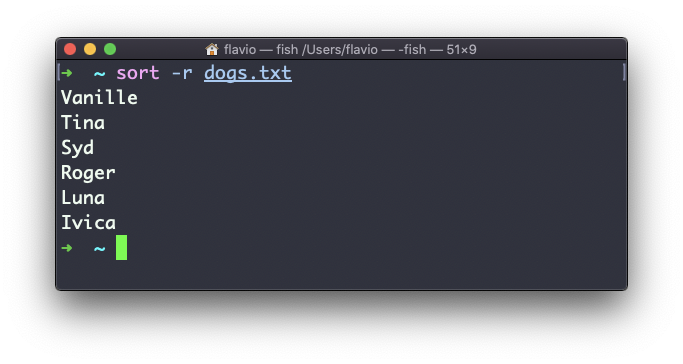
Use the -r option to reverse the order:
Sorting by default is case sensitive, and alphabetic. Use the --ignore-case option to sort case-insensitively, and the -n option to sort numerically.
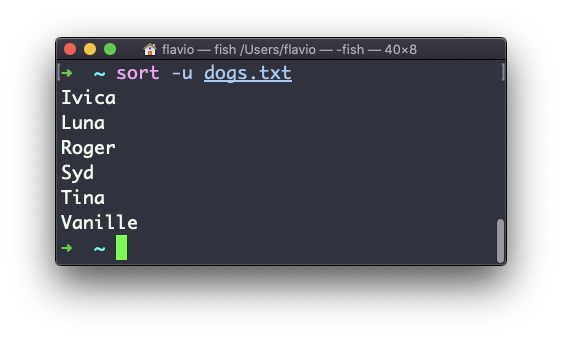
If the file contains duplicate lines:
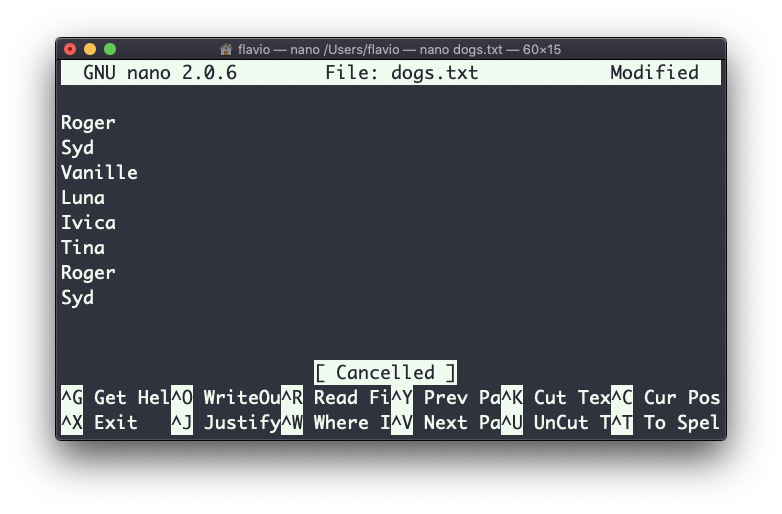
You can use the -u option to remove them:
sort does not only work on files; like many UNIX commands it also works with pipes, so you can use it on the output of another command. For example, you can order the files returned by ls with:
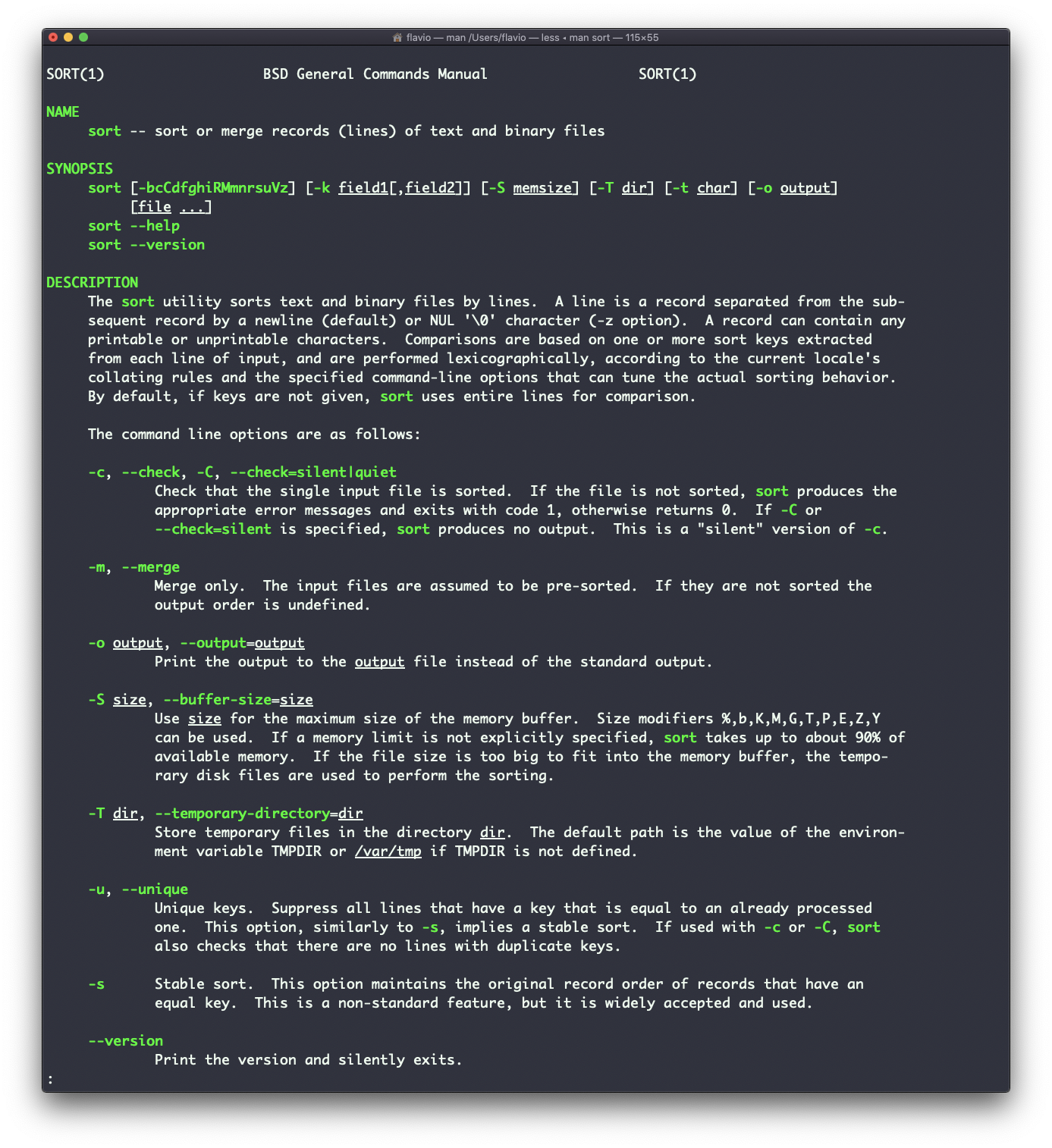
ls | sortsort is very powerful and has lots more options, which you can explore calling man sort.
The sort command works on Linux, macOS, WSL, and anywhere you have a UNIX environment
Lessons in this unit:
| 0: | Introduction |
| 1: | grep - Search Text |
| 2: | find - Search Files |
| 3: | ▶︎ sort - Sort Lines |
| 4: | uniq - Remove Duplicates |
| 5: | diff - Compare Files |
| 6: | wc - Word Count |
| 7: | xargs - Build Command Lines |