Join the AI Workshop and learn to build real-world apps with AI. A hands-on, practical program to level up your skills.
The grep command is a very useful tool; once you master it, it will help you tremendously in your day-to-day work.
If you’re wondering,
grepstands for global regular expression print
You can use grep to search in files, or combine it with pipes to filter the output of another command.
For example here’s to find lines containing document.getElementById in the index.md file:
grep -n document.getElementById index.md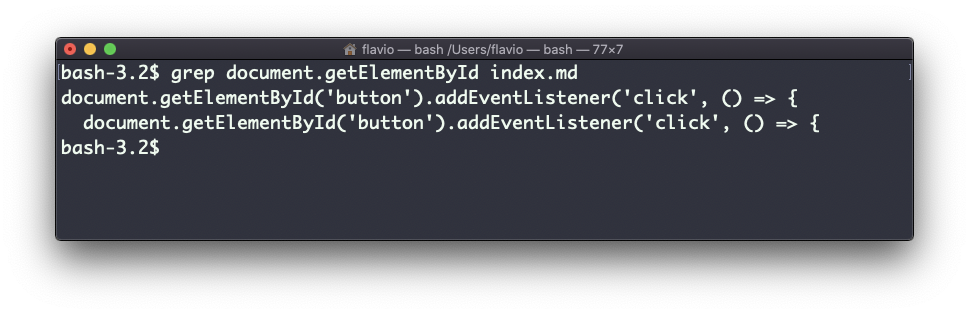
The -n option shows the line numbers:
grep -n document.getElementById index.md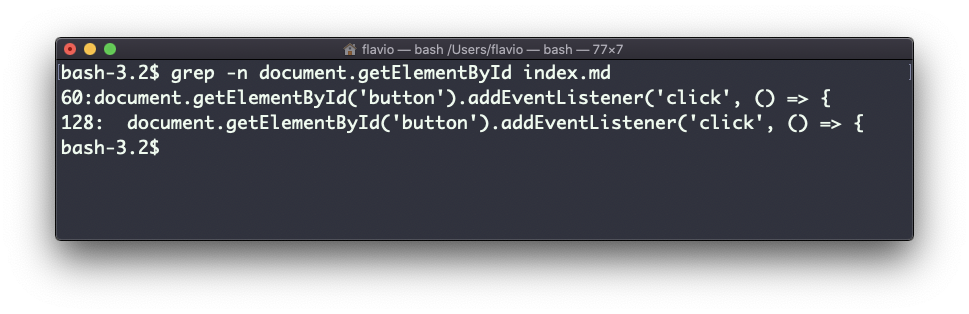
One very useful thing is to tell grep to print 2 lines before, and 2 lines after the matched line, to give us more context. That’s done using the -C option, which accepts a number of lines:
grep -nC 2 document.getElementById index.md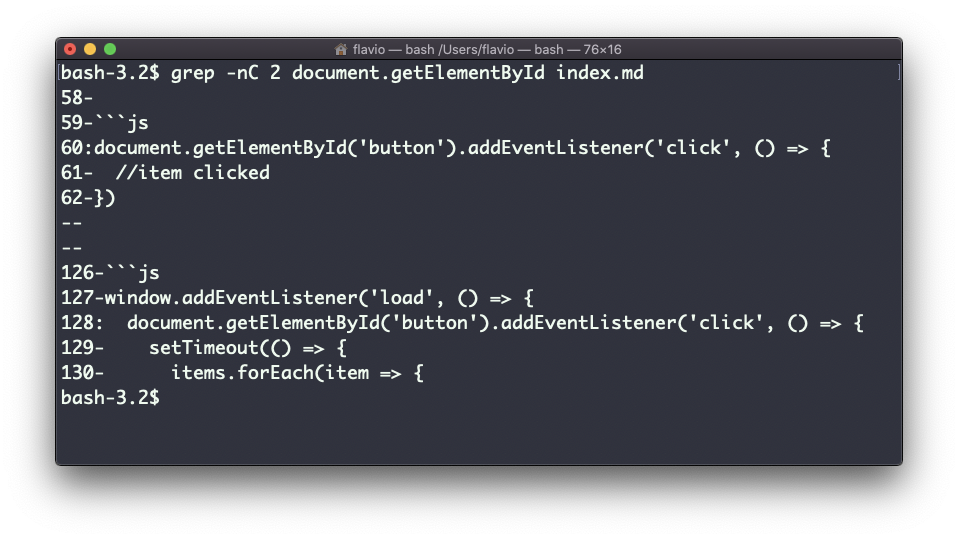
Search is case sensitive by default. Use the -i flag to make it insensitive.
As mentioned, you can use grep to filter the output of another command. We can replicate the same functionality as above using:
less index.md | grep -n document.getElementById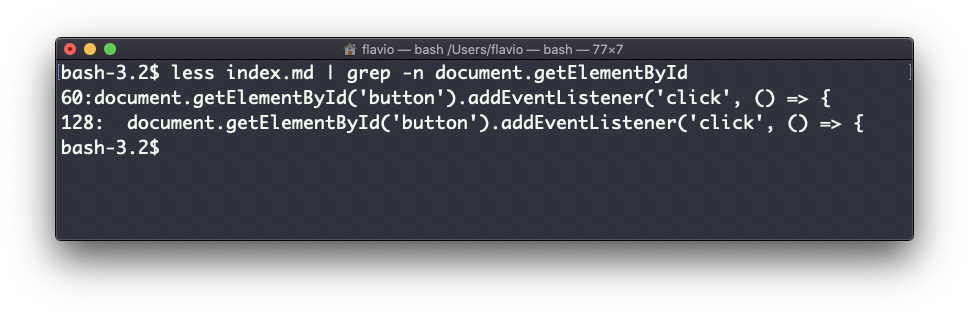
The search string can be a regular expression, and this makes grep very powerful.
Another thing you might find very useful is to invert the result, excluding the lines that match a particular string, using the -v option:
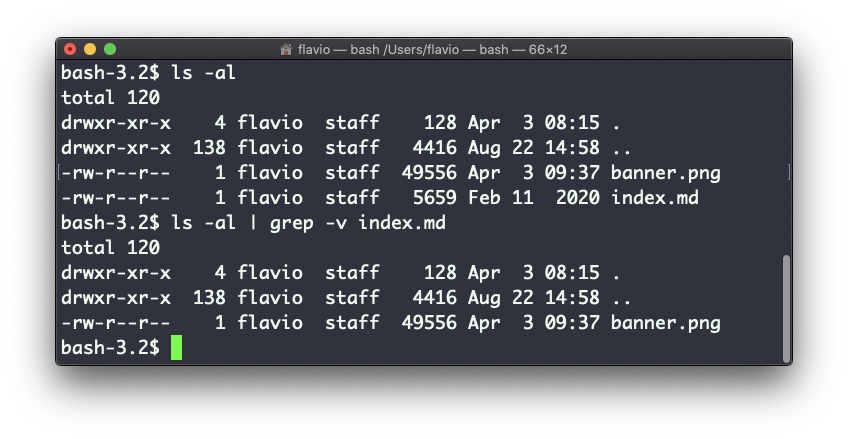
The
grepcommand works on Linux, macOS, WSL, and anywhere you have a UNIX environment
Lessons in this unit:
| 0: | Introduction |
| 1: | ▶︎ grep - Search Text |
| 2: | find - Search Files |
| 3: | sort - Sort Lines |
| 4: | uniq - Remove Duplicates |
| 5: | diff - Compare Files |
| 6: | wc - Word Count |
| 7: | xargs - Build Command Lines |