Linux
System Information

0: Introduction
1: uname - System Information
2: ▶︎ whoami - Current User
3: who - Logged In Users
4: df - Disk Free Space
5: du - Disk Usage
6: ps - Process Status
7: top - Task Manager
8: env - Environment Variables
9: printenv - Print Environment

[← back to the Valley]

System Information: whoami - Current User

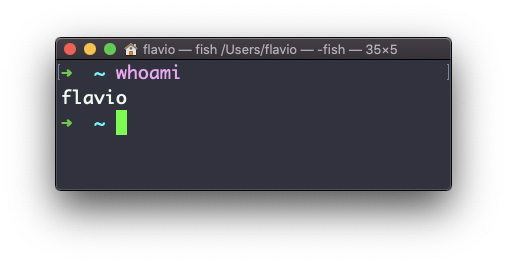
Type whoami to print the user name currently logged in to the terminal session:
Note: this is different from the who am i command, which prints more information

The whoami command works on Linux, macOS, WSL, and anywhere you have a UNIX environment

◀︎ uname - System Information
▶︎ who - Logged In Users

Lessons in this unit:

0: Introduction
1: uname - System Information
2: ▶︎ whoami - Current User
3: who - Logged In Users
4: df - Disk Free Space
5: du - Disk Usage
6: ps - Process Status
7: top - Task Manager
8: env - Environment Variables
9: printenv - Print Environment

Join my AI Workshop!

The Web Development BOOTCAMP cohort starts in February 2026