Join the AI Workshop and learn to build real-world apps with AI. A hands-on, practical program to level up your skills.
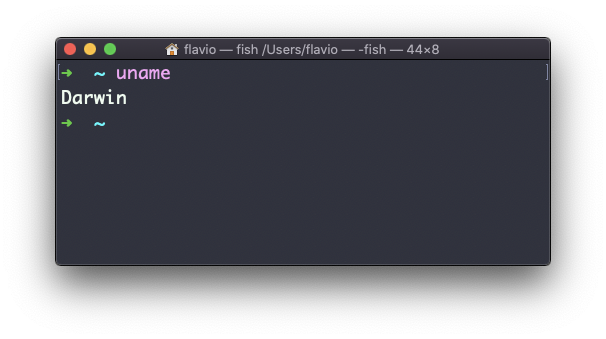
Calling uname without any options will return the Operating System codename:
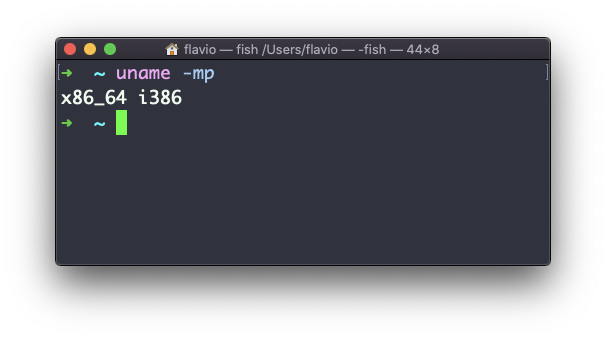
The m option shows the hardware name (x86_64 in this example) and the p option prints the processor architecture name (i386 in this example):
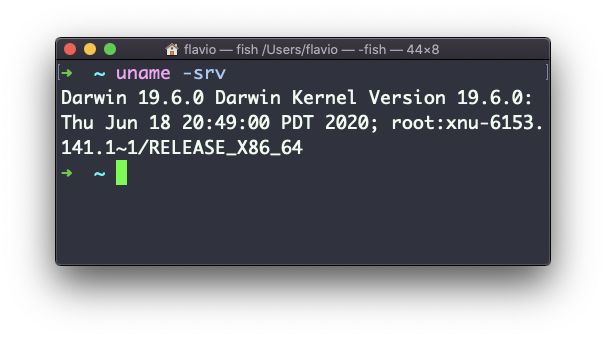
The s option prints the Operating System name. r prints the release, v prints the version:
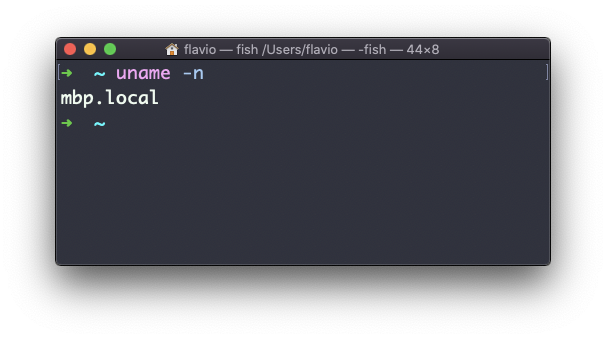
The n option prints the node network name:
The a option prints all the information available:
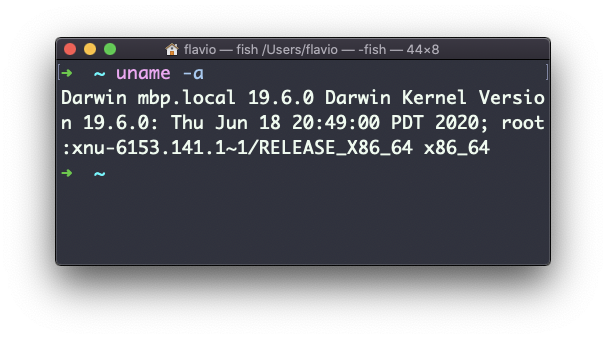
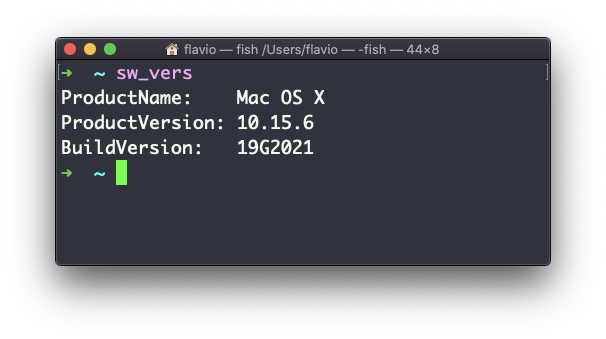
On macOS you can also use the sw_vers command to print more information about the macOS Operating System. Note that this differs from the Darwin (the Kernel) version, which above is 19.6.0.
Darwin is the name of the kernel of macOS. The kernel is the “core” of the Operating System, while the Operating System as a whole is called macOS. In Linux, Linux is the kernel, GNU/Linux would be the Operating System name, although we all refer to it as “Linux”
The uname command works on Linux, macOS, WSL, and anywhere you have a UNIX environment